

Blender
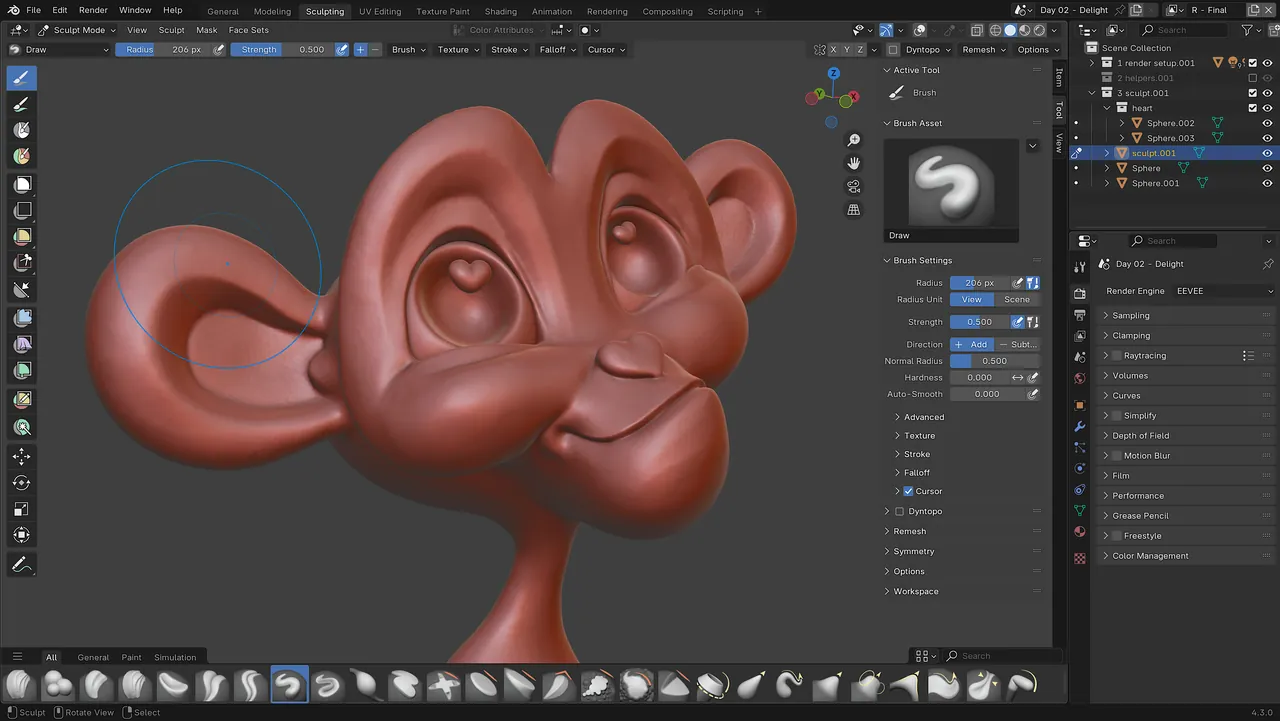
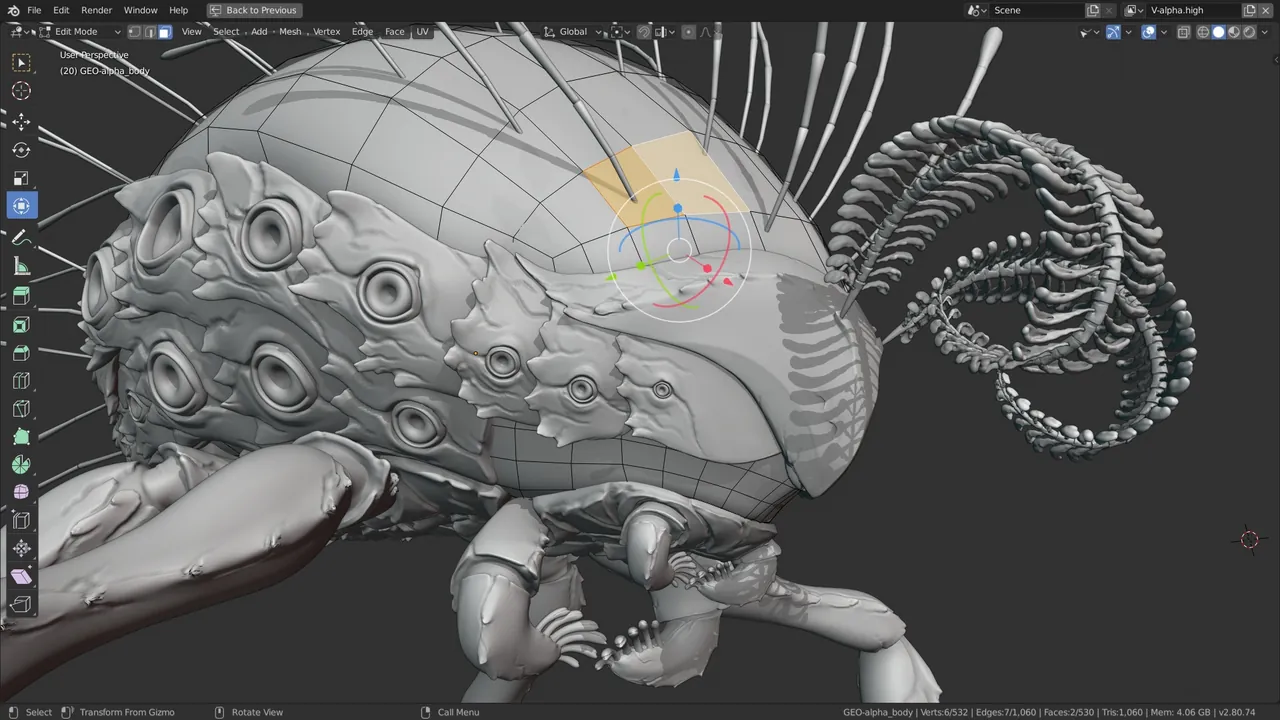
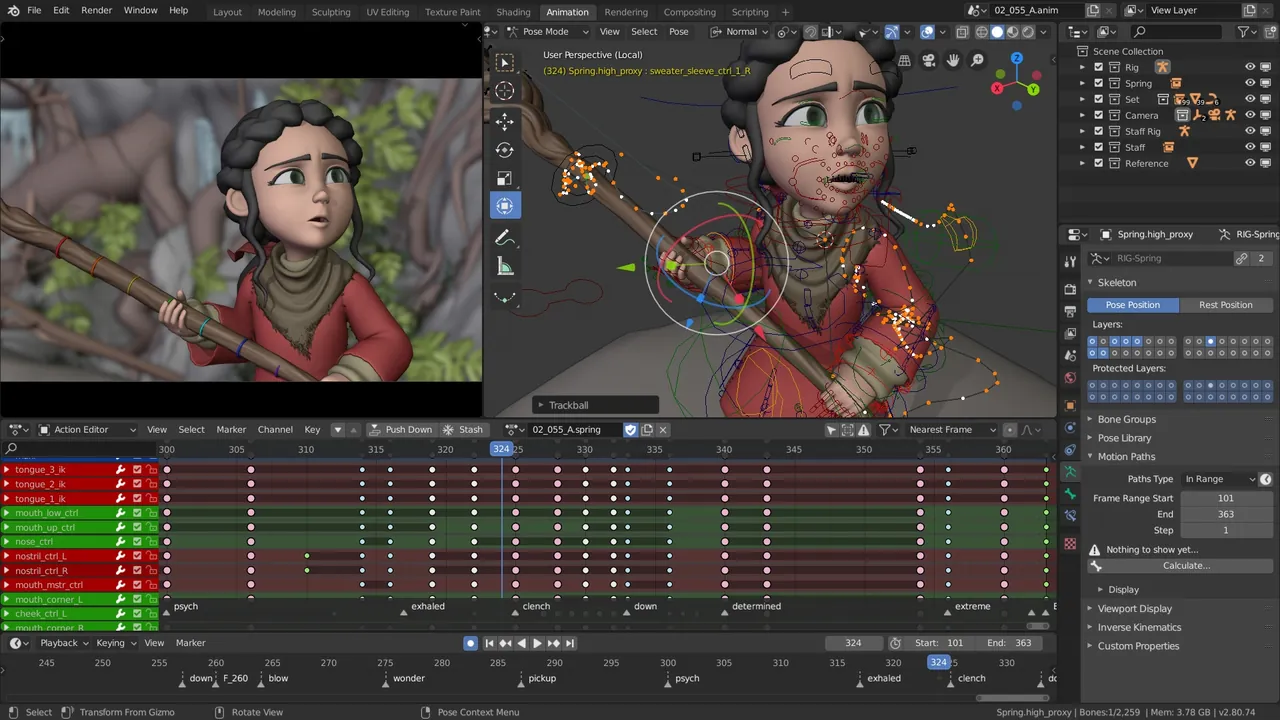
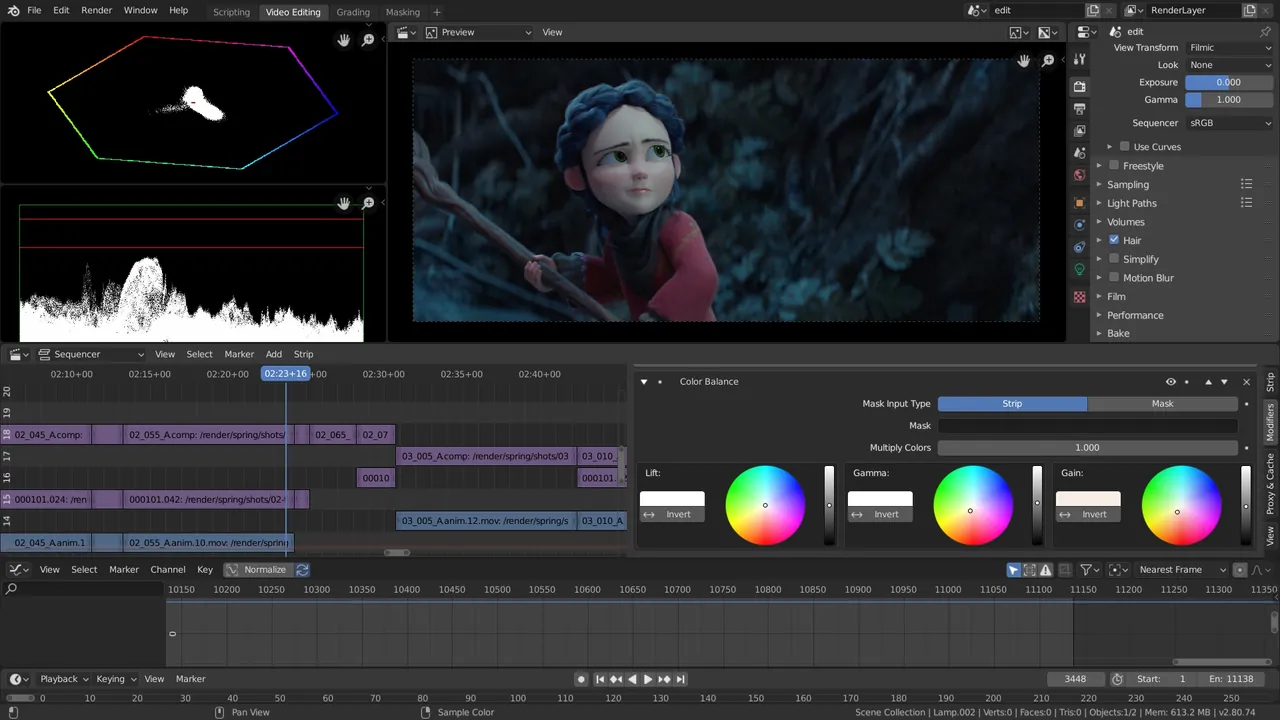
Blender is a free, open-source 3D creation suite maintained by the Blender Foundation. It supports the entire 3D pipeline, including modeling, sculpting, animation, simulation, rendering, motion tracking, and video editing.
download.blender.org · Official website
- ✓ Official source (winget)
- ✓ SHA256 taken from the official repository
- ✓ Last checked: Nov. 4, 2026
- This is not a virus scan. Check on VirusTotal
- Version
- 5.2.3
- Release date
- Oct. 22, 2026
- License
- GPL-3.0-or-later
- Installer type
- wix
How do I use this?
Type Terminal in the Start menu and open it, paste the command (Ctrl+V or right-click) and press Enter. It uses winget, Windows' own package manager, to install the program from its official source.
winget install --id BlenderFoundation.Blender -eSHA256 (file verification)
a103d4ece8d9acffd2a95c9d8860355b1f209977cc983b4a3d1e1cfb441c8605flathub.org · Official website
- ✓ Community package (Flathub)
- ✓ Last checked: Nov. 4, 2026
- Version
- 5.2
- Release date
- July 14, 2026
- License
- GPL-3.0-or-later
- Installer type
- flatpak
How do I use this?
Open a terminal, paste the command and press Enter. Flatpak and Flathub must be set up; Linux Mint has them by default, for other distributions see flathub.org/setup.
flatpak install flathub org.blender.BlenderWe couldn't find a macOS version of Blender in the official repositories; check the publisher's website.
We couldn't find a Android version of Blender in the official repositories; check the publisher's website.
Platform pages: Windows · macOS · Linux · Android
Old versions (10)
Highlights
- Polygon modeling and digital sculpting toolsets
- Built-in render engines including Cycles and Eevee
- Skeletal rigging, keyframing, and character animation tools
- VFX integration with motion tracking, compositing, and video editing
Who is it for?
Ideal for 3D modelers, indie game developers, animators, and VFX artists producing digital assets or cinematics.
Good to know before installing
- The vast feature set results in a steep learning curve for complete beginners.
- Demanding scenes and ray-traced rendering require powerful graphics hardware.
Screenshots
How to install
Windows
- Click the official download button to obtain the installer, or run winget install --id BlenderFoundation.Blender -e in the terminal.
- Open the downloaded installer and complete the setup wizard.
- Launch Blender directly from the Windows Start menu.
Linux
- Use the official download button on this page to visit the Flathub listing.
- Alternatively, run flatpak install flathub org.blender.Blender in your terminal.
- Launch Blender from your system application menu once installation finishes.
Alternatives
- FreeCAD
- Wings 3D
- OpenSCAD
Frequently asked questions
Is Blender completely free to use?
Yes, Blender is distributed under the GNU General Public License and is free for both personal and commercial use.
Can I sell models or art created with Blender?
Yes, you retain full ownership of any content, 3D models, or animations you create with the software.
Which desktop platforms are supported?
Blender is officially available for Windows and Linux systems.