

Clementine
Clementine is an open-source music player for organizing and playing your music collection. It sorts large libraries by artist and album, builds smart playlists and lets you listen to internet radio.
github.com · Official website
- ✓ Official source (winget)
- ✓ SHA256 taken from the official repository
- ✓ Last checked: Nov. 4, 2026
- This is not a virus scan. Check on VirusTotal
- Version
- 1.4.1
- Release date
- Feb. 10, 2025
- License
- GPL-3.0
- Installer type
- nullsoft
How do I use this?
Type Terminal in the Start menu and open it, paste the command (Ctrl+V or right-click) and press Enter. It uses winget, Windows' own package manager, to install the program from its official source.
winget install --id Clementine.Clementine -eSHA256 (file verification)
97584328ba1f01d2798bd3b7e8d5ab99232b64b23e47fabfc93b902427c8e8abWe couldn't find a macOS version of Clementine in the official repositories; check the publisher's website.
You can try these instead:
We couldn't find a Linux version of Clementine in the official repositories; check the publisher's website.
We couldn't find a Android version of Clementine in the official repositories; check the publisher's website.
Platform pages: Windows · macOS · Linux · Android
Old versions (1)
Clementine 1.4.1: what's new?
Highlights
- Music library organized by artist, album and genre
- Smart and dynamic playlists
- Internet radio and podcast support
- Tag editing and album cover downloads
- Plays MP3, FLAC, Ogg and other common formats
Who is it for?
For people with a large music collection on their computer who prefer playing their own files to streaming services.
Good to know before installing
- Updates are rare; Strawberry is an option that is updated more often.
- It does not play music from streaming services such as Spotify.
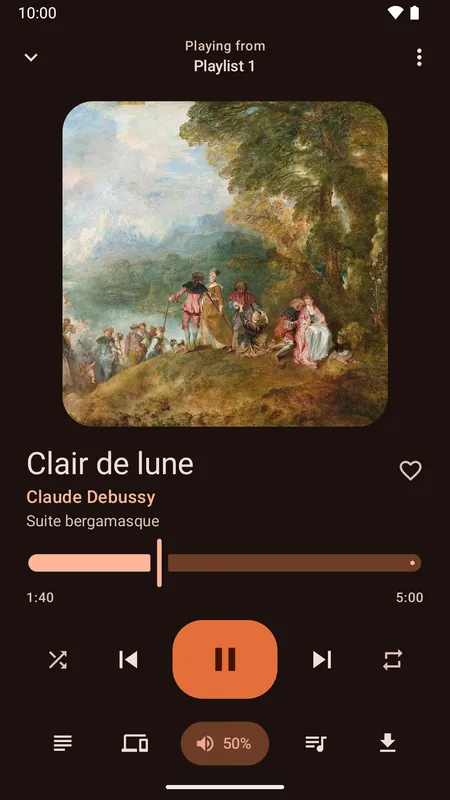
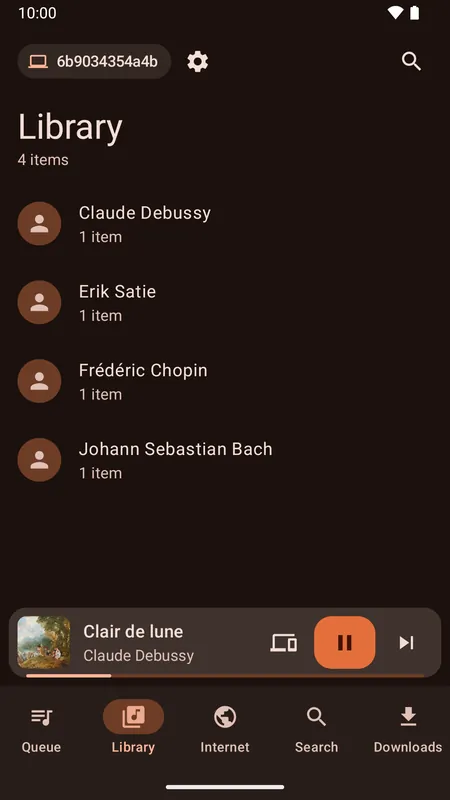
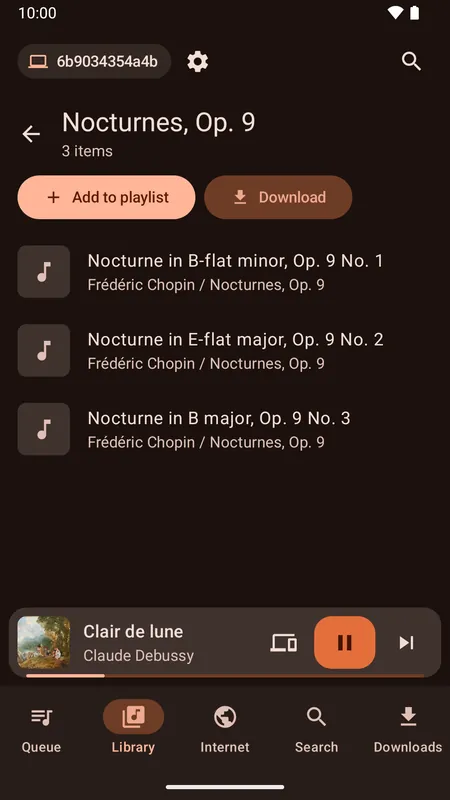
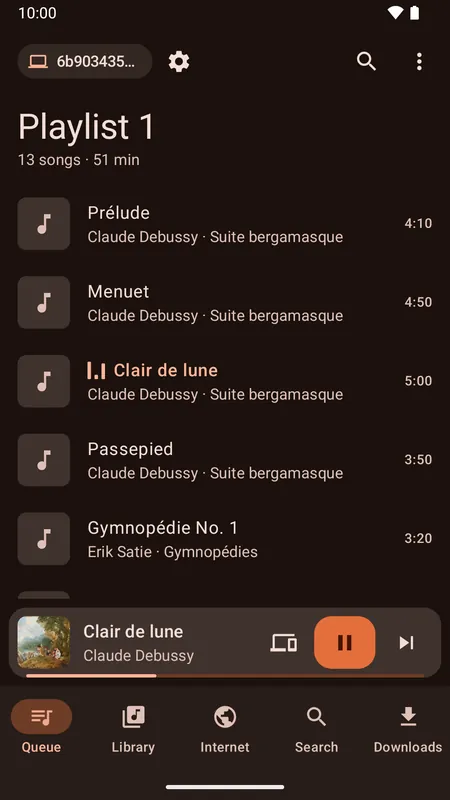
Screenshots
How to install
Windows
- Click the official download button on this page.
- Run the installer and follow the steps.
- On first launch, add your music folder to the library.
Alternatives
- Strawberry
- MusicBee
- foobar2000
Frequently asked questions
Is Clementine free?
Yes. It is open source and free.
Is Clementine still developed?
Development is slow. Strawberry, which grew out of the same code, is updated more regularly.
Can it play FLAC files?
Yes. It plays FLAC, MP3, Ogg and other common audio formats.