

Cryptomator
Cryptomator is an open-source, client-side encryption utility created to safeguard data stored on cloud services. Developed by Skymatic GmbH, it transparently encrypts individual files on your local device before they sync to providers like Dropbox, Google Drive, or Microsoft OneDrive. This zero-knowledge approach ensures that neither cloud hosting companies nor unauthorized third parties can access file contents or directory structures.
github.com · Official website
- ✓ Official source (winget)
- ✓ SHA256 taken from the official repository
- ✓ Last checked: Nov. 4, 2026
- This is not a virus scan. Check on VirusTotal
- Version
- 1.19.6
- Release date
- Oct. 30, 2026
- License
- GPL-3.0
- Installer type
- wix
How do I use this?
Type Terminal in the Start menu and open it, paste the command (Ctrl+V or right-click) and press Enter. It uses winget, Windows' own package manager, to install the program from its official source.
winget install --id Cryptomator.Cryptomator -eSHA256 (file verification)
ad416a6dff6ad969c2c346a9050b650e49fe5da9ac30c948148ae6b8412ebbcegithub.com · Official website
- ✓ Official source (Homebrew)
- ✓ SHA256 taken from the official repository
- ✓ Last checked: Nov. 4, 2026
- This is not a virus scan. Check on VirusTotal
- Version
- 1.19.6
- License
- GPL-3.0
- Installer type
- dmg
How do I use this?
This command needs Homebrew; if you don't have it, first run the install command from brew.sh. Then open Terminal (Applications > Utilities > Terminal), paste the command and press Enter.
brew install --cask cryptomatorSHA256 (file verification)
fdfc8ef50b10baca1078b7a9edf404e330363c8a3a40fda29f86dd5d3a0a0b02flathub.org · Official website
- ✓ Official source (Flathub)
- ✓ Last checked: Nov. 4, 2026
- Version
- 1.19.6
- Release date
- Oct. 31, 2026
- License
- GPL-3.0
- Installer type
- flatpak
How do I use this?
Open a terminal, paste the command and press Enter. Flatpak and Flathub must be set up; Linux Mint has them by default, for other distributions see flathub.org/setup.
flatpak install flathub org.cryptomator.Cryptomatorf-droid.org · Official website
- ✓ Official source (F-Droid)
- ✓ SHA256 taken from the official repository
- ✓ Last checked: Nov. 4, 2026
- This is not a virus scan. Check on VirusTotal
- Version
- 2.1.0
- Release date
- Oct. 29, 2026
- License
- GPL-3.0
- Installer type
- apk
SHA256 (file verification)
d090cec1390293f6399c5577553c29b33ec3f2f7057d8fcf01a4ba9a5d89f262Platform pages: Windows · macOS · Linux · Android
Old versions (10)
Cryptomator 1.19.6: what's new?
Highlights
- Client-side encryption using transparent cryptographic standards before files leave the device
- File-by-file vault structure that syncs efficiently without re-uploading entire archives
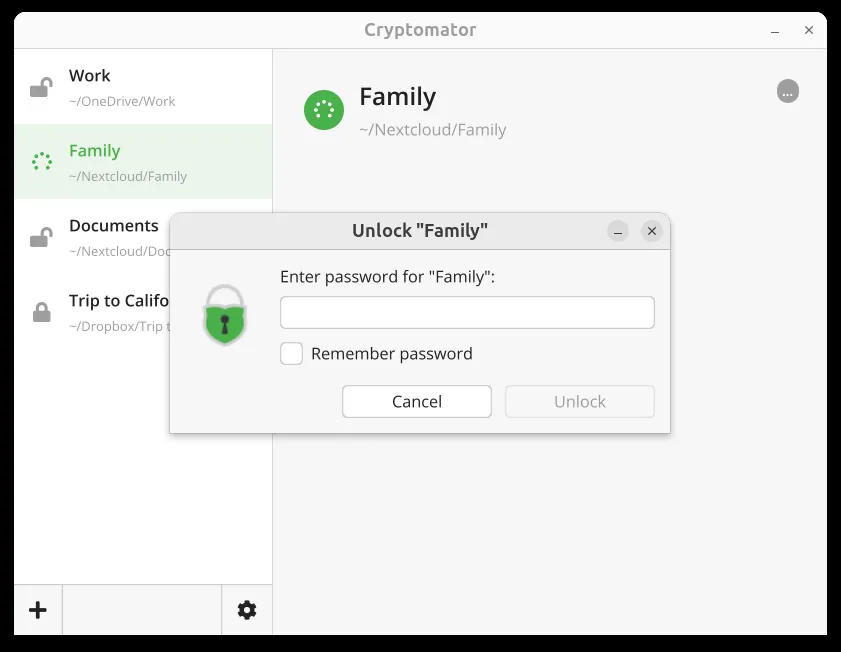
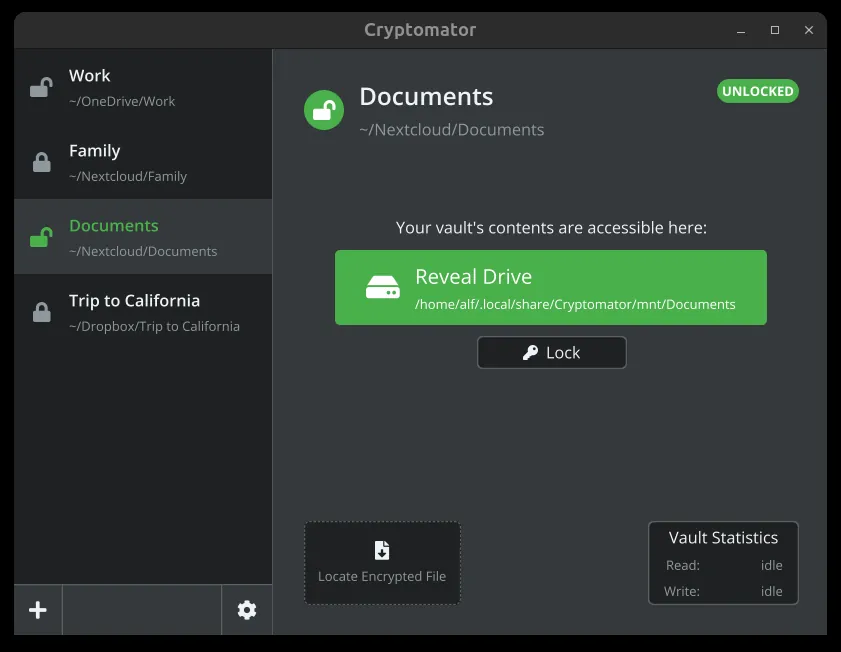
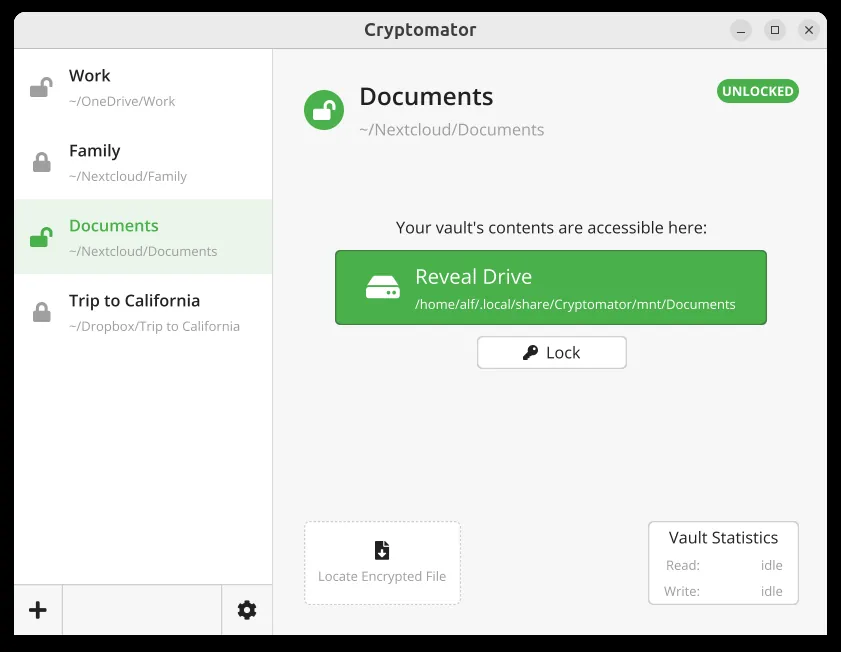
- Virtual drive integration to allow direct access via standard operating system file explorers
- Fully open-source code base published under the GPL-3.0 license
Who is it for?
Designed for privacy-conscious users, professionals, and students who store confidential documents on public cloud platforms and require zero-knowledge protection.
Good to know before installing
- Does not provide cloud hosting or sync capabilities itself; it requires third-party cloud sync software.
- Losing both the master password and the recovery key results in permanent data loss.
- Relies on virtual file system backends (such as WinFsp or FUSE) for mounting drives.
Screenshots
How to install
Windows
- Download the installer via our official download button, or run 'winget install --id Cryptomator.Cryptomator -e' in PowerShell/Command Prompt.
- Open the setup file and complete the standard installation wizard.
- Start Cryptomator and create your first encrypted vault.
macOS
- Download the official installer disk image from our page, or run 'brew install --cask cryptomator' in Terminal.
- Open the downloaded DMG and move Cryptomator into your Applications folder.
- Open Cryptomator and follow the prompt to create or unlock a vault.
Linux
- Click our official download link to open the Flathub package page, or open a terminal.
- Run the command: flatpak install flathub org.cryptomator.Cryptomator
- Open Cryptomator from your desktop application launcher.
Android
- Click the official download button on our site to visit the authorized download page or app listing.
- Download and install the package on your device.
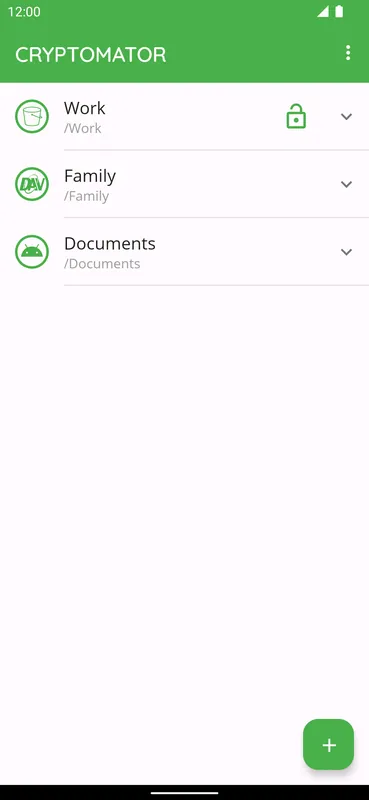
- Launch Cryptomator and grant the required storage permissions to begin setting up vaults.
Alternatives
Frequently asked questions
Does Cryptomator store my files or passwords on its servers?
No. Cryptomator runs entirely on your device and does not maintain cloud storage or user accounts; encryption keys never leave your hardware.
Can I recover my files if I forget my vault password?
Only if you saved the recovery key generated during vault creation. Without the password or the recovery key, data recovery is mathematically impossible.
Can multiple devices access the same encrypted vault simultaneously?
Yes, as long as the vault folder is synchronized across your devices via your chosen cloud or network storage solution.