
FurMark 2
FurMark 2 is a free graphics card stress test and benchmark from Geeks3D. It puts the graphics card under heavy load so you can check temperatures, stability and whether the cooling is good enough.
gpumagick.com · Official website
- ✓ Official source (winget)
- ✓ SHA256 taken from the official repository
- ✓ Last checked: Nov. 4, 2026
- This is not a virus scan. Check on VirusTotal
- Version
- 2.10.2.0
- License
- Proprietary
- Installer type
- zip
How do I use this?
Type Terminal in the Start menu and open it, paste the command (Ctrl+V or right-click) and press Enter. It uses winget, Windows' own package manager, to install the program from its official source.
winget install --id Geeks3D.FurMark.2 -eSHA256 (file verification)
27ab2e723e2e65df720bcafea681d2104744eda4a1e0a0374d7e61eaa820e63bflathub.org · Official website
- ✓ Official source (Flathub)
- ✓ Last checked: Nov. 4, 2026
- Version
- 2.10.2.0
- Release date
- Oct. 26, 2025
- License
- Proprietary
- Installer type
- flatpak
How do I use this?
Open a terminal, paste the command and press Enter. Flatpak and Flathub must be set up; Linux Mint has them by default, for other distributions see flathub.org/setup.
flatpak install flathub com.geeks3d.furmarkWe couldn't find a macOS version of FurMark 2 in the official repositories; check the publisher's website.
We couldn't find a Android version of FurMark 2 in the official repositories; check the publisher's website.
Highlights
- Graphics card stress test
- Benchmark with a score
- Temperature and frame rate shown during the test
- Different resolutions and test options
- OpenGL and Vulkan tests
Who is it for?
For gamers and hardware enthusiasts testing a new graphics card, a cooling change or an overclock.
Good to know before installing
- It creates a heavier load than real games; results don't match game performance one to one.
- On poorly cooled systems it can cause overheating.
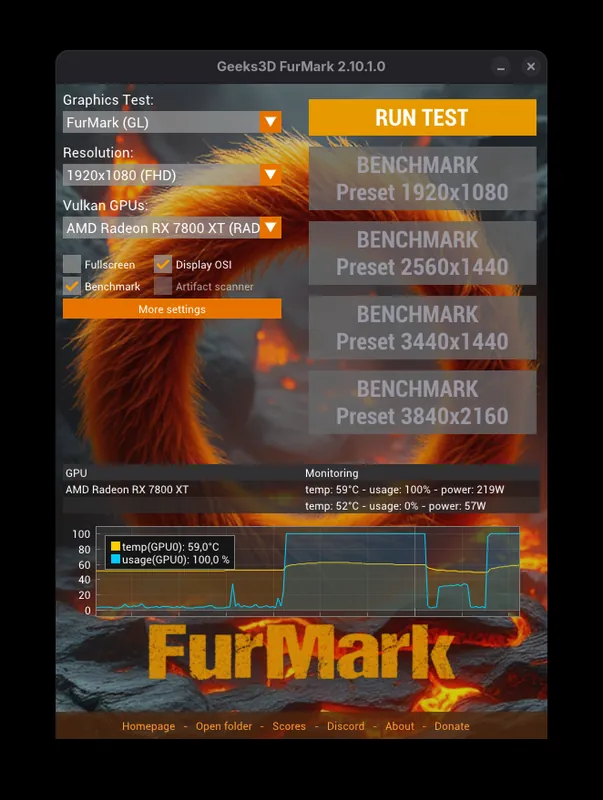
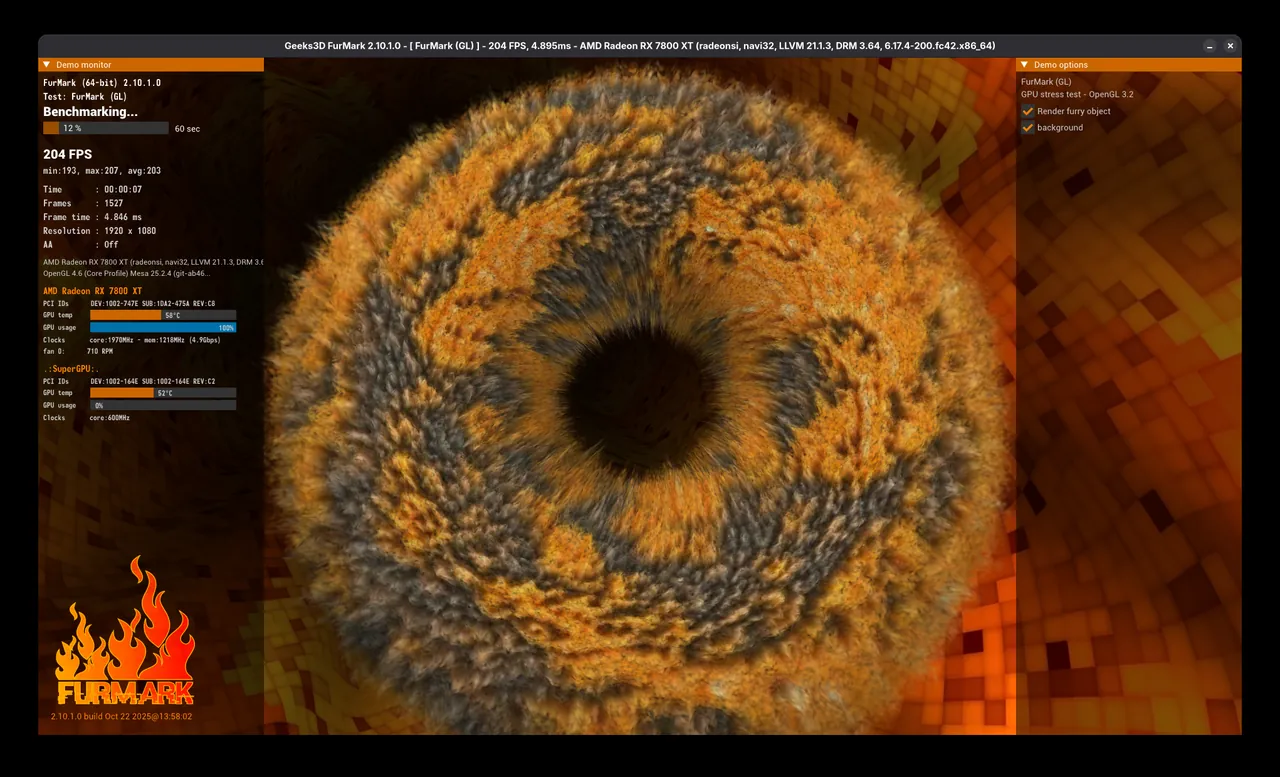
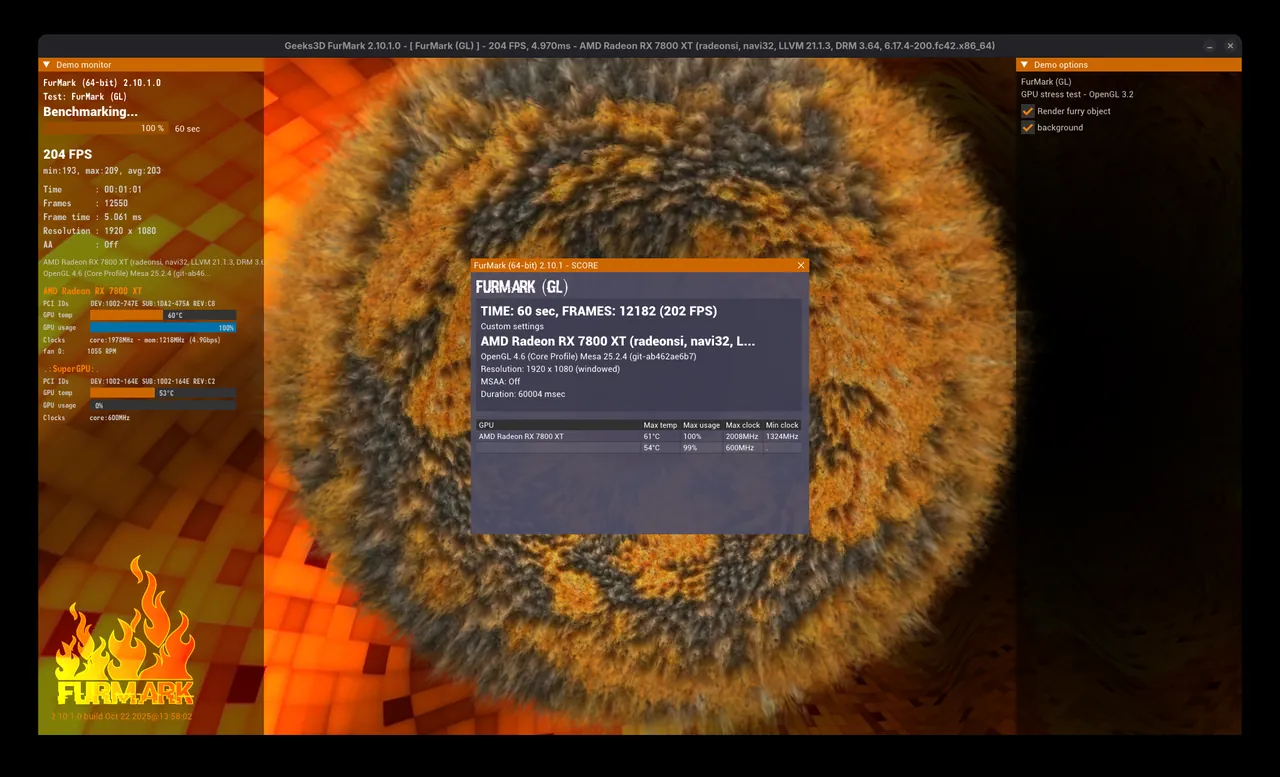
Screenshots
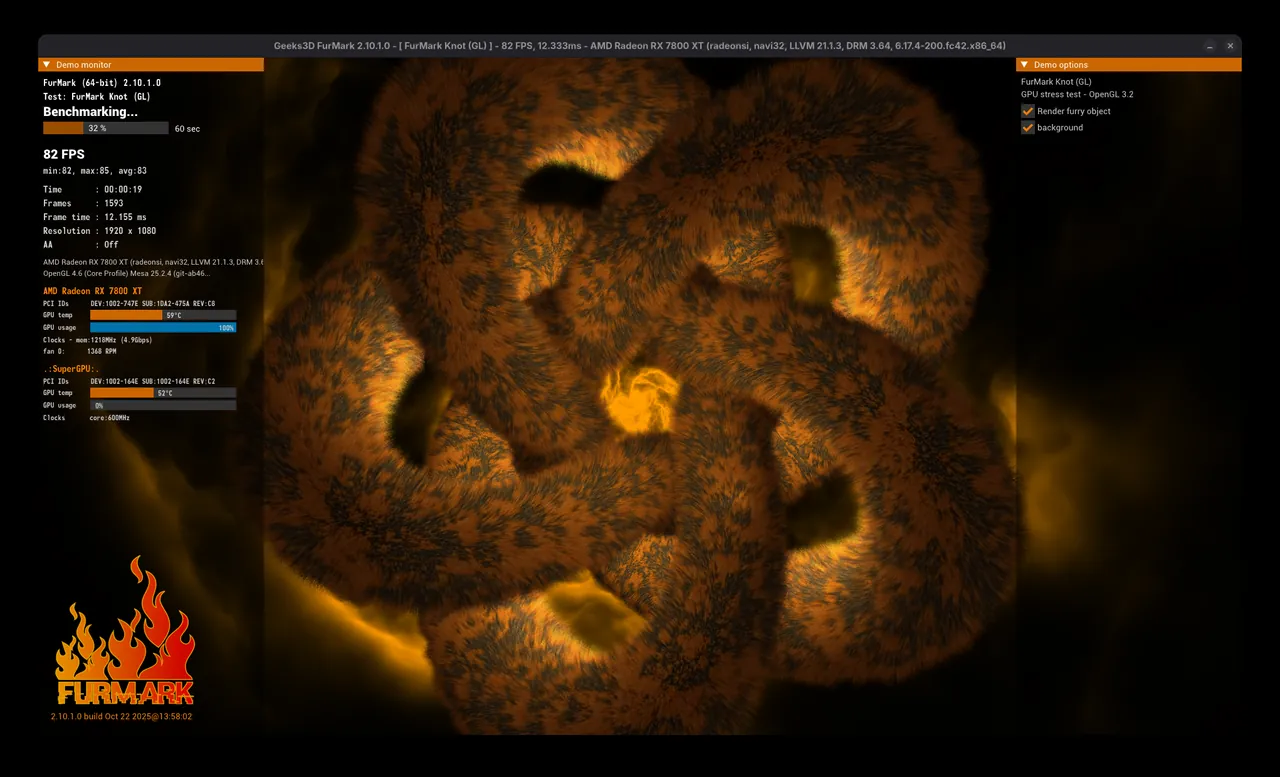
How to install
Windows
- Click the official download button on this page or use the winget command.
- Run the installer and follow the steps.
- Close open programs before starting the test.
- Run the test briefly and watch the temperature; stop at once if you see a problem.
Linux
- Run the Flatpak command in a terminal.
- Open the program from the application menu.
- Run the test briefly and watch the temperature.
Alternatives
- MSI Afterburner
- OCCT
- HWiNFO (Free for personal use)
Frequently asked questions
Is FurMark free?
Yes. It is a free program.
Can it damage my graphics card?
The test works the card very hard and raises its temperature. A healthy, well-cooled card shouldn't have problems; still, watch the temperature and don't run it for long.
Can I use it on a laptop?
You can, but laptops heat up faster. Plug in the charger, keep the test short and watch temperatures closely.