

Inkscape
Inkscape is a free and open-source vector graphics editor available for Linux, macOS, and Windows. It utilizes the W3C open standard SVG (Scalable Vector Graphics) as its native format, providing comprehensive tools for illustrations, logos, icons, diagrams, and typography.
media.inkscape.org · Official website
- ✓ Official source (winget)
- ✓ SHA256 taken from the official repository
- ✓ Last checked: Nov. 4, 2026
- This is not a virus scan. Check on VirusTotal
- Version
- 1.4.4
- License
- GPL-2.0
- Installer type
- wix
How do I use this?
Type Terminal in the Start menu and open it, paste the command (Ctrl+V or right-click) and press Enter. It uses winget, Windows' own package manager, to install the program from its official source.
winget install --id Inkscape.Inkscape -eSHA256 (file verification)
2fa033e95113ae83d6430b2479e7e63e4266d0632a5b03f99ee3db9360e3b8b8media.inkscape.org · Official website
- ✓ Official source (Homebrew)
- ✓ SHA256 taken from the official repository
- ✓ Last checked: Nov. 4, 2026
- This is not a virus scan. Check on VirusTotal
- Version
- 1.4.4
- License
- GPL-2.0
- Installer type
- dmg
How do I use this?
This command needs Homebrew; if you don't have it, first run the install command from brew.sh. Then open Terminal (Applications > Utilities > Terminal), paste the command and press Enter.
brew install --cask inkscapeSHA256 (file verification)
eacca94ab01e59467cdd5452a2867c3734450f9a4cfb3346956cc9b07f34f3f1flathub.org · Official website
- ✓ Official source (Flathub)
- ✓ Last checked: Nov. 4, 2026
- Version
- 1.4.4
- Release date
- May 6, 2026
- License
- GPL-2.0
- Installer type
- flatpak
How do I use this?
Open a terminal, paste the command and press Enter. Flatpak and Flathub must be set up; Linux Mint has them by default, for other distributions see flathub.org/setup.
flatpak install flathub org.inkscape.InkscapeWe couldn't find a Android version of Inkscape in the official repositories; check the publisher's website.
Security update: according to the publisher's release notes, Inkscape 1.4.4 fixes security vulnerabilities. If you use an older version, update.
CVE-2025-15523
Official release notes →
Inkscape 1.4.4: what's new?
- Fixed 20 crashes (including three startup crashes), nearly 20 other bugs, and included 6 performance improvements.
- Added a new palette and a new button to rotate stars and polygons into an upright or neutral position.
- Acts as a bridge release to convert upcoming Inkscape 1.5 multipage files to the older format by opening and saving them.
- Added installation files for Windows on Arm and updated dozens of interface and documentation translations.
Summarized from the publisher's release notes.
Highlights
- Native support for the W3C SVG (Scalable Vector Graphics) specification
- Pencil, pen (Bézier curves), and calligraphy drawing tools
- Node editing, path alignment, distribution, and boolean operations
- Object transformation, grouping, layers, and z-order management
- Advanced fills and strokes, including gradients, patterns, and path markers
- Flexible text tools with kerning, text-on-path, and multi-line support
- Export capabilities to formats such as PNG, PDF, EPS, DXF, and SVG
Who is it for?
Inkscape is designed for graphic designers, illustrators, web designers, and hobbyists who need to create logos, icons, vector illustrations, and technical diagrams.
Good to know before installing
- Performance may degrade when working with highly complex documents containing thousands of paths or heavy filter effects.
- The interface layout and keyboard shortcuts differ from industry standards like Adobe Illustrator, requiring a learning curve.
- Native CMYK color management support is limited, which can complicate pre-press print workflows.
Screenshots
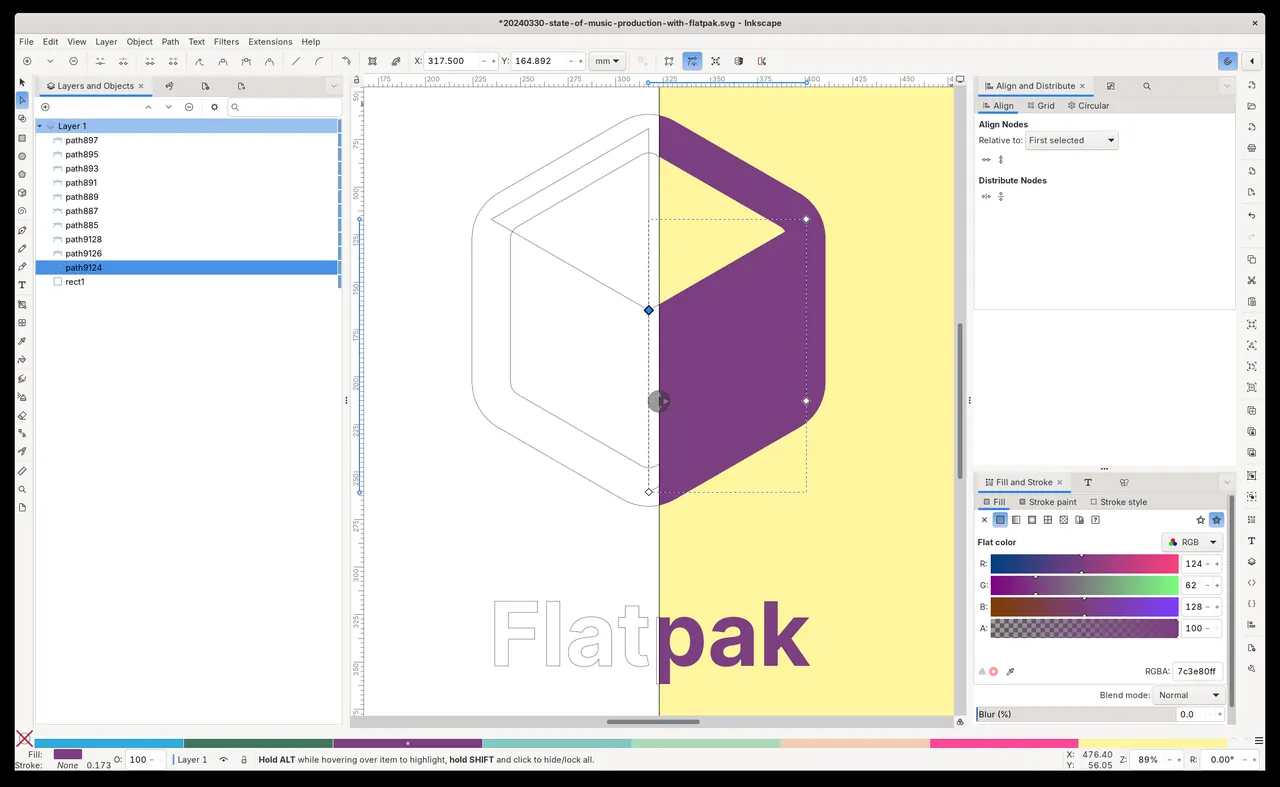
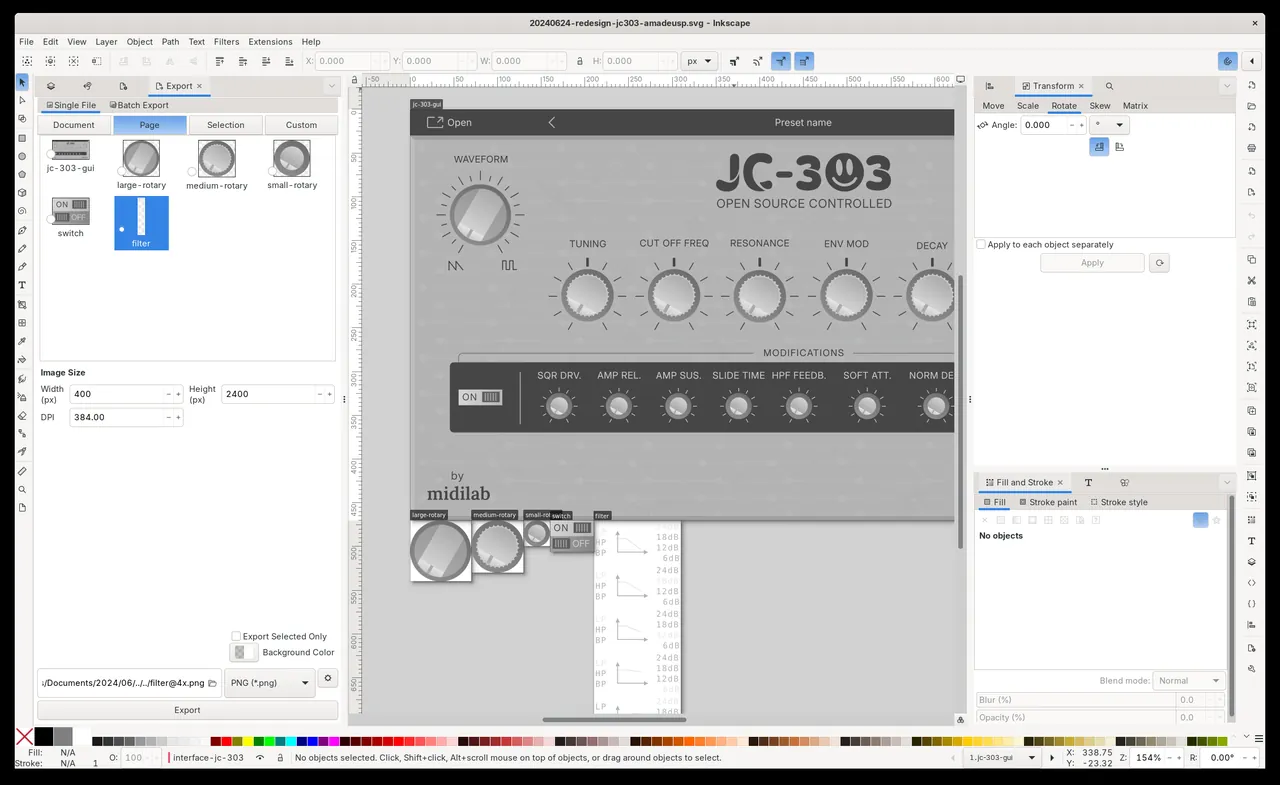
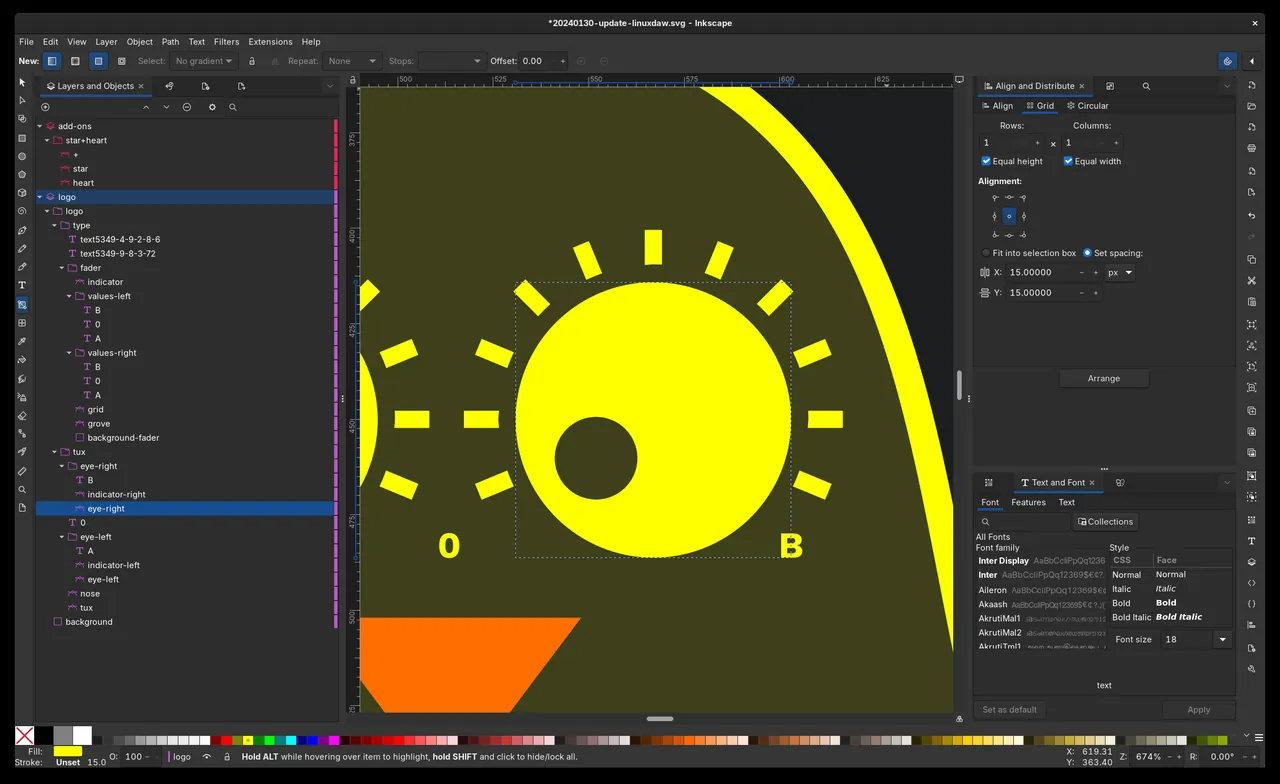
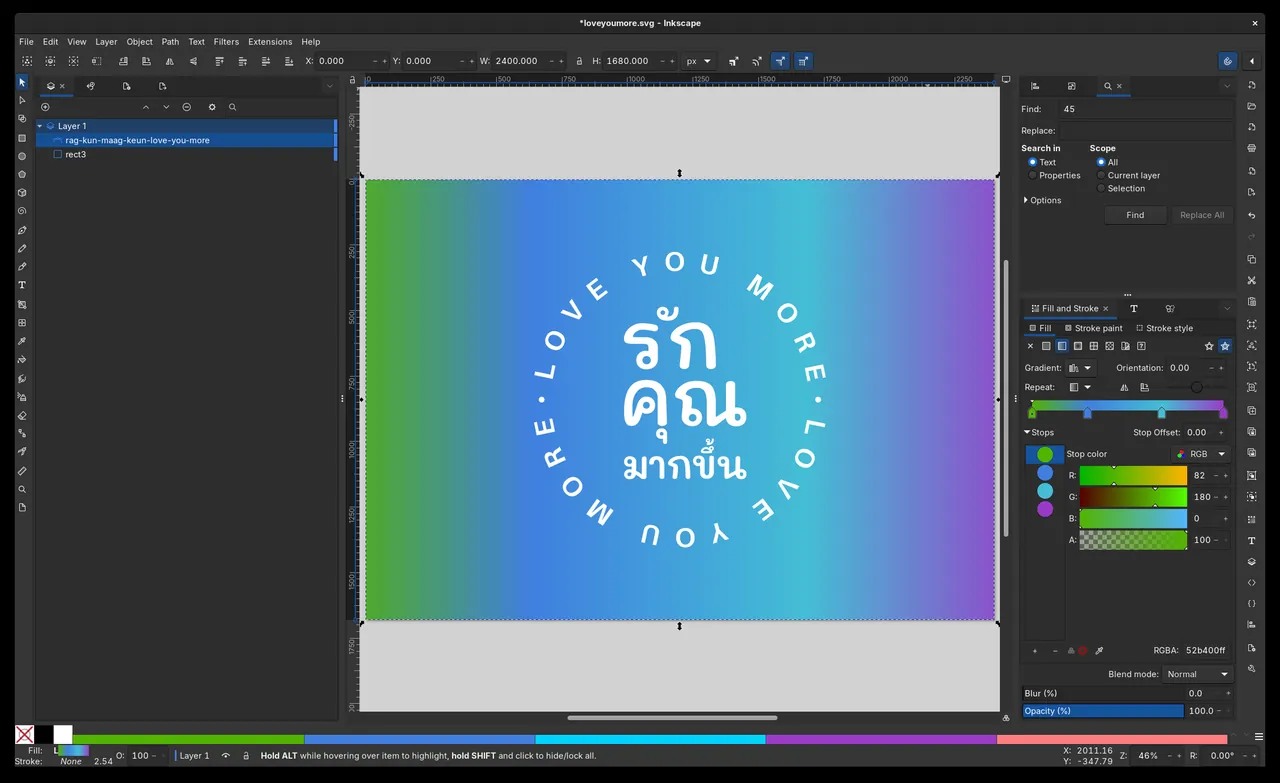
How to install
Windows
- Click the official download button on this page to get the installer package.
- Alternatively, open PowerShell or Command Prompt and run 'winget install --id Inkscape.Inkscape -e'.
- Open the downloaded executable and follow the setup wizard to complete installation.
macOS
- Download the official disk image installer using our download button, or use the terminal.
- For terminal installation via Homebrew, run 'brew install --cask inkscape'.
- If using the DMG, open it and drag the Inkscape application into your Applications folder.
Linux
- Use the official download link on this page to visit the Flathub entry, or open a terminal.
- Run the command 'flatpak install flathub org.inkscape.Inkscape' to install the package.
- Launch Inkscape directly from your desktop environment's application launcher.
Alternatives
- Adobe Illustrator
- CorelDRAW
- Affinity Designer
Frequently asked questions
Is Inkscape free to use for commercial work?
Yes, Inkscape is licensed under GPL-2.0, allowing you to use it without restriction for both personal and commercial projects.
What is the native file format of Inkscape?
Inkscape uses standard SVG (Scalable Vector Graphics) as its native format, ensuring broad compatibility across web and design workflows.
Can Inkscape open Adobe Illustrator files?
Inkscape can open and import PDF-compatible Adobe Illustrator (.ai) files directly through its import dialog.