

PeaZip
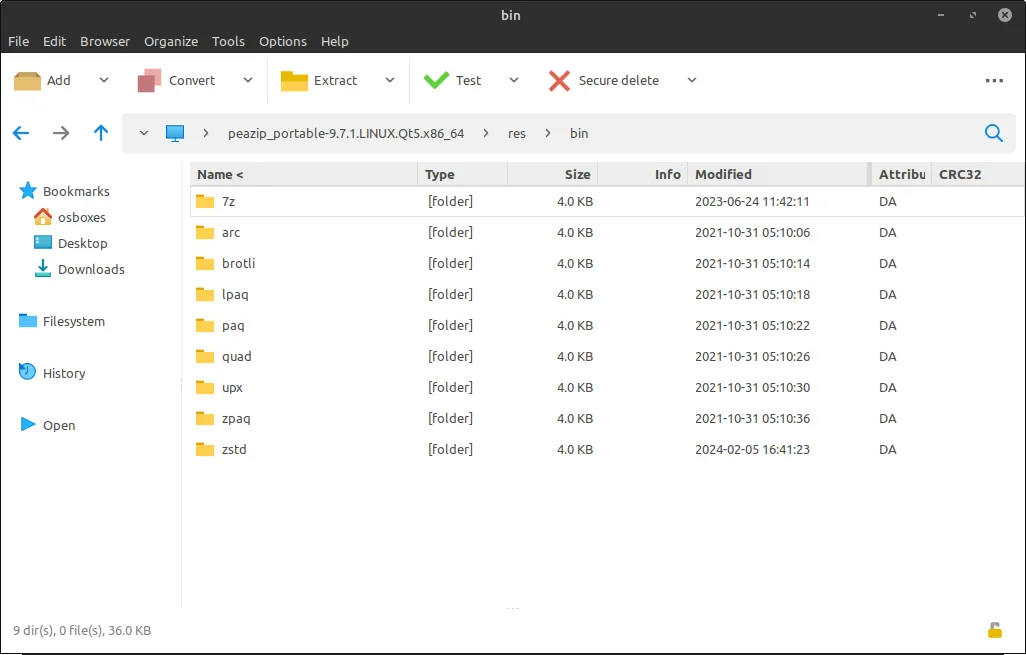
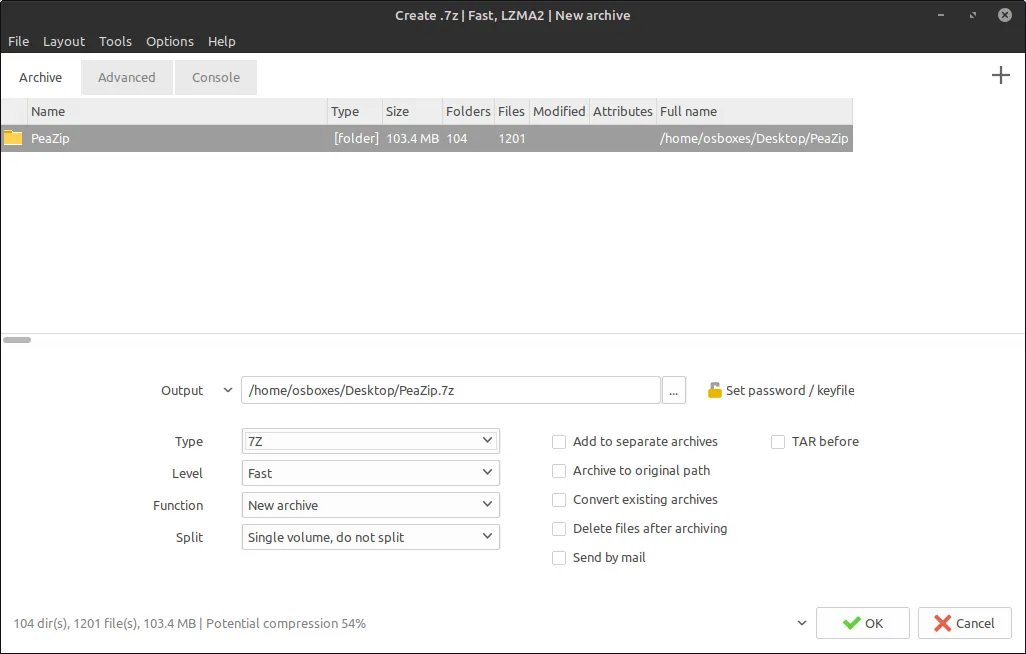
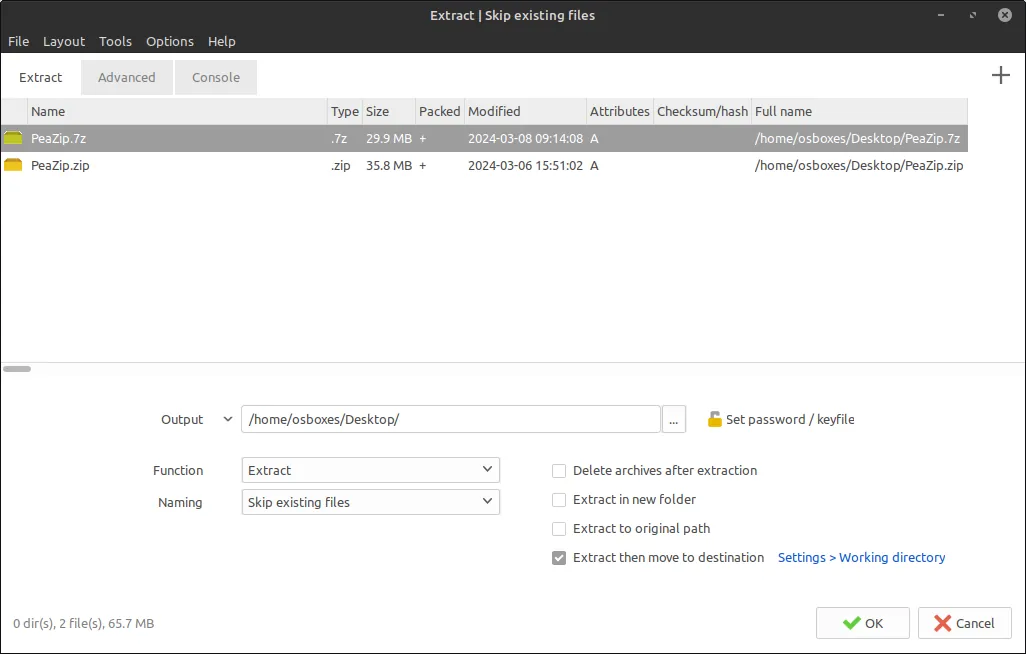
PeaZip is a free and open-source file archiver utility developed by Giorgio Tani. It supports extracting over 200 archive formats and variants, offering strong archive encryption standards, spanned volume creation, and integrated file management utilities.
github.com · Official website
- ✓ Official source (winget)
- ✓ SHA256 taken from the official repository
- ✓ Last checked: Nov. 4, 2026
- This is not a virus scan. Check on VirusTotal
- Version
- 11.3.0
- Release date
- Sept. 26, 2026
- License
- LGPL-3.0
- Installer type
- inno
How do I use this?
Type Terminal in the Start menu and open it, paste the command (Ctrl+V or right-click) and press Enter. It uses winget, Windows' own package manager, to install the program from its official source.
winget install --id Giorgiotani.Peazip -eSHA256 (file verification)
cb52763da39ef44f6b8ce3619eb76817aa8b2e4c3518c406dc5cc2857bcaeb76flathub.org · Official website
- ✓ Official source (Flathub)
- ✓ Last checked: Nov. 4, 2026
- Version
- 11.4.0
- Release date
- Oct. 17, 2026
- License
- LGPL-3.0
- Installer type
- flatpak
How do I use this?
Open a terminal, paste the command and press Enter. Flatpak and Flathub must be set up; Linux Mint has them by default, for other distributions see flathub.org/setup.
flatpak install flathub io.github.peazip.PeaZipWe couldn't find a macOS version of PeaZip in the official repositories; check the publisher's website.
We couldn't find a Android version of PeaZip in the official repositories; check the publisher's website.
Security update: according to the publisher's release notes, PeaZip 11.3.0 fixes security vulnerabilities. If you use an older version, update.
Official release notes →
PeaZip 11.3.0: what's new?
Highlights
- Extraction support for over 200 archive types and variants
- Strong archive encryption standards with password protection
- Ability to split files and manage multi-part (spanned) archives
- Integrated file checksum verification and secure deletion tools
Who is it for?
System administrators, power users, and everyday users who need to manage diverse archive formats or securely encrypt files across Windows and Linux systems.
Good to know before installing
- Cannot create new RAR archives due to proprietary format restrictions.
- The interface presents many advanced options that may feel cluttered to users seeking a minimal extractor.
Screenshots
How to install
Windows
- Click the official download button on our site to get the installer, or run 'winget install --id Giorgiotani.Peazip -e' in a terminal.
- Run the downloaded installer and complete the setup wizard.
- Launch PeaZip from the Start menu.
Linux
- Click the official download button on our site to open the Flathub page.
- Alternatively, open a terminal and run 'flatpak install flathub io.github.peazip.PeaZip'.
- Launch PeaZip from your desktop application launcher once installed.
Alternatives
- 7-Zip
- File Roller
- Ark
Frequently asked questions
Is PeaZip completely free?
Yes, PeaZip is free and open-source software distributed under the LGPL-3.0 license.
Can PeaZip create new RAR files?
No, PeaZip can open and extract RAR archives, but it cannot create new ones due to proprietary licensing restrictions.
Which operating systems are supported?
PeaZip is officially available for Windows and Linux platforms.