

VLC media player
VLC media player is a free and open-source multimedia player developed by the VideoLAN project. It operates across multiple platforms and plays most audio and video formats, DVDs, and streaming protocols without requiring external codec packs.
download.videolan.org · Official website
- ✓ Official source (winget)
- ✓ File is identical to the one the publisher released (SHA256 matched)
- ✓ Last checked: Nov. 4, 2026
- This is not a virus scan. Check on VirusTotal
- Version
- 3.0.24
- Release date
- Sept. 21, 2026
- License
- GPL-2.0
- Installer type
- nullsoft
How do I use this?
Type Terminal in the Start menu and open it, paste the command (Ctrl+V or right-click) and press Enter. It uses winget, Windows' own package manager, to install the program from its official source.
winget install --id VideoLAN.VLC -eSHA256 (file verification)
d711e1e1fe52052748c39080c7dce63f6b7e4c315efedf1774a3f1957b782ff3get.videolan.org · Official website
- ✓ Official source (Homebrew)
- ✓ File is identical to the one the publisher released (SHA256 matched)
- ✓ Last checked: Nov. 4, 2026
- This is not a virus scan. Check on VirusTotal
- Version
- 3.0.24
- License
- GPL-2.0
- Installer type
- dmg
How do I use this?
This command needs Homebrew; if you don't have it, first run the install command from brew.sh. Then open Terminal (Applications > Utilities > Terminal), paste the command and press Enter.
brew install --cask vlcSHA256 (file verification)
64a89d93cdd30b0e97131743e246373db82d6826ea882d265d46d74b136da2b7flathub.org · Official website
- ✓ Community package (Flathub)
- ✓ Last checked: Nov. 4, 2026
- Version
- 3.0.24
- Release date
- Sept. 17, 2026
- License
- GPL-2.0
- Installer type
- flatpak
How do I use this?
Open a terminal, paste the command and press Enter. Flatpak and Flathub must be set up; Linux Mint has them by default, for other distributions see flathub.org/setup.
flatpak install flathub org.videolan.VLCf-droid.org · Official website
- ✓ Official source (F-Droid)
- ✓ SHA256 taken from the official repository
- ✓ Last checked: Nov. 4, 2026
- This is not a virus scan. Check on VirusTotal
- Version
- 3.7.2
- Release date
- Oct. 16, 2026
- License
- GPL-2.0
- Installer type
- apk
SHA256 (file verification)
e748c3e0bb9ec447f3e49f71d5c73e0b48c2c0309faa7fb79806d3afb5601b66Highlights
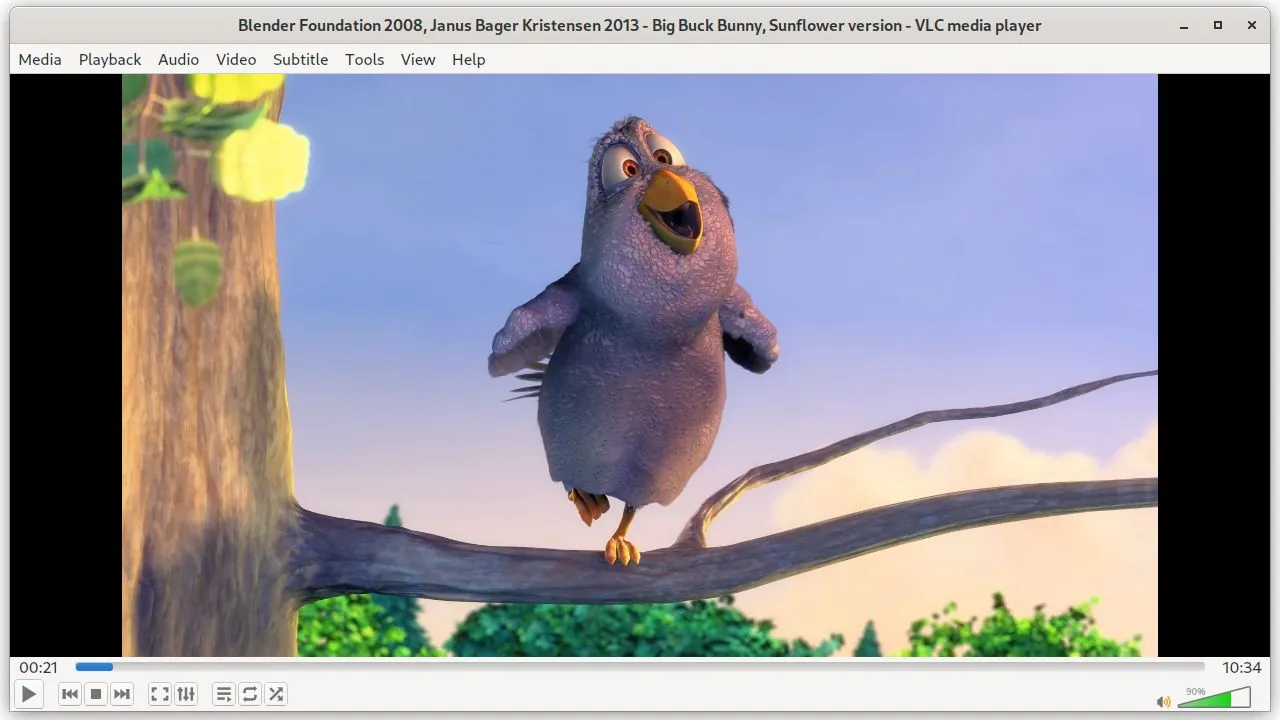
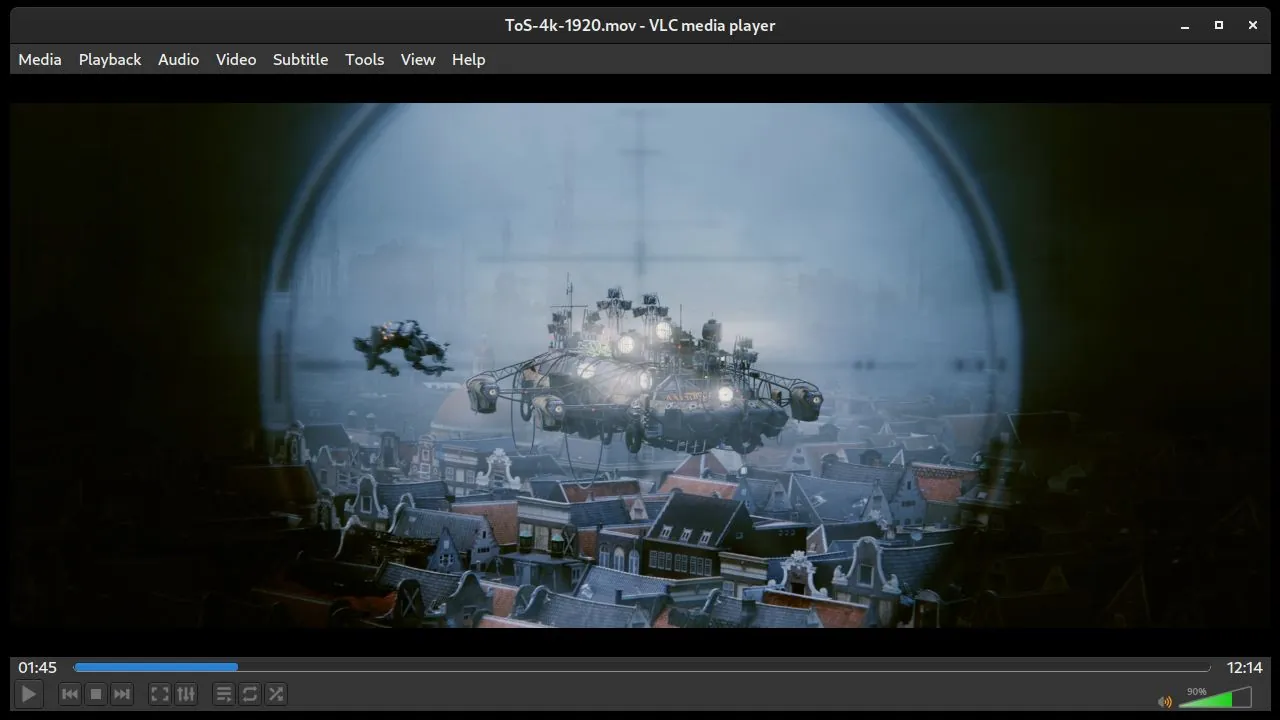
- Built-in support for numerous audio and video codecs without third-party plugins
- Playback capabilities for physical media including DVDs and audio CDs
- Support for network streaming protocols and online media streams
- Comprehensive subtitle integration, audio track selection, and video adjustments
Who is it for?
This software is for users who need a reliable media player capable of opening almost any video or audio format, playing DVDs, or streaming network media. It is commonly used by casual viewers and professionals across platforms to play rare or incomplete media files.
Good to know before installing
- The interface can feel utilitarian and dated compared to modern media players.
- Advanced features such as video conversion and streaming setups require a slight learning curve.
- Media library management is relatively basic compared to dedicated audio players.
Screenshots
How to install
Windows
- Click the official download button to save the installer or run 'winget install --id VideoLAN.VLC -e' in PowerShell/Command Prompt.
- Run the downloaded setup file.
- Follow the setup wizard instructions to complete the installation.
macOS
- Download the official disk image (.dmg) via the download button or run 'brew install --cask vlc' in Terminal.
- Open the downloaded .dmg file.
- Drag the VLC icon into your Applications folder.
Linux
- Open your terminal and run 'flatpak install flathub org.videolan.VLC', or follow the download link to Flathub.
- Confirm the installation prompt and wait for the package to download.
- Launch VLC media player from your application launcher.
Android
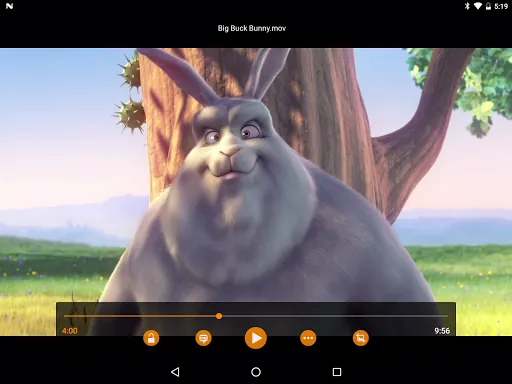
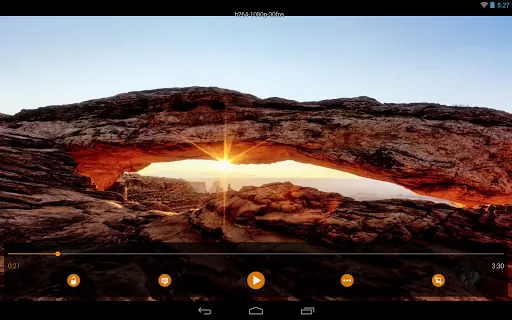
- Click the official download button to get the installation package or open the store listing.
- Run the installer or approve the package installation on your device.
- Open VLC and grant storage access to let it index your media files.
Alternatives
Frequently asked questions
Is VLC media player completely free to use?
Yes, VLC is distributed under the GPL-2.0 open-source license, free of charge, with no advertisements or bundled tracking.
Do I need to download additional codecs to play media files?
No, VLC includes built-in decoders for almost all common and legacy video and audio formats.
Can VLC play network streams?
Yes, VLC supports numerous network streaming protocols via its 'Open Network Stream' feature.