

Claws Mail
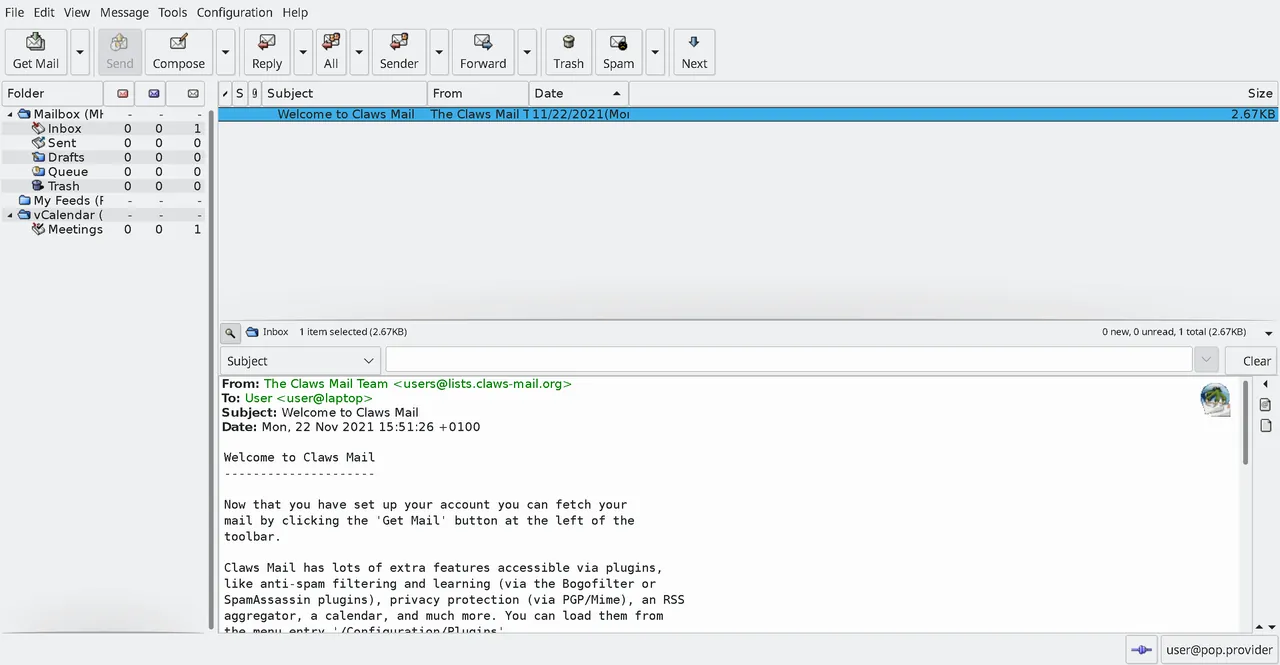
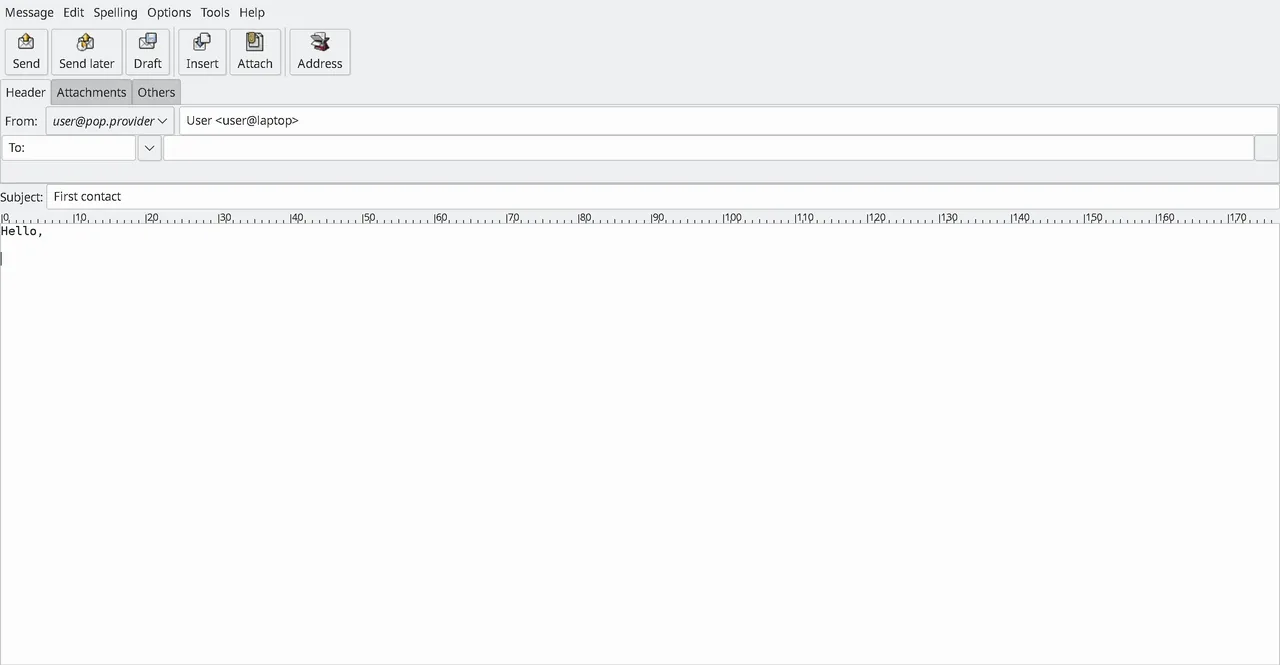
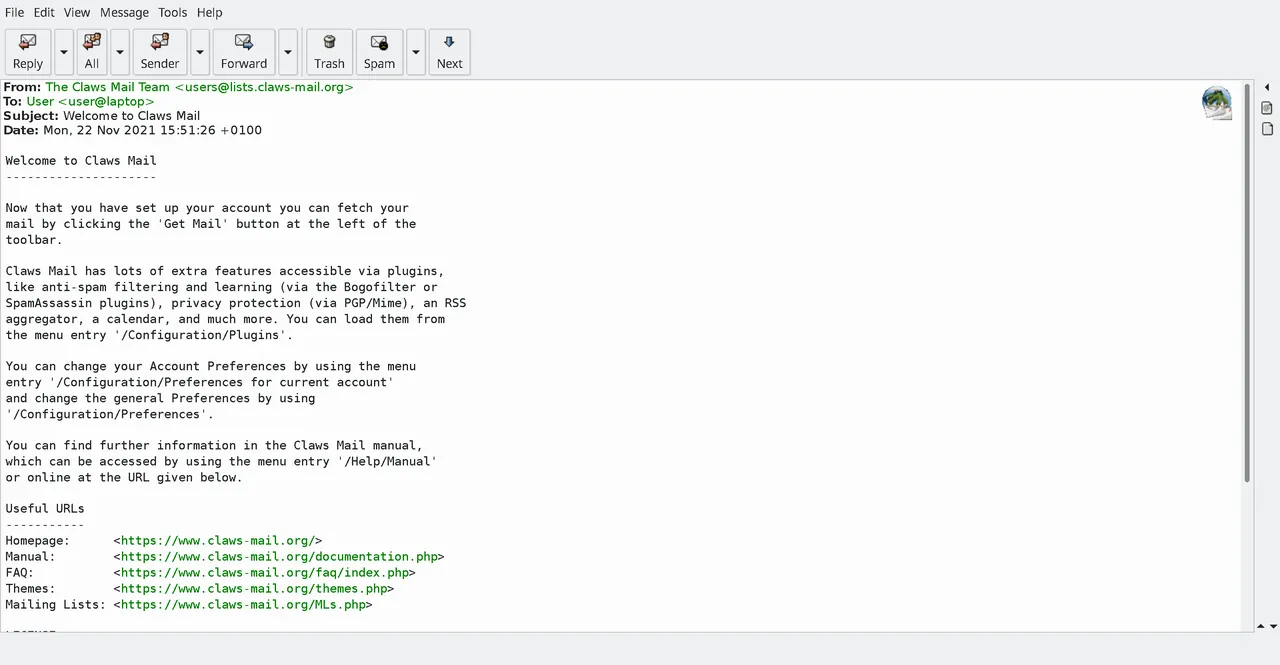
Claws Mail is a lightweight, fast, GTK+-based email client and news reader. Designed with efficiency and stability in mind, it provides robust support for standard protocols like IMAP, POP3, and NNTP while remaining highly extensible through a modular plugin architecture.
www.claws-mail.org · Official website
- ✓ Official source (winget)
- ✓ SHA256 taken from the official repository
- ✓ Last checked: Nov. 20, 2026
- This is not a virus scan. Check on VirusTotal
- Version
- 4.1.1
- License
- GNU GENERAL PUBLIC LICENSE v3 (GPLv3)
- Installer type
- nullsoft
How do I use this?
Type Terminal in the Start menu and open it, paste the command (Ctrl+V or right-click) and press Enter. It uses winget, Windows' own package manager, to install the program from its official source.
winget install --id ClawsMail.ClawsMail -eSHA256 (file verification)
26a2e2d393ac5a8c0ac693d4d5b43579f9bf14705031b3da488c2fd0c92e773dflathub.org · Official website
- ✓ Community package (Flathub)
- ✓ Last checked: Nov. 20, 2026
- Version
- 4.4.0
- Release date
- March 9, 2026
- License
- GNU GENERAL PUBLIC LICENSE v3 (GPLv3)
- Installer type
- flatpak
How do I use this?
Open a terminal, paste the command and press Enter. Flatpak and Flathub must be set up; Linux Mint has them by default, for other distributions see flathub.org/setup.
flatpak install flathub org.claws_mail.Claws-MailWe couldn't find a macOS version of Claws Mail in the official repositories; check the publisher's website.
You can try these instead:
We couldn't find a Android version of Claws Mail in the official repositories; check the publisher's website.
You can try these instead:
Platform pages: Windows · macOS · Linux · Android
Old versions (3)
Highlights
- Fast, responsive GTK+-based graphical interface
- Support for IMAP, POP3, and NNTP (newsreader) protocols
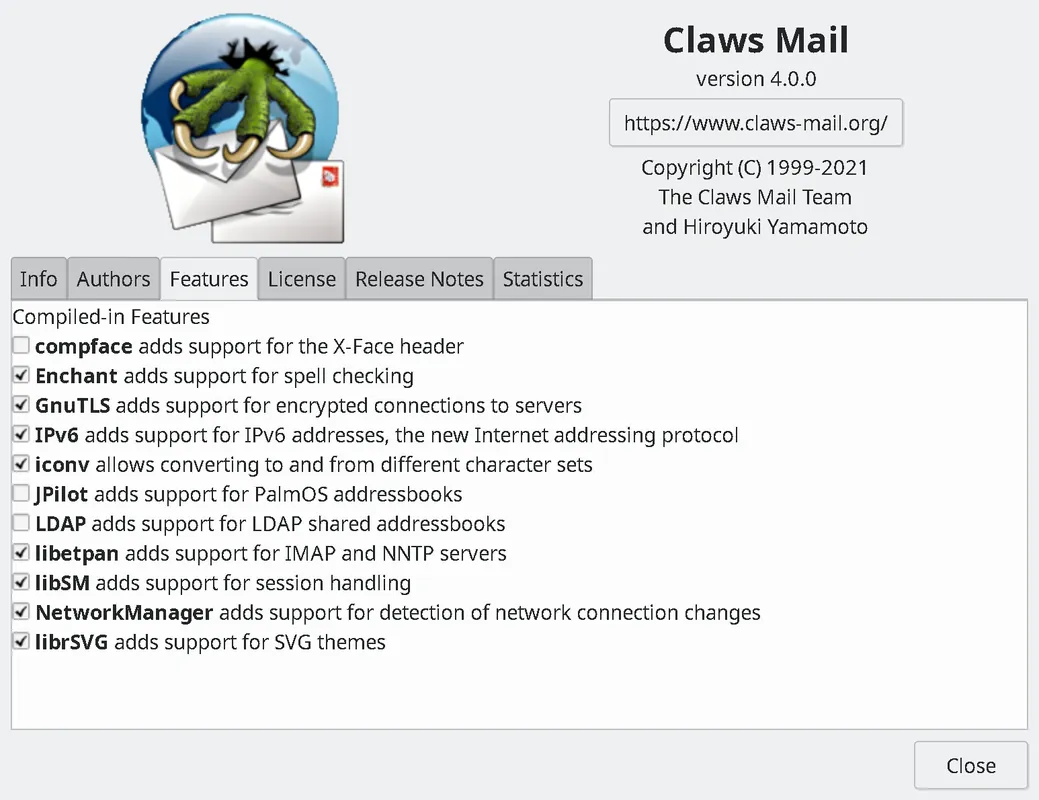
- Extensible architecture supporting multiple plugins
- Sophisticated message filtering, tagging, and search capabilities
- Support for multiple accounts and encrypted connections
Who is it for?
Power users, developers, and administrators who prefer a fast, keyboard-friendly, and resource-efficient desktop mail client over heavy webmail wrappers.
Good to know before installing
- HTML rendering is disabled by default and requires enabling specific plugins.
- The interface follows a traditional desktop layout that may require an initial learning curve for casual users.
Screenshots
How to install
Windows
- Download the official installer using the download link or execute 'winget install --id ClawsMail.ClawsMail -e' in PowerShell or Command Prompt.
- Run the downloaded executable and proceed through the setup wizard.
- Open Claws Mail upon completion to configure your mailboxes.
Linux
- Open the Flathub page using the official download button on our site.
- Alternatively, run 'flatpak install flathub org.claws_mail.Claws-Mail' in your terminal.
- Launch Claws Mail directly from your desktop application launcher.
Alternatives
- Mozilla Thunderbird
- KMail
- Sylpheed
Comparisons
Frequently asked questions
Is Claws Mail completely free to use?
Yes, Claws Mail is free and open-source software distributed under the GNU General Public License v3 (GPLv3).
Does Claws Mail render HTML emails out of the box?
By default, it prioritizes plain text for security; viewing formatted HTML requires enabling one of its HTML viewer plugins.
Which operating systems are supported?
Claws Mail is officially available for Linux and Windows systems.