

JetBrains Rider
JetBrains Rider is free for personal use; business or commercial use requires a license.
JetBrains Rider is a development environment (IDE) for .NET and game development. Besides C# and F# projects it supports game development with Unity, Unreal Engine and Godot, and it is free for non-commercial use.
download.jetbrains.com · Official website
- ✓ Official source (winget)
- ✓ SHA256 taken from the official repository
- ✓ Last checked: Nov. 20, 2026
- This is not a virus scan. Check on VirusTotal
- Version
- 2026.2.4
- Release date
- Oct. 30, 2026
- License
- Proprietary
- Installer type
- nullsoft
How do I use this?
Type Terminal in the Start menu and open it, paste the command (Ctrl+V or right-click) and press Enter. It uses winget, Windows' own package manager, to install the program from its official source.
winget install --id JetBrains.Rider -eSHA256 (file verification)
5043c0112babb32367bd11accbce8a83f9c0f52736dc73d78a6630f343c6456adownload.jetbrains.com · Official website
- ✓ Official source (Homebrew)
- ✓ SHA256 taken from the official repository
- ✓ Last checked: Nov. 20, 2026
- This is not a virus scan. Check on VirusTotal
- Version
- 2026.3.0.1
- License
- Proprietary
- Installer type
- dmg
How do I use this?
This command needs Homebrew; if you don't have it, first run the install command from brew.sh. Then open Terminal (Applications > Utilities > Terminal), paste the command and press Enter.
brew install --cask riderSHA256 (file verification)
16ec16fc16a2cbaf32102086adf7f26182574d81ebed6dfc775ac3767ca8e5abWe couldn't find a Linux version of JetBrains Rider in the official repositories; check the publisher's website.
You can try these instead:
We couldn't find a Android version of JetBrains Rider in the official repositories; check the publisher's website.
Platform pages: Windows · macOS · Linux · Android
Old versions (10)
Security update: according to the publisher's release notes, JetBrains Rider 2026.2.4 fixes security vulnerabilities. If you use an older version, update.
Official release notes →
JetBrains Rider 2026.2.4: what's new?
Highlights
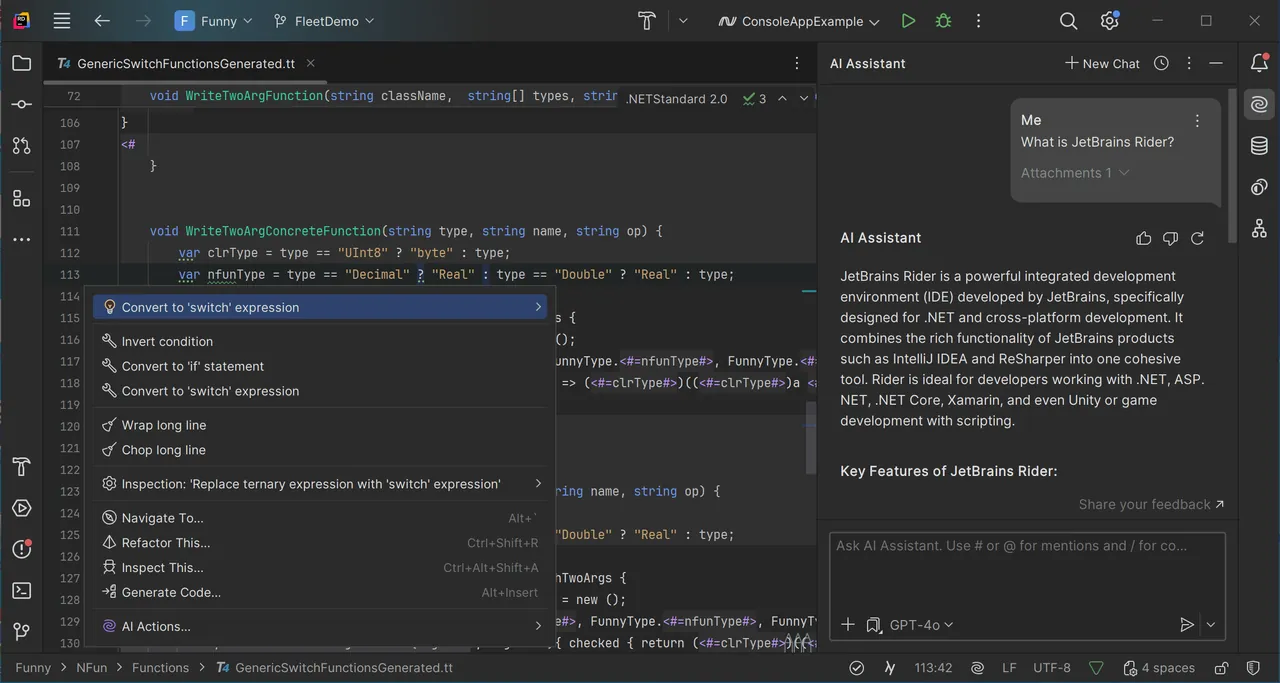
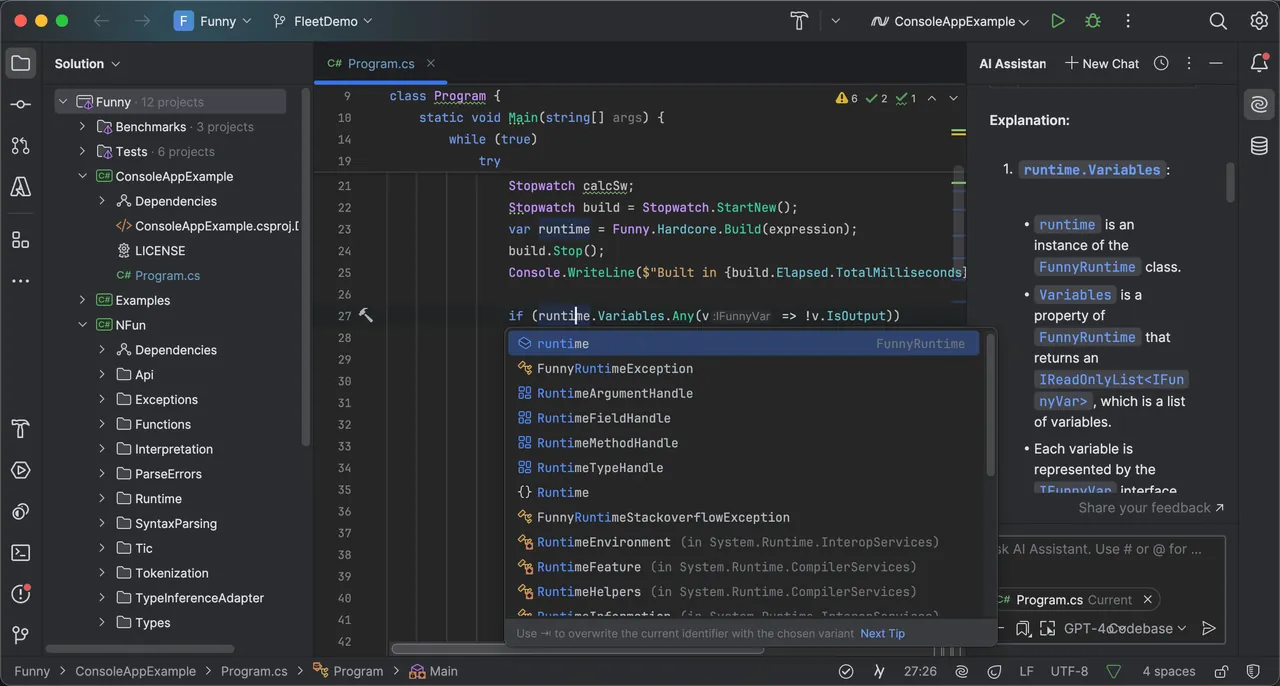
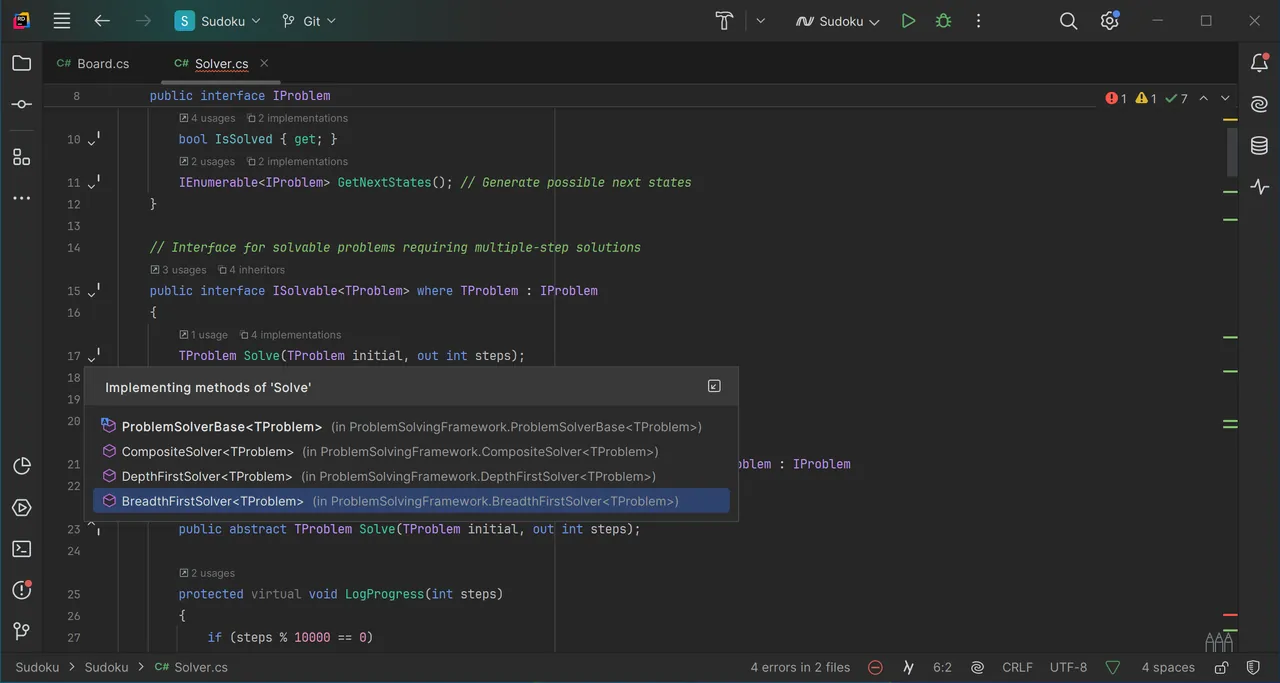
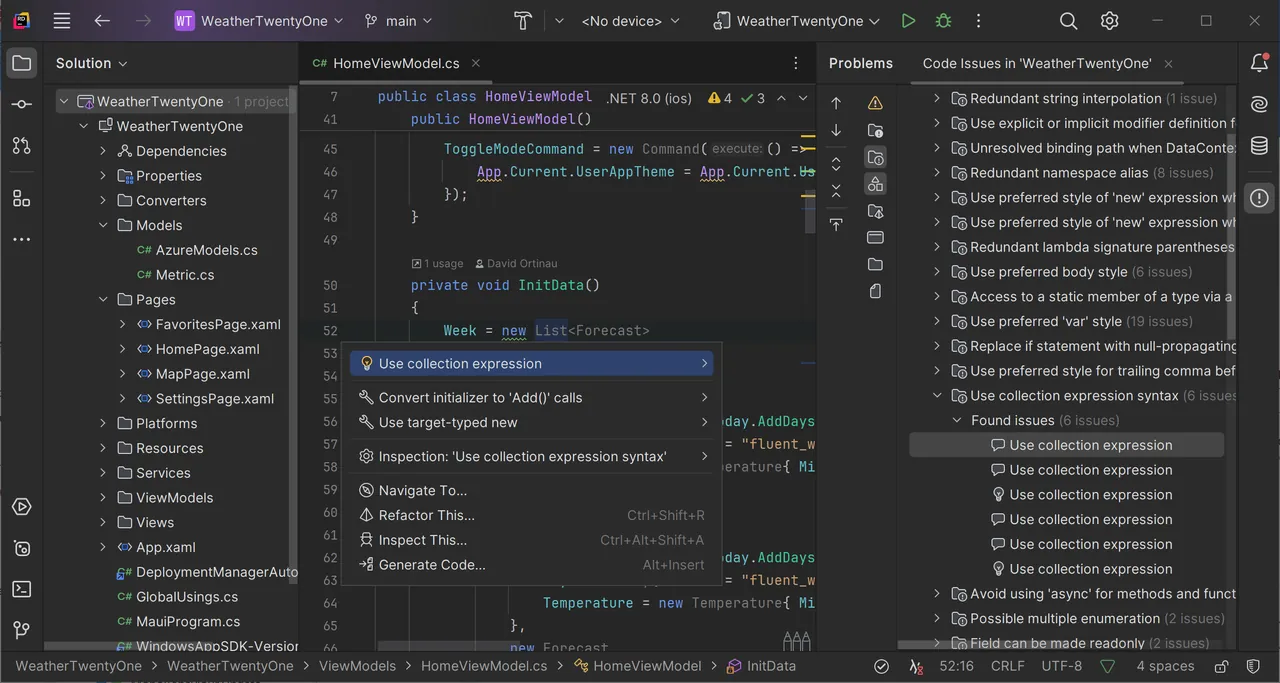
- Smart code completion and analysis for C#, F# and .NET projects
- Unity, Unreal Engine and Godot support
- Debugger, unit test runner and refactoring tools
- Built-in database tools and version control
Who is it for?
For people learning C#, hobbyists making games with Unity or Godot and contributors to open-source .NET projects.
Good to know before installing
- Commercial work requires a paid subscription.
- Under the free license, sending anonymous usage data cannot be turned off.
- Memory use is high; it can feel heavy on older computers.
Screenshots
How to install
Windows
- Click the official download button on this page or use the winget command.
- Run the installer and follow the steps.
macOS
- Use the Homebrew command or download from the official site.
- Move the app to the Applications folder and open it.
Alternatives
- Visual Studio Code
- Visual Studio Community 2022 (Free for personal use)
Comparisons
Frequently asked questions
Is JetBrains Rider free?
It is free for personal use; commercial use may require a license.
What does the free license cover?
Non-commercial use such as learning, hobby projects, open-source contributions and content creation. Paid work requires a commercial subscription.
Do I need an account to use it for free?
Yes, the non-commercial license is activated with a JetBrains account, and under this license anonymous usage statistics are sent.