

Visual Studio Code
Visual Studio Code is a lightweight code editor developed by Microsoft for web and cloud application development. It includes integrated debugging support, Git version control, syntax highlighting, and an extensive marketplace for extensions.
vscode.download.prss.microsoft.com · Official website
- ✓ Official source (winget)
- ✓ SHA256 taken from the official repository
- ✓ Last checked: Nov. 4, 2026
- This is not a virus scan. Check on VirusTotal
- Version
- 1.143.1
- Release date
- Oct. 22, 2026
- License
- Microsoft Software License
- Installer type
- inno
How do I use this?
Type Terminal in the Start menu and open it, paste the command (Ctrl+V or right-click) and press Enter. It uses winget, Windows' own package manager, to install the program from its official source.
winget install --id Microsoft.VisualStudioCode -eSHA256 (file verification)
7cb4c13a1b20c8bba749604a28198585fc45c64a01e5c819c300a42079696519update.code.visualstudio.com · Official website
- ✓ Official source (Homebrew)
- ✓ SHA256 taken from the official repository
- ✓ Last checked: Nov. 4, 2026
- This is not a virus scan. Check on VirusTotal
- Version
- 1.144.1
- License
- Microsoft Software License
How do I use this?
This command needs Homebrew; if you don't have it, first run the install command from brew.sh. Then open Terminal (Applications > Utilities > Terminal), paste the command and press Enter.
brew install --cask visual-studio-codeSHA256 (file verification)
194e37f905b2bc78708ae8dea43e8045023c326251e2d5487098210a68bd58e4flathub.org · Official website
- ✓ Community package (Flathub)
- ✓ Last checked: Nov. 4, 2026
- Version
- 1.139.1
- Release date
- Sept. 25, 2026
- License
- Microsoft Software License
- Installer type
- flatpak
How do I use this?
Open a terminal, paste the command and press Enter. Flatpak and Flathub must be set up; Linux Mint has them by default, for other distributions see flathub.org/setup.
flatpak install flathub com.visualstudio.codeWe couldn't find a Android version of Visual Studio Code in the official repositories; check the publisher's website.
Visual Studio Code 1.143.1: what's new?
Highlights
- Built-in debugging support for multiple runtimes
- Integrated Git version control commands and diff views
- IntelliSense intelligent code completion
- Extensible ecosystem with thousands of extensions
Who is it for?
Visual Studio Code is designed for software developers, web designers, and students building web, cloud, and general-purpose applications. It is commonly used for writing code, debugging programs, and managing repositories with integrated Git tools.
Good to know before installing
- Requires installing extensions to obtain full language support, build tools, and advanced IDE features.
- Performance can degrade when opening extremely large files or workspaces with numerous active extensions.
- Official pre-built binaries from Microsoft are distributed under a proprietary software license.
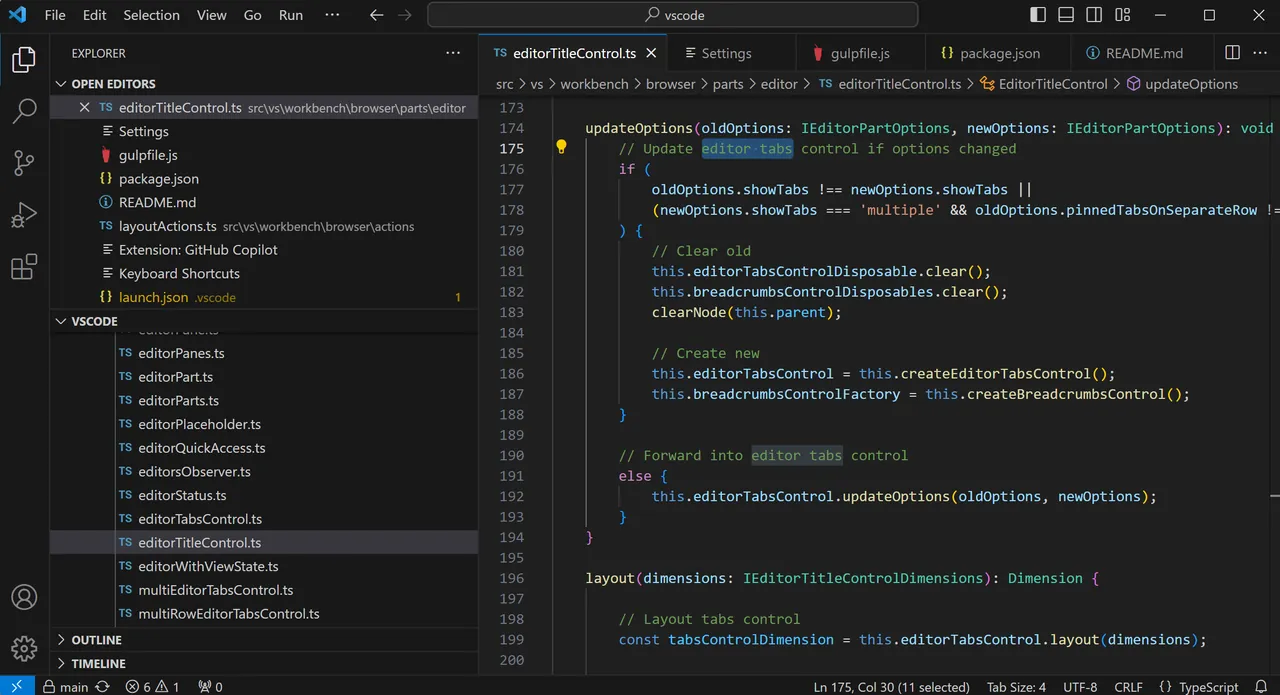
Screenshots
How to install
Windows
- Click the official download button to download the Windows installer.
- Run the executable installer and follow the setup wizard.
- Or execute winget install --id Microsoft.VisualStudioCode -e in Command Prompt.
macOS
- Click the official download button to get the macOS installation file.
- Move the downloaded application to your Applications folder.
- Or run brew install --cask visual-studio-code via Homebrew.
Linux
- Click the official download button to open the Flathub page.
- Alternatively, run flatpak install flathub com.visualstudio.code in your terminal.
- Launch Visual Studio Code from your application menu.
Alternatives
- Sublime Text
- Notepad++
- Vim
Frequently asked questions
Is Visual Studio Code free to use?
Yes, Visual Studio Code is free to download and use for both personal and commercial purposes.
Does Visual Studio Code require a full installation of Visual Studio?
No, Visual Studio Code is a standalone editor and does not depend on Visual Studio.
Can I use Visual Studio Code offline?
Yes, you can write and edit code offline without an active internet connection.