

KeePassXC
KeePassXC is a community-driven, open-source password manager designed to store credentials securely on your local machine. It operates completely offline, encrypting your database without relying on external cloud infrastructure.
github.com · Official website
- ✓ Official source (winget)
- ✓ SHA256 taken from the official repository
- ✓ Last checked: Nov. 4, 2026
- This is not a virus scan. Check on VirusTotal
- Version
- 2.8.0
- Release date
- Oct. 21, 2026
- License
- GPL-2.0-or-later
- Installer type
- wix
How do I use this?
Type Terminal in the Start menu and open it, paste the command (Ctrl+V or right-click) and press Enter. It uses winget, Windows' own package manager, to install the program from its official source.
winget install --id KeePassXCTeam.KeePassXC -eSHA256 (file verification)
4f105af5ba780428718c8be5614cf95deceed5cb3b474a9bd624c5df81cec6e5github.com · Official website
- ✓ Official source (Homebrew)
- ✓ SHA256 taken from the official repository
- ✓ Last checked: Nov. 4, 2026
- This is not a virus scan. Check on VirusTotal
- Version
- 2.8.0,2.8.0-1
- License
- GPL-2.0-or-later
- Installer type
- dmg
How do I use this?
This command needs Homebrew; if you don't have it, first run the install command from brew.sh. Then open Terminal (Applications > Utilities > Terminal), paste the command and press Enter.
brew install --cask keepassxcSHA256 (file verification)
85f0e75e258ef513f0fc7f5bf470cad0943b7d7e8191b2171f9898ad32e62b9cflathub.org · Official website
- ✓ Official source (Flathub)
- ✓ Last checked: Nov. 4, 2026
- Version
- 2.8.0
- Release date
- Oct. 21, 2026
- License
- GPL-2.0-or-later
- Installer type
- flatpak
How do I use this?
Open a terminal, paste the command and press Enter. Flatpak and Flathub must be set up; Linux Mint has them by default, for other distributions see flathub.org/setup.
flatpak install flathub org.keepassxc.KeePassXCWe couldn't find a Android version of KeePassXC in the official repositories; check the publisher's website.
You can try these instead:
Security update: according to the publisher's release notes, KeePassXC 2.8.0 fixes security vulnerabilities. If you use an older version, update.
CVE-2026-69150
Official release notes →
KeePassXC 2.8.0: what's new?
- Fixed multiple security vulnerabilities related to KDB file importing and browser extension integration.
- Added remote database synchronization using external tools, configurable keyboard shortcuts, and SSH key generation.
- Migrated to Qt 6, alongside adding Linux Wayland Auto-Type, Windows native Arm64 builds, and macOS device password Quick Unlock.
Summarized from the publisher's release notes.
Highlights
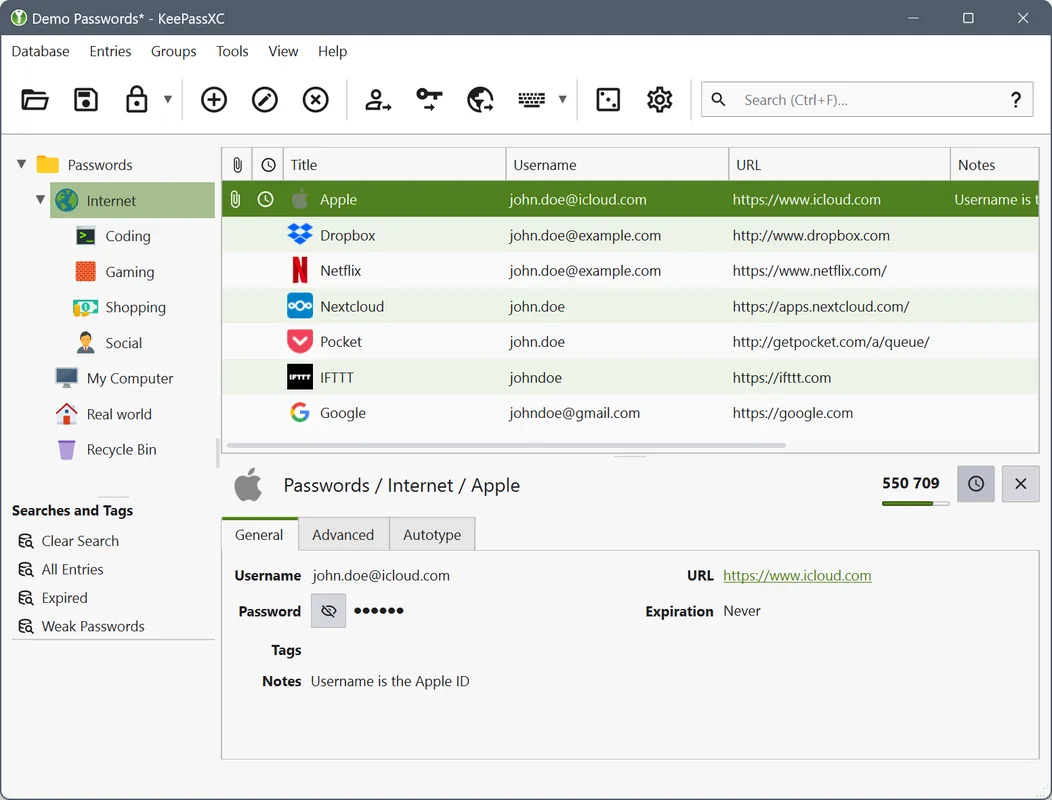
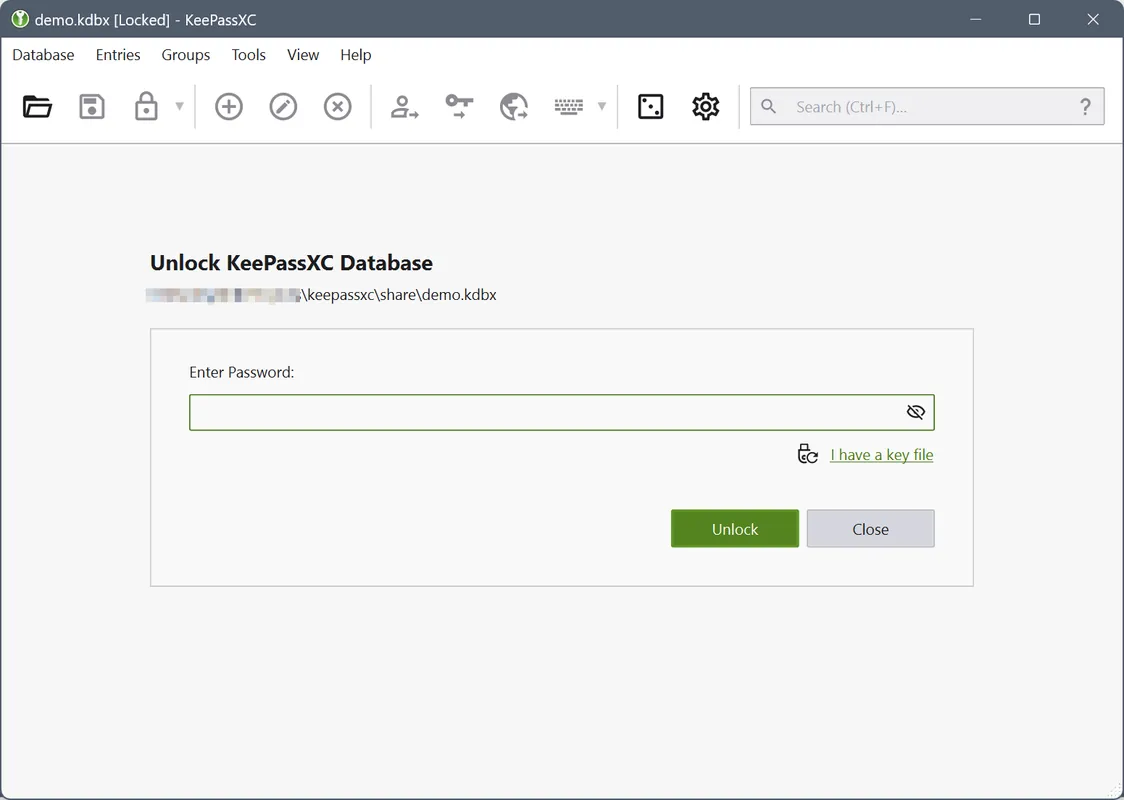
- Local encrypted vault storage in KDBX format
- Cross-platform compatibility across Windows, macOS, and Linux
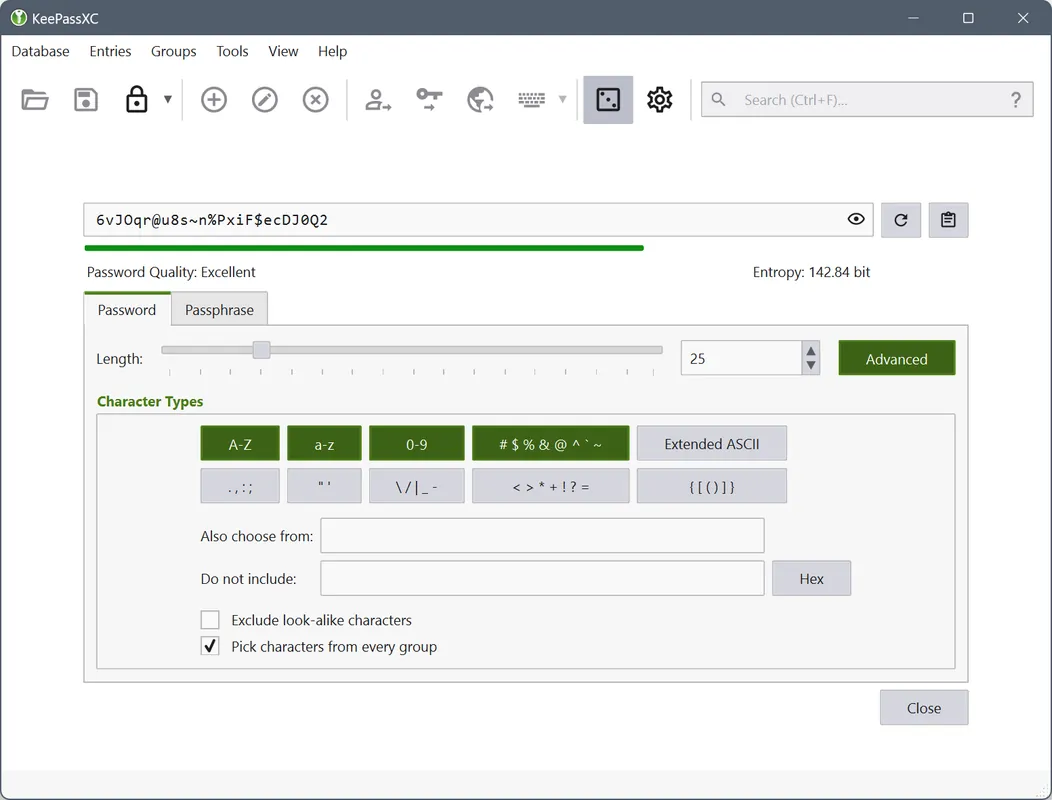
- Integrated password and passphrase generator
- Auto-Type functionality to automatically fill credentials into forms
- Browser integration via the official browser extension
Who is it for?
KeePassXC is for privacy-conscious users and system administrators who need to manage credentials, secure notes, and two-factor authentication keys locally. It is commonly used to organize passwords across Linux, macOS, and Windows without relying on cloud services.
Good to know before installing
- Requires manual file synchronization or third-party cloud storage to access the password database across multiple devices.
- There are no official mobile applications developed by the KeePassXC team, requiring third-party KeePass-compatible apps on mobile platforms.
- Browser integration requires installing a separate browser extension (KeePassXC-Browser) and pairing it with the desktop application.
Screenshots
How to install
Windows
- Click the official download button to get the installer or run 'winget install --id KeePassXCTeam.KeePassXC -e'.
- Launch the downloaded setup executable.
- Follow the installation wizard prompts to finish setup.
macOS
- Click the official download button to get the DMG package or run 'brew install --cask keepassxc'.
- Open the downloaded DMG disk image.
- Drag KeePassXC into your Applications folder.
Linux
- Click the official download button to view the Flathub page or run 'flatpak install flathub org.keepassxc.KeePassXC'.
- Confirm the Flatpak installation prompt in your terminal or software center.
- Launch KeePassXC from your application menu.
Alternatives
Frequently asked questions
Does KeePassXC store passwords in the cloud?
No. KeePassXC is strictly offline and stores your encrypted password database on your local disk.
Can I use KeePassXC with web browsers?
Yes, browser integration is supported via the official KeePassXC-Browser extension.
Is KeePassXC free software?
Yes, KeePassXC is completely free and open source, published under the GPL-2.0-or-later license.