

Kodi
Kodi is a free, open-source media center that brings the videos, music and photos on your computer or network into one interface. Its large interface works well on a TV with a remote control, and it can be extended with add-ons.
mirrors.kodi.tv · Official website
- ✓ Official source (winget)
- ✓ SHA256 taken from the official repository
- ✓ Last checked: Nov. 4, 2026
- This is not a virus scan. Check on VirusTotal
- Version
- 21.3.0.0
- Release date
- Nov. 23, 2025
- License
- GPL-2.0-or-later
- Installer type
- nullsoft
How do I use this?
Type Terminal in the Start menu and open it, paste the command (Ctrl+V or right-click) and press Enter. It uses winget, Windows' own package manager, to install the program from its official source.
winget install --id XBMCFoundation.Kodi -eSHA256 (file verification)
2c46c2bd60b38bb60eb0a5e3468bfd43e9235521eae2910b8c81455e46335c5cmirrors.kodi.tv · Official website
- ✓ Official source (Homebrew)
- ✓ SHA256 taken from the official repository
- ✓ Last checked: Nov. 4, 2026
- This is not a virus scan. Check on VirusTotal
- Version
- 21.3-Omega
- License
- GPL-2.0-or-later
- Installer type
- dmg
How do I use this?
This command needs Homebrew; if you don't have it, first run the install command from brew.sh. Then open Terminal (Applications > Utilities > Terminal), paste the command and press Enter.
brew install --cask kodiSHA256 (file verification)
4ae19c4d20f41e81c8889302874179c5b8bf1d86bbb3c61b6a7e0d0f2e6cbf22flathub.org · Official website
- ✓ Official source (Flathub)
- ✓ Last checked: Nov. 4, 2026
- Version
- 21.3-Omega
- Release date
- Oct. 31, 2025
- License
- GPL-2.0-or-later
- Installer type
- flatpak
How do I use this?
Open a terminal, paste the command and press Enter. Flatpak and Flathub must be set up; Linux Mint has them by default, for other distributions see flathub.org/setup.
flatpak install flathub tv.kodi.Kodif-droid.org · Official website
- ✓ Official source (F-Droid)
- ✓ SHA256 taken from the official repository
- ✓ Last checked: Nov. 4, 2026
- This is not a virus scan. Check on VirusTotal
- Version
- 21.3
- Release date
- March 29, 2026
- License
- GPL-2.0-or-later
- Installer type
- apk
SHA256 (file verification)
2ced80c56809f73a21726cefc406233cc143566333cea6882af67576a0852407Kodi 21.3.0.0: what's new?
Highlights
- Organize video, music and photo libraries with artwork and details
- Play files from your computer and network (home server, NAS)
- Interface designed for TVs and remote controls
- Add features from the official add-on repository
- Live TV and recording with a suitable TV backend
Who is it for?
For people who want to watch their film, series and music collection as an organized library on a TV or computer.
Good to know before installing
- Kodi itself provides no content; you add your own media files.
- Unofficial add-ons carry security and legal risks.
Screenshots
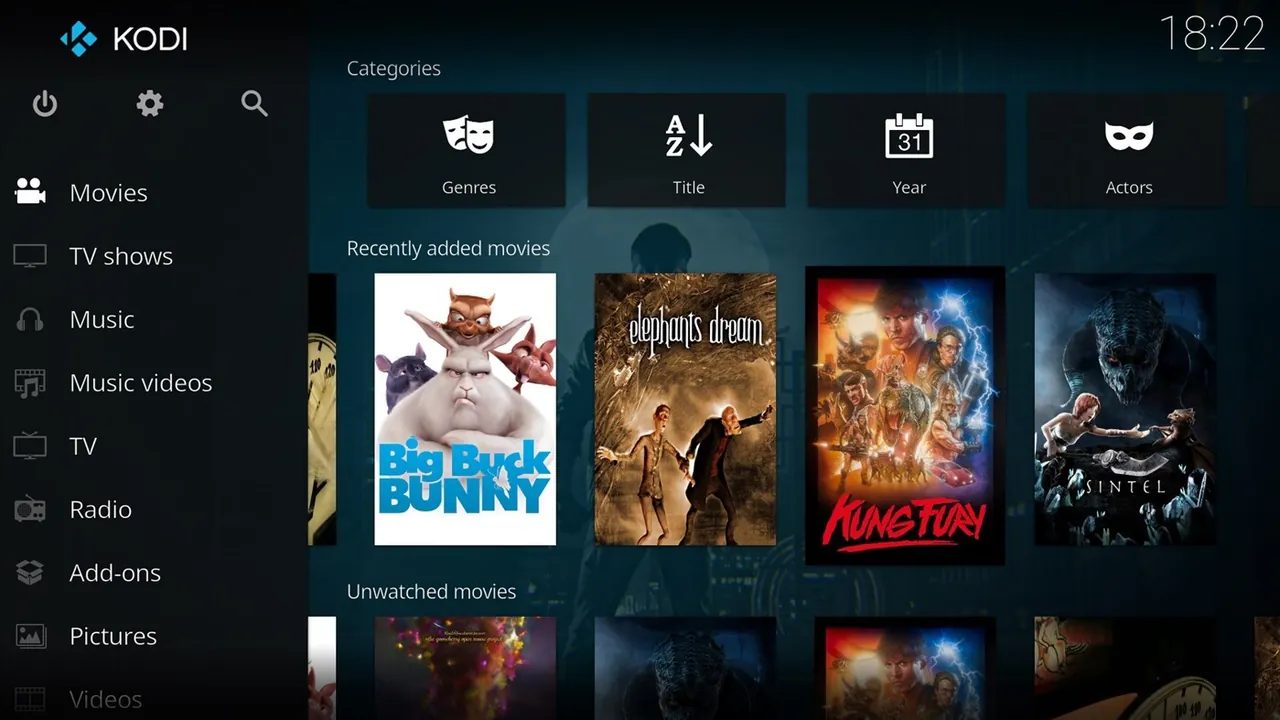
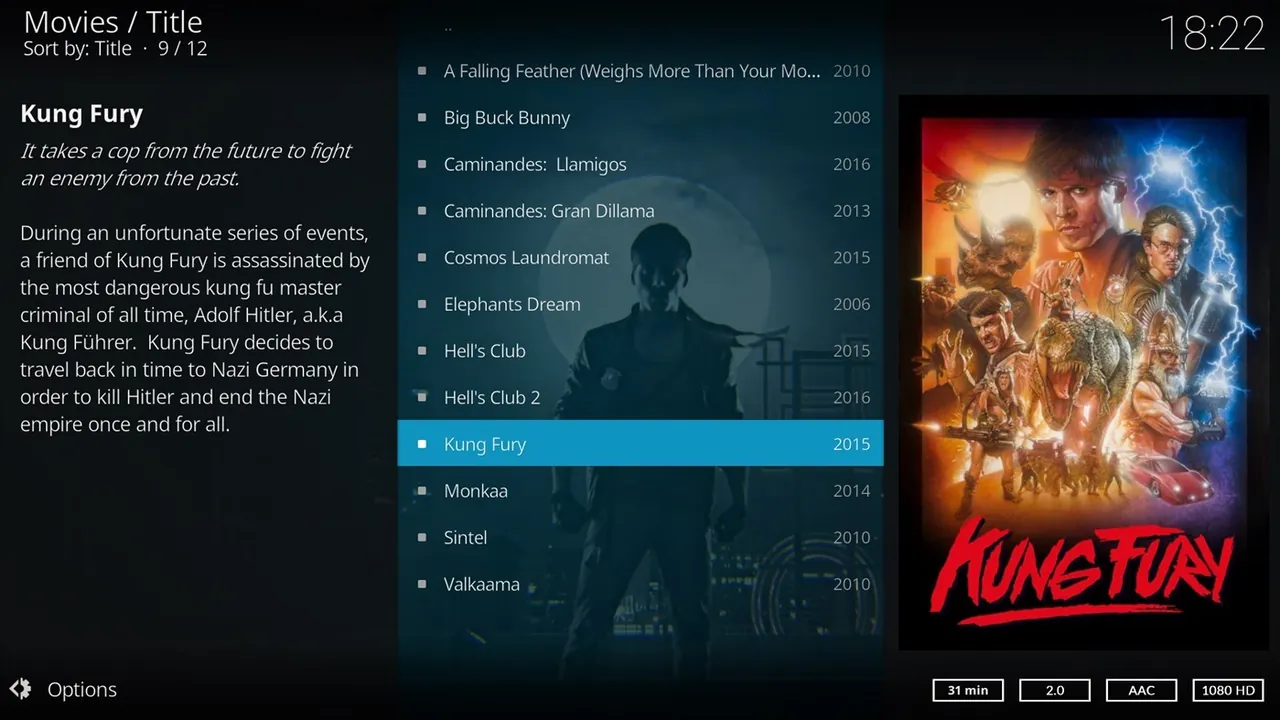
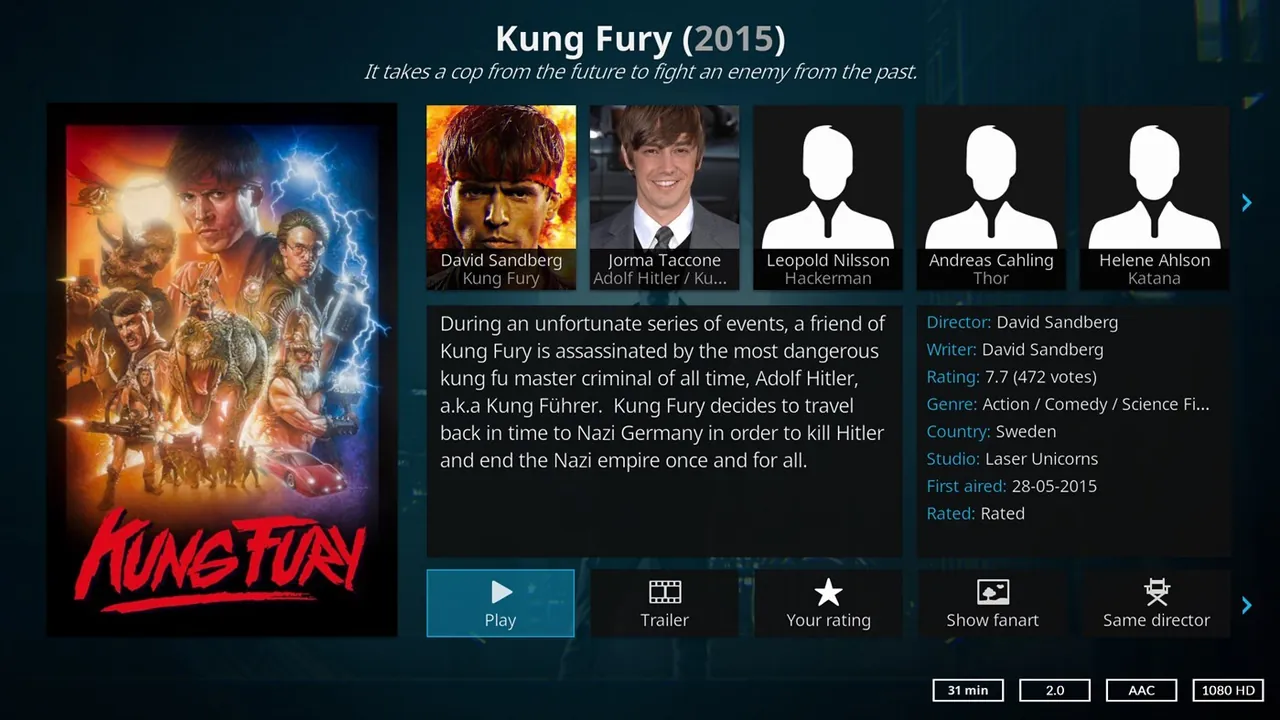
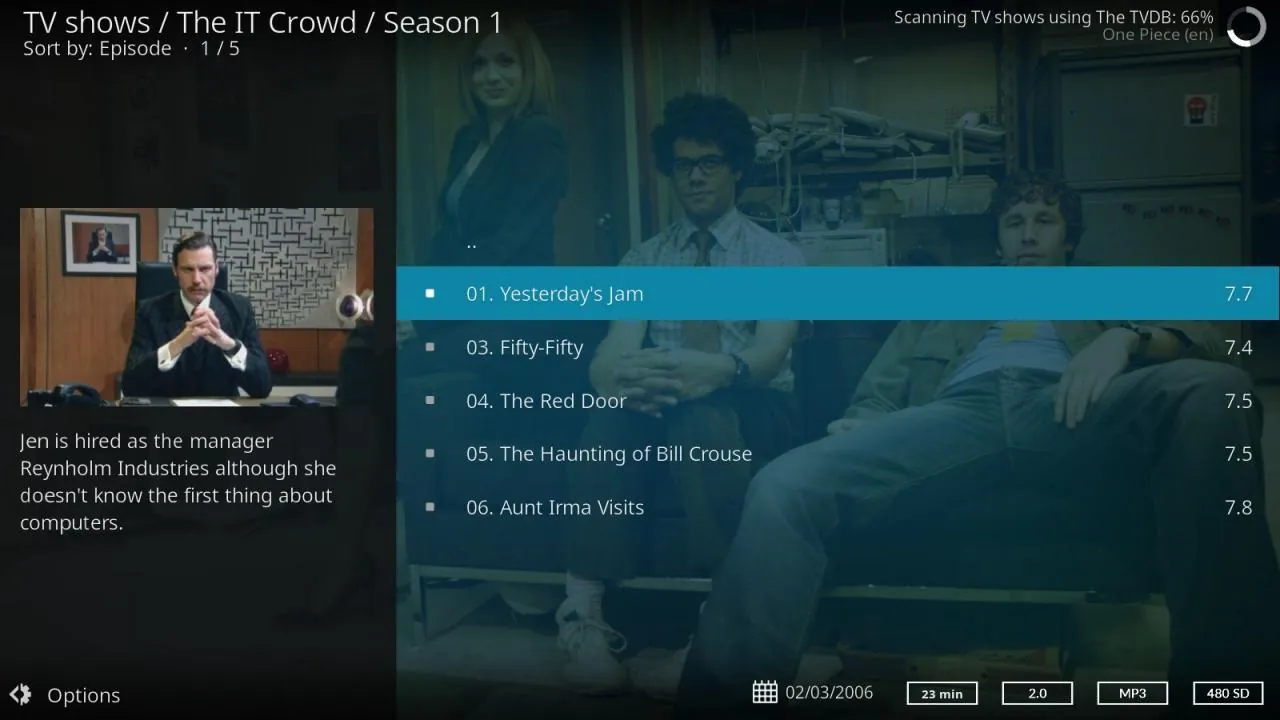
How to install
Windows
- Click the official download button on this page or use the winget command.
- Run the installer and follow the steps.
- Open Kodi and add your video and music folders under Settings > Media.
macOS
- Use the Homebrew command or download from the official site.
- Move the app to the Applications folder and open it.
- Add your media folders under Settings > Media.
Linux
- Run the Flatpak command in a terminal.
- Open Kodi from the application menu.
- Add your media folders under Settings > Media.
Android
- Open the Google Play or F-Droid page.
- Tap Install.
- Open Kodi and add your media sources.
Alternatives
Frequently asked questions
Is Kodi free?
Yes. It is open source and free, with no ads.
Does Kodi come with movies and shows?
No. Kodi provides no content; it only plays media you own or have the right to access.
Which add-ons should I install?
For safety, install add-ons from Kodi's official repository. Add-ons from unknown sources can contain malware or illegal content.