

LibreOffice
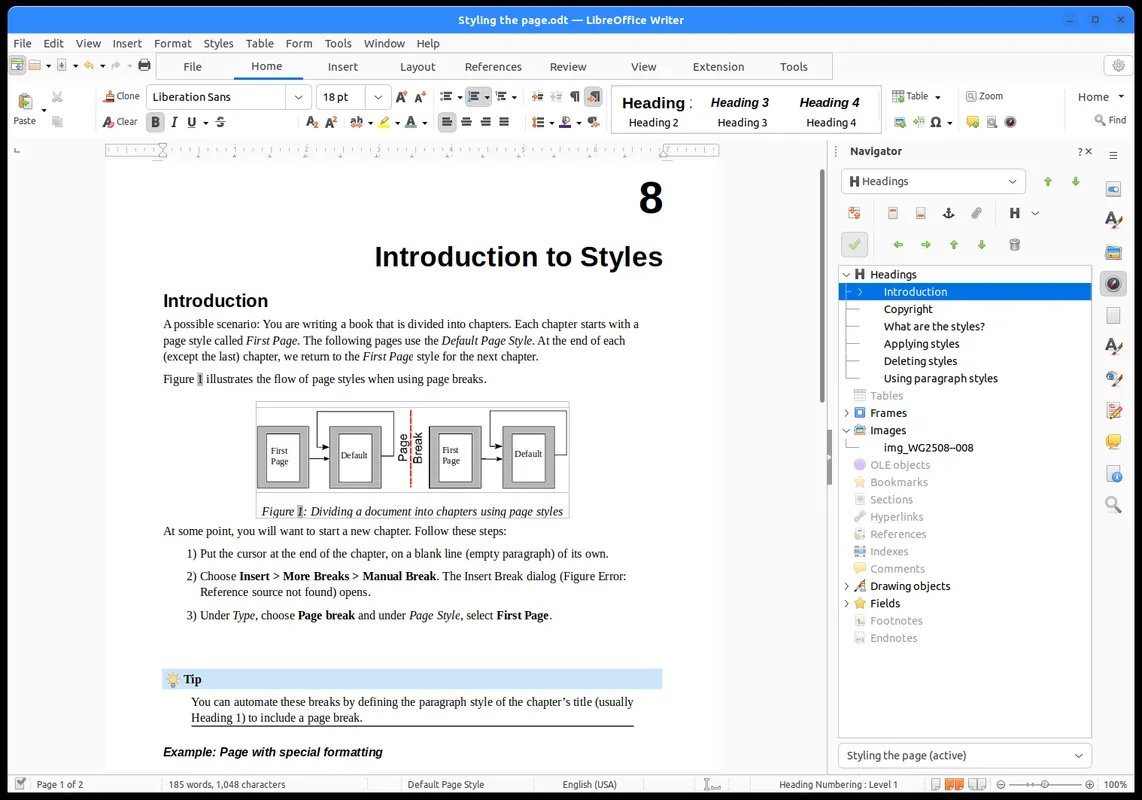
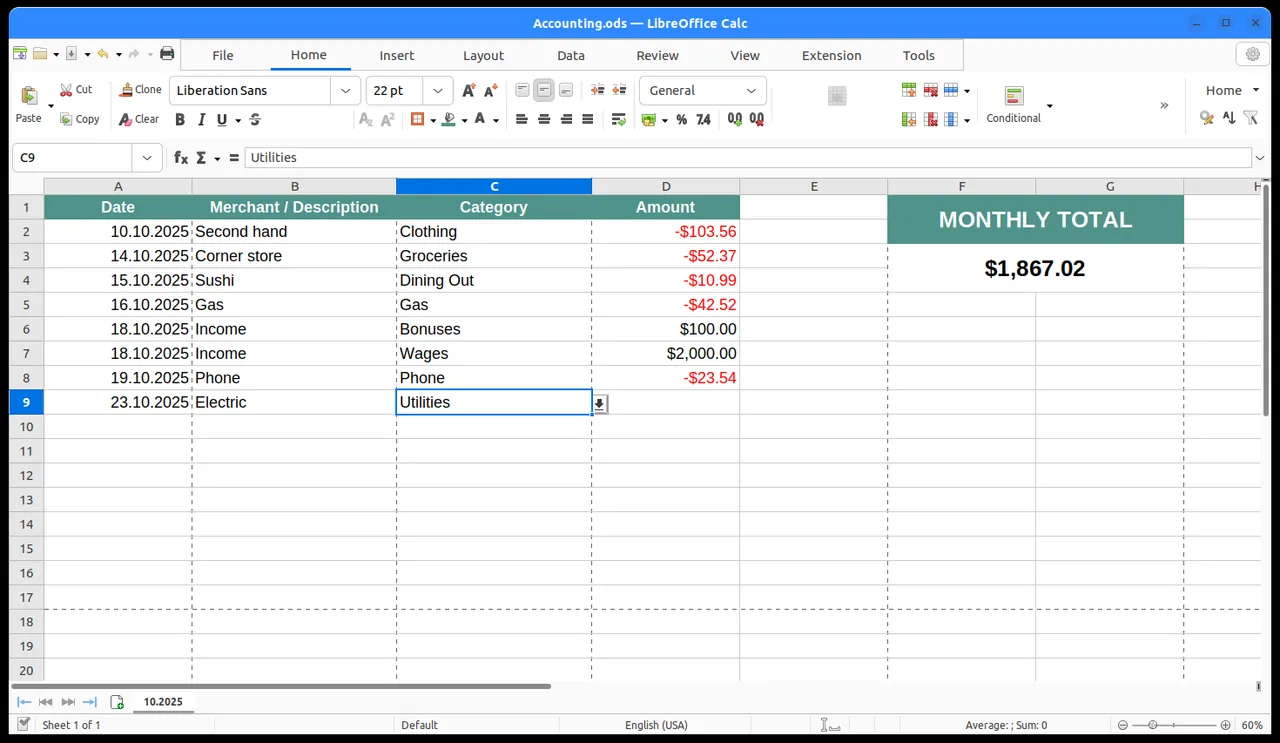
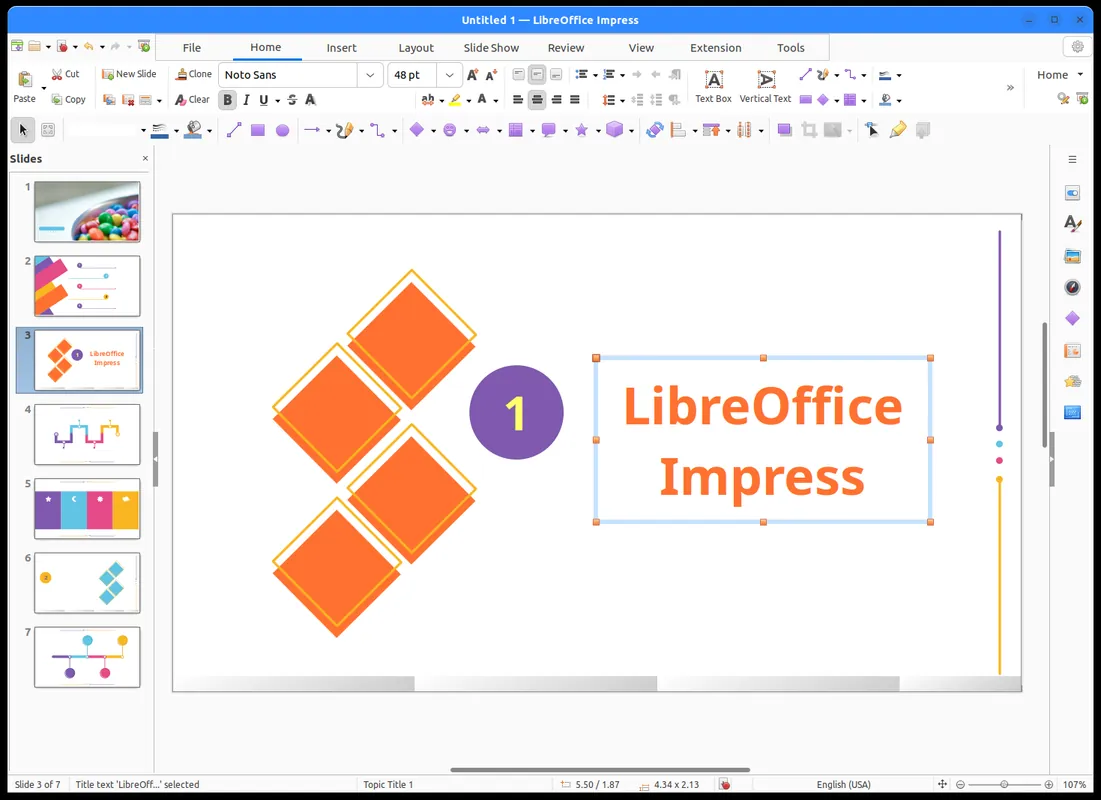
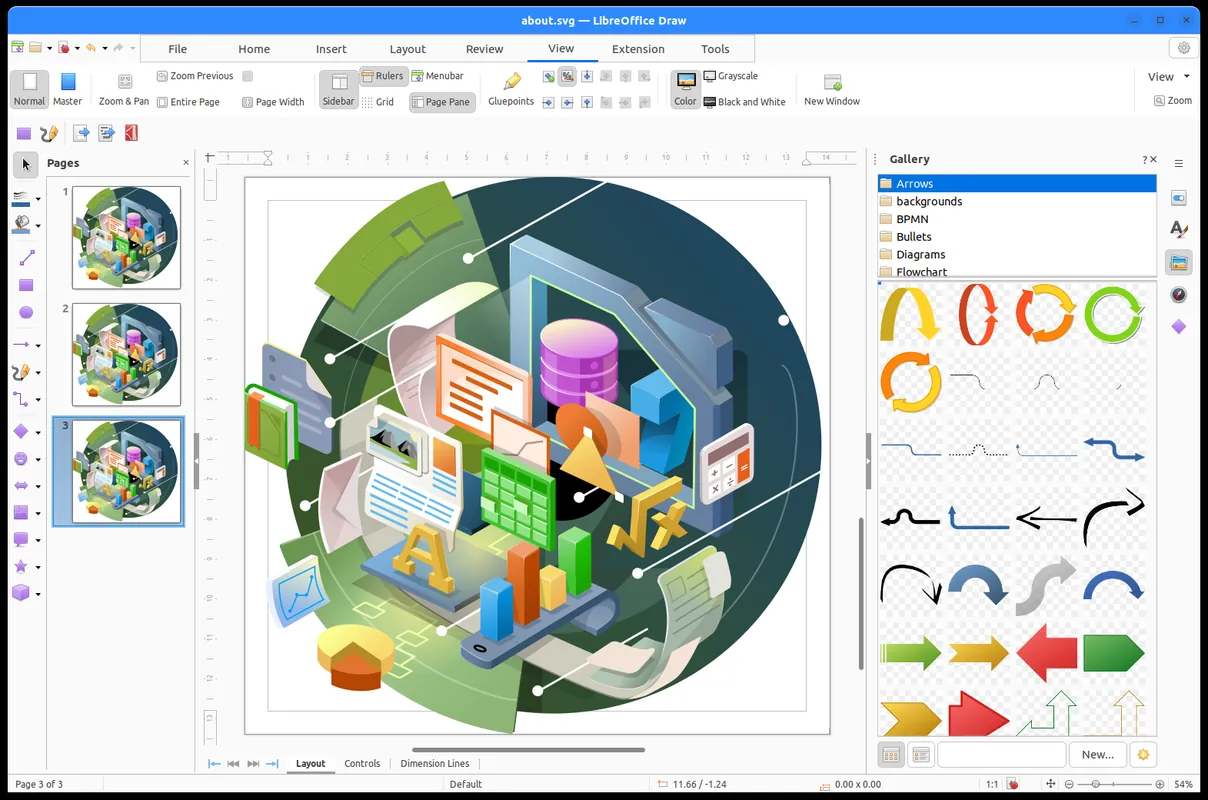
LibreOffice is a free and open-source office suite developed by The Document Foundation. It provides core productivity applications including a word processor, spreadsheet editor, and presentation tool, with native support for the OpenDocument Format (ODF) and other standard document formats.
download.documentfoundation.org · Official website
- ✓ Official source (winget)
- ✓ SHA256 taken from the official repository
- ✓ Last checked: Nov. 4, 2026
- This is not a virus scan. Check on VirusTotal
- Version
- 26.8.2.2
- Release date
- Oct. 25, 2026
- License
- MPL-2.0
- Installer type
- msi
How do I use this?
Type Terminal in the Start menu and open it, paste the command (Ctrl+V or right-click) and press Enter. It uses winget, Windows' own package manager, to install the program from its official source.
winget install --id TheDocumentFoundation.LibreOffice -eSHA256 (file verification)
ff4b911403b67ee9e6249f820f9782c44bb32c94fdaa45b0da53a8e419e5307adownload.documentfoundation.org · Official website
- ✓ Official source (Homebrew)
- ✓ SHA256 taken from the official repository
- ✓ Last checked: Nov. 4, 2026
- This is not a virus scan. Check on VirusTotal
- Version
- 26.8.2
- License
- MPL-2.0
- Installer type
- dmg
How do I use this?
This command needs Homebrew; if you don't have it, first run the install command from brew.sh. Then open Terminal (Applications > Utilities > Terminal), paste the command and press Enter.
brew install --cask libreofficeSHA256 (file verification)
9f24fe83ab1ed5c95eb3df580119f32932f713e577feeac02bf619fb00749b55flathub.org · Official website
- ✓ Official source (Flathub)
- ✓ Last checked: Nov. 4, 2026
- Version
- 26.8.2.2
- Release date
- Oct. 29, 2026
- License
- MPL-2.0
- Installer type
- flatpak
How do I use this?
Open a terminal, paste the command and press Enter. Flatpak and Flathub must be set up; Linux Mint has them by default, for other distributions see flathub.org/setup.
flatpak install flathub org.libreoffice.LibreOfficef-droid.org · Official website
- ✓ Official source (F-Droid)
- ✓ SHA256 taken from the official repository
- ✓ Last checked: Nov. 4, 2026
- This is not a virus scan. Check on VirusTotal
- Version
- 26.2.6.3
- Release date
- Sept. 7, 2026
- License
- MPL-2.0
- Installer type
- apk
SHA256 (file verification)
751ac3836890b79a56801bf6d9a2788cda3761ab5131a4f0b6abfbad822bb475LibreOffice 26.8.2.2: what's new?
Highlights
- Comprehensive suite including word processing, spreadsheets, and presentations
- Full support for OpenDocument Format (ODF) and external file formats
- Open-source software licensed under the Mozilla Public License (MPL-2.0)
- Extensible functionality via user-created templates and extensions
Who is it for?
LibreOffice is designed for students, office workers, and organizations that need a full-featured, free office suite for creating documents, spreadsheets, and presentations. It is ideal for users seeking an open-source alternative to proprietary software with offline data control.
Good to know before installing
- Formatting discrepancies may occur when opening complex Microsoft Office documents.
- The Android release provides limited capabilities compared to the desktop editions.
- Real-time cloud co-authoring is not natively built into the desktop client.
Screenshots
How to install
Windows
- Download the installer via the official link or run 'winget install --id TheDocumentFoundation.LibreOffice -e' in a terminal.
- Launch the installer and proceed through the configuration steps.
- Open LibreOffice from the Windows Start menu once installation finishes.
macOS
- Download the official installer disk image or execute 'brew install --cask libreoffice' in Terminal.
- Open the downloaded DMG file and drag LibreOffice to your Applications folder.
- Launch the application directly from your Applications folder.
Linux
- Open your terminal and run 'flatpak install flathub org.libreoffice.LibreOffice', or use the official link to visit Flathub.
- Confirm the installation prompts to download required components.
- Launch LibreOffice from your desktop application launcher.
Android
- Click the official download button on this page to retrieve the installer file.
- Open the downloaded file and grant installation permissions if prompted.
- Follow the on-screen instructions to complete the setup.
Alternatives
- Microsoft 365
- Apache OpenOffice
- ONLYOFFICE
Frequently asked questions
Is LibreOffice free for commercial use?
Yes, the MPL-2.0 license allows free use for personal, educational, and commercial purposes.
Can LibreOffice open and edit Microsoft Word and Excel files?
Yes, it supports reading and saving files in standard formats like DOCX, XLSX, and PPTX.
Does LibreOffice require an internet connection to function?
No, the desktop applications run locally on your system without requiring an internet connection.