

ONLYOFFICE Desktop Editors
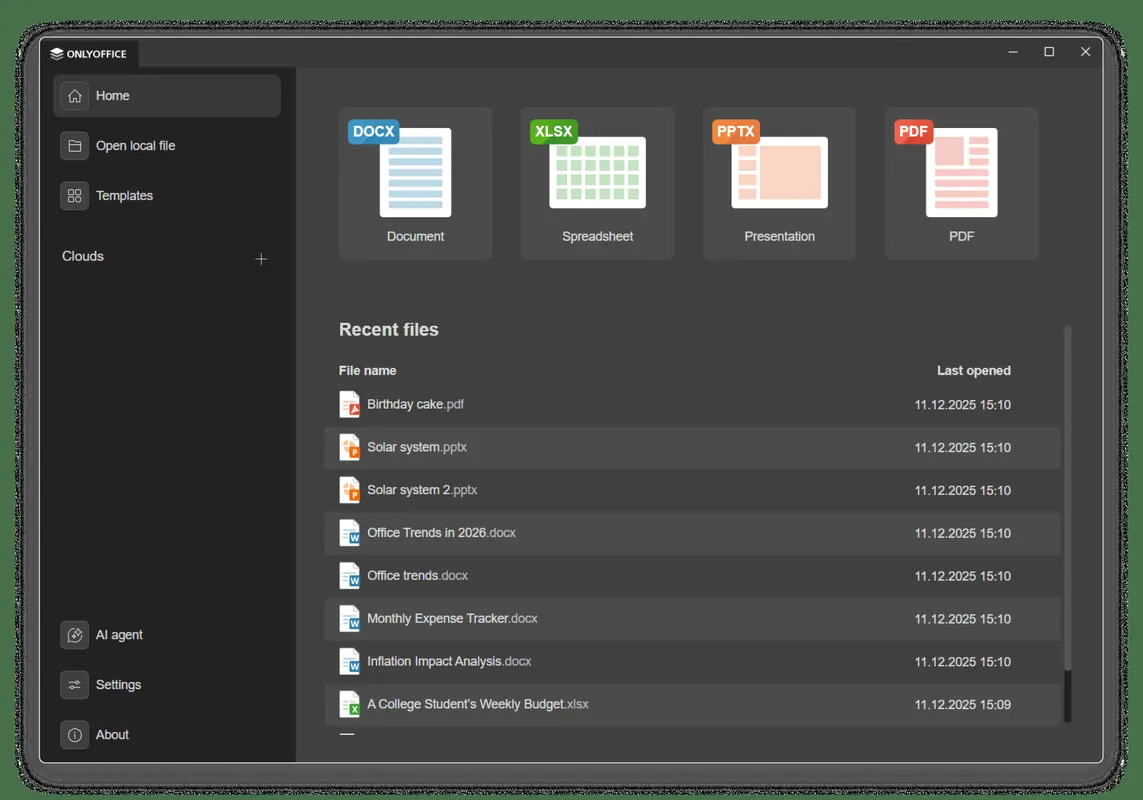
ONLYOFFICE Desktop Editors is an open-source office suite developed by Ascensio System SIA. Released under the AGPL-3.0 license, it provides offline tools to create and edit text documents, spreadsheets, presentations, and digital forms. The software features full compatibility with Microsoft Office file formats (DOCX, XLSX, PPTX) alongside standard open formats.
github.com · Official website
- ✓ Official source (winget)
- ✓ SHA256 taken from the official repository
- ✓ Last checked: Nov. 4, 2026
- This is not a virus scan. Check on VirusTotal
- Version
- 10.0.0
- Release date
- Oct. 13, 2026
- License
- AGPL-3.0
- Installer type
- inno
How do I use this?
Type Terminal in the Start menu and open it, paste the command (Ctrl+V or right-click) and press Enter. It uses winget, Windows' own package manager, to install the program from its official source.
winget install --id ONLYOFFICE.DesktopEditors -eSHA256 (file verification)
e9f6df29bb09770cfc14c9ebb9bce881ff7ad9705d76b3faf038831fe248e46bgithub.com · Official website
- ✓ Official source (Homebrew)
- ✓ SHA256 taken from the official repository
- ✓ Last checked: Nov. 4, 2026
- This is not a virus scan. Check on VirusTotal
- Version
- 10.0.0
- License
- AGPL-3.0
- Installer type
- dmg
How do I use this?
This command needs Homebrew; if you don't have it, first run the install command from brew.sh. Then open Terminal (Applications > Utilities > Terminal), paste the command and press Enter.
brew install --cask onlyofficeSHA256 (file verification)
9095cc8c46f1206237d690c7e146fada0d72dbf7f40c035cd5fd218b680c2debflathub.org · Official website
- ✓ Official source (Flathub)
- ✓ Last checked: Nov. 4, 2026
- Version
- 10.0.0
- Release date
- Oct. 13, 2026
- License
- AGPL-3.0
- Installer type
- flatpak
How do I use this?
Open a terminal, paste the command and press Enter. Flatpak and Flathub must be set up; Linux Mint has them by default, for other distributions see flathub.org/setup.
flatpak install flathub org.onlyoffice.desktopeditorsplay.google.com · Official website
- ✓ Official source (Google Play)
- ✓ Last checked: Nov. 4, 2026
- License
- AGPL-3.0
ONLYOFFICE Desktop Editors 10.0.0: what's new?
Highlights
- Creates and edits text documents, spreadsheets, and presentations
- Supports native Microsoft Office formats including DOCX, XLSX, and PPTX
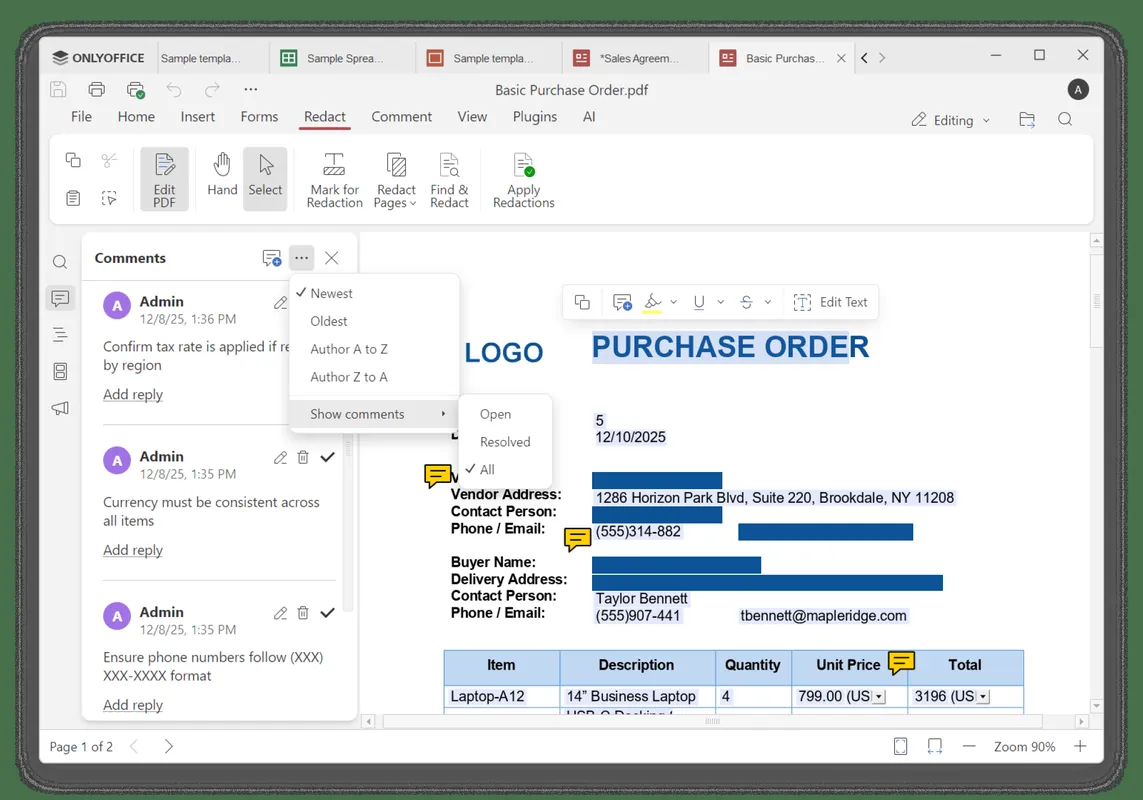
- Includes tools for creating and filling digital PDF forms
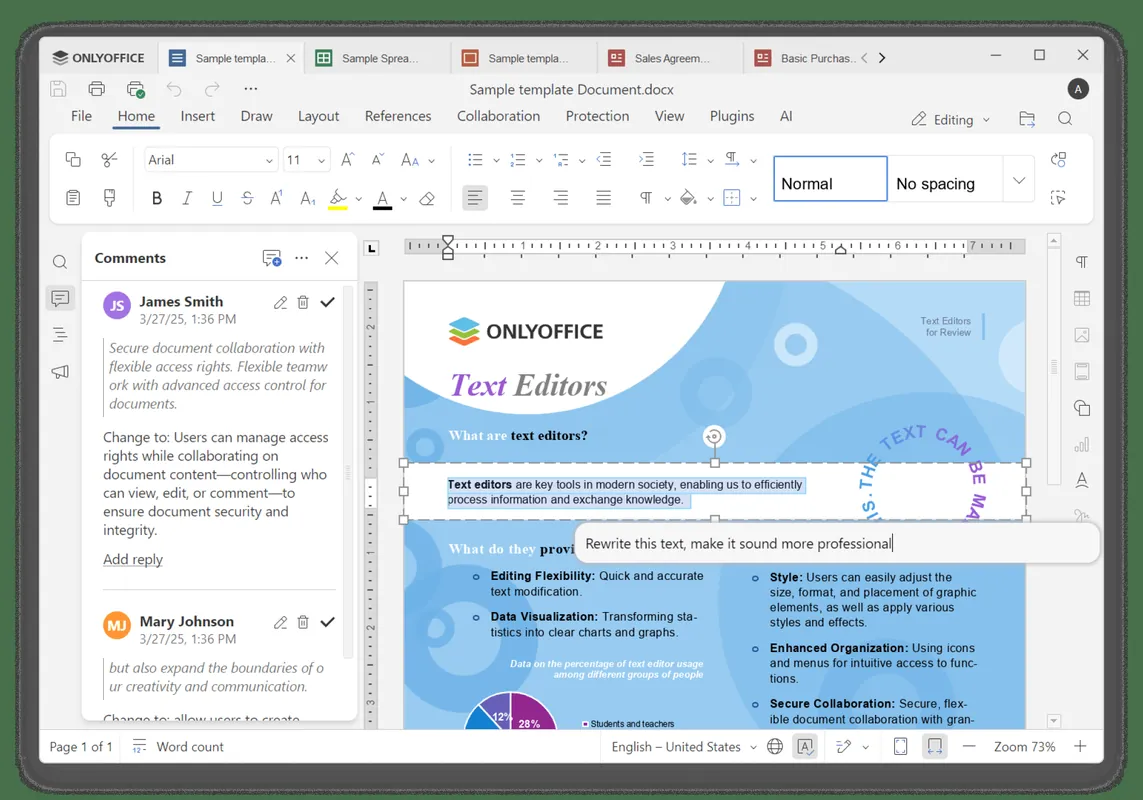
- Offers tabbed document interface for managing multiple files in a single window
- Connects optional cloud services for collaborative document editing
Who is it for?
Designed for students, researchers, and office professionals who need to create and edit documents, spreadsheets, and presentations. It serves users seeking an open-source productivity suite with high compatibility with Microsoft Office formats.
Good to know before installing
- Uses JavaScript for macros instead of Visual Basic for Applications (VBA), which limits compatibility with existing Microsoft Office macros.
- Real-time document collaboration requires integration with a cloud service or self-hosted server instance.
- Resource usage and launch times can be higher compared to native lightweight text or spreadsheet tools.
Screenshots
How to install
Windows
- Click the download button to get the official installer, or run: winget install --id ONLYOFFICE.DesktopEditors -e
- Run the installer executable and follow the setup wizard instructions.
- Open ONLYOFFICE Desktop Editors from the Start Menu or desktop shortcut.
macOS
- Click the official download button to get the macOS installation package, or run: brew install --cask onlyoffice
- Open the downloaded disk image (.dmg) and drag ONLYOFFICE to your Applications folder.
- Launch the app from Finder or Launchpad.
Linux
- Click the download button on our page or execute the flatpak command: flatpak install flathub org.onlyoffice.desktopeditors
- Confirm the installation prompt in your terminal or software manager.
- Launch ONLYOFFICE Desktop Editors from your desktop application launcher.
Android
- Click the official download button on our page to open the Google Play Store or F-Droid entry.
- Tap Install to download the application to your mobile device.
- Open ONLYOFFICE from your home screen or app drawer after installation finishes.
Alternatives
- LibreOffice
- Apache OpenOffice
- WPS Office
Frequently asked questions
Is ONLYOFFICE Desktop Editors free and open source?
Yes, the desktop software is completely free and licensed under the GNU AGPL-3.0 open-source license.
Can ONLYOFFICE open and save Microsoft Office files?
Yes, it uses OOXML formats (DOCX, XLSX, PPTX) as its native standard for high compatibility.
Does ONLYOFFICE require an internet connection?
No, the desktop editors function completely offline on your device, though optional cloud integration is supported.