

LocalSend
LocalSend is a free, open-source program for sending files and text between devices on the same network. It needs no internet connection or account; you move files between phone, tablet and computer without a cable.
github.com · Official website
- ✓ Official source (winget)
- ✓ SHA256 taken from the official repository
- ✓ Last checked: Nov. 20, 2026
- This is not a virus scan. Check on VirusTotal
- Version
- 1.18.2
- Release date
- Aug. 24, 2026
- License
- Apache-2.0
- Installer type
- inno
How do I use this?
Type Terminal in the Start menu and open it, paste the command (Ctrl+V or right-click) and press Enter. It uses winget, Windows' own package manager, to install the program from its official source.
winget install --id LocalSend.LocalSend -eSHA256 (file verification)
122783e6abb4b0a1f1603d896f46a03aeda3004479ebd3175cab4ddac6b60919github.com · Official website
- ✓ Official source (Homebrew)
- ✓ SHA256 taken from the official repository
- ✓ Last checked: Nov. 20, 2026
- This is not a virus scan. Check on VirusTotal
- Version
- 1.18.2
- License
- Apache-2.0
- Installer type
- dmg
How do I use this?
This command needs Homebrew; if you don't have it, first run the install command from brew.sh. Then open Terminal (Applications > Utilities > Terminal), paste the command and press Enter.
brew install --cask localsendSHA256 (file verification)
126860d56f6f49b11845f601aac51de27a49b16d2b48102415da91e0e37e5155flathub.org · Official website
- ✓ Official source (Flathub)
- ✓ Last checked: Nov. 20, 2026
- Version
- 1.18.2
- Release date
- Aug. 21, 2026
- License
- Apache-2.0
- Installer type
- flatpak
How do I use this?
Open a terminal, paste the command and press Enter. Flatpak and Flathub must be set up; Linux Mint has them by default, for other distributions see flathub.org/setup.
flatpak install flathub org.localsend.localsend_appf-droid.org · Official website
- ✓ Official source (F-Droid)
- ✓ SHA256 taken from the official repository
- ✓ Last checked: Nov. 20, 2026
- This is not a virus scan. Check on VirusTotal
- Version
- 1.18.2
- Release date
- Aug. 26, 2026
- License
- Apache-2.0
- Installer type
- apk
SHA256 (file verification)
82ec3568fba2aa5295b9aae8b76f701d7a4703d86b9f8bad749472038fbaeab3Platform pages: Windows · macOS · Linux · Android
Old versions (10)
LocalSend 1.18.2: what's new?
Highlights
- Finds devices on the same Wi-Fi network automatically
- Transfers without an account or internet connection
- Encrypted connection
- Works across Windows, macOS, Linux and Android
Who is it for?
For people who want to move phone photos to a computer wirelessly or quickly share files between devices at home or in the office.
Good to know before installing
- Both devices must be on the same local network; it cannot send to a remote device over the internet.
- On some networks (guest or corporate Wi-Fi) devices may not see each other.
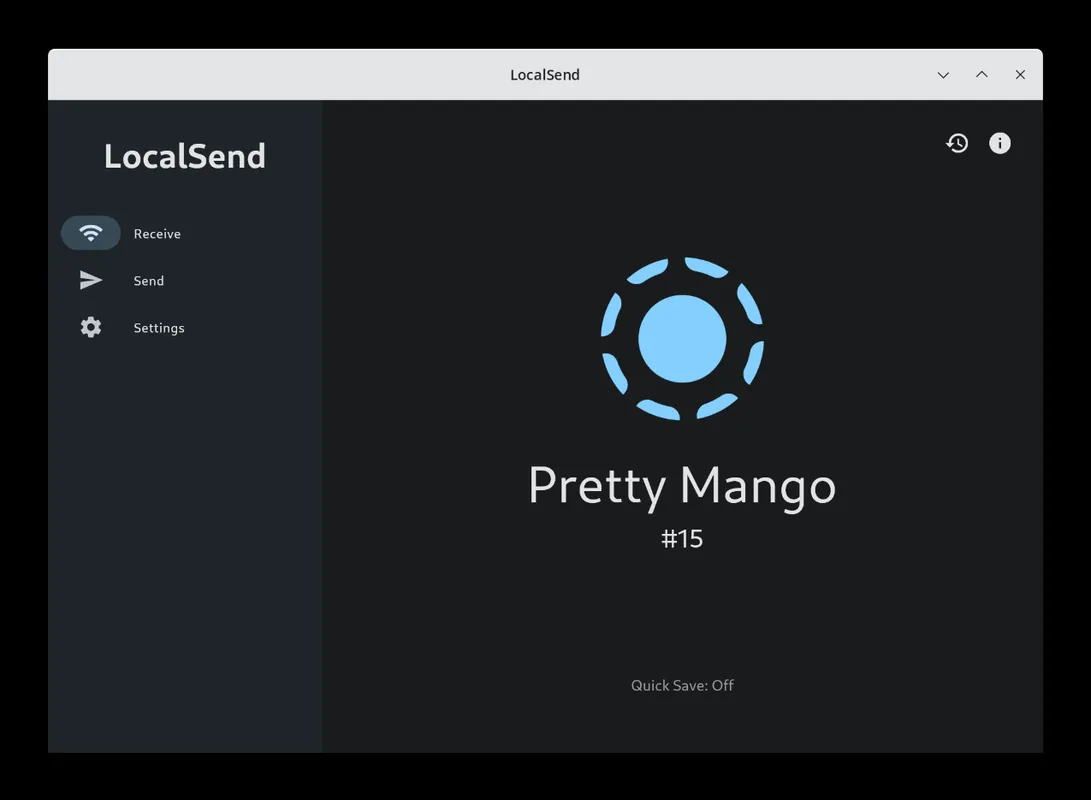
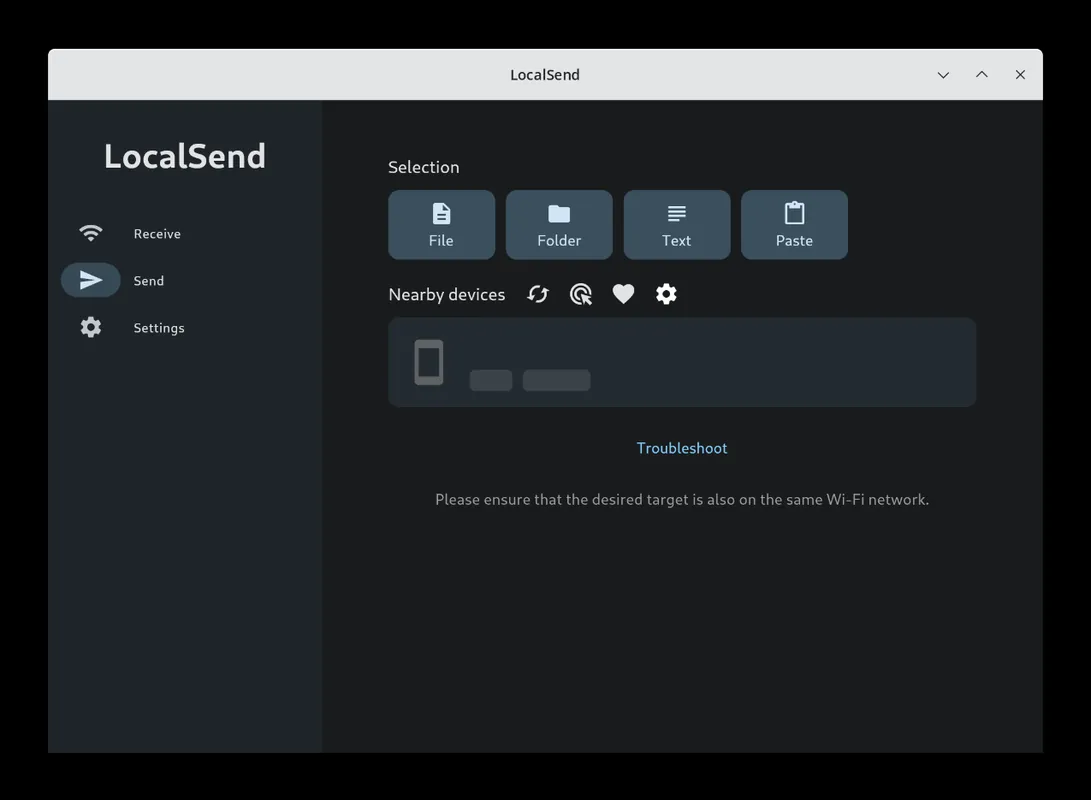
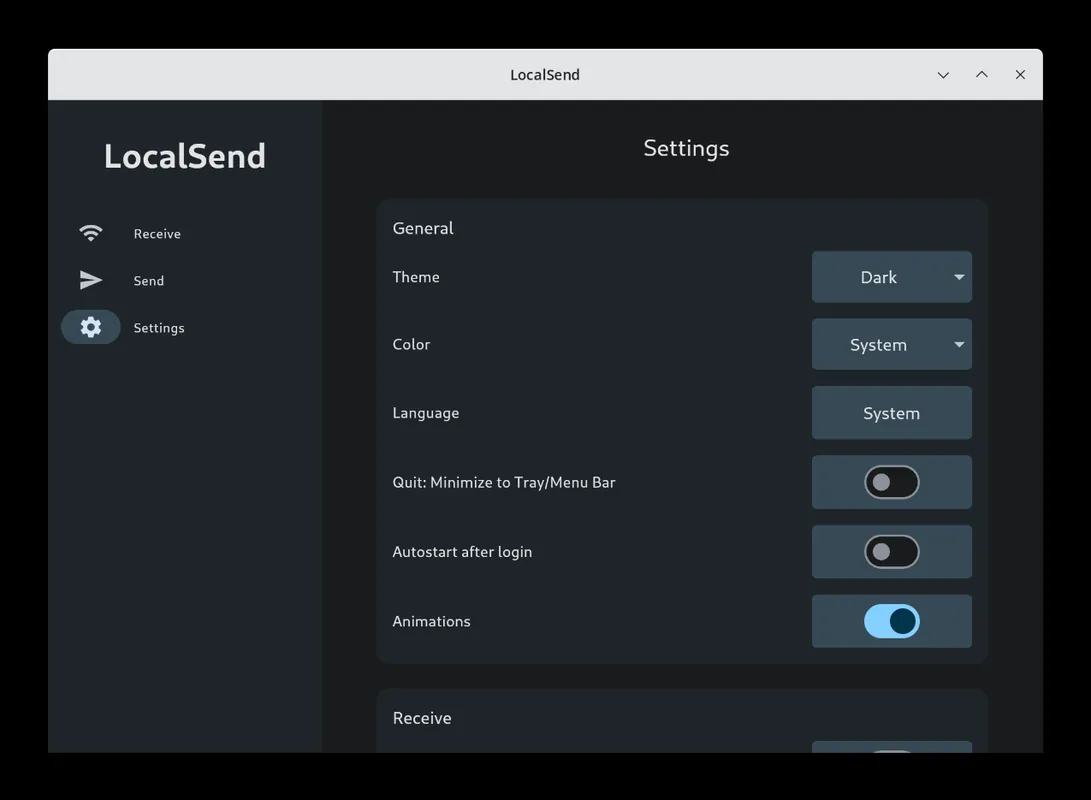
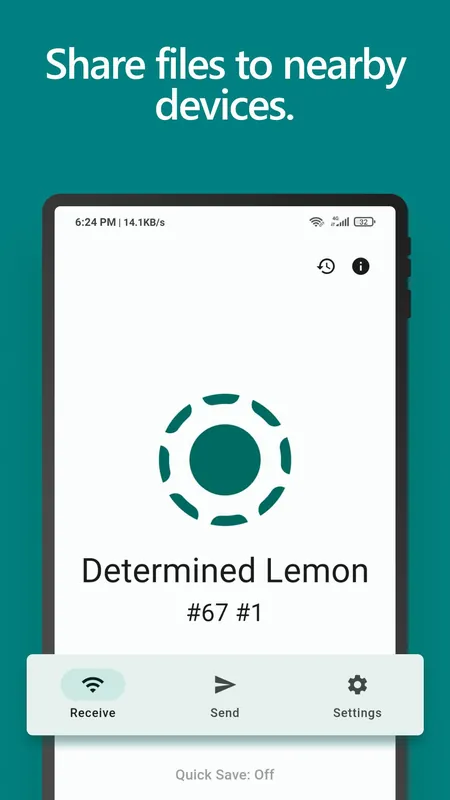
Screenshots
How to install
Windows
- Click the official download button on this page or use the winget command.
- Run the installer and follow the steps.
macOS
- Use the Homebrew command or download from the official site.
- Move the app to the Applications folder and open it.
Linux
- Run the Flatpak command in a terminal.
- Open the program from the application menu.
Android
- Open the Google Play or F-Droid page.
- Tap Install.
Alternatives
Comparisons
Frequently asked questions
Is LocalSend free?
Yes. It is open source and free.
Are files uploaded to the internet?
No. Files go directly between two devices on the same network; they are not uploaded to a server.
What if the other device does not appear?
Make sure both devices are on the same network and check that the computer's firewall allows LocalSend.