

Moonlight
Moonlight is a free, open-source game streaming client that streams games from your computer to a phone, TV or another computer over your home network or the internet. The computer running the game needs a streaming host such as Sunshine.
github.com · Official website
- ✓ Official source (winget)
- ✓ SHA256 taken from the official repository
- ✓ Last checked: Nov. 20, 2026
- This is not a virus scan. Check on VirusTotal
- Version
- 6.2.0.0
- Release date
- Oct. 4, 2026
- License
- GPL-3.0
- Installer type
- burn
How do I use this?
Type Terminal in the Start menu and open it, paste the command (Ctrl+V or right-click) and press Enter. It uses winget, Windows' own package manager, to install the program from its official source.
winget install --id MoonlightGameStreamingProject.Moonlight -eSHA256 (file verification)
ee2a1b56ec83010f4f8a275bb71892a7dc7a3bc874dfaebe706b74d5d10831bdgithub.com · Official website
- ✓ Official source (Homebrew)
- ✓ SHA256 taken from the official repository
- ✓ Last checked: Nov. 20, 2026
- This is not a virus scan. Check on VirusTotal
- Version
- 6.2.0
- License
- GPL-3.0
- Installer type
- dmg
How do I use this?
This command needs Homebrew; if you don't have it, first run the install command from brew.sh. Then open Terminal (Applications > Utilities > Terminal), paste the command and press Enter.
brew install --cask moonlightSHA256 (file verification)
43617e5210d53968fcfb4a46526d1625a9056c6fe97e731673c31193dae776fcflathub.org · Official website
- ✓ Official source (Flathub)
- ✓ Last checked: Nov. 20, 2026
- Version
- 6.2.0
- Release date
- Oct. 3, 2026
- License
- GPL-3.0
- Installer type
- flatpak
How do I use this?
Open a terminal, paste the command and press Enter. Flatpak and Flathub must be set up; Linux Mint has them by default, for other distributions see flathub.org/setup.
flatpak install flathub com.moonlight_stream.Moonlightf-droid.org · Official website
- ✓ Official source (F-Droid)
- ✓ SHA256 taken from the official repository
- ✓ Last checked: Nov. 20, 2026
- This is not a virus scan. Check on VirusTotal
- Version
- 12.2
- Release date
- Nov. 13, 2026
- License
- GPL-3.0
- Installer type
- apk
SHA256 (file verification)
f8b3312f9ab09df0d882564ffc84aa39f65f4b406ae73f7f595e3debe2963f48Platform pages: Windows · macOS · Linux · Android
Old versions (10)
Security update: according to the publisher's release notes, Moonlight 6.2.0.0 fixes security vulnerabilities. If you use an older version, update.
CVE-2026-33546 · CVE-2026-33547 · CVE-2026-41210
Official release notes →
Moonlight 6.2.0.0: what's new?
- Fixed security vulnerabilities that could allow a malicious host to crash Moonlight upon connection.
- Default streaming resolution for new installs raised to 1080p, and most video renderers now use full range color.
- Added support for DualSense adaptive triggers, AV1 hardware decoding on M3+ Macs, keyboard grab shortcut (Ctrl+Alt+Shift+K), and Raspberry Pi 2/3.
- Performance improvements including reduced background CPU usage, faster startup times, and VRR support on Nvidia GPUs via D3D11.
Summarized from the publisher's release notes.
Highlights
- Play your PC games on other devices
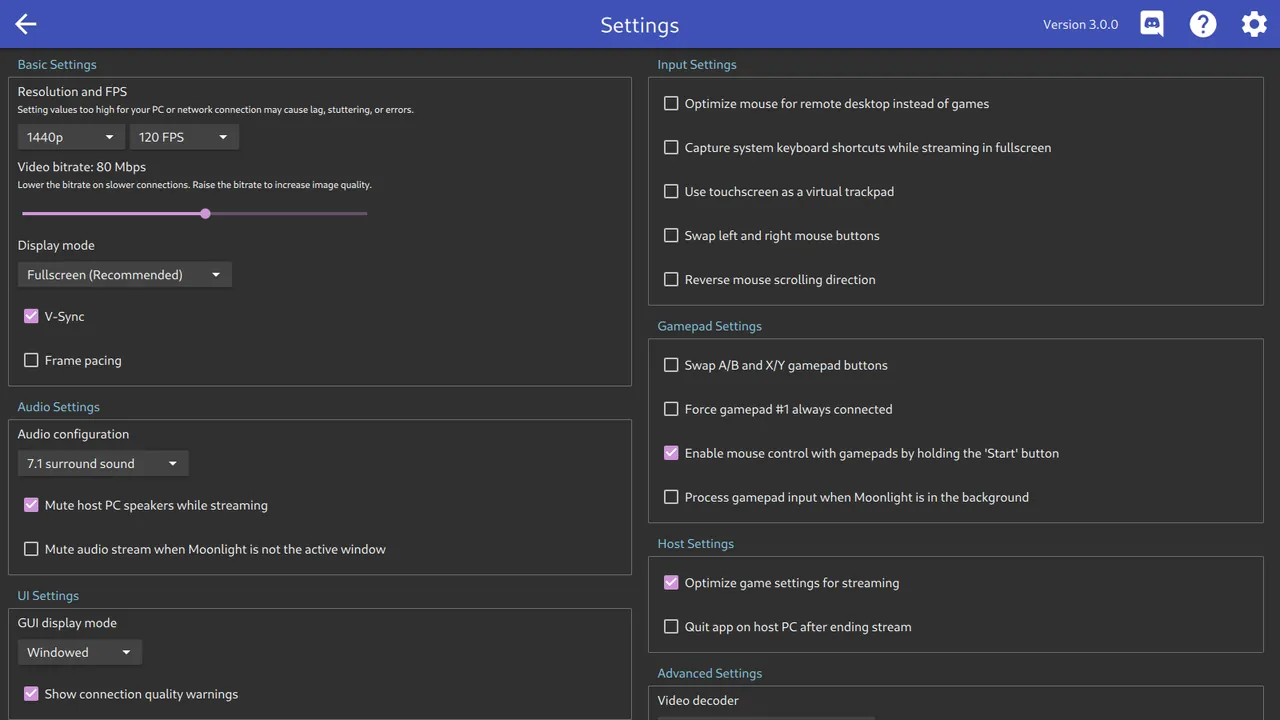
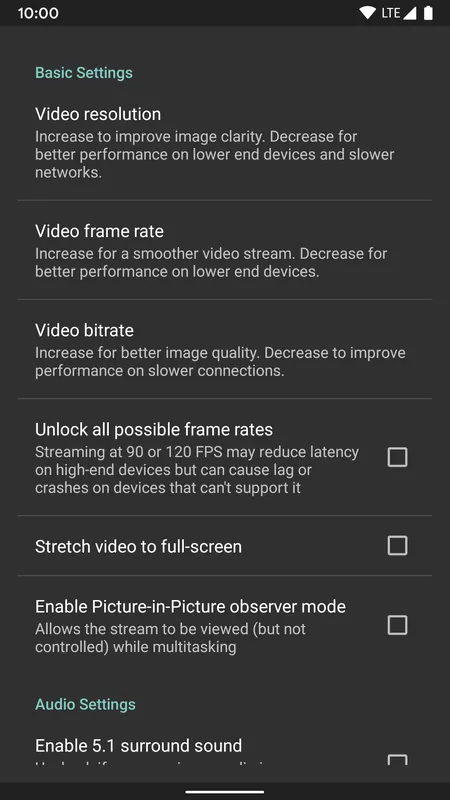
- High resolution and frame rate support
- Gamepad, keyboard, mouse and touch controls
- Connect on the home network or over the internet
- Apps for phones, TV boxes and computers
Who is it for?
For people who want to play their PC games from the couch, on a TV or on a phone.
Good to know before installing
- It doesn't work alone; the streaming computer needs a host such as Sunshine.
- Picture quality depends on network speed.
Screenshots
How to install
Windows
- Click the official download button on this page or use the winget command.
- Install Sunshine on the computer that will run the games.
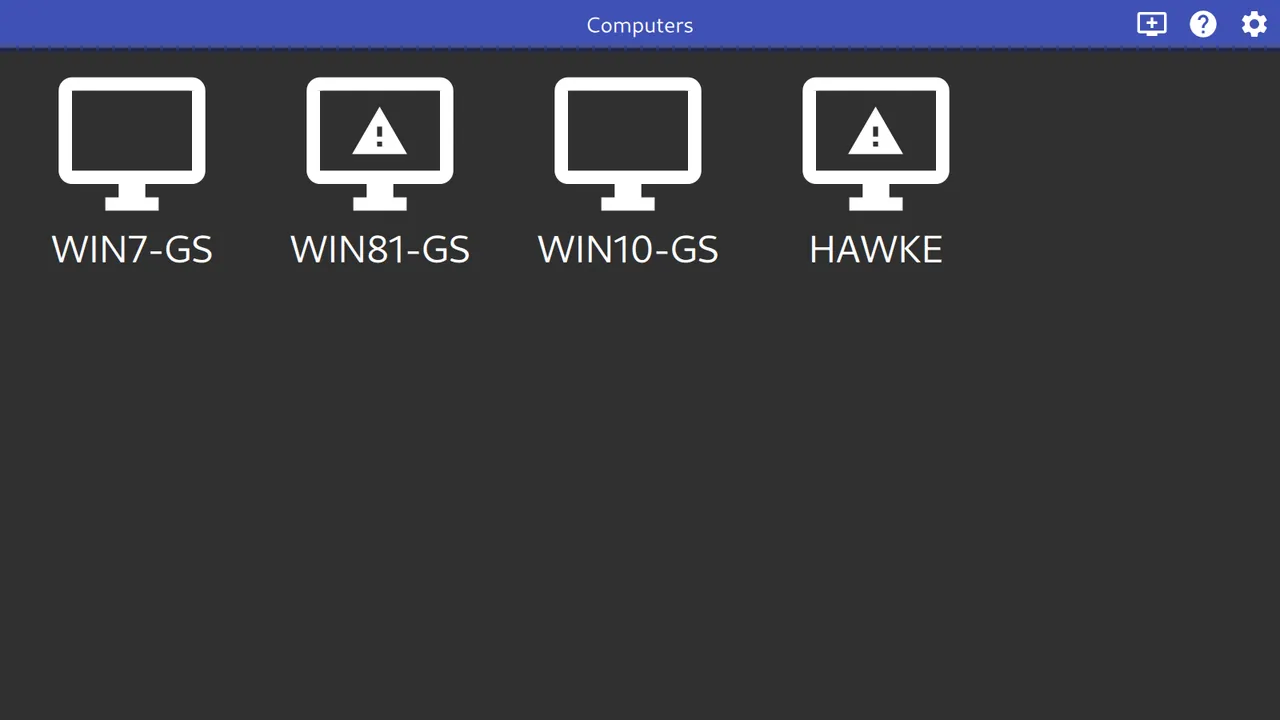
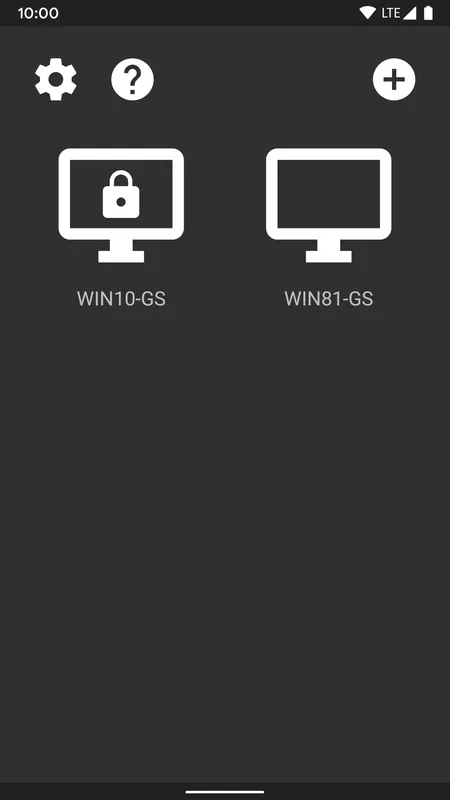
- Open Moonlight; a computer on the same network appears in the list.
- Pair by entering the PIN shown on screen in Sunshine's web interface.
macOS
- Use the Homebrew command or download from the official site.
- Open the app and choose your computer from the list.
- Pair by entering the PIN in Sunshine.
Linux
- Run the Flatpak command in a terminal.
- Open the program and choose your computer from the list.
- Pair by entering the PIN in Sunshine.
Android
- Open the Google Play or F-Droid page.
- Tap Install.
- Open the app, choose your computer and enter the PIN in Sunshine.
Alternatives
Comparisons
Frequently asked questions
Is Moonlight free?
Yes. It is open source (GPL-3.0) and free.
What do I need on the computer?
The computer that streams the games needs a compatible streaming host such as Sunshine. Moonlight is only the receiving side.
Is Wi-Fi enough?
In most cases, yes. For the lowest latency, connect the gaming PC by cable and use 5 GHz Wi-Fi.