

Parsec
Parsec is a free remote desktop program designed especially for gaming, letting you connect to a computer's screen with low latency. You can play games on your home PC from another device, or invite friends over the internet to local multiplayer games.
builds.parsec.app · Official website
- ✓ Official source (winget)
- ✓ SHA256 taken from the official repository
- ✓ Last checked: Nov. 20, 2026
- This is not a virus scan. Check on VirusTotal
- Version
- 150.104.1.0
- License
- Proprietary
- Installer type
- nullsoft
How do I use this?
Type Terminal in the Start menu and open it, paste the command (Ctrl+V or right-click) and press Enter. It uses winget, Windows' own package manager, to install the program from its official source.
winget install --id Parsec.Parsec -eSHA256 (file verification)
b8a9cd519010666def0ef6e119eb42b33b5b811216f34e4f6c8e2e25ac290fbcbuilds.parsec.app · Official website
- ✓ Official source (Homebrew)
- ✓ Last checked: Nov. 20, 2026
- Version
- 150-105c
- License
- Proprietary
- Installer type
- pkg
How do I use this?
This command needs Homebrew; if you don't have it, first run the install command from brew.sh. Then open Terminal (Applications > Utilities > Terminal), paste the command and press Enter.
brew install --cask parsecflathub.org · Official website
- ✓ Community package (Flathub)
- ✓ Last checked: Nov. 20, 2026
- Version
- 3.9.9
- Release date
- May 10, 2024
- License
- Proprietary
- Installer type
- flatpak
How do I use this?
Open a terminal, paste the command and press Enter. Flatpak and Flathub must be set up; Linux Mint has them by default, for other distributions see flathub.org/setup.
flatpak install flathub com.parsecgaming.parsecWe couldn't find a Android version of Parsec in the official repositories; check the publisher's website.
You can try these instead:
Highlights
- Low-latency remote desktop and game streaming
- Invite friends into a game running on your PC
- Gamepad, keyboard and mouse support
- Hardware-accelerated video encoding on the graphics card
- Paid plans for business use
Who is it for?
For people who want to play games on their home PC from another device or play together with friends remotely.
Good to know before installing
- Picture quality depends on the speed and stability of the internet connection.
- The computer running the game has to stay on.
Screenshots
How to install
Windows
- Click the official download button on this page or use the winget command.
- Run the installer and follow the steps.
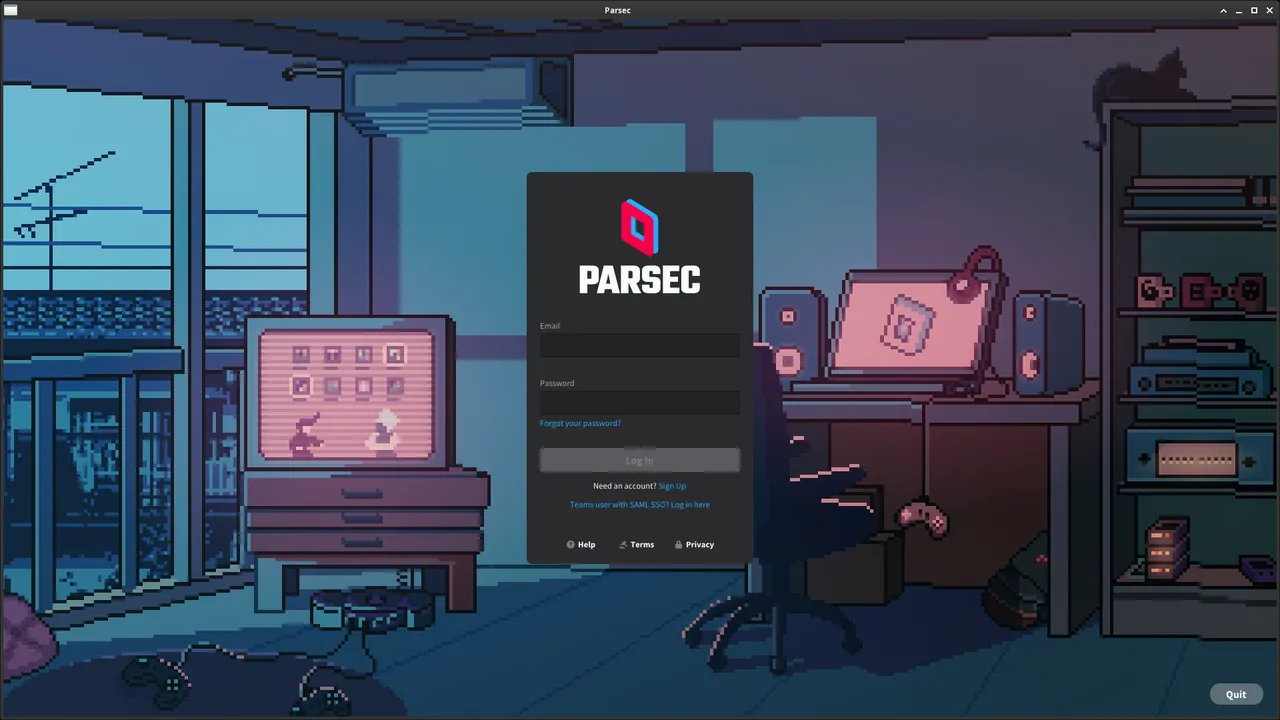
- Sign in with your Parsec account.
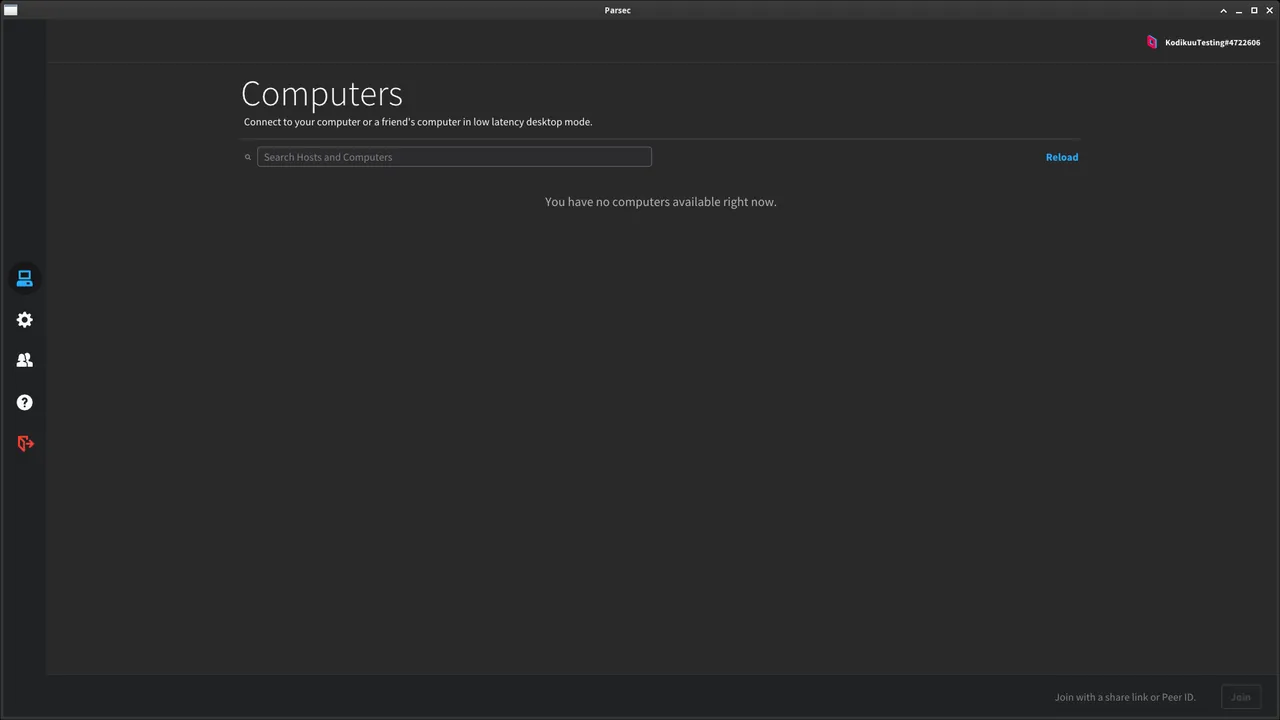
- Open Parsec on the computer you want to reach too, and connect with the same account or an invite.
macOS
- Use the Homebrew command or download from the official site.
- Move the app to the Applications folder and open it.
- Sign in with your Parsec account.
Linux
- Run the Flatpak command in a terminal.
- Open the program from the application menu.
- Sign in with your Parsec account.
Alternatives
- Moonlight
- AnyDesk (Free for personal use)
- TeamViewer (Free for personal use)
Comparisons
Frequently asked questions
Is Parsec free?
Yes. Personal use is free; there are paid plans for extra features and business use.
What does it need to work well?
A fast, stable internet connection on both sides and a suitable graphics card on the computer running the game.
Does my friend need to buy the game?
No. The game runs on your computer; your friend only receives the picture and sends input.