

Mullvad VPN
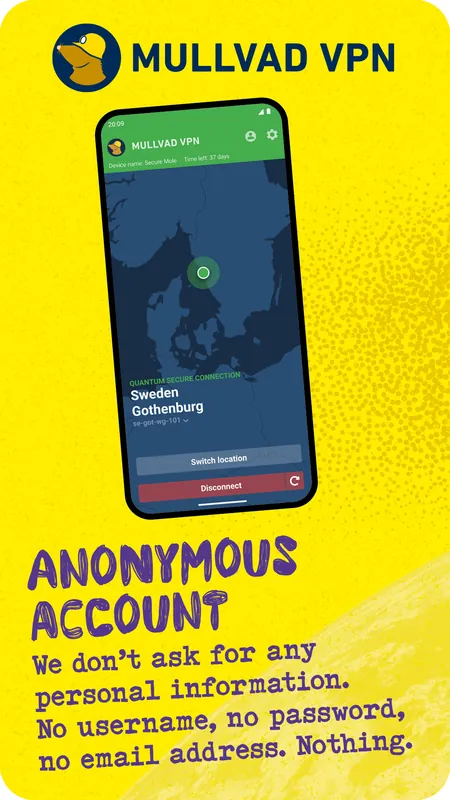
Mullvad VPN is the open-source VPN app from Sweden-based Mullvad. Signing up needs no email address or personal details; you only get a random account number. The app itself is free, while the VPN service is paid.
github.com · Official website
- ✓ Official source (winget)
- ✓ SHA256 taken from the official repository
- ✓ Last checked: Nov. 4, 2026
- This is not a virus scan. Check on VirusTotal
- Version
- 2026.5
- Release date
- Sept. 14, 2026
- License
- GPL-3.0
- Installer type
- nullsoft
How do I use this?
Type Terminal in the Start menu and open it, paste the command (Ctrl+V or right-click) and press Enter. It uses winget, Windows' own package manager, to install the program from its official source.
winget install --id MullvadVPN.MullvadVPN -eSHA256 (file verification)
2a3efc4de6a97a2ea1c034ea617c699c5c94b8006d24beece7508d3443b760d5cdn.mullvad.net · Official website
- ✓ Official source (Homebrew)
- ✓ SHA256 taken from the official repository
- ✓ Last checked: Nov. 4, 2026
- This is not a virus scan. Check on VirusTotal
- Version
- 2026.5
- License
- GPL-3.0
- Installer type
- pkg
How do I use this?
This command needs Homebrew; if you don't have it, first run the install command from brew.sh. Then open Terminal (Applications > Utilities > Terminal), paste the command and press Enter.
brew install --cask mullvad-vpnSHA256 (file verification)
7c68dd93ae01c1b56ce29c48b293a6ecb29ad61769ee90619887fa71a7dd867bf-droid.org · Official website
- ✓ Official source (F-Droid)
- ✓ SHA256 taken from the official repository
- ✓ Last checked: Nov. 4, 2026
- This is not a virus scan. Check on VirusTotal
- Version
- 2026.12
- Release date
- Oct. 2, 2026
- License
- GPL-3.0
- Installer type
- apk
SHA256 (file verification)
0b3ca70ee0e9205cb6af0cc81b656c00fbcdf2beae13f4dddd94c4768b13aaafWe couldn't find a Linux version of Mullvad VPN in the official repositories; check the publisher's website.
You can try these instead:
Mullvad VPN 2026.5: what's new?
Highlights
- Number-based accounts with no email or name required
- Fast encrypted connections over the WireGuard protocol
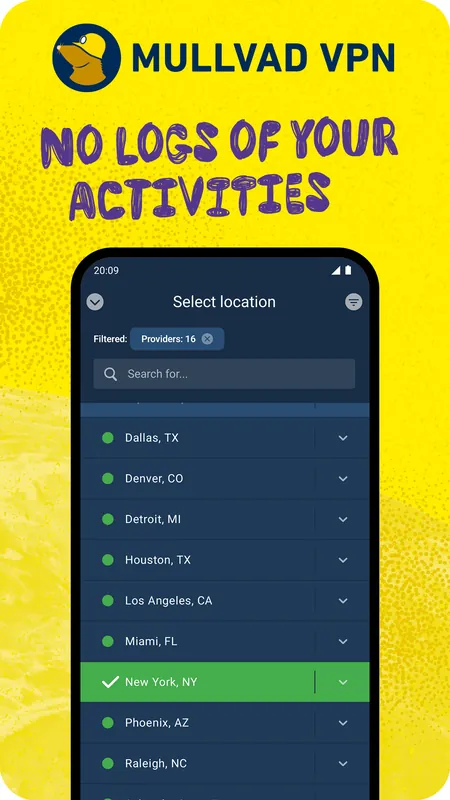
- Kill switch that blocks traffic if the VPN drops
- DNS content blocking for ads and trackers
- Publicly available source code for the app
Who is it for?
For privacy-minded users who do not want to hand over personal details when signing up and who want safer connections on public Wi-Fi.
Good to know before installing
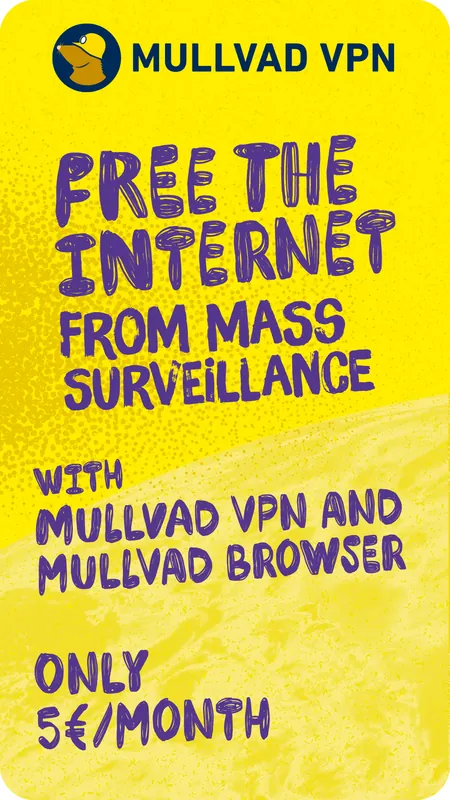
- The app is free, but the VPN service is paid; there is no free tier.
- Some streaming services may block VPN addresses.
Screenshots
How to install
Windows
- Click the official download button on this page.
- Run the installer and complete the steps.
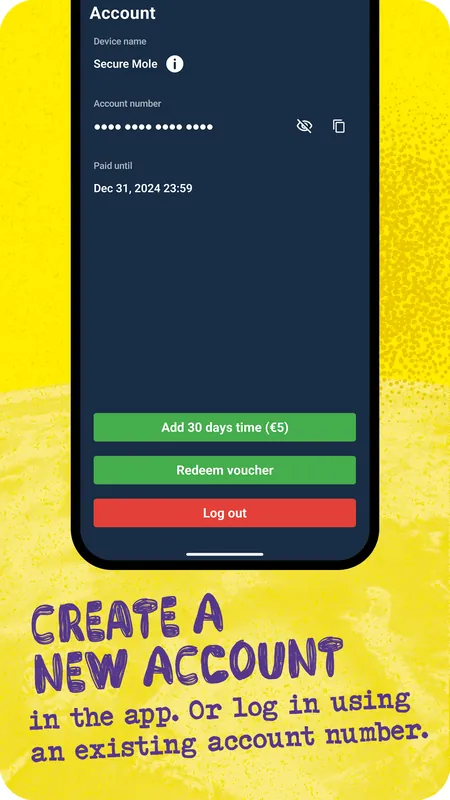
- Open the app and log in with your account number.
macOS
- Download the .pkg installer with the official button.
- Open it, finish the installation and grant the requested permissions.
- Or use the Homebrew command shown on the page.
Android
- Open the F-Droid page with the Android button on this page.
- Install the app through F-Droid.
- Enter your account number on first launch and connect.
Alternatives
- Proton VPN
- Windscribe
- Outline
Frequently asked questions
Is Mullvad VPN free?
The app is free and open source, but connecting requires a paid Mullvad subscription. There is no free plan.
Do I need personal details to sign up?
No. Mullvad gives you a random account number and does not ask for an email address or name.
Which protocol does it use?
It uses WireGuard by default, which is fast and uses modern encryption.