

MusicBrainz Picard
MusicBrainz Picard is an open-source, cross-platform audio tagger powered by the community-maintained MusicBrainz database. It uses AcoustID audio fingerprinting to identify tracks by sound rather than just filenames or existing metadata, organizing entire albums accurately.
data.musicbrainz.org · Official website
- ✓ Official source (winget)
- ✓ SHA256 taken from the official repository
- ✓ Last checked: Nov. 4, 2026
- This is not a virus scan. Check on VirusTotal
- Version
- 3.0.4
- Release date
- Nov. 1, 2026
- License
- GPL-2.0
- Installer type
- nullsoft
How do I use this?
Type Terminal in the Start menu and open it, paste the command (Ctrl+V or right-click) and press Enter. It uses winget, Windows' own package manager, to install the program from its official source.
winget install --id MusicBrainz.Picard -eSHA256 (file verification)
fd85d397e5e9c3ecff0ab34f27dc282fe5ad85e76d88caddf778215156104995data.musicbrainz.org · Official website
- ✓ Official source (Homebrew)
- ✓ SHA256 taken from the official repository
- ✓ Last checked: Nov. 4, 2026
- This is not a virus scan. Check on VirusTotal
- Version
- 3.0.4,13.0
- License
- GPL-2.0
- Installer type
- dmg
How do I use this?
This command needs Homebrew; if you don't have it, first run the install command from brew.sh. Then open Terminal (Applications > Utilities > Terminal), paste the command and press Enter.
brew install --cask musicbrainz-picardSHA256 (file verification)
dc4bd3ab3da5df45baa7e82e0a6b49930f6f8dd72e76b74fde0d533f41850310flathub.org · Official website
- ✓ Community package (Flathub)
- ✓ Last checked: Nov. 4, 2026
- Version
- 3.0.4
- Release date
- Nov. 1, 2026
- License
- GPL-2.0
- Installer type
- flatpak
How do I use this?
Open a terminal, paste the command and press Enter. Flatpak and Flathub must be set up; Linux Mint has them by default, for other distributions see flathub.org/setup.
flatpak install flathub org.musicbrainz.PicardWe couldn't find a Android version of MusicBrainz Picard in the official repositories; check the publisher's website.
You can try these instead:
MusicBrainz Picard 3.0.4: what's new?
Highlights
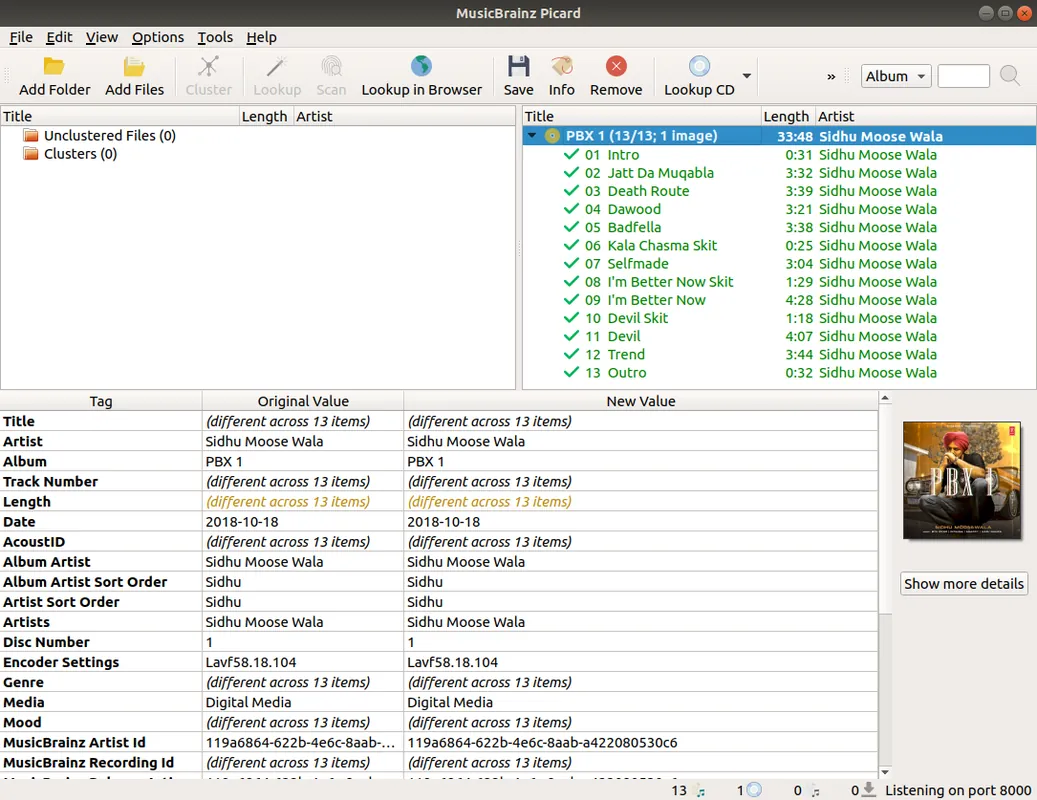
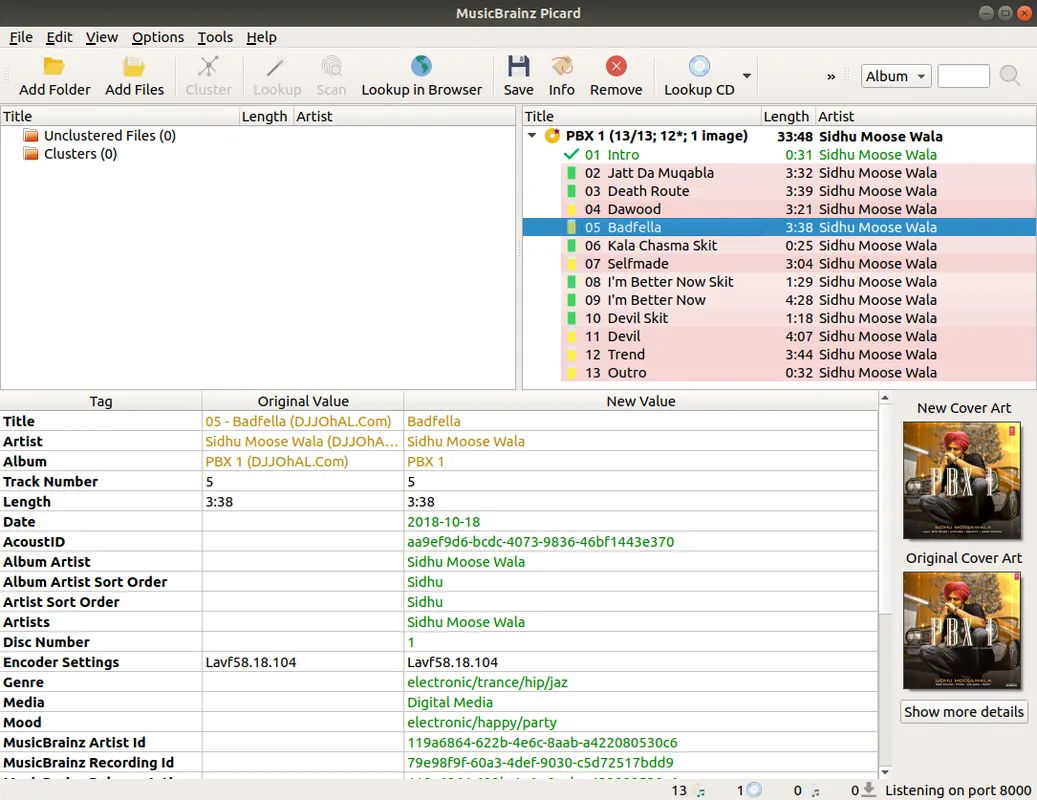
- Album-oriented tagging powered by the comprehensive MusicBrainz database
- AcoustID audio fingerprinting to identify tracks without existing tags
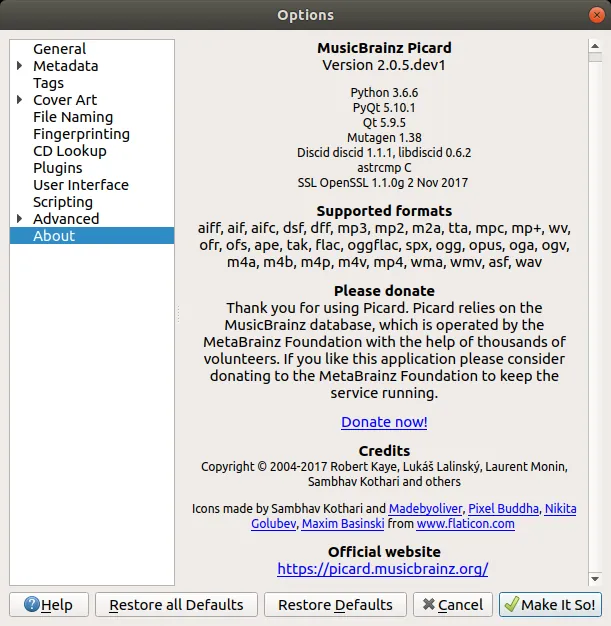
- Wide format support including MP3, FLAC, OGG, M4A, WMA, and WAV
- Customizable file naming and directory structure based on tags
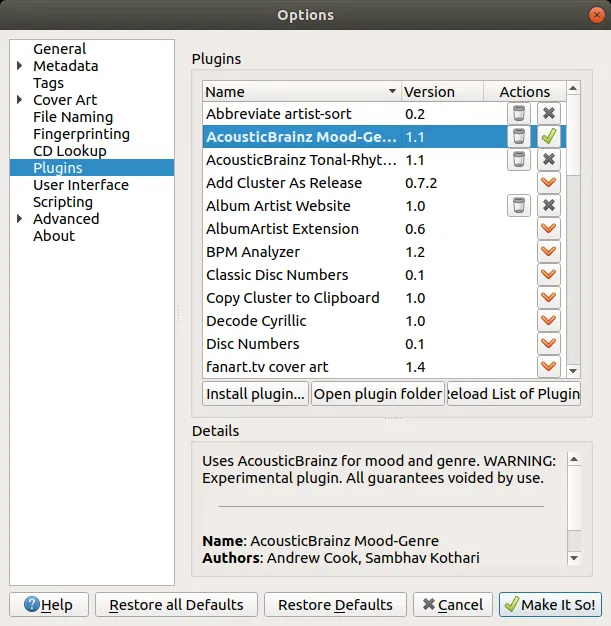
- Extensible architecture supporting third-party plugins and scripts
Who is it for?
Music collectors, audiophiles, and digital archivists looking to clean up, structure, and tag large local music libraries.
Good to know before installing
- Obscure or unreleased music not present in the MusicBrainz database requires manual cataloging.
- The album-centric matching workflow can be confusing for users expecting a simple spreadsheet-style tag editor.
Screenshots
How to install
Windows
- Download the installer using the official download link on this page.
- Run the installer executable and follow the setup wizard instructions.
- Alternatively, open PowerShell or Command Prompt and run 'winget install --id MusicBrainz.Picard -e'.
macOS
- Download the disk image file using the official link on this page.
- Open the downloaded DMG file and drag MusicBrainz Picard to your Applications folder.
- Alternatively, run 'brew install --cask musicbrainz-picard' in Terminal.
Linux
- Open the Flathub page using the official download link on our site.
- Click Install, or run 'flatpak install flathub org.musicbrainz.Picard' in your terminal.
- Launch Picard from your desktop applications menu.
Alternatives
Frequently asked questions
Is MusicBrainz Picard completely free to use?
Yes, MusicBrainz Picard is free, open-source software released under the GNU General Public License (GPL-2.0).
How does Picard identify songs with missing tags?
It uses AcoustID audio fingerprinting to analyze the actual audio data and match it against the MusicBrainz database.
Can Picard automatically rename and sort my files into folders?
Yes, it provides file naming scripts that organize tracks into folders by artist, album, and track number upon saving.