

qBittorrent
qBittorrent is an open-source BitTorrent client designed for downloading and sharing files via the P2P network.
sourceforge.net · Official website
- ✓ Official source (winget)
- ✓ SHA256 taken from the official repository
- ✓ Last checked: Nov. 4, 2026
- This is not a virus scan. Check on VirusTotal
- Version
- 5.3.0
- Release date
- Oct. 20, 2026
- License
- GPL-3.0
- Installer type
- nullsoft
How do I use this?
Type Terminal in the Start menu and open it, paste the command (Ctrl+V or right-click) and press Enter. It uses winget, Windows' own package manager, to install the program from its official source.
winget install --id qBittorrent.qBittorrent -eSHA256 (file verification)
aff5b3bdc00d6e5773d6099ba30f9696dd3dfd1669ab0f64ce5c4e7168486436flathub.org · Official website
- ✓ Official source (Flathub)
- ✓ Last checked: Nov. 4, 2026
- Version
- 5.3.0
- Release date
- Oct. 19, 2026
- License
- GPL-3.0
- Installer type
- flatpak
How do I use this?
Open a terminal, paste the command and press Enter. Flatpak and Flathub must be set up; Linux Mint has them by default, for other distributions see flathub.org/setup.
flatpak install flathub org.qbittorrent.qBittorrentWe couldn't find a macOS version of qBittorrent in the official repositories; check the publisher's website.
You can try these instead:
We couldn't find a Android version of qBittorrent in the official repositories; check the publisher's website.
qBittorrent 5.3.0: what's new?
Highlights
- Built-in search engine for finding torrent files directly
- Support for magnet links and torrent file management
- Bandwidth scheduler and upload/download speed limits
- Remote control via an integrated Web User Interface (Web UI)
- IP filtering and protocol encryption support
Who is it for?
It is intended for users downloading large open-source files, Linux ISOs, or media who need a clean, ad-free P2P client.
Good to know before installing
- No official mobile apps are available for Android or iOS.
- The internal torrent search engine requires Python to be installed on your system.
Screenshots
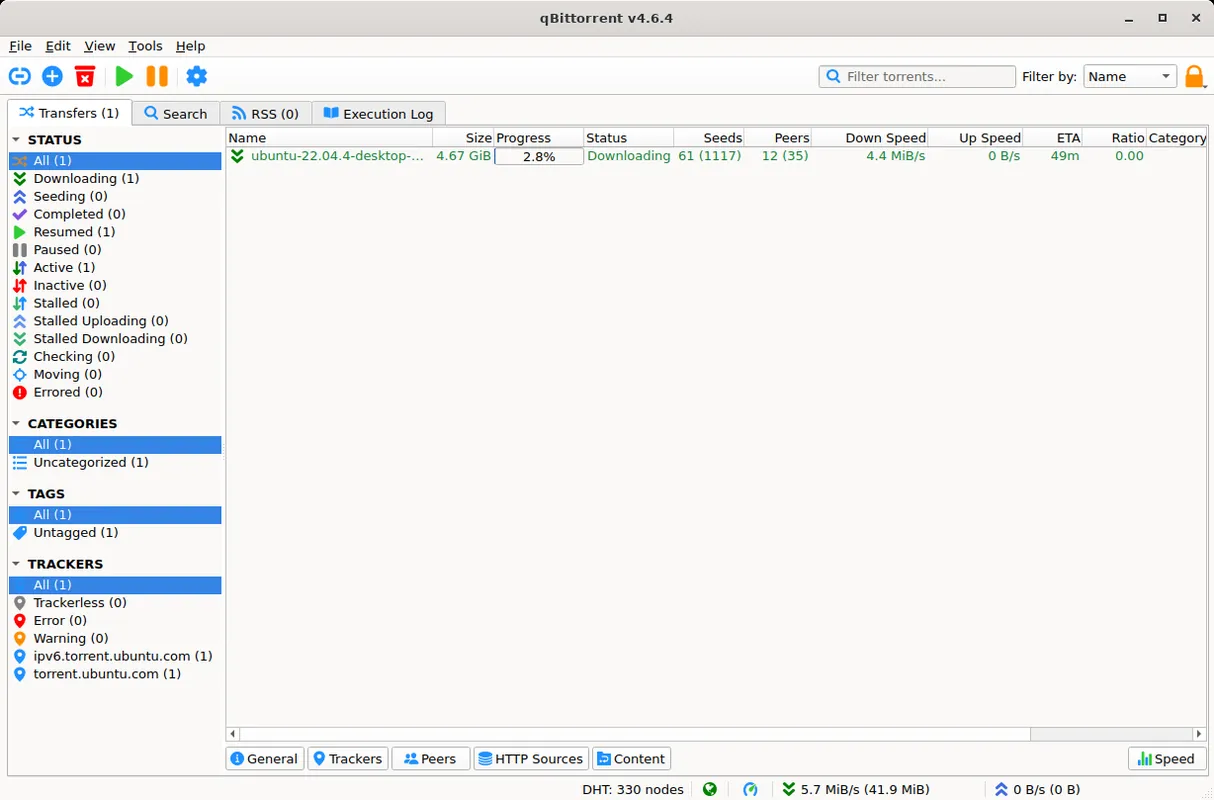
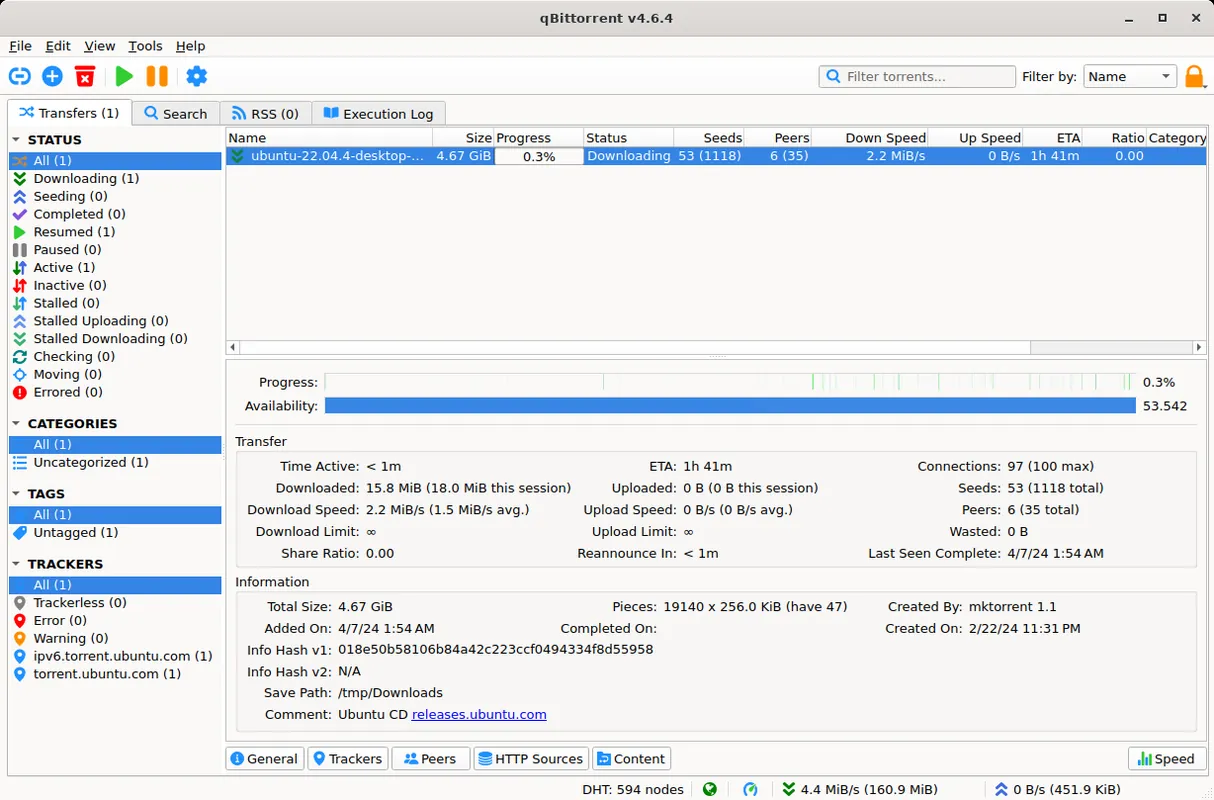
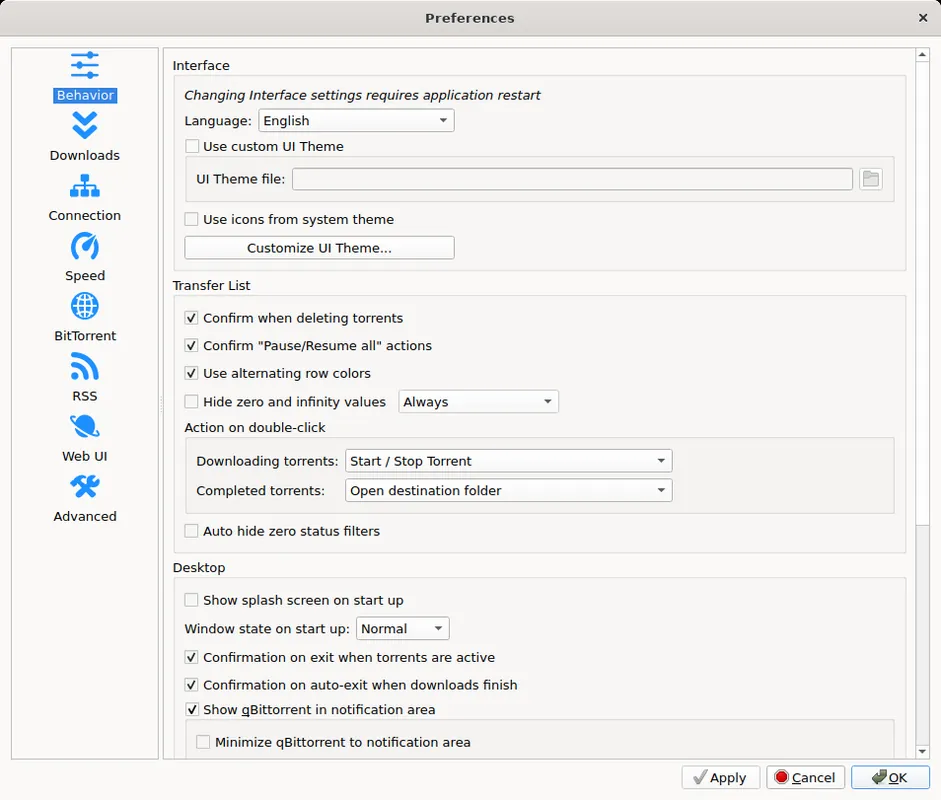
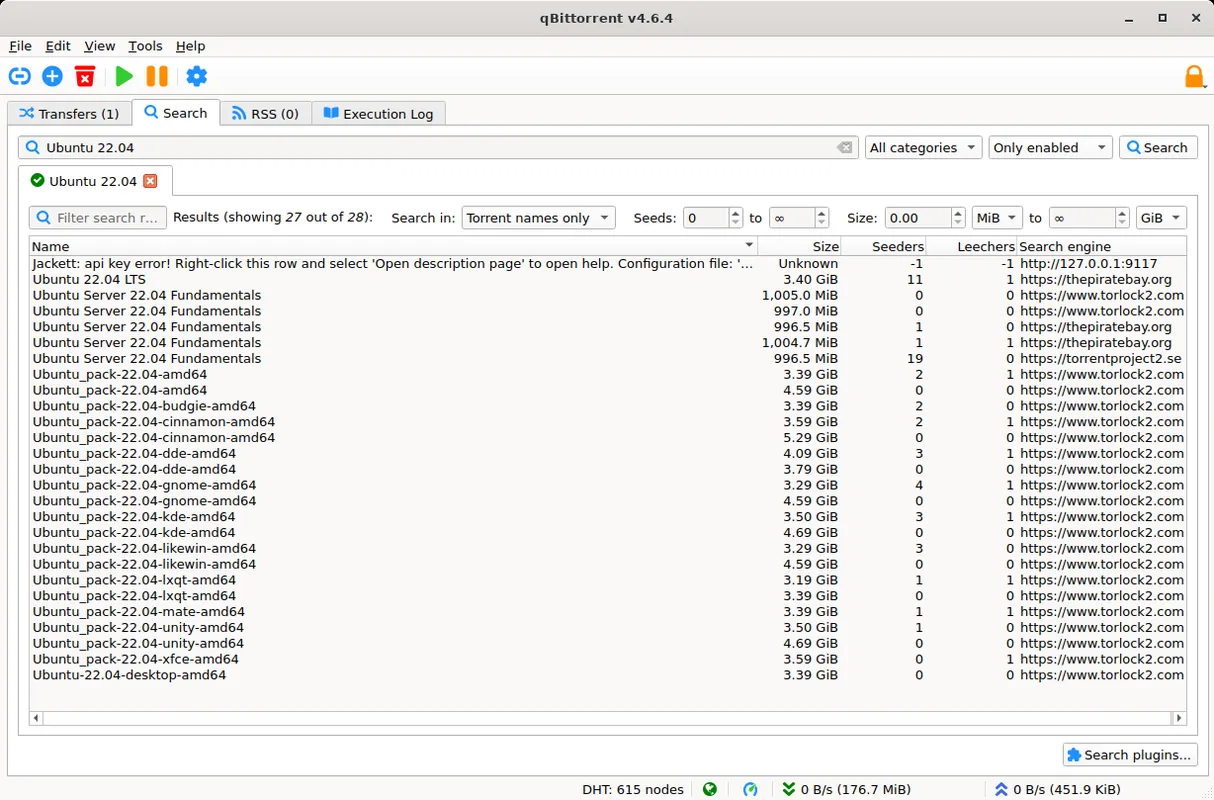
How to install
Windows
- Click our official download button to get the installer package.
- Run the installer setup file and follow the onscreen setup wizard.
- Alternatively, run 'winget install --id qBittorrent.qBittorrent -e' in command prompt.
Linux
- Use the official download link to visit the Flathub page or run the Flatpak command.
- Execute 'flatpak install flathub org.qbittorrent.qBittorrent' in your terminal.
- Launch qBittorrent from your application menu after installation.
Alternatives
- Transmission
- Deluge
- WebTorrent
Frequently asked questions
Is qBittorrent completely free?
Yes, it is open-source software released under the GNU General Public License (GPL-3.0).
Does qBittorrent contain ads?
No, qBittorrent is completely ad-free and contains no bundled software.
Can I manage qBittorrent remotely?
Yes, enabling the Web UI feature allows you to access and manage downloads via a browser.