

Scribus
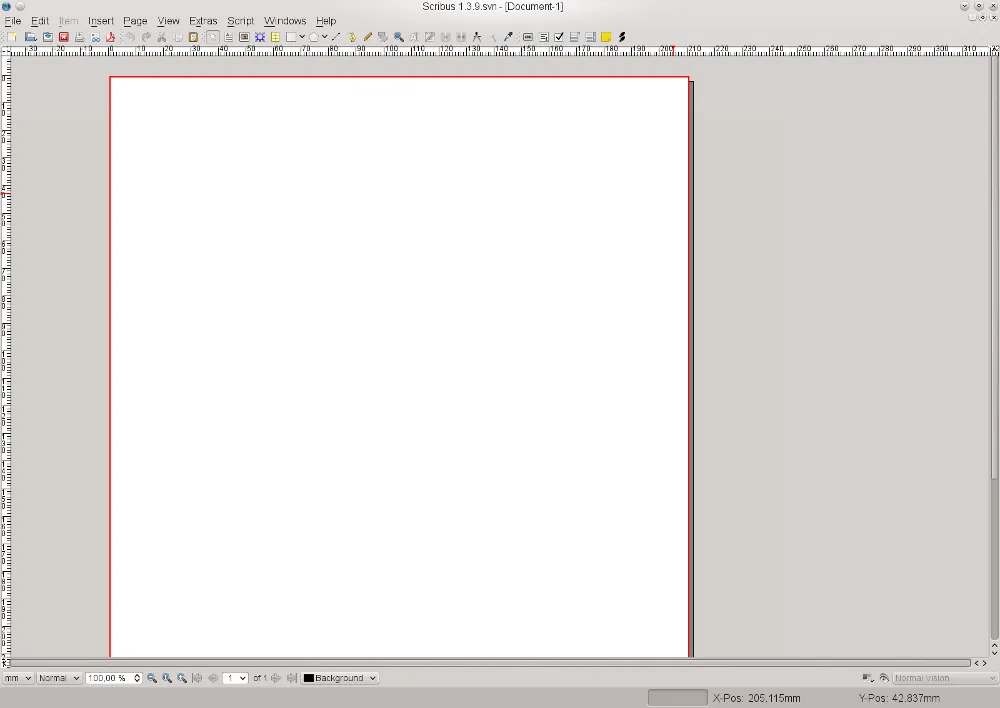
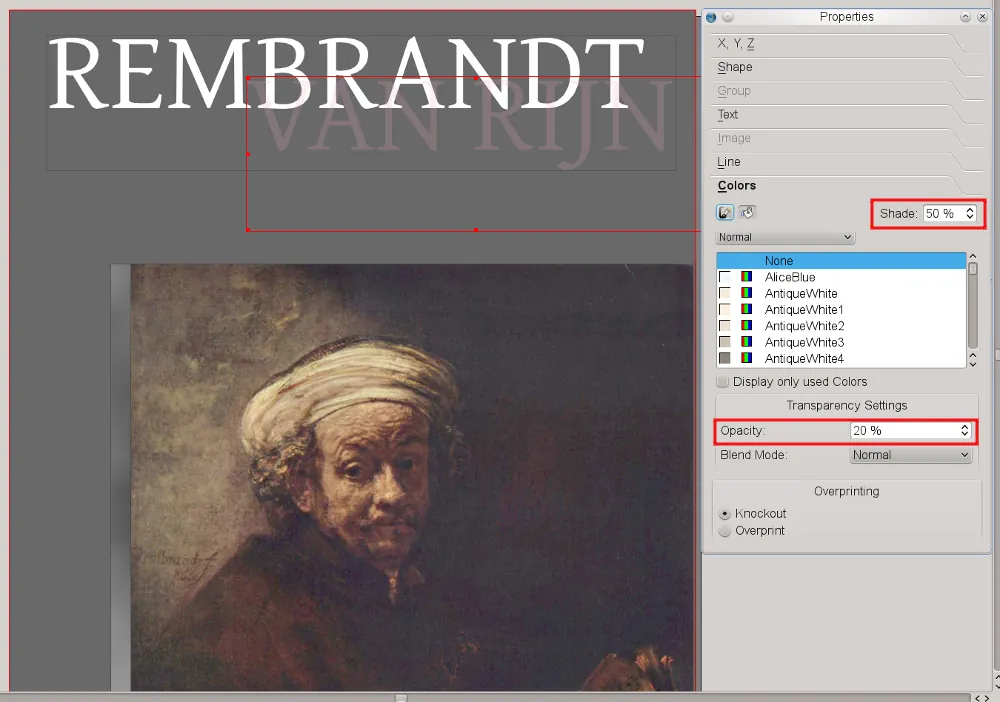
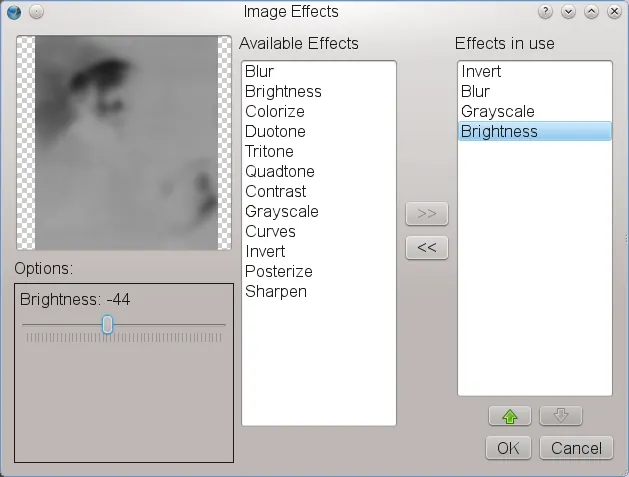
Scribus is an open-source desktop publishing (DTP) application designed for creating brochures, magazines, newsletters, posters, and books. It offers flexible layout tools, precise typography controls, CMYK color management, and advanced PDF export features.
sourceforge.net · Official website
- ✓ Official source (winget)
- ✓ SHA256 taken from the official repository
- ✓ Last checked: Nov. 4, 2026
- This is not a virus scan. Check on VirusTotal
- Version
- 1.6.6
- Release date
- April 13, 2026
- License
- GPL-2.0-or-later
- Installer type
- nullsoft
How do I use this?
Type Terminal in the Start menu and open it, paste the command (Ctrl+V or right-click) and press Enter. It uses winget, Windows' own package manager, to install the program from its official source.
winget install --id Scribus.Scribus -eSHA256 (file verification)
4c7313da22b8daa025dab0a2d57e82e8b1827c8a46a02db1d4e78b6037b40264downloads.sourceforge.net · Official website
- ✓ Official source (Homebrew)
- ✓ SHA256 taken from the official repository
- ✓ Last checked: Nov. 4, 2026
- This is not a virus scan. Check on VirusTotal
- Version
- 1.6.7
- License
- GPL-2.0-or-later
- Installer type
- dmg
How do I use this?
This command needs Homebrew; if you don't have it, first run the install command from brew.sh. Then open Terminal (Applications > Utilities > Terminal), paste the command and press Enter.
brew install --cask scribusSHA256 (file verification)
46729a3bdc0e432bd3cfbae508da401aeb9f7a0159a7a03f3fef1de631557ac6flathub.org · Official website
- ✓ Community package (Flathub)
- ✓ Last checked: Nov. 4, 2026
- Version
- 1.6.5
- Release date
- Dec. 15, 2025
- License
- GPL-2.0-or-later
- Installer type
- flatpak
How do I use this?
Open a terminal, paste the command and press Enter. Flatpak and Flathub must be set up; Linux Mint has them by default, for other distributions see flathub.org/setup.
flatpak install flathub net.scribus.ScribusWe couldn't find a Android version of Scribus in the official repositories; check the publisher's website.
Scribus 1.6.6: what's new?
- Fixed a crash caused by umlaut composition in file names of embedded PDF documents.
- Fixed lost image links after using Collect for Output.
- Fixed text underline and text stroke dependencies on text frame dash arrays during PDF export.
- Improved image scaling behavior when importing MS Publisher files and fixed color wheel plugin navigation.
Summarized from the publisher's release notes.
Highlights
- Precision layout and typography controls
- CMYK color support and color management profiles
- Professional PDF export including PDF/X-3
- Vector drawing tools and shape manipulation
- Support for SVG, EPS, and raster image formats
Who is it for?
Scribus is for graphic designers, publishers, self-publishing authors, and organization editors who need to create print-ready document layouts and vector publications.
Good to know before installing
- Steep learning curve for users coming from standard word processors.
- Cannot directly open proprietary Adobe InDesign INDD document files.
- Interface layout can feel complex compared to modern consumer design apps.
Screenshots
How to install
Windows
- Click the official download button to get the Windows installer.
- Run the installer executable and follow the setup wizard.
- Alternatively, run 'winget install --id Scribus.Scribus -e' in Command Prompt.
macOS
- Click the official download button to get the macOS installation package.
- Open the downloaded installer file and move Scribus to Applications.
- Optionally install via terminal using 'brew install --cask scribus'.
Linux
- Click the official download button to open Flathub.
- Click Install or run 'flatpak install flathub net.scribus.Scribus' in terminal.
- Launch Scribus from your application menu.
Alternatives
- Inkscape
- LibreOffice Draw
- Affinity Publisher
Frequently asked questions
Is Scribus completely free to use?
Yes, Scribus is open-source software released under the GNU General Public License.
Can Scribus open Adobe InDesign files directly?
Scribus cannot natively open proprietary .indd files, though it supports PDF and IDML formats.
Does Scribus support CMYK color separation for printing?
Yes, Scribus fully supports CMYK colors and color management profiles for commercial printing.