

Steam
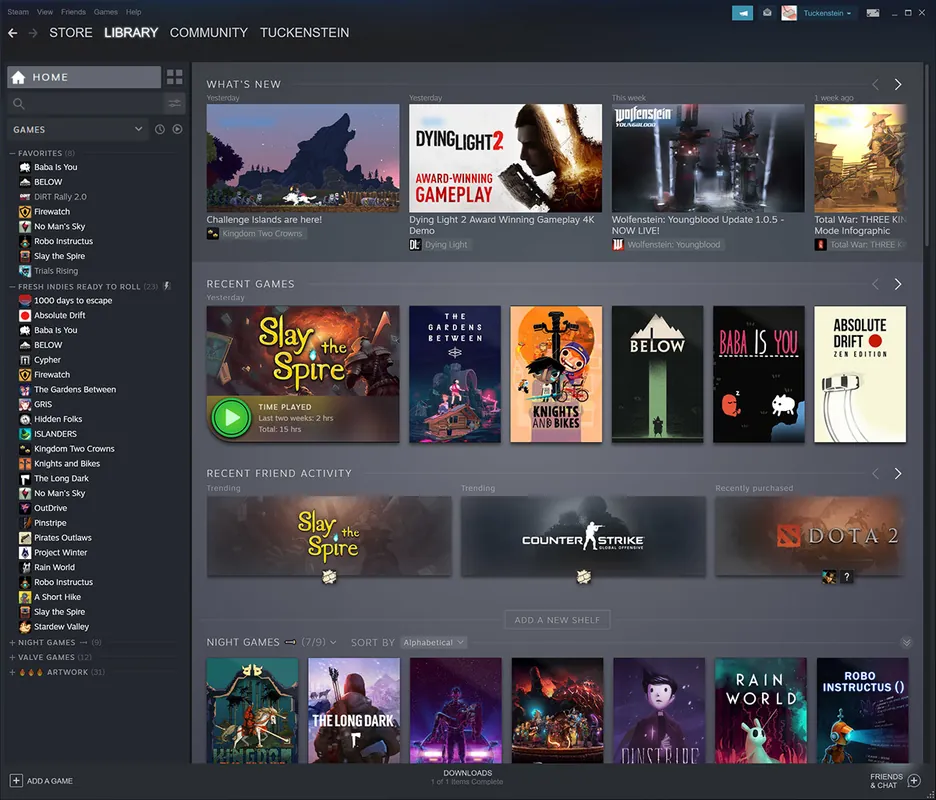
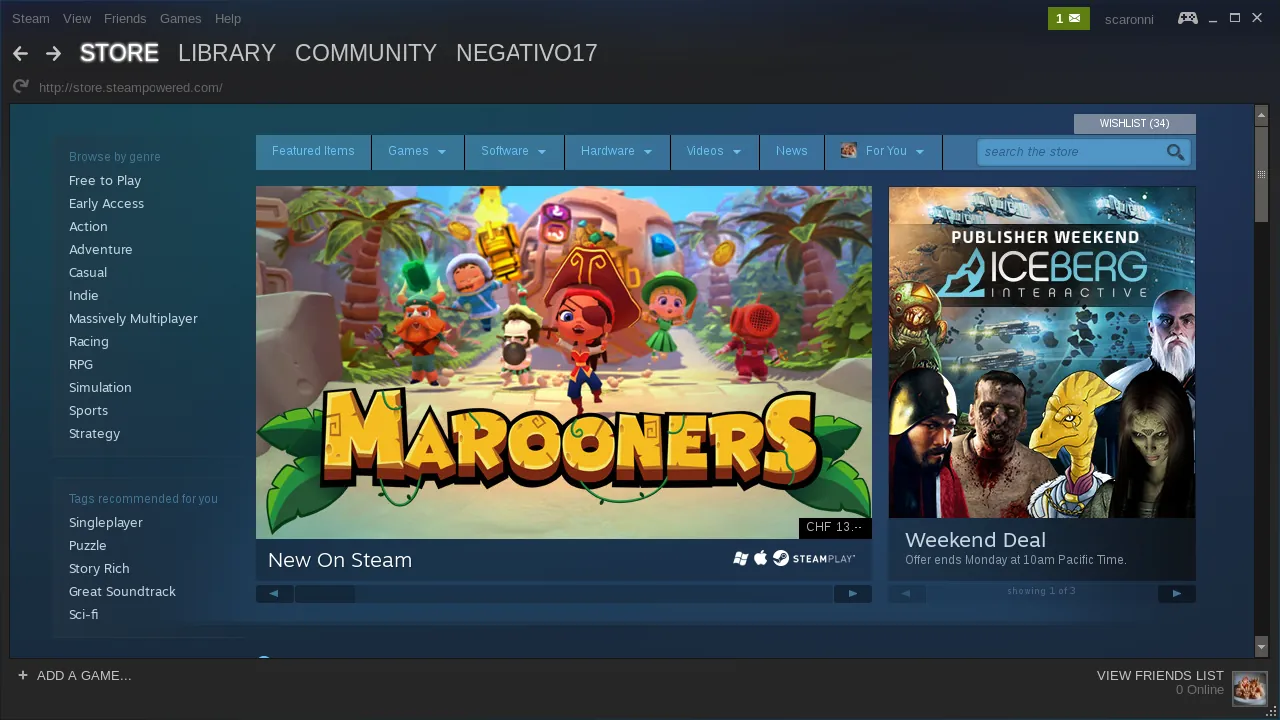
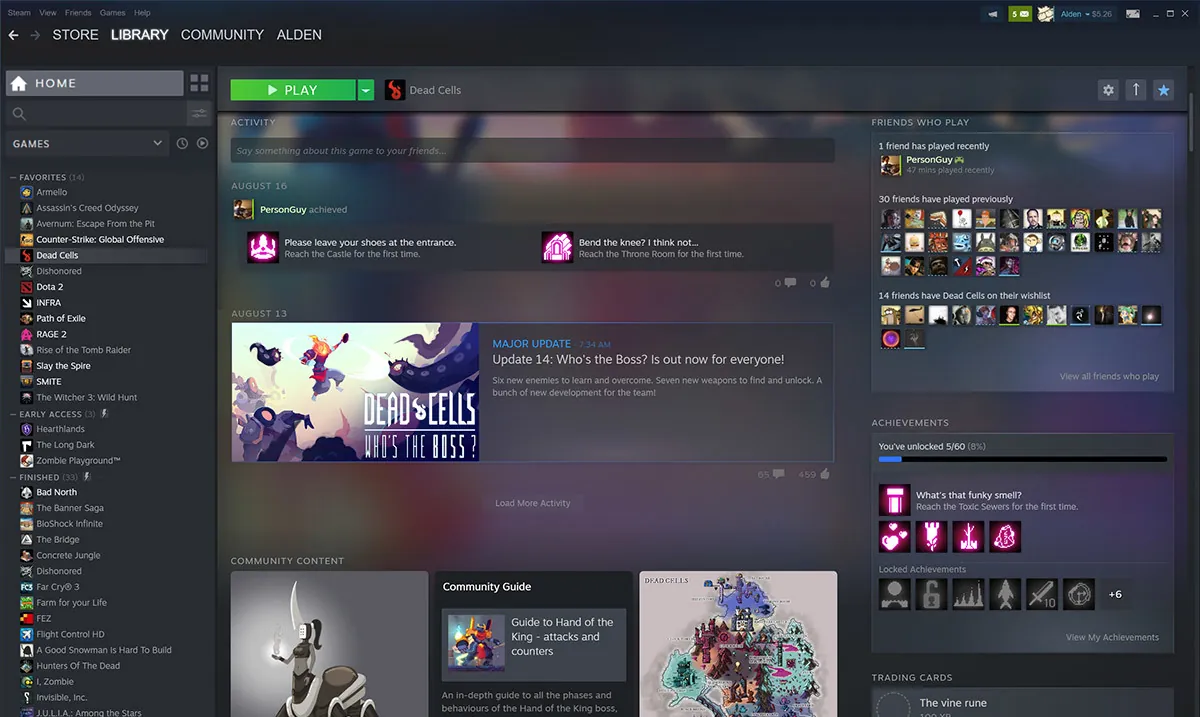
Steam is a digital software distribution platform developed by Valve Corporation. It allows users to purchase, download, update, and manage games across desktop operating systems and mobile devices. In addition to serving as a storefront and game launcher, Steam offers community features such as text and voice chat, cloud save synchronization, achievements, and user-generated content sharing.
cdn.akamai.steamstatic.com · Official website
- ✓ Official source (winget)
- ✓ SHA256 taken from the official repository
- ✓ Last checked: Nov. 4, 2026
- This is not a virus scan. Check on VirusTotal
- Version
- 2.10.91.91
- Release date
- May 20, 2024
- License
- Proprietary
- Installer type
- nullsoft
How do I use this?
Type Terminal in the Start menu and open it, paste the command (Ctrl+V or right-click) and press Enter. It uses winget, Windows' own package manager, to install the program from its official source.
winget install --id Valve.Steam -eSHA256 (file verification)
7d3654531c32d941b8cae81c4137fc542172bfa9635f169cb392f245a0a12bcbclient-update.steamstatic.com · Official website
- ✓ Official source (Homebrew)
- ✓ SHA256 taken from the official repository
- ✓ Last checked: Nov. 4, 2026
- This is not a virus scan. Check on VirusTotal
- Version
- 6.1,1791918634,984652b88a9737e3f4e77c656d9ffa67d5042c2c
- License
- Proprietary
- Installer type
- 984652b88a9737e3f4e77c656d9ffa67d5042c2c
How do I use this?
This command needs Homebrew; if you don't have it, first run the install command from brew.sh. Then open Terminal (Applications > Utilities > Terminal), paste the command and press Enter.
brew install --cask steamSHA256 (file verification)
8bf4ce8b4bcbc50f642988c955559f605e7a877372116e7a2b3fd1355004bedbflathub.org · Official website
- ✓ Community package (Flathub)
- ✓ Last checked: Nov. 4, 2026
- Version
- 1.0.0.87
- Release date
- June 26, 2026
- License
- Proprietary
- Installer type
- flatpak
How do I use this?
Open a terminal, paste the command and press Enter. Flatpak and Flathub must be set up; Linux Mint has them by default, for other distributions see flathub.org/setup.
flatpak install flathub com.valvesoftware.Steamplay.google.com · Official website
- ✓ Official source (Google Play)
- ✓ Last checked: Nov. 4, 2026
- License
- Proprietary
Highlights
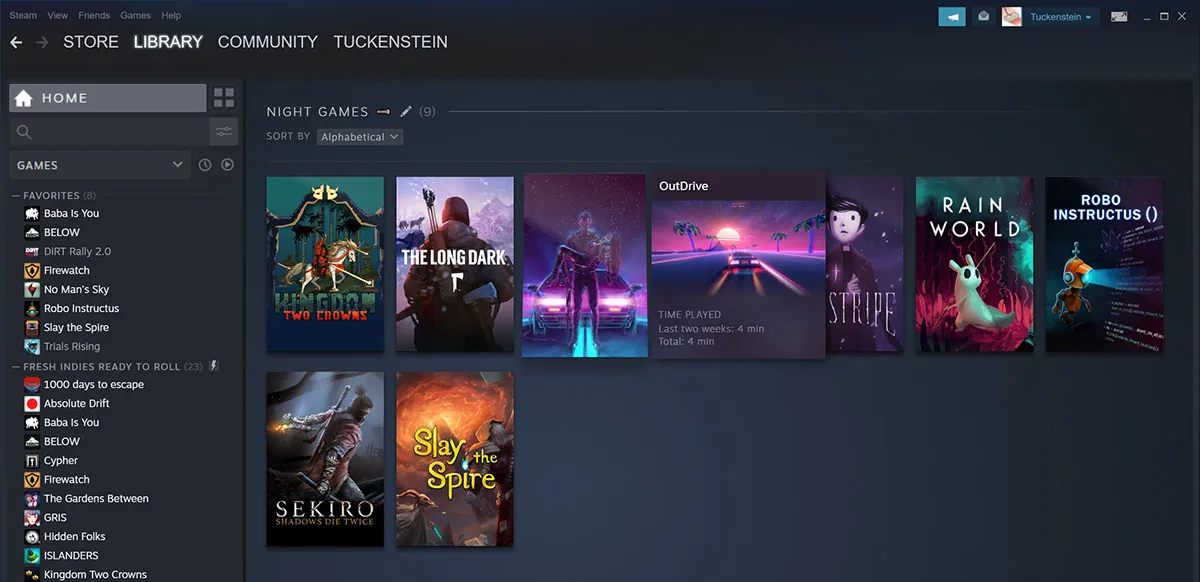
- Digital game store with automatic library management and game updates
- Cloud saves, achievements, and voice/text community features
- Steam Workshop integration for user-created game mods and content
- Remote Play options to stream games across local devices
Who is it for?
Steam is designed for PC gamers, modders, and game developers who want a unified hub to manage game libraries, connect with friends, and discover new titles.
Good to know before installing
- Purchased games are bound to your Steam account and cannot be transferred to another user.
- Offline Mode requires prior setup and periodic online authentication.
- Resource usage can be high during background game downloads and updates.
Screenshots
How to install
Windows
- Click the official download button on our page to get the installer.
- Run the downloaded setup executable.
- Follow the setup prompts and launch Steam.
macOS
- Click the official download button on our page to get the installer.
- Open the downloaded disk image (.dmg) file.
- Drag the Steam icon into your Applications folder and open it.
Linux
- Click the download button on our page to open the Flathub store.
- Alternatively, run 'flatpak install flathub com.valvesoftware.Steam' in your terminal.
- Launch Steam from your application menu and log in.
Android
- Open the Google Play Store on your Android device.
- Search for Steam and select the official app by Valve Corporation.
- Tap Install and launch the app once finished.
Alternatives
- Epic Games Launcher
- GOG Galaxy
- Heroic Games Launcher
Frequently asked questions
Is downloading the Steam client free?
Yes, the Steam launcher and client are completely free to install and use, though individual games inside the store may require purchase.
Can I play my Steam games on Linux?
Yes, Steam supports native Linux titles and uses Proton compatibility technology to run many Windows games on Linux.
Does Steam require an active internet connection?
Steam requires an internet connection to download games and access online features, but it also includes an Offline Mode for playing installed single-player games offline.