

Zed
Zed is a free, open-source code editor built for speed. It is written in Rust and renders using the graphics card, and it offers real-time collaboration and AI features.
github.com · Official website
- ✓ Official source (winget)
- ✓ SHA256 taken from the official repository
- ✓ Last checked: Nov. 20, 2026
- This is not a virus scan. Check on VirusTotal
- Version
- 1.29.2
- Release date
- Nov. 18, 2026
- License
- GPL-3.0
- Installer type
- inno
How do I use this?
Type Terminal in the Start menu and open it, paste the command (Ctrl+V or right-click) and press Enter. It uses winget, Windows' own package manager, to install the program from its official source.
winget install --id ZedIndustries.Zed -eSHA256 (file verification)
30cd0aef8a8d451f54613b3ee8d8321c06acb2ef2110b4debaa7931f245c8399github.com · Official website
- ✓ Official source (Homebrew)
- ✓ SHA256 taken from the official repository
- ✓ Last checked: Nov. 20, 2026
- This is not a virus scan. Check on VirusTotal
- Version
- 1.29.2
- License
- GPL-3.0
- Installer type
- dmg
How do I use this?
This command needs Homebrew; if you don't have it, first run the install command from brew.sh. Then open Terminal (Applications > Utilities > Terminal), paste the command and press Enter.
brew install --cask zedSHA256 (file verification)
62fcf76dad0de21b69b5808f78576f9c0ca86d2319ace93616bd1af654fa136dflathub.org · Official website
- ✓ Community package (Flathub)
- ✓ Last checked: Nov. 20, 2026
- Version
- 1.29.2
- Release date
- Nov. 18, 2026
- License
- GPL-3.0
- Installer type
- flatpak
How do I use this?
Open a terminal, paste the command and press Enter. Flatpak and Flathub must be set up; Linux Mint has them by default, for other distributions see flathub.org/setup.
flatpak install flathub dev.zed.ZedWe couldn't find a Android version of Zed in the official repositories; check the publisher's website.
Platform pages: Windows · macOS · Linux · Android
Old versions (4)
Zed 1.29.2: what's new?
Highlights
- Fast startup and smooth editing
- Code completion and diagnostics via language servers (LSP)
- Real-time collaborative editing
- AI assistant and Vim mode
Who is it for?
For developers looking for a fast, minimal code editor.
Good to know before installing
- Its extension ecosystem is smaller than VS Code's.
- Some AI features require a paid plan.
Screenshots
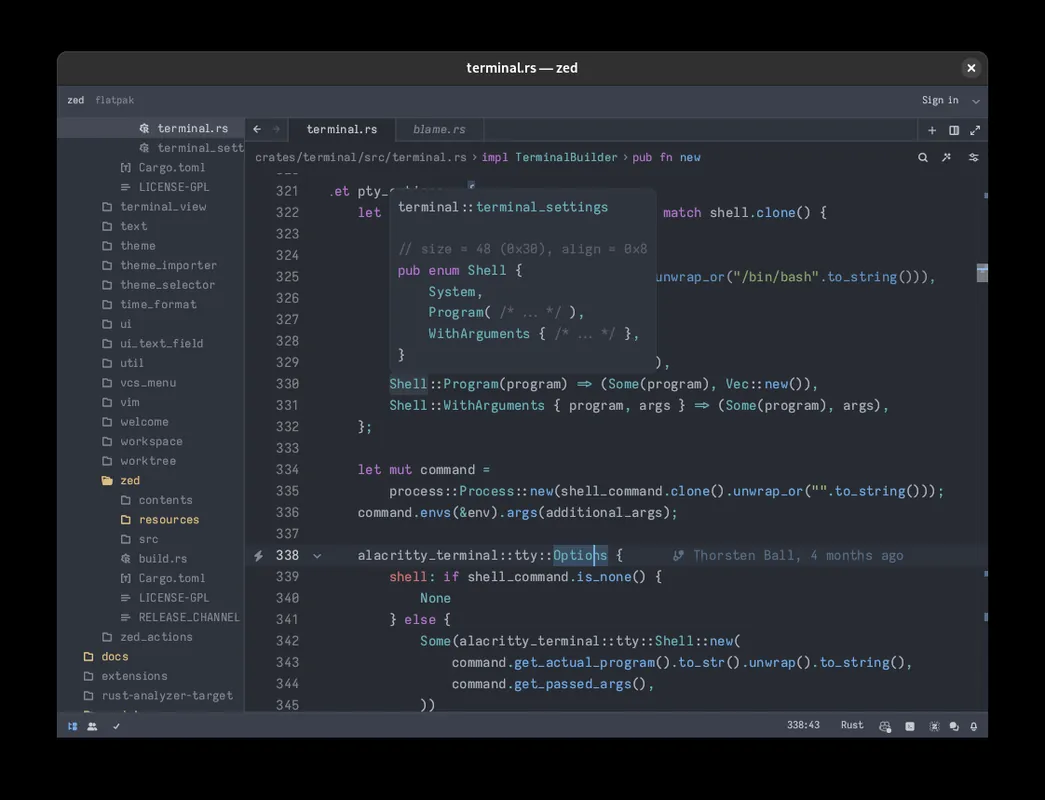
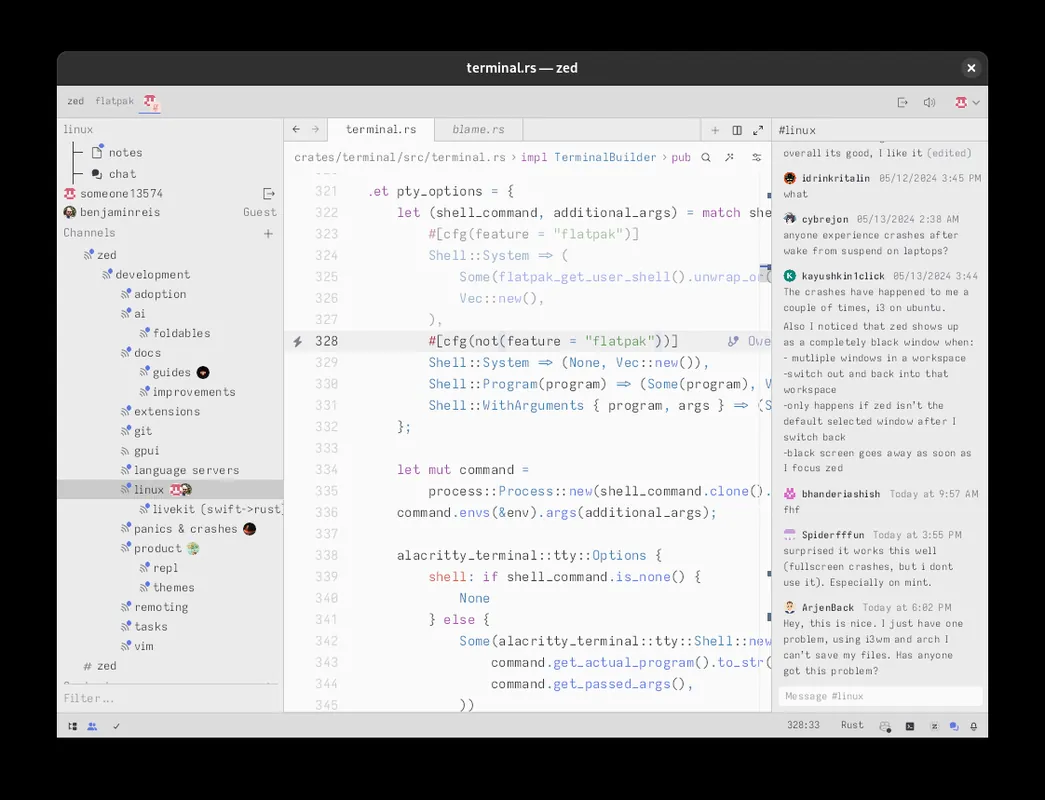
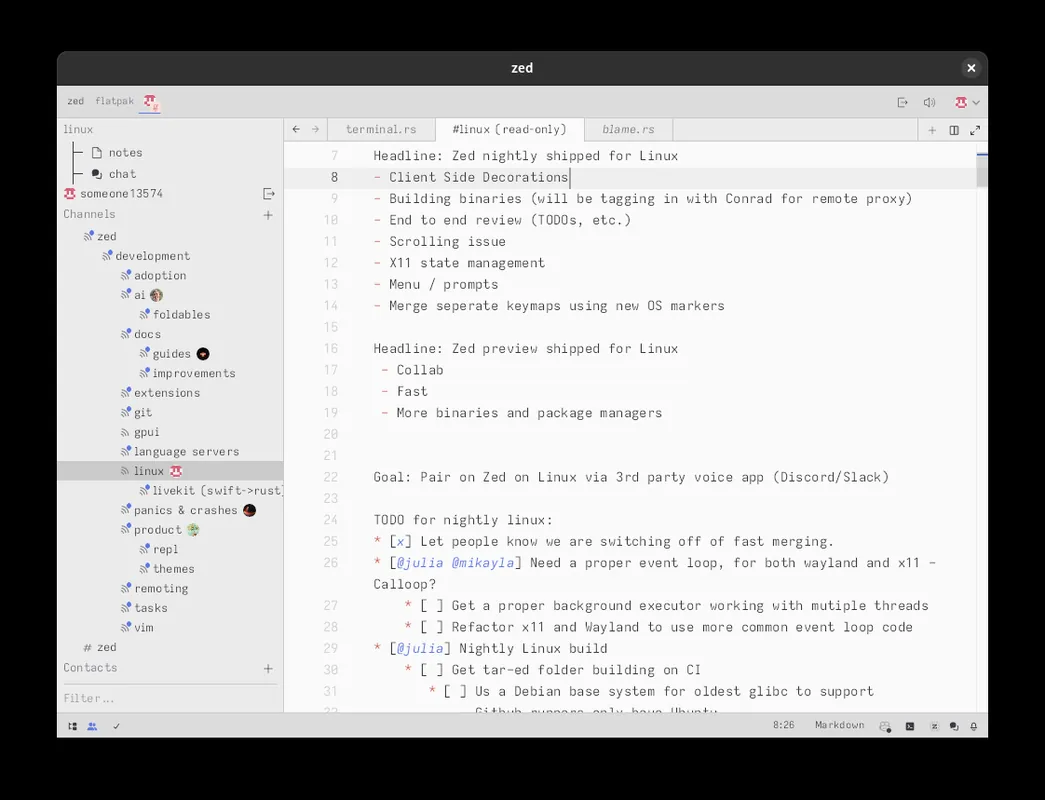
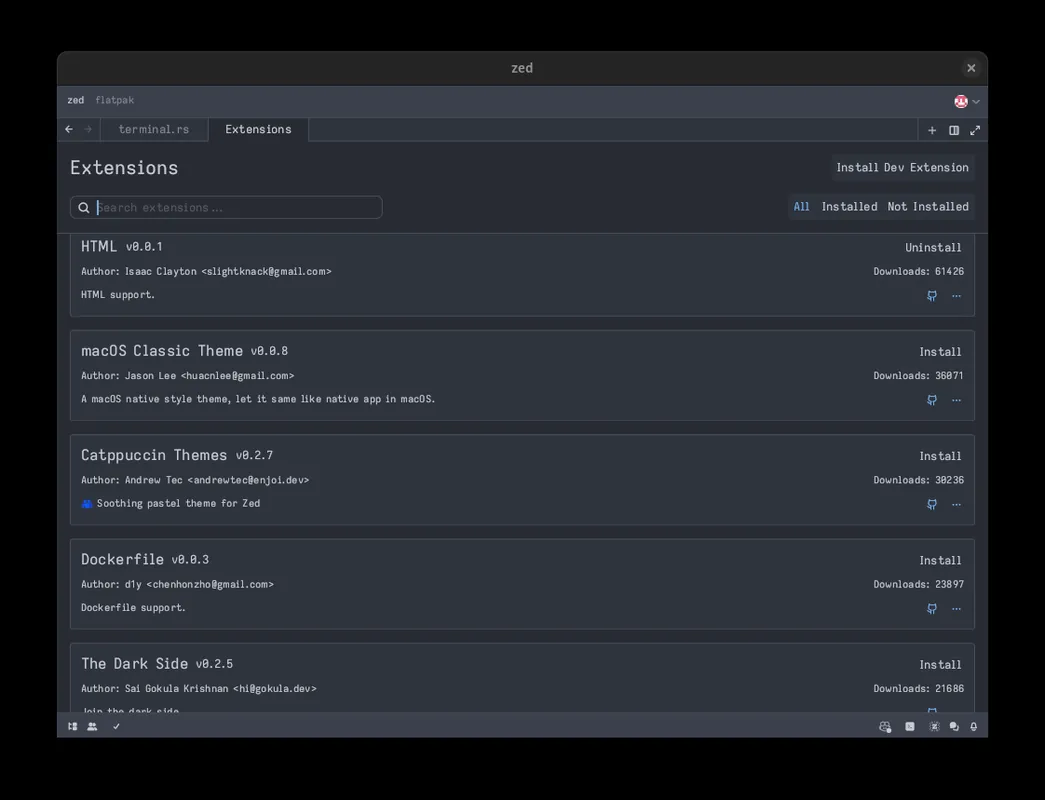
How to install
Windows
- Click the official download button on this page or use the winget command.
- Run the installer and follow the steps.
macOS
- Use the Homebrew command or download from the official site.
- Move the app to the Applications folder and open it.
Linux
- Run the Flatpak command in a terminal.
- Open the program from the application menu.
Alternatives
- Visual Studio Code
- Neovim
- Cursor (Free version available)
Comparisons
Frequently asked questions
Is Zed free?
Yes. It is open source and free.
Do VS Code extensions work?
No. Zed has its own extension system; VS Code extensions don't run directly.
Are the AI features paid?
The editor is free; some AI usage options need a paid plan or your own API key.