
Zotero
Zotero is an open-source reference management tool developed by the Corporation for Digital Scholarship. It helps researchers collect, organize, annotate, cite, and share academic literature, articles, and research sources across desktop platforms.
download.zotero.org · Official website
- ✓ Official source (winget)
- ✓ SHA256 taken from the official repository
- ✓ Last checked: Nov. 4, 2026
- This is not a virus scan. Check on VirusTotal
- Version
- 10.0.7
- Release date
- Oct. 29, 2026
- License
- AGPL-3.0
- Installer type
- nullsoft
How do I use this?
Type Terminal in the Start menu and open it, paste the command (Ctrl+V or right-click) and press Enter. It uses winget, Windows' own package manager, to install the program from its official source.
winget install --id DigitalScholar.Zotero -eSHA256 (file verification)
3958f6c32eb905e23ae385b157fc64a76f6102f69ec73020a602a41748ec5007download.zotero.org · Official website
- ✓ Official source (Homebrew)
- ✓ SHA256 taken from the official repository
- ✓ Last checked: Nov. 4, 2026
- This is not a virus scan. Check on VirusTotal
- Version
- 10.0.7
- License
- AGPL-3.0
- Installer type
- dmg
How do I use this?
This command needs Homebrew; if you don't have it, first run the install command from brew.sh. Then open Terminal (Applications > Utilities > Terminal), paste the command and press Enter.
brew install --cask zoteroSHA256 (file verification)
438fbcb6234091d147412f701908b12bd734f0ff867f88e971a3772bcbf6f041flathub.org · Official website
- ✓ Community package (Flathub)
- ✓ Last checked: Nov. 4, 2026
- Version
- 10.0.6
- Release date
- Oct. 7, 2026
- License
- AGPL-3.0
- Installer type
- flatpak
How do I use this?
Open a terminal, paste the command and press Enter. Flatpak and Flathub must be set up; Linux Mint has them by default, for other distributions see flathub.org/setup.
flatpak install flathub org.zotero.ZoteroWe couldn't find a Android version of Zotero in the official repositories; check the publisher's website.
Zotero 10.0.7: what's new?
Highlights
- Automatic capture of bibliographic data from websites and databases
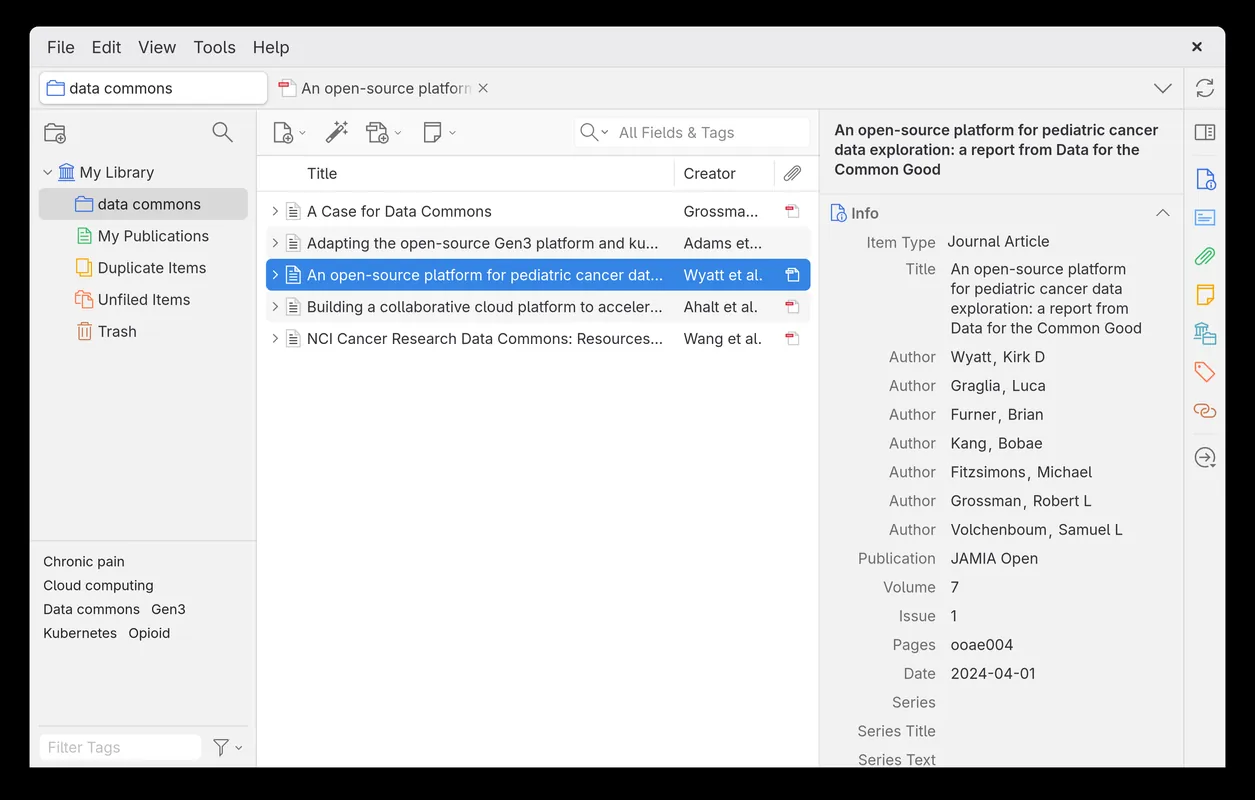
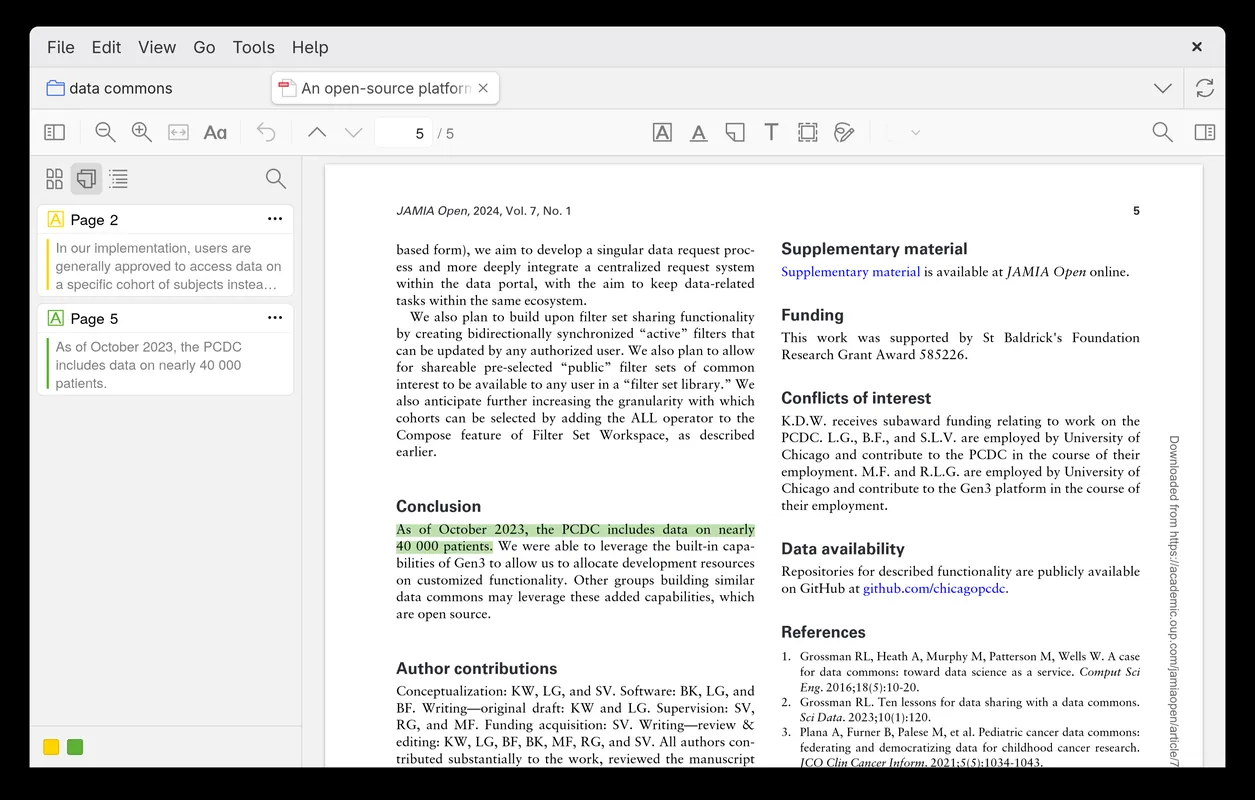
- PDF storage, organization, annotation, and full-text indexing
- Integration with word processors to insert citations and bibliographies
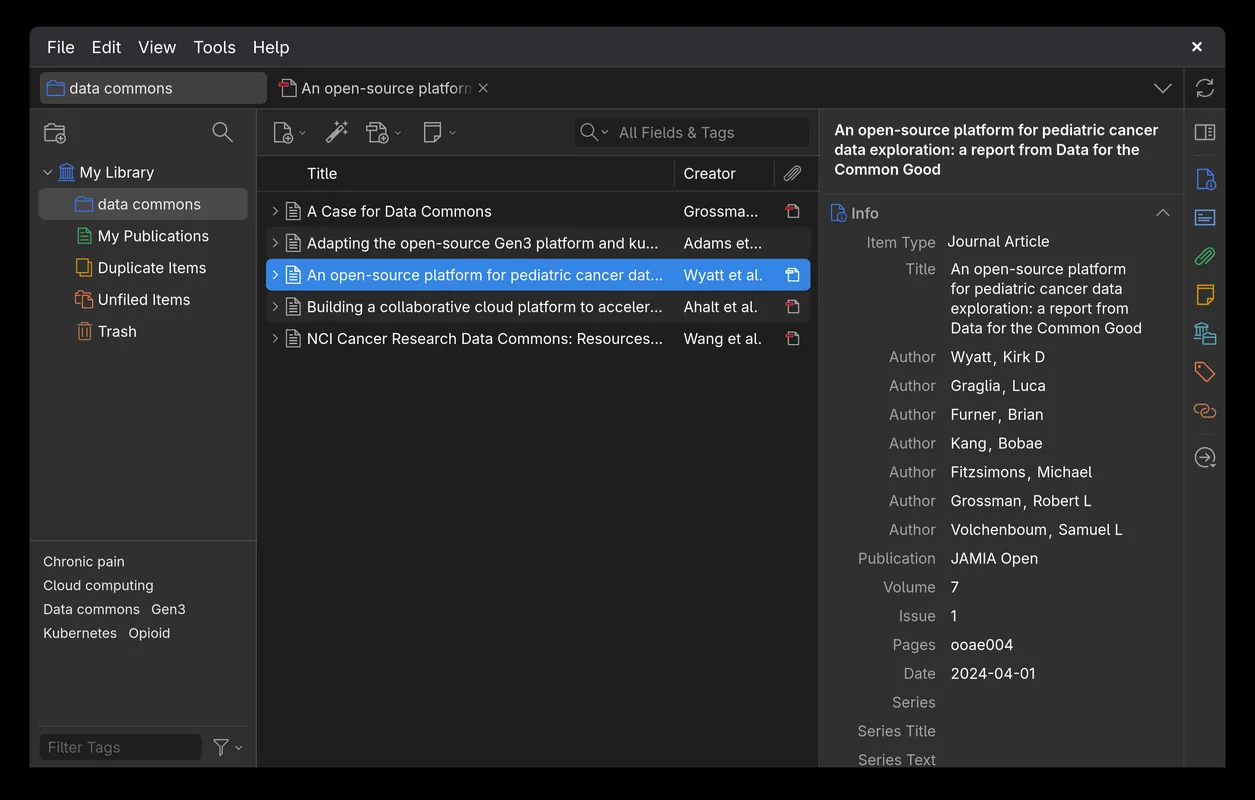
- Tagging, collections, and advanced search filters for organizing references
- Collaborative research through shared group libraries
Who is it for?
Zotero is designed for students, researchers, and academics who need to collect, organize, annotate, and cite research papers, articles, and bibliographic sources. It is commonly used when writing theses, scholarly publications, or extensive literature reviews.
Good to know before installing
- Free online sync storage on Zotero servers is limited to 300 MB for file attachments, with additional storage requiring a paid subscription.
- Direct web-page and article importing requires installing a separate browser extension (Zotero Connector).
- Creating or modifying custom citation styles requires familiarity with Citation Style Language (CSL).
Screenshots
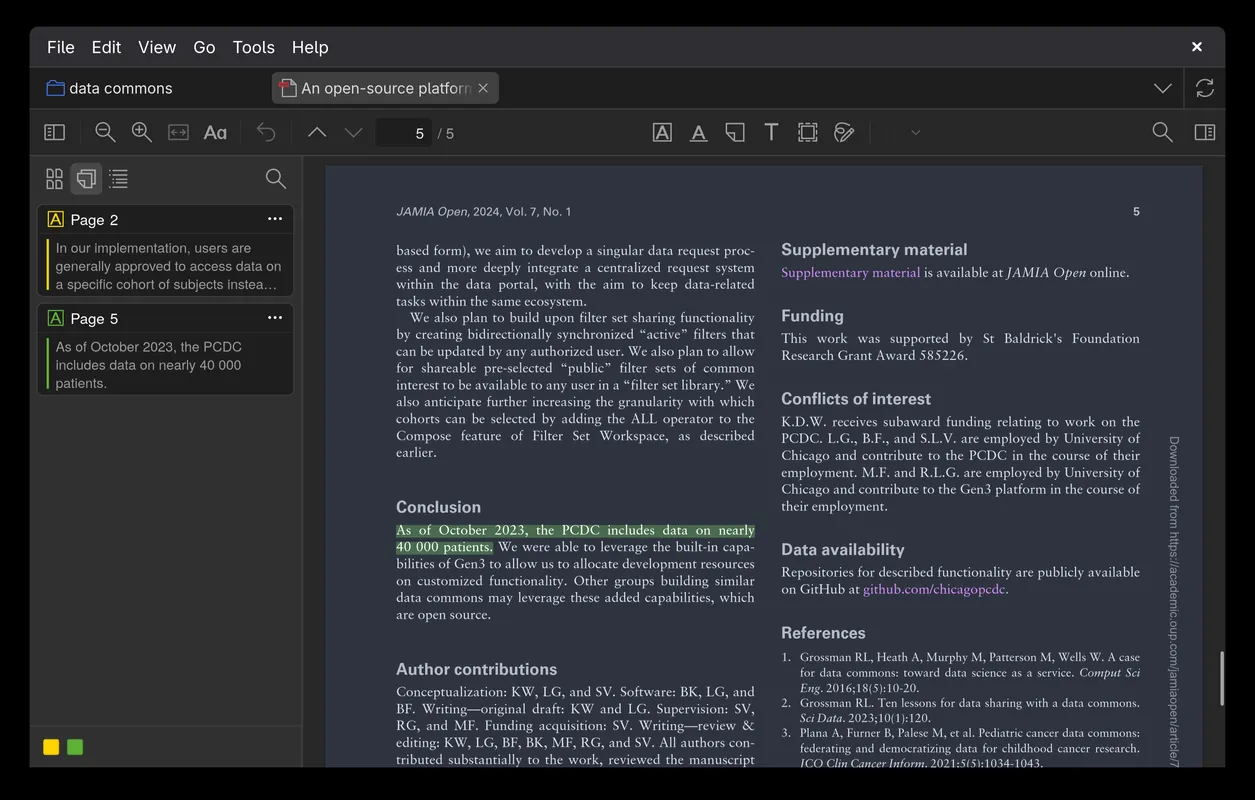
How to install
Windows
- Click the official download button to get the installer, or run 'winget install --id DigitalScholar.Zotero -e' in PowerShell or Command Prompt.
- Launch the downloaded .exe installer file.
- Follow the on-screen setup wizard to complete the installation.
macOS
- Click the official download button to download the setup file, or run 'brew install --cask zotero'.
- Open the downloaded .dmg file.
- Drag Zotero into your Applications folder.
Linux
- Open the Flathub page via the official download link on our site.
- Alternatively, run 'flatpak install flathub org.zotero.Zotero' in your terminal.
- Confirm the prompts to complete the installation.
Alternatives
- Mendeley
- JabRef
- EndNote
Frequently asked questions
Is Zotero free and open source?
Yes, Zotero is licensed under the AGPL-3.0 and is completely free to download and use.
Can I use Zotero with word processors?
Yes, Zotero integrates directly with word processors such as Microsoft Word and LibreOffice to insert citations.
Does Zotero support cloud synchronization?
Yes, you can sync your library across devices by creating a free Zotero account.