

Brave
Brave is an open-source, privacy-focused web browser based on Chromium. It blocks intrusive advertisements and online trackers by default, resulting in faster page loads and reduced data consumption.
github.com · Official website
- ✓ Official source (winget)
- ✓ SHA256 taken from the official repository
- ✓ Last checked: Nov. 4, 2026
- This is not a virus scan. Check on VirusTotal
- Version
- 156.1.98.63
- Release date
- Oct. 30, 2026
- License
- MPL-2.0
- Installer type
- exe
How do I use this?
Type Terminal in the Start menu and open it, paste the command (Ctrl+V or right-click) and press Enter. It uses winget, Windows' own package manager, to install the program from its official source.
winget install --id Brave.Brave -eSHA256 (file verification)
6c139a6915432e72b626ce8566865f12854f744310c19543c498ecfd87d5cffaupdates-cdn.bravesoftware.com · Official website
- ✓ Official source (Homebrew)
- ✓ File is identical to the one the publisher released (SHA256 matched)
- ✓ Last checked: Nov. 4, 2026
- This is not a virus scan. Check on VirusTotal
- Version
- 1.98.63.0
- License
- MPL-2.0
- Installer type
- dmg
How do I use this?
This command needs Homebrew; if you don't have it, first run the install command from brew.sh. Then open Terminal (Applications > Utilities > Terminal), paste the command and press Enter.
brew install --cask brave-browserSHA256 (file verification)
d775e6b73a902054eede08f669e2050ed6c369125f84b6c4b0a7746e24c157b9flathub.org · Official website
- ✓ Official source (Flathub)
- ✓ Last checked: Nov. 4, 2026
- Version
- 1.98.63
- Release date
- Oct. 30, 2026
- License
- MPL-2.0
- Installer type
- flatpak
How do I use this?
Open a terminal, paste the command and press Enter. Flatpak and Flathub must be set up; Linux Mint has them by default, for other distributions see flathub.org/setup.
flatpak install flathub com.brave.Browserplay.google.com · Official website
- ✓ Official source (Google Play)
- ✓ Last checked: Nov. 4, 2026
- License
- MPL-2.0
Platform pages: Windows · macOS · Linux · Android
Old versions (10)
Brave 156.1.98.63: what's new?
Highlights
- Built-in shields that block third-party trackers and intrusive advertisements
- Chromium engine providing seamless compatibility with Chrome Web Store extensions
- Automatic HTTPS upgrading for secure connections across websites
- Private browsing windows with advanced fingerprinting protections
Who is it for?
Brave is built for privacy-conscious users and everyday web surfers who want built-in tracker and ad blocking without installing third-party add-ons.
Good to know before installing
- Aggressive shield settings may occasionally break the layout or functionality of certain websites.
- Integrated crypto wallet and reward features may feel unnecessary for users seeking a minimal browser.
- Device synchronization relies on a recovery phrase chain rather than an email-and-password account.
Screenshots
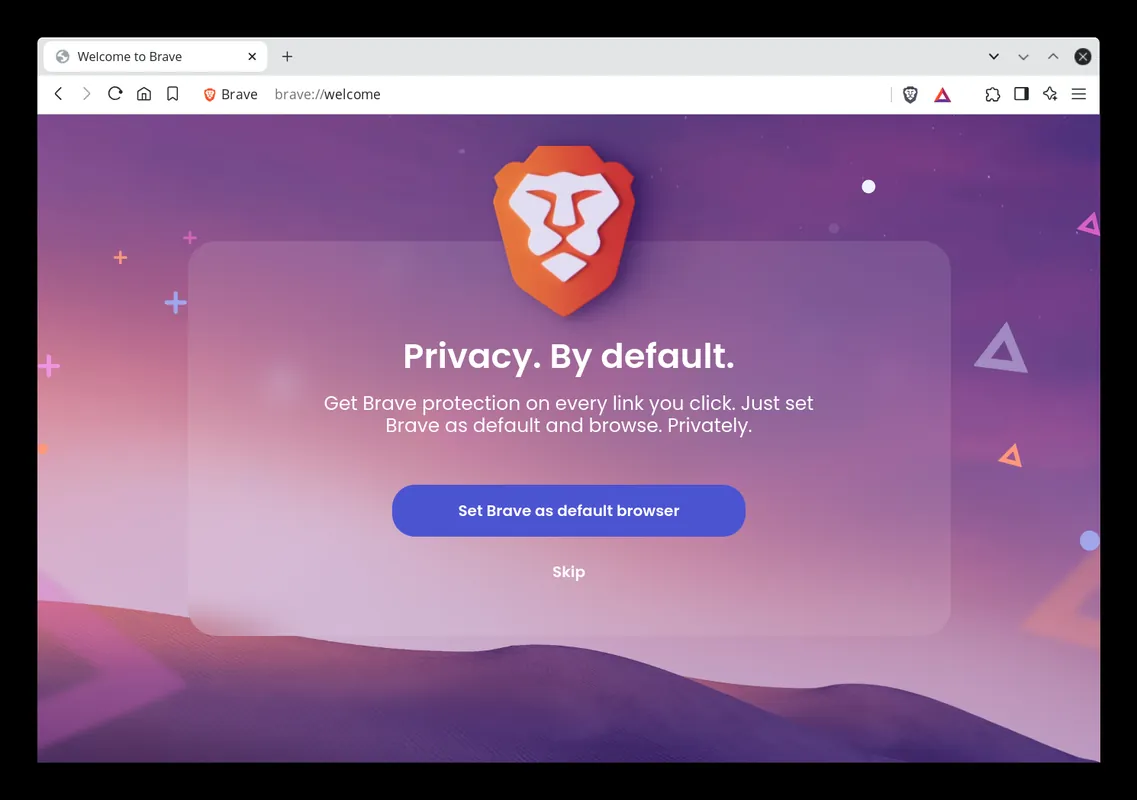
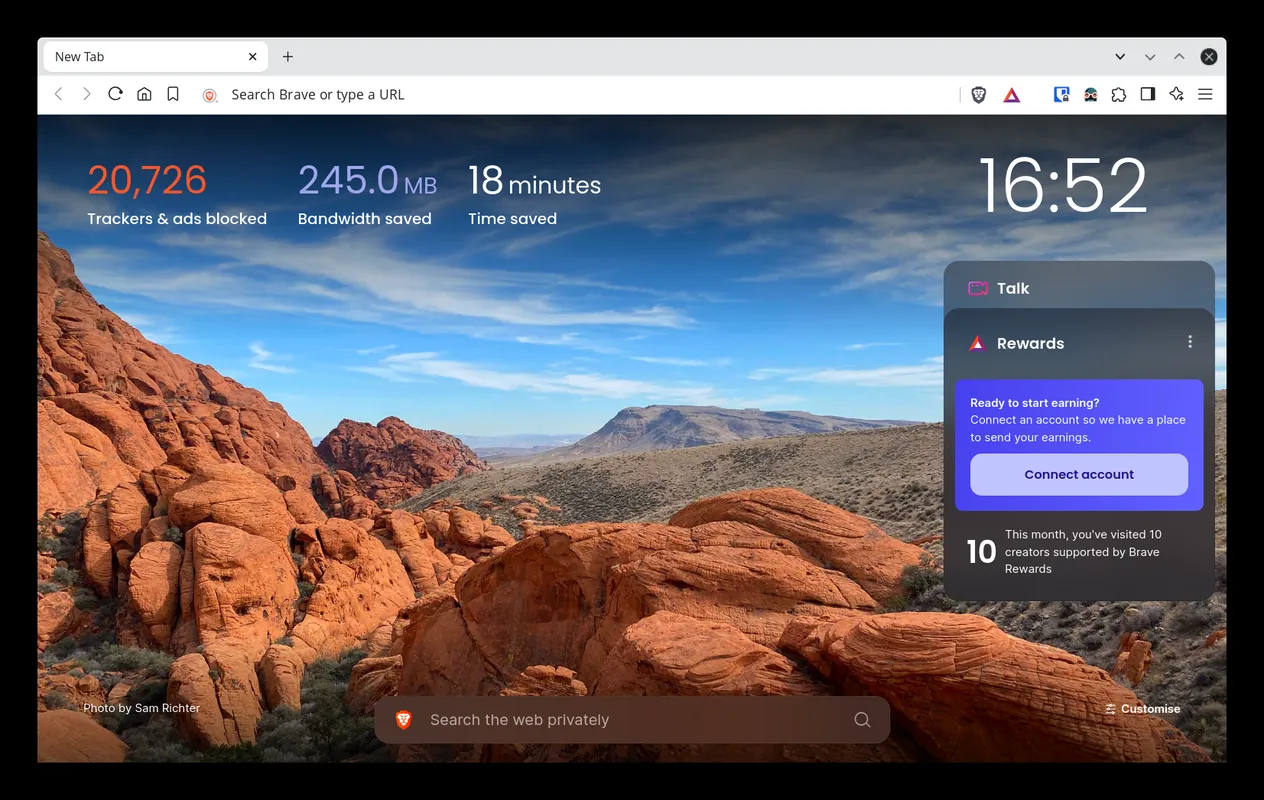
How to install
Windows
- Click the official download button to get the installer, or run: winget install --id Brave.Brave -e
- Run the downloaded installation file.
- Follow the on-screen prompts to complete setup and launch the browser.
macOS
- Click the official download button or run: brew install --cask brave-browser
- Open the downloaded DMG file and drag Brave into your Applications folder.
- Launch Brave from the Applications folder or Spotlight.
Linux
- Use the official download link for Flathub or open your terminal.
- Run the command: flatpak install flathub com.brave.Browser
- Launch Brave from your system application menu.
Android
- Click the official download button to open the Google Play Store page.
- Tap Install to download the application to your device.
- Open Brave from your app drawer once the installation finishes.
Alternatives
- Mozilla Firefox
- Chromium
- LibreWolf
Frequently asked questions
Is Brave free and open source?
Yes, Brave is free software released under the Mozilla Public License 2.0 (MPL-2.0).
Can I use Google Chrome extensions in Brave?
Yes, because Brave is built on Chromium, it natively supports extensions from the Chrome Web Store.
Does Brave require an account to browse?
No, you can browse immediately without creating an account or providing personal details.