

LibreWolf
LibreWolf is an open-source web browser based on Mozilla Firefox, designed with a focus on privacy, security, and user freedom. It strips out telemetry, telemetry-dependent services, and integrated tracking mechanisms present in upstream builds.
dl.librewolf.net · Official website
- ✓ Official source (winget)
- ✓ File is identical to the one the publisher released (SHA256 matched)
- ✓ Last checked: Nov. 4, 2026
- This is not a virus scan. Check on VirusTotal
- Version
- 159.0-1
- Release date
- Oct. 27, 2026
- License
- MPL-2.0
- Installer type
- nullsoft
How do I use this?
Type Terminal in the Start menu and open it, paste the command (Ctrl+V or right-click) and press Enter. It uses winget, Windows' own package manager, to install the program from its official source.
winget install --id LibreWolf.LibreWolf -eSHA256 (file verification)
aeba328856112b462a40685ef2902ed3b48952deaaaf146f52526b22f2b1c37cdl.librewolf.net · Official website
- ✓ Official source (Homebrew)
- ✓ File is identical to the one the publisher released (SHA256 matched)
- ✓ Last checked: Nov. 4, 2026
- This is not a virus scan. Check on VirusTotal
- Version
- 159.0,1
- License
- MPL-2.0
- Installer type
- dmg
How do I use this?
This command needs Homebrew; if you don't have it, first run the install command from brew.sh. Then open Terminal (Applications > Utilities > Terminal), paste the command and press Enter.
brew install --cask librewolfSHA256 (file verification)
4921976ad4cce4d2de2f9929b8f3c6ba299be10c3513d828feb026a3316a4378flathub.org · Official website
- ✓ Official source (Flathub)
- ✓ Last checked: Nov. 4, 2026
- Version
- 159.0-1
- Release date
- Oct. 27, 2026
- License
- MPL-2.0
- Installer type
- flatpak
How do I use this?
Open a terminal, paste the command and press Enter. Flatpak and Flathub must be set up; Linux Mint has them by default, for other distributions see flathub.org/setup.
flatpak install flathub io.gitlab.librewolf-communityWe couldn't find a Android version of LibreWolf in the official repositories; check the publisher's website.
You can try these instead:
LibreWolf 159.0-1: what's new?
Highlights
- Privacy-focused Firefox fork with telemetry disabled
- Integrated uBlock Origin for ad and tracker blocking
- Enhanced tracking protection and fingerprint resistance
- Open-source codebase licensed under MPL-2.0
Who is it for?
LibreWolf is aimed at privacy-conscious users and tech enthusiasts who want a Firefox-based browser without telemetry or tracking. It is ideal for individuals seeking enhanced security and default privacy protections for daily web browsing on Windows, macOS, and Linux.
Good to know before installing
- Strict default privacy settings and fingerprinting protections may break functionality on certain websites.
- Firefox Sync and DRM content playback are disabled by default and require manual configuration to enable.
- Built-in auto-updates are disabled, relying on package managers like Winget, Homebrew, or Flatpak for system updates.
Screenshots
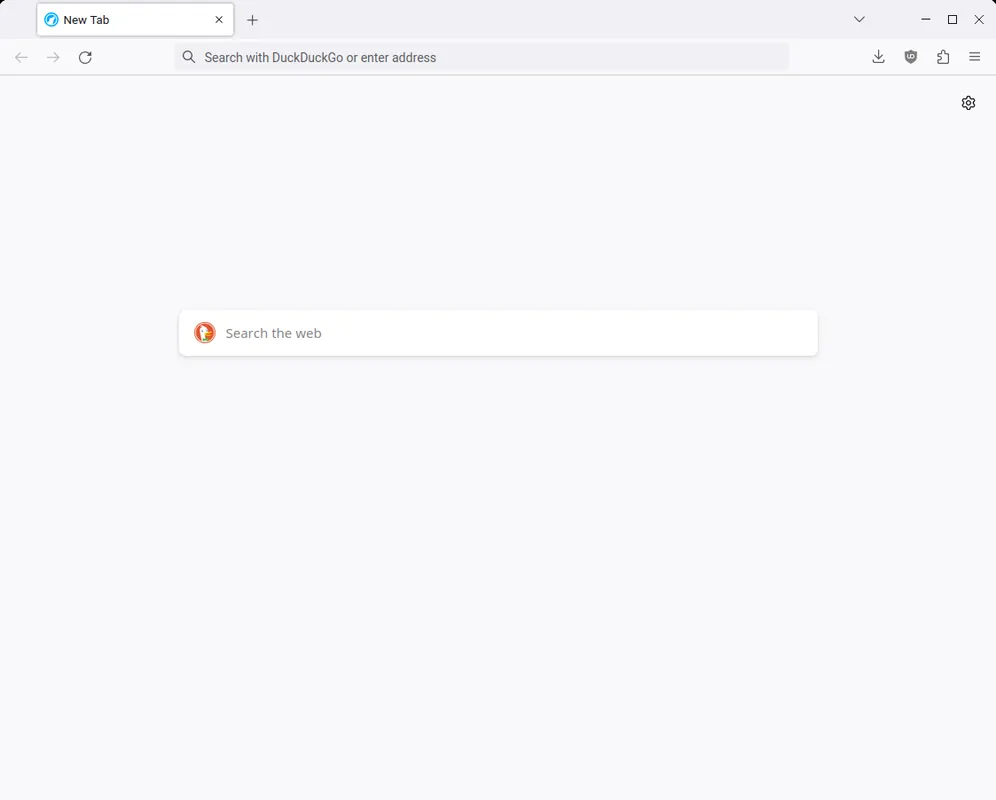
How to install
Windows
- Click the official download button to obtain the Windows installer.
- Run the installer package, or execute 'winget install --id LibreWolf.LibreWolf -e' in PowerShell.
- Open LibreWolf from the Start menu.
macOS
- Click the official download button to get the macOS installation file.
- Open the downloaded file and drag LibreWolf into your Applications folder, or use 'brew install --cask librewolf'.
- Launch LibreWolf from Launchpad or Finder.
Linux
- Click the official download button to open the Flathub page.
- Alternatively, run 'flatpak install flathub io.gitlab.librewolf-community' in your terminal.
- Launch LibreWolf from your desktop application menu.
Alternatives
Frequently asked questions
Is LibreWolf completely free and open source?
Yes, LibreWolf is open source under the MPL-2.0 license and entirely free to use.
Does LibreWolf include Firefox Sync?
Firefox Sync is disabled by default in LibreWolf to protect privacy, though it can be manually re-enabled if needed.
Is LibreWolf built on Gecko?
Yes, LibreWolf uses the Gecko browser engine inherited from Mozilla Firefox.