
Google Chrome
Google Chrome is a free web browser developed by Google LLC, built on the open-source Chromium engine. It offers fast page loading, seamless synchronization across devices via a Google account, and extensive customization options through the Chrome Web Store.
dl.google.com · Official website
- ✓ Official source (winget)
- ✓ File is identical to the one the publisher released (SHA256 matched)
- ✓ Last checked: Nov. 4, 2026
- This is not a virus scan. Check on VirusTotal
- Version
- 156.0.8078.80
- Release date
- Oct. 29, 2026
- License
- Freeware
- Installer type
- wix
How do I use this?
Type Terminal in the Start menu and open it, paste the command (Ctrl+V or right-click) and press Enter. It uses winget, Windows' own package manager, to install the program from its official source.
winget install --id Google.Chrome -eSHA256 (file verification)
ecf1b28bf4e8e8b3434a844eb915118935e6525768efe3dbe622c2a20cba9ec9dl.google.com · Official website
- ✓ Official source (Homebrew)
- ✓ Last checked: Nov. 4, 2026
- Version
- 156.0.8078.80
- License
- Freeware
- Installer type
- dmg
How do I use this?
This command needs Homebrew; if you don't have it, first run the install command from brew.sh. Then open Terminal (Applications > Utilities > Terminal), paste the command and press Enter.
brew install --cask google-chromeflathub.org · Official website
- ✓ Community package (Flathub)
- ✓ Last checked: Nov. 4, 2026
- Version
- 156.0.8078.79-1
- Release date
- Oct. 30, 2026
- License
- Freeware
- Installer type
- flatpak
How do I use this?
Open a terminal, paste the command and press Enter. Flatpak and Flathub must be set up; Linux Mint has them by default, for other distributions see flathub.org/setup.
flatpak install flathub com.google.Chromeplay.google.com · Official website
- ✓ Official source (Google Play)
- ✓ Last checked: Nov. 4, 2026
- License
- Freeware
The US Cybersecurity and Infrastructure Security Agency (CISA) has confirmed that these vulnerabilities in older versions of Google Chrome were used in real attacks. Keep the program up to date:
- CVE-2026-87491 – Google Chromium V8 Out of Bounds Write Vulnerability (Sept. 9, 2026)
- CVE-2026-85046 – Google Chromium V8 Type Confusion Vulnerability (Sept. 4, 2026)
- CVE-2026-11645 – Google Chromium V8 Out-of-Bounds Read and Write Vulnerability (June 9, 2026)
- CVE-2026-3910 – Google Chromium V8 Improper Restriction of Operations Within the Bounds of a Memory Buffer Vulnerability (March 13, 2026)
- CVE-2026-2441 – Google Chromium CSS Use-After-Free Vulnerability (Feb. 17, 2026)
+17 · CISA catalog →
Highlights
- Google Account sync for bookmarks, history, and saved passwords
- Extensive extension support via the Chrome Web Store
- Built-in security tools including Safe Browsing and phishing protection
- Integrated developer tools for web debugging and performance analysis
Who is it for?
Google Chrome is designed for general internet users, students, and professionals who need a fast, reliable browser with seamless cloud synchronization.
Good to know before installing
- High RAM usage when running multiple active tabs simultaneously.
- Data collection policies tied to integrated Google account services.
- Manifest V3 framework limits the capabilities of certain content-blocking extensions.
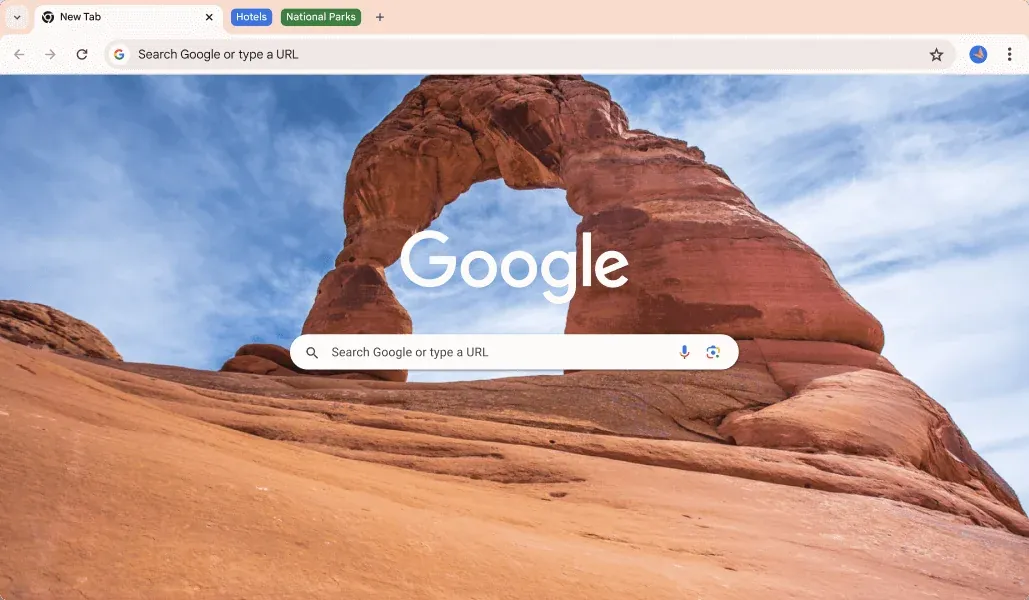
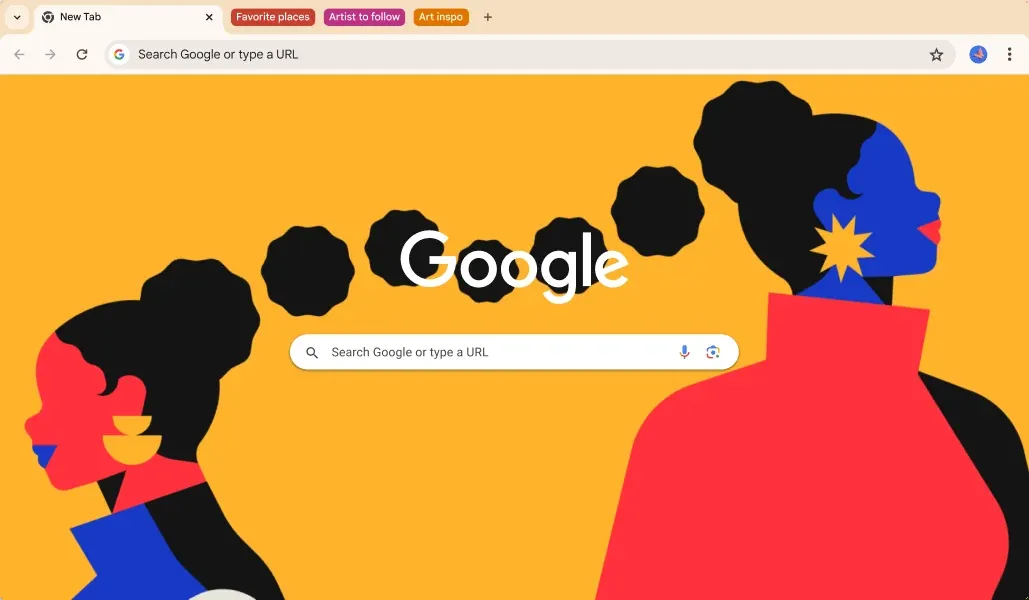
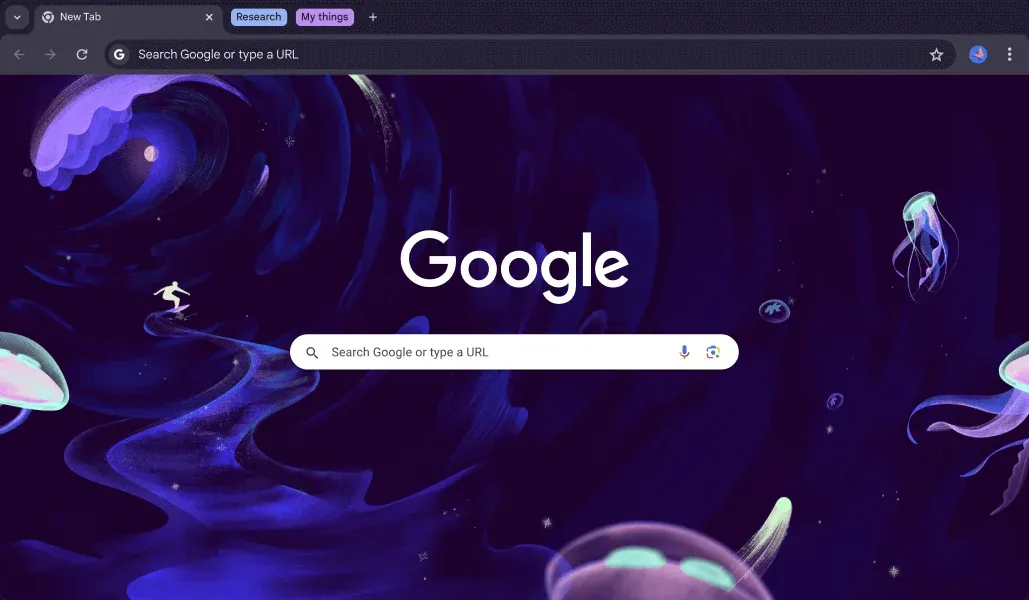
Screenshots
How to install
Windows
- Click the official download button on our site to get the installer.
- Run the installer file and follow the on-screen instructions.
- Alternatively, execute 'winget install --id Google.Chrome -e' in Command Prompt or PowerShell.
macOS
- Click the official download button on our site to download the DMG installer.
- Open the downloaded DMG file and drag Google Chrome to your Applications folder.
- Alternatively, run 'brew install --cask google-chrome' in Terminal.
Linux
- Click the Flathub page link or copy the flatpak command provided on our site.
- Open your terminal and execute: flatpak install flathub com.google.Chrome
- Launch Google Chrome from your application menu.
Android
- Open Google Play Store on your device.
- Search for Google Chrome or click the official store link on our page.
- Tap Install and wait for the application to download.
Alternatives
- Mozilla Firefox
- Brave
- Microsoft Edge
Frequently asked questions
Is Google Chrome free to use?
Yes, Google Chrome is entirely free for personal and commercial use.
Does Google Chrome automatically sync my data?
Data synchronization for bookmarks, history, and passwords occurs when you sign in with a Google account.
What web engine does Google Chrome use?
Google Chrome is built on Blink, a browser engine derived from Chromium.