

Dropbox
Dropbox can be used for free; some features are only in the paid edition.
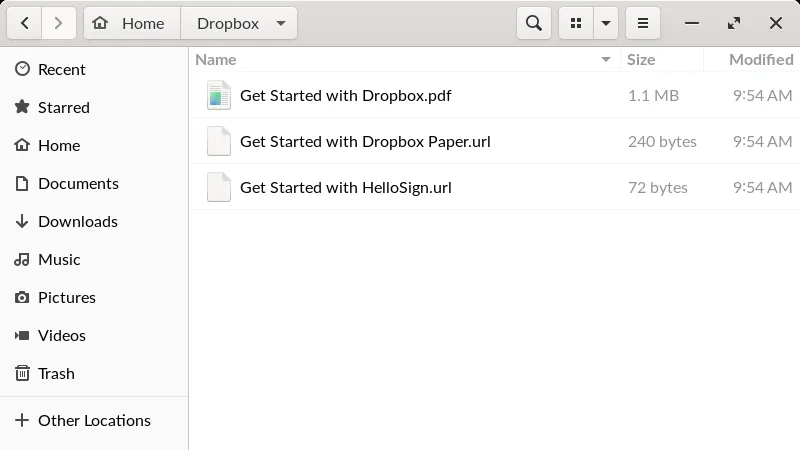
Dropbox is the desktop app of a storage service that keeps your files in the cloud and syncs them between your computers and phone. Files you put in the Dropbox folder stay up to date on your other devices.
edge.dropboxstatic.com · Official website
- ✓ Official source (winget)
- ✓ SHA256 taken from the official repository
- ✓ Last checked: Nov. 20, 2026
- This is not a virus scan. Check on VirusTotal
- Version
- 280.4.5053
- License
- Combined GPLv2 and proprietary software
- Installer type
- exe
How do I use this?
Type Terminal in the Start menu and open it, paste the command (Ctrl+V or right-click) and press Enter. It uses winget, Windows' own package manager, to install the program from its official source.
winget install --id Dropbox.Dropbox -eSHA256 (file verification)
ea79e1d4be80c70b8620e3f996440d48e5343d3f9ba37667372ecc0e2c2909fcedge.dropboxstatic.com · Official website
- ✓ Official source (Homebrew)
- ✓ SHA256 taken from the official repository
- ✓ Last checked: Nov. 20, 2026
- This is not a virus scan. Check on VirusTotal
- Version
- 280.4.5053
- License
- Combined GPLv2 and proprietary software
- Installer type
- dmg
How do I use this?
This command needs Homebrew; if you don't have it, first run the install command from brew.sh. Then open Terminal (Applications > Utilities > Terminal), paste the command and press Enter.
brew install --cask dropboxSHA256 (file verification)
fa6e9b1a5f1d78108749d2643e889ad98d67ba90c243e48b516d8491b14e4497flathub.org · Official website
- ✓ Community package (Flathub)
- ✓ Last checked: Nov. 20, 2026
- Version
- 277.4.4974
- Release date
- Oct. 27, 2026
- License
- Combined GPLv2 and proprietary software
- Installer type
- flatpak
How do I use this?
Open a terminal, paste the command and press Enter. Flatpak and Flathub must be set up; Linux Mint has them by default, for other distributions see flathub.org/setup.
flatpak install flathub com.dropbox.ClientWe couldn't find a Android version of Dropbox in the official repositories; check the publisher's website.
Platform pages: Windows · macOS · Linux · Android
Old versions (10)
Highlights
- Automatic file sync across devices
- Share files and folders by link
- History for deleted or changed files
- Download only selected folders to the computer
Who is it for?
For people who want to reach their files from different devices and share them easily.
Good to know before installing
- The free plan is limited in space and devices.
- Your files are stored on a third party's servers.
Screenshots
How to install
Windows
- Click the official download button on this page or use the winget command.
- Run the installer and follow the steps.
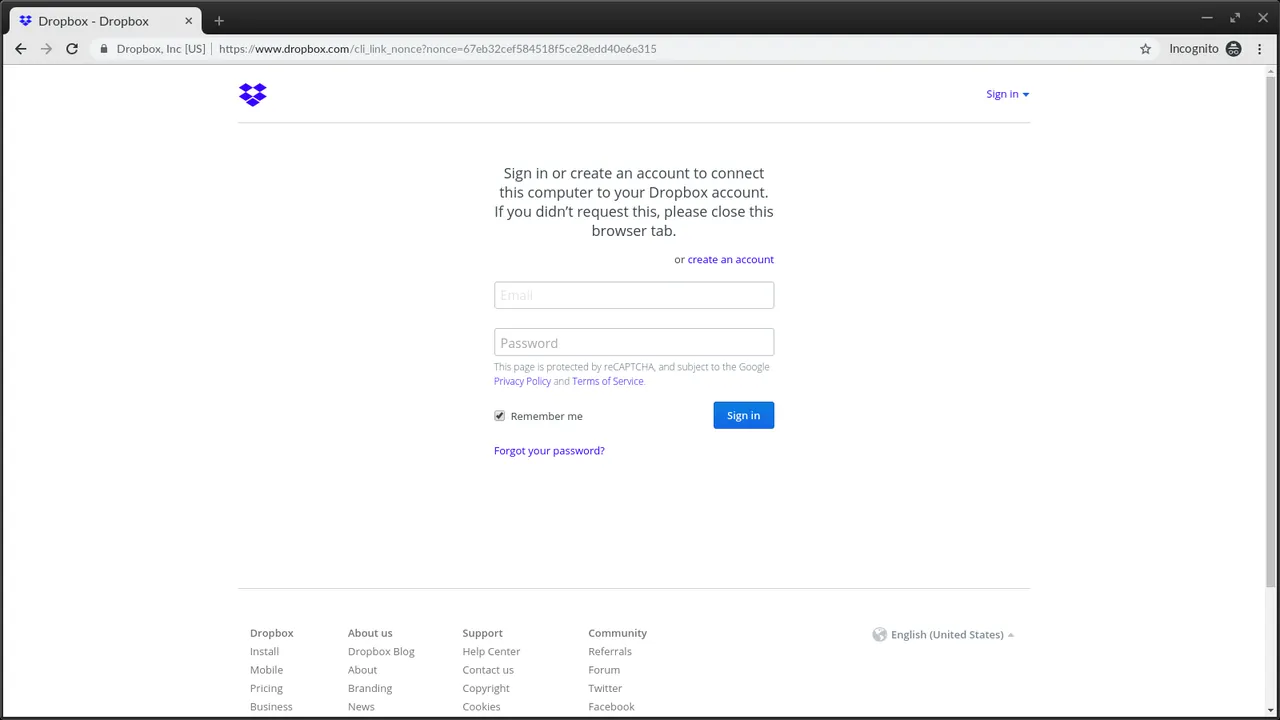
- Sign in with your Dropbox account; the Dropbox folder is created.
macOS
- Use the Homebrew command or download from the official site.
- Move the app to the Applications folder and open it.
- Sign in with your Dropbox account; the Dropbox folder is created.
Linux
- Run the Flatpak command in a terminal.
- Open the program from the application menu.
- Sign in with your Dropbox account; the Dropbox folder is created.
Alternatives
- Syncthing
- Google Drive (Free version available)
- Proton Drive (Free version available)
Comparisons
Frequently asked questions
Is Dropbox free?
Basic use is free; paid plans add extra features.
How much space does the free plan have?
The free plan offers limited space and a limited number of linked devices; current limits are on Dropbox's official page.
Are my files encrypted?
Files are encrypted in transit and on the server, but end-to-end encryption isn't the default; consider extra encryption for very sensitive files.