

Geany
Geany is a fast, lightweight open-source text editor and integrated development environment (IDE) built on Scintilla. It provides essential development tools without the overhead of heavy IDEs.
github.com · Official website
- ✓ Official source (winget)
- ✓ SHA256 taken from the official repository
- ✓ Last checked: Nov. 4, 2026
- This is not a virus scan. Check on VirusTotal
- Version
- 2.1.0
- Release date
- July 6, 2025
- License
- GPL-2.0-or-later
- Installer type
- nullsoft
How do I use this?
Type Terminal in the Start menu and open it, paste the command (Ctrl+V or right-click) and press Enter. It uses winget, Windows' own package manager, to install the program from its official source.
winget install --id Geany.Geany -eSHA256 (file verification)
50c7835b31bc736d0b5e5f894aa8ec08a95185873fb64d29a95727d2859107d8download.geany.org · Official website
- ✓ Official source (Homebrew)
- ✓ SHA256 taken from the official repository
- ✓ Last checked: Nov. 4, 2026
- This is not a virus scan. Check on VirusTotal
- Version
- 2.1
- License
- GPL-2.0-or-later
- Installer type
- dmg
How do I use this?
This command needs Homebrew; if you don't have it, first run the install command from brew.sh. Then open Terminal (Applications > Utilities > Terminal), paste the command and press Enter.
brew install --cask geanySHA256 (file verification)
13d6f0977c784193ffc1bad05e1a8b77f14f2a71f37ab158c788d33cb6203f80flathub.org · Official website
- ✓ Community package (Flathub)
- ✓ Last checked: Nov. 4, 2026
- Version
- 2.1.0
- Release date
- July 6, 2025
- License
- GPL-2.0-or-later
- Installer type
- flatpak
How do I use this?
Open a terminal, paste the command and press Enter. Flatpak and Flathub must be set up; Linux Mint has them by default, for other distributions see flathub.org/setup.
flatpak install flathub org.geany.GeanyWe couldn't find a Android version of Geany in the official repositories; check the publisher's website.
Platform pages: Windows · macOS · Linux · Android
Old versions (3)
Geany 2.1.0: what's new?
Highlights
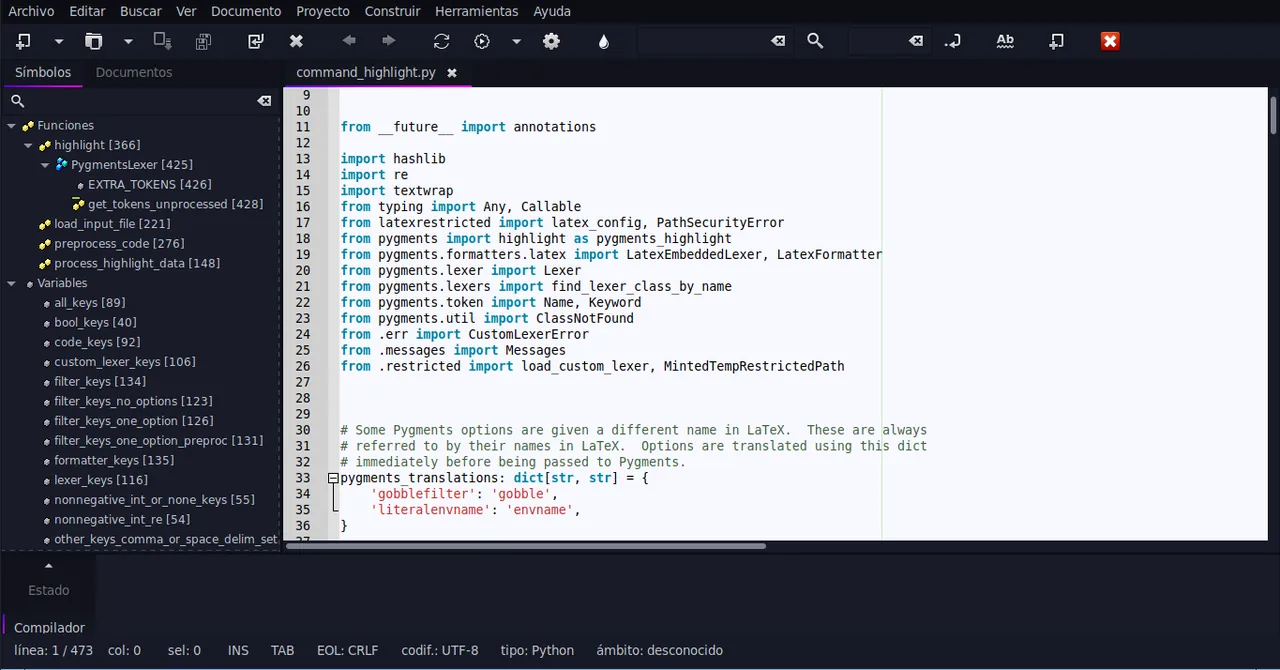
- Syntax highlighting and code folding
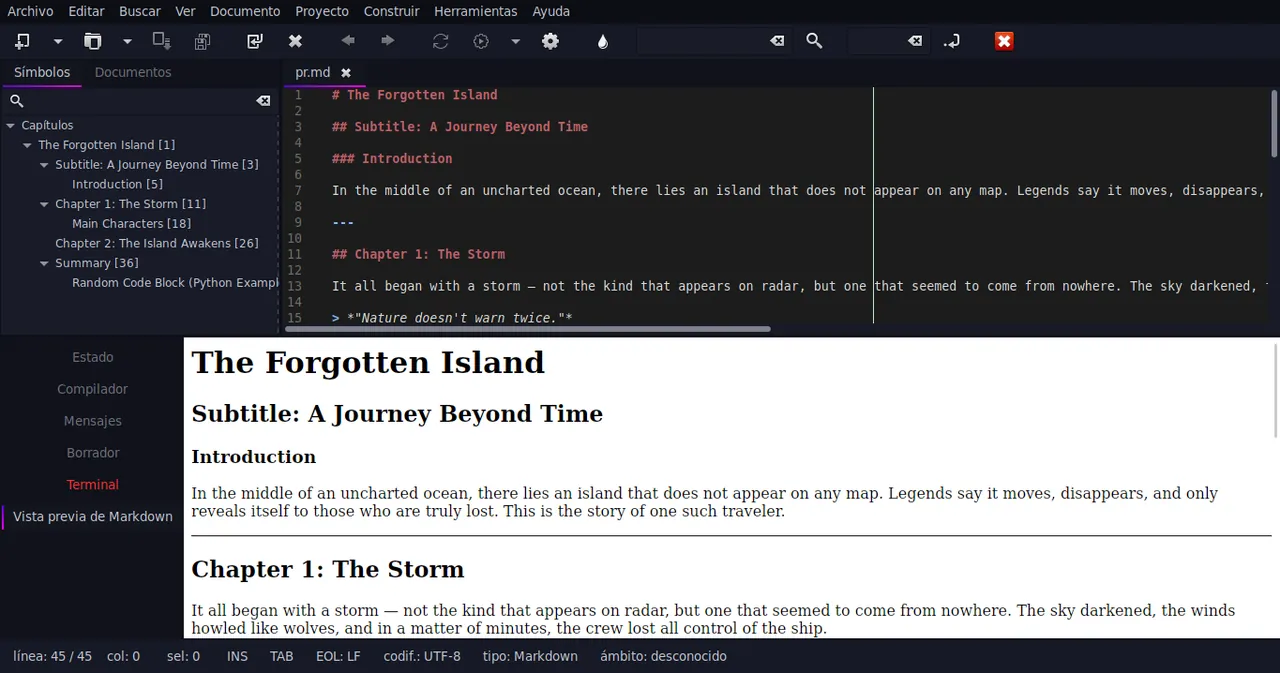
- Symbol list navigation and autocompletion
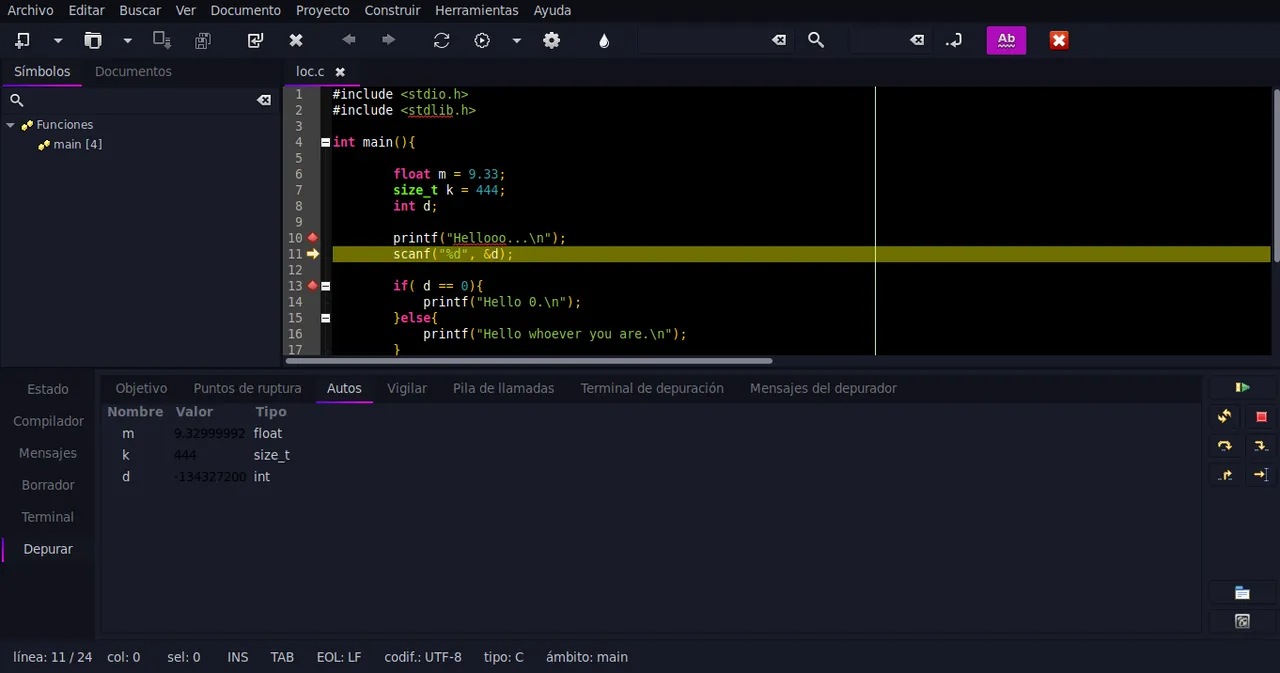
- Integrated system to compile and execute code
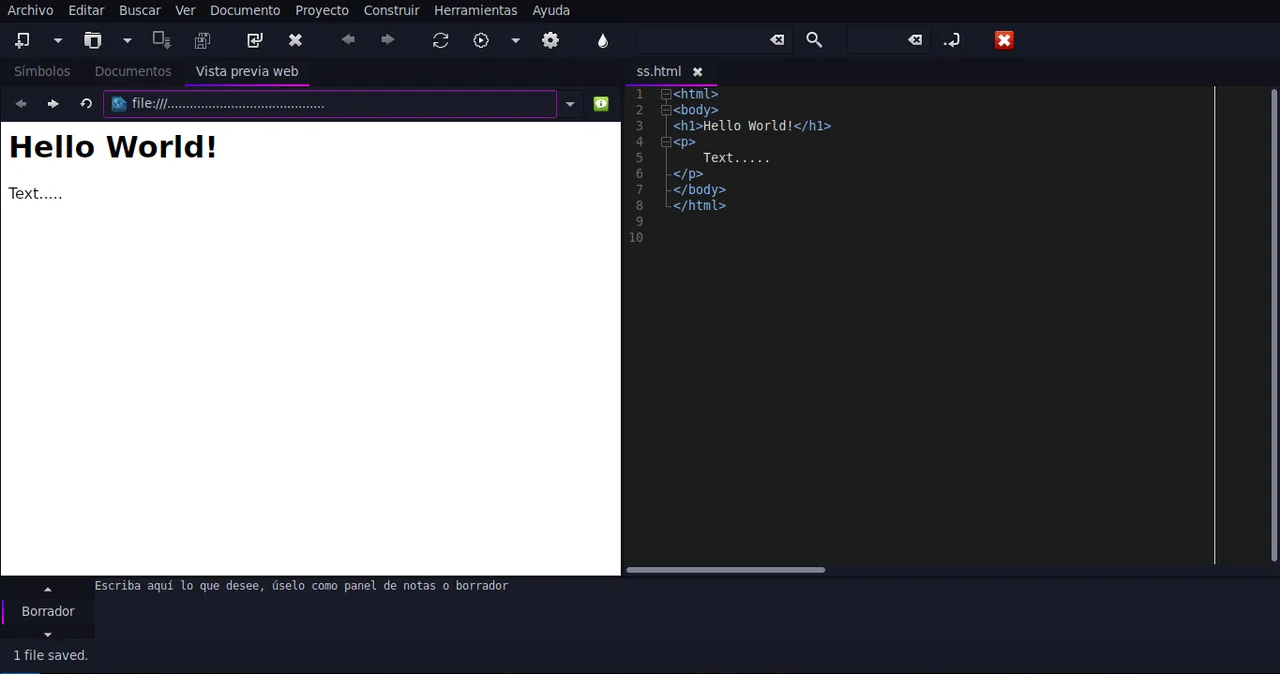
- Basic project management and extensible plugin support
Who is it for?
Developers, sysadmins, and students who need a responsive, low-resource editor for quick scripting, programming, or configuration file editing.
Good to know before installing
- Requires external compilers and runtimes to be pre-installed and configured manually.
- Lacks advanced out-of-the-box debugging features found in heavyweight IDEs.
Screenshots
How to install
Windows
- Download the official installer from the link on our page.
- Alternatively, run 'winget install --id Geany.Geany -e' in Command Prompt or PowerShell.
- Follow the setup wizard to complete the installation.
macOS
- Download the official installer using the button on our page.
- Alternatively, execute 'brew install --cask geany' in Terminal.
- Drag Geany to your Applications folder and open it.
Linux
- Click the official download button to access the Flathub page.
- Alternatively, run 'flatpak install flathub org.geany.Geany' in your terminal.
- Launch Geany from your application launcher once installed.
Alternatives
Frequently asked questions
Is Geany free to use?
Yes, Geany is open-source software distributed under the GPL-2.0-or-later license.
Does Geany come with a built-in compiler?
No, Geany relies on external compilers (like GCC or Clang) installed on your system to build code.
Can Geany handle large files?
Geany is lightweight and performs well with most files, though very large log files may impact performance depending on syntax highlighting settings.