

GnuCash
GnuCash is a free, open-source financial management application designed for personal use and small businesses. It implements double-entry bookkeeping to track bank accounts, income, expenses, and investment portfolios accurately.
github.com · Official website
- ✓ Official source (winget)
- ✓ SHA256 taken from the official repository
- ✓ Last checked: Nov. 4, 2026
- This is not a virus scan. Check on VirusTotal
- Version
- 5.17
- Release date
- Sept. 27, 2026
- License
- GPL-2.0-or-later
- Installer type
- inno
How do I use this?
Type Terminal in the Start menu and open it, paste the command (Ctrl+V or right-click) and press Enter. It uses winget, Windows' own package manager, to install the program from its official source.
winget install --id GnuCash.GnuCash -eSHA256 (file verification)
a3e8049755e536f647640762a483ebe1b6c79cc50cc81a746fa64a404e98d271github.com · Official website
- ✓ Official source (Homebrew)
- ✓ SHA256 taken from the official repository
- ✓ Last checked: Nov. 4, 2026
- This is not a virus scan. Check on VirusTotal
- Version
- 5.17-1
- License
- GPL-2.0-or-later
- Installer type
- dmg
How do I use this?
This command needs Homebrew; if you don't have it, first run the install command from brew.sh. Then open Terminal (Applications > Utilities > Terminal), paste the command and press Enter.
brew install --cask gnucashSHA256 (file verification)
adbc91d6d69a297c1c599ad2849303a06c01310130d355473c0700f80dd2eb32flathub.org · Official website
- ✓ Official source (Flathub)
- ✓ Last checked: Nov. 4, 2026
- Version
- 5.17+ (Flathub 5.17)
- Release date
- Sept. 26, 2026
- License
- GPL-2.0-or-later
- Installer type
- flatpak
How do I use this?
Open a terminal, paste the command and press Enter. Flatpak and Flathub must be set up; Linux Mint has them by default, for other distributions see flathub.org/setup.
flatpak install flathub org.gnucash.GnuCashWe couldn't find a Android version of GnuCash in the official repositories; check the publisher's website.
Platform pages: Windows · macOS · Linux · Android
Old versions (6)
GnuCash 5.17: what's new?
Highlights
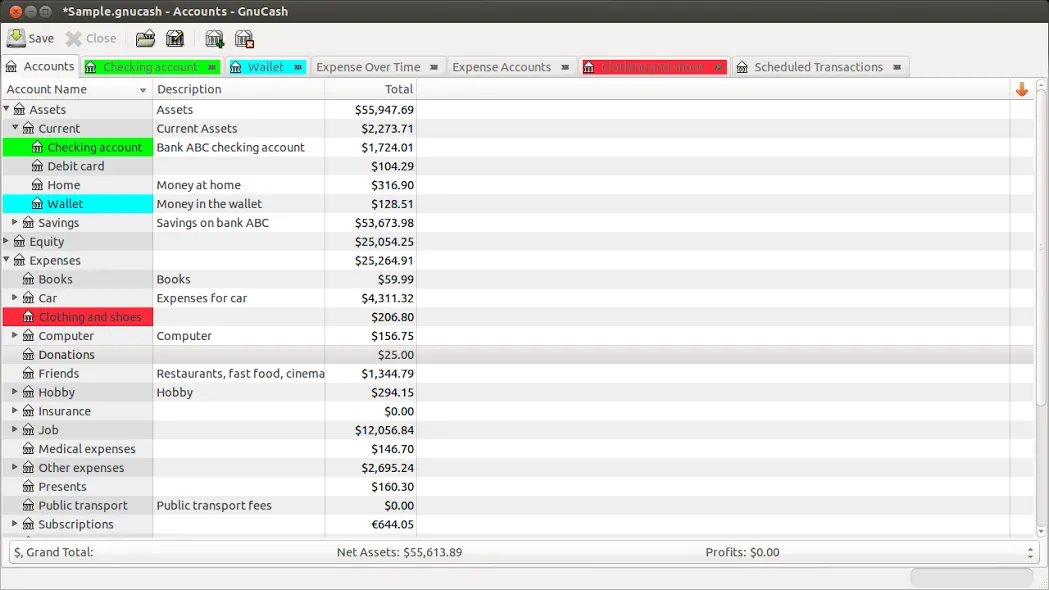
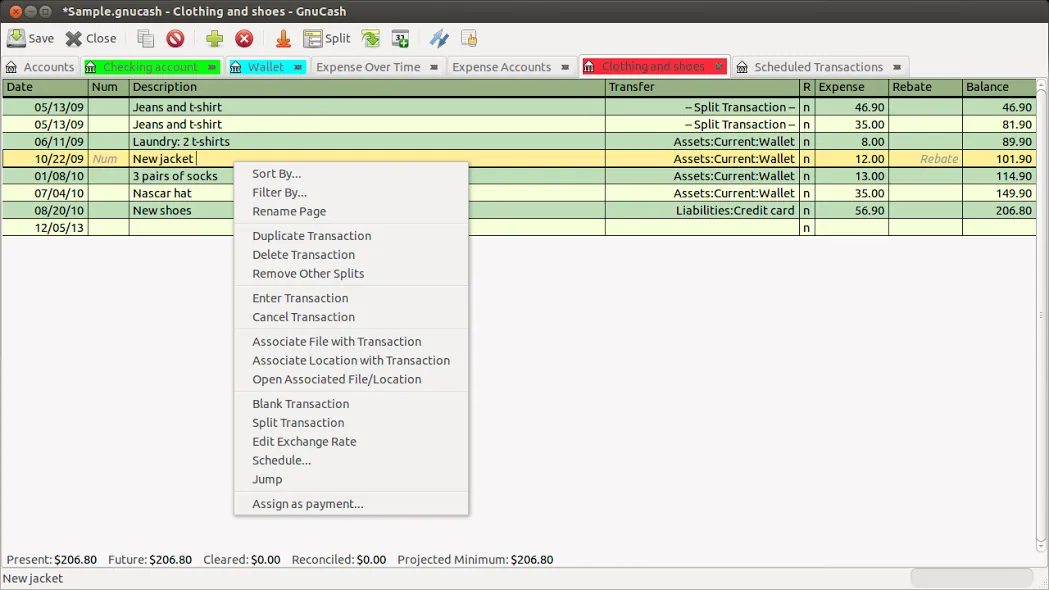
- Double-entry bookkeeping system
- Scheduled transactions and financial reminders
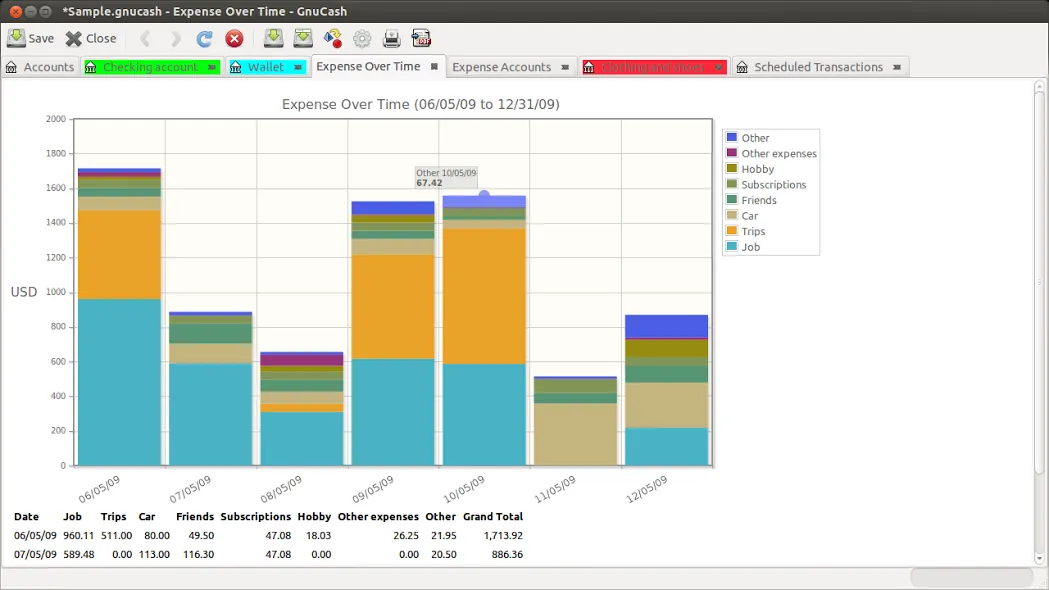
- Reports and graphs for cash flow and portfolio performance
- Income and expense account tracking
- QIF and OFX data import options
Who is it for?
GnuCash is built for individuals, freelancers, and small business owners who need to track income, expenses, and investments using formal double-entry accounting principles.
Good to know before installing
- Requires an understanding of basic double-entry accounting principles.
- Interface relies on a traditional desktop layout without cloud synchronization.
- Mobile app availability is limited and requires manual file transfers.
Screenshots
How to install
Windows
- Click the official download button to get the installer package.
- Run the downloaded .exe installer and complete the setup wizard.
- Alternatively, run 'winget install --id GnuCash.GnuCash -e' in Command Prompt.
macOS
- Click the official download button to download the disk image (.dmg).
- Open the file and drag GnuCash to your Applications folder.
- Alternatively, run 'brew install --cask gnucash' in Terminal.
Linux
- Click the official download button to open the Flathub page.
- Or open your terminal and run: flatpak install flathub org.gnucash.GnuCash
- Launch GnuCash from your desktop application menu.
Alternatives
Frequently asked questions
Is GnuCash completely free to use?
Yes, GnuCash is open-source software licensed under the GNU GPL, completely free for personal and commercial use.
Does GnuCash support double-entry accounting?
Yes, every transaction requires matching debit and credit entries to ensure balanced accounts.
Can I import bank statements into GnuCash?
Yes, GnuCash supports importing standard financial formats such as QIF, OFX, and CSV files.