

HomeBank
HomeBank is a free and open-source personal accounting software developed by Maxime DOYEN. It provides a straightforward way to manage accounts, organize expenses and income into categories, set up monthly budgets, and analyze financial trends through visual reports.
www.gethomebank.org · Official website
- ✓ Official source (winget)
- ✓ SHA256 taken from the official repository
- ✓ Last checked: Nov. 4, 2026
- This is not a virus scan. Check on VirusTotal
- Version
- 5.10.3
- Release date
- Sept. 14, 2026
- License
- GPL-2.0-or-later
- Installer type
- inno
How do I use this?
Type Terminal in the Start menu and open it, paste the command (Ctrl+V or right-click) and press Enter. It uses winget, Windows' own package manager, to install the program from its official source.
winget install --id HomeBank.HomeBank -eSHA256 (file verification)
43c7983e04f0e862c6864a486ff7c3563c1959147ce8adf9ade74ffa8bd3d7b2flathub.org · Official website
- ✓ Community package (Flathub)
- ✓ Last checked: Nov. 4, 2026
- Version
- 5.10.3
- Release date
- Sept. 14, 2026
- License
- GPL-2.0-or-later
- Installer type
- flatpak
How do I use this?
Open a terminal, paste the command and press Enter. Flatpak and Flathub must be set up; Linux Mint has them by default, for other distributions see flathub.org/setup.
flatpak install flathub fr.free.HomebankWe couldn't find a macOS version of HomeBank in the official repositories; check the publisher's website.
You can try these instead:
We couldn't find a Android version of HomeBank in the official repositories; check the publisher's website.
Highlights
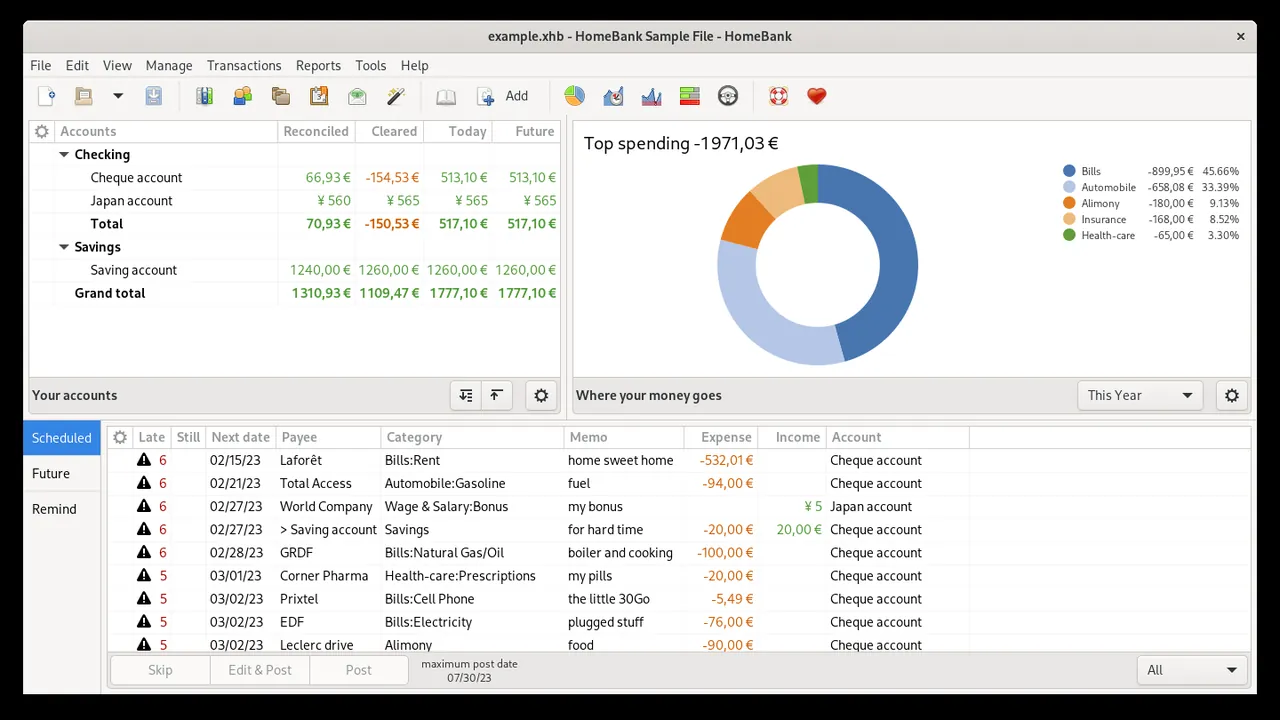
- Multi-account management across bank accounts, cash, and credit cards
- Monthly and annual budget planning with deficit indicators
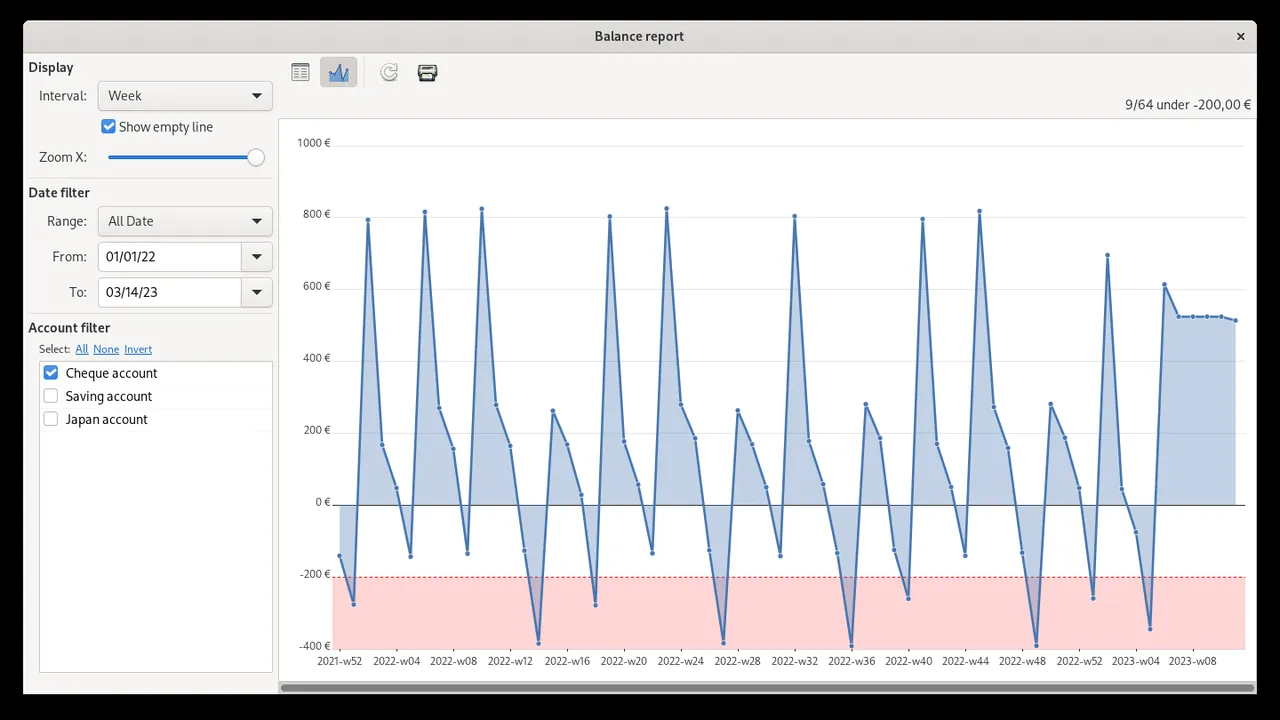
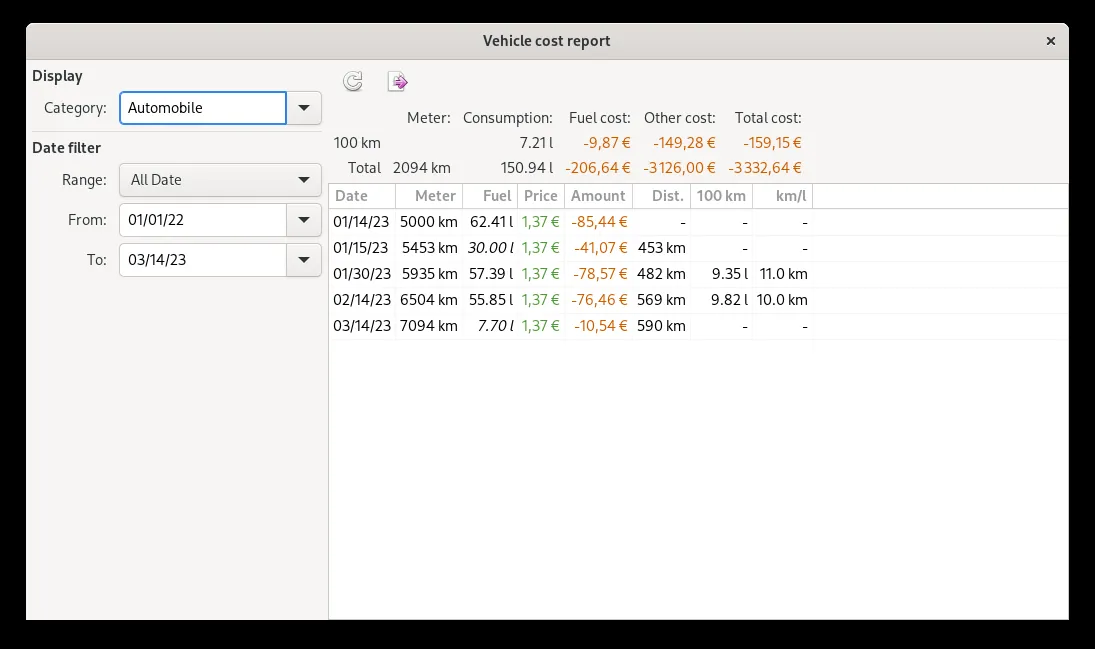
- Visual financial reporting with dynamic charts and statistical breakdowns
- Data import support for standard formats including QIF, OFX, and CSV
- Automated transaction scheduling and recurring payment management
Who is it for?
HomeBank is aimed at individuals, households, and freelancers who need a privacy-focused desktop application to monitor expenses and plan monthly budgets.
Good to know before installing
- Only available on Linux and Windows desktop platforms, with no official mobile application.
- Lacks direct online banking synchronization, requiring manual input or statement file imports.
Screenshots
How to install
Windows
- Download the official setup package using the download button or open PowerShell.
- Run winget install --id HomeBank.HomeBank -e or double-click the installer file.
- Complete the setup wizard steps and launch HomeBank from the Start menu.
Linux
- Access the Flathub page using our official download button or open your terminal.
- Run the command flatpak install flathub fr.free.Homebank to install the software.
- Launch HomeBank from your desktop application launcher.
Alternatives
Frequently asked questions
Is HomeBank free software?
Yes, HomeBank is distributed under the GNU General Public License (GPL-2.0-or-later) and is free to use without fees.
Can I import bank statements into HomeBank?
Yes, you can import transaction files provided by your bank in OFX, QIF, and CSV formats.
Does HomeBank store personal data in the cloud?
No, HomeBank stores all records locally on your computer in an XML-based file, ensuring private local data control.