

KMyMoney
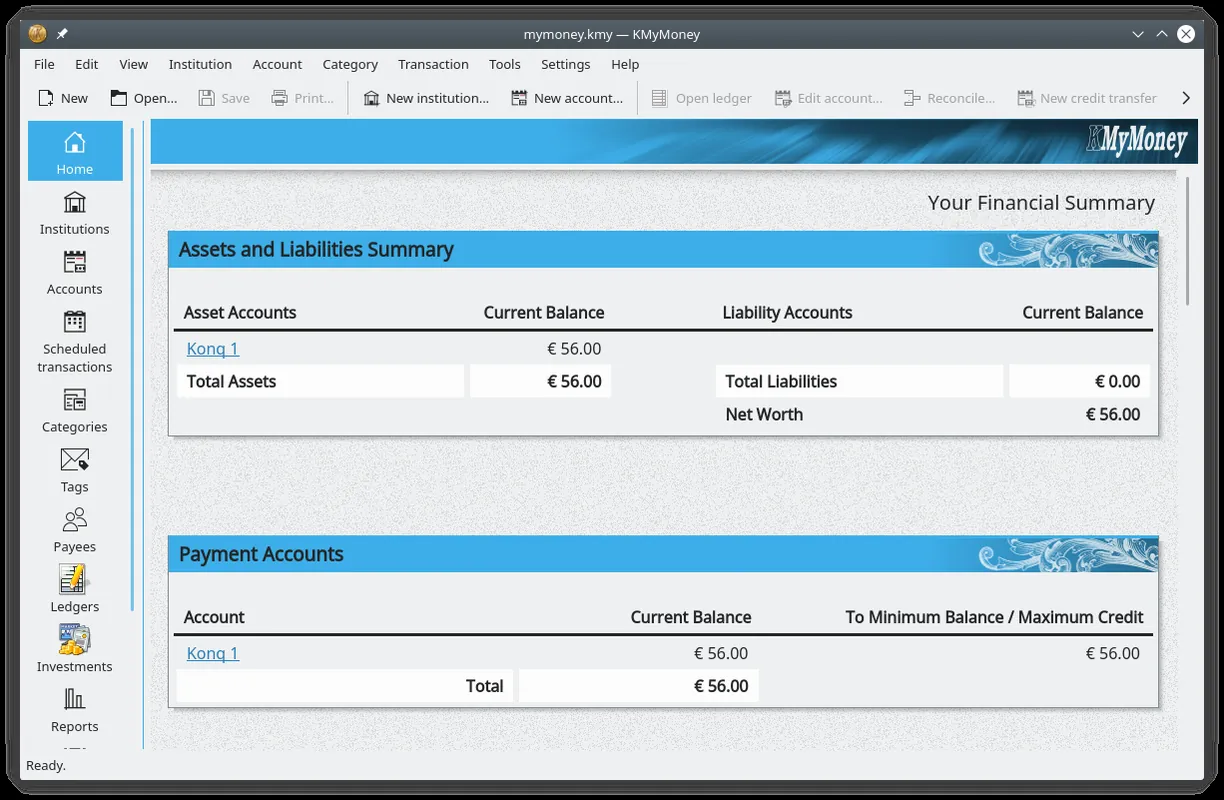
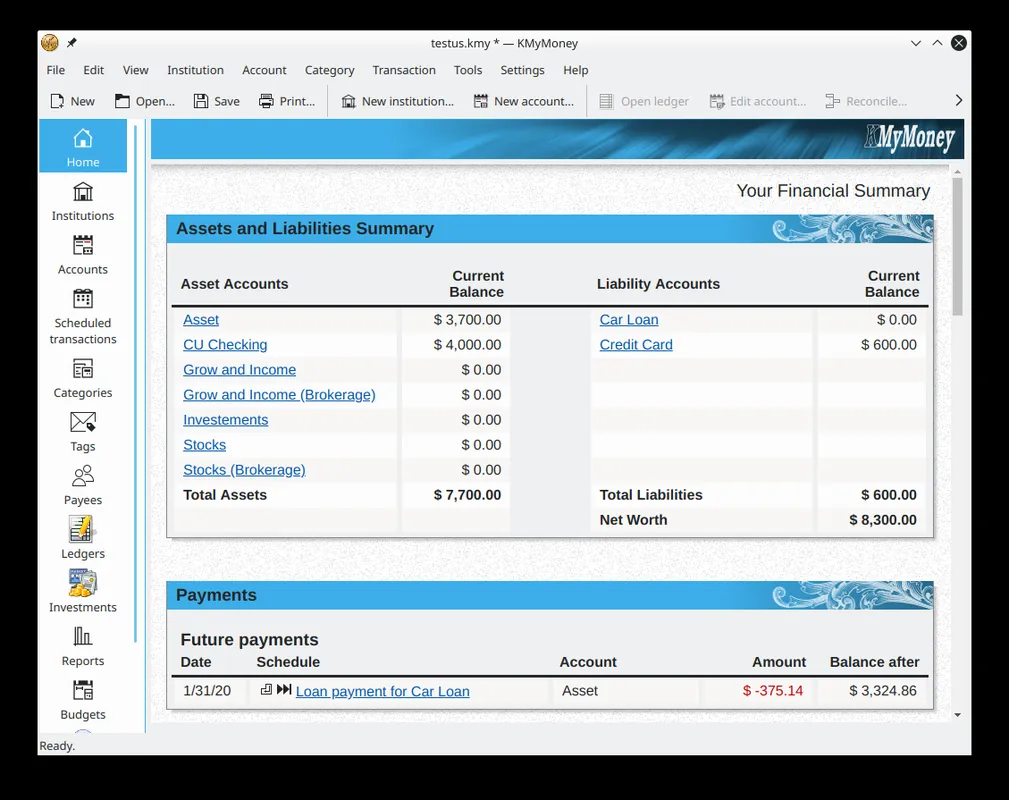
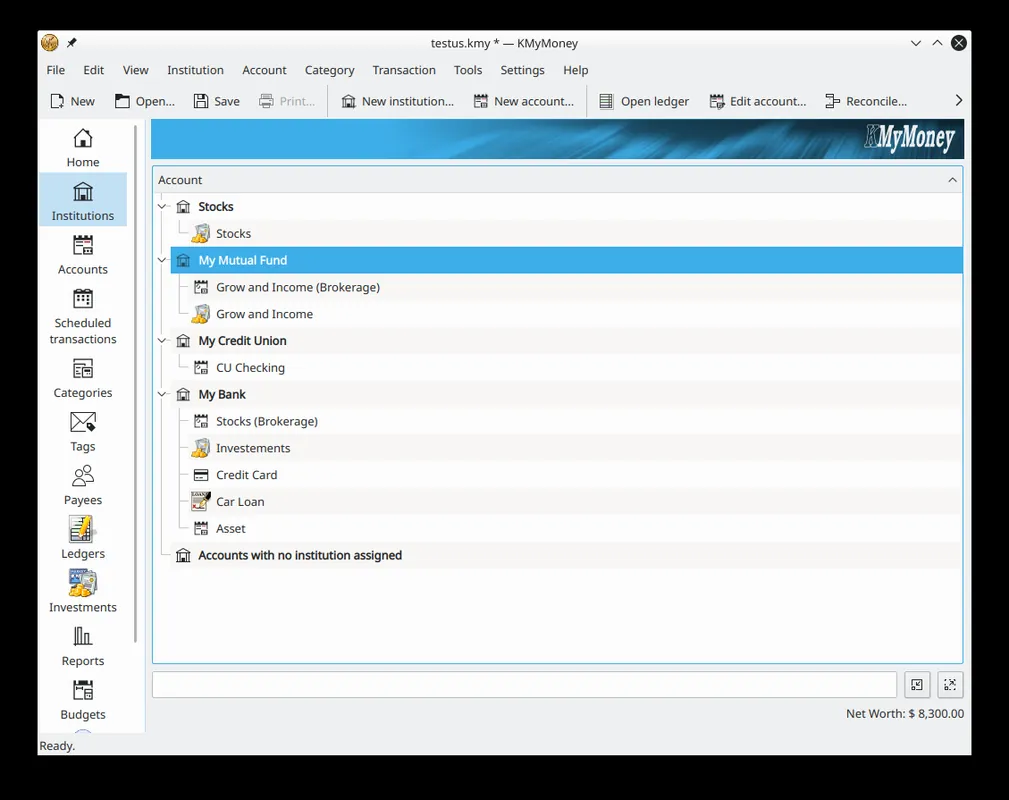
KMyMoney is an open-source personal finance program from the KDE community. Built on double-entry bookkeeping, it lets you track bank accounts, credit cards, budgets and investments in one place.
download.kde.org · Official website
- ✓ Official source (winget)
- ✓ SHA256 taken from the official repository
- ✓ Last checked: Nov. 4, 2026
- This is not a virus scan. Check on VirusTotal
- Version
- 5.1.3
- Release date
- Sept. 9, 2022
- License
- GPL
- Installer type
- nullsoft
How do I use this?
Type Terminal in the Start menu and open it, paste the command (Ctrl+V or right-click) and press Enter. It uses winget, Windows' own package manager, to install the program from its official source.
winget install --id KDE.kmymoney -eSHA256 (file verification)
6080a2c7cd4b6f3b0d72ef5fa27c2799b826201a5a780db11630921a124ff37fflathub.org · Official website
- ✓ Official source (Flathub)
- ✓ Last checked: Nov. 4, 2026
- Version
- 5.2.2
- Release date
- Feb. 22, 2026
- License
- GPL
- Installer type
- flatpak
How do I use this?
Open a terminal, paste the command and press Enter. Flatpak and Flathub must be set up; Linux Mint has them by default, for other distributions see flathub.org/setup.
flatpak install flathub org.kde.kmymoneyWe couldn't find a macOS version of KMyMoney in the official repositories; check the publisher's website.
You can try these instead:
We couldn't find a Android version of KMyMoney in the official repositories; check the publisher's website.
Highlights
- Bank, credit card, cash and investment accounts
- Consistent records through double-entry bookkeeping
- Budgets and spending categories
- Scheduled payments and reminders
- Import bank transactions from OFX, QIF and CSV
Who is it for?
For people who want to keep track of household budgets and spending, and manage several accounts and credit cards in one place.
Good to know before installing
- Double-entry bookkeeping can feel unfamiliar at first.
- There is no mobile app; records are kept on your computer.
Screenshots
How to install
Windows
- Click the official download button on this page.
- Run the installer and follow the steps.
- On first launch, pick your currency and create your first account.
Linux
- Open the Flathub page with the button on this page.
- Or run the flatpak command shown on the page in a terminal.
- Open KMyMoney and create a new file.
Alternatives
Frequently asked questions
Is KMyMoney free?
Yes. It is open source and free.
Does it connect to my bank automatically?
Direct connections depend on your bank and country, and many banks are not supported. You can always import OFX, QIF or CSV files exported from your bank.
Is it suitable for business accounting?
It is designed for personal and household finances. For business accounting, a program with business features such as GnuCash is a better fit.