

KiCad
KiCad is a free, open-source program for electronic circuit design. It lets you draw schematics, lay out printed circuit boards (PCBs) and export files ready for manufacturing; CERN also supports its development.
github.com · Official website
- ✓ Official source (winget)
- ✓ SHA256 taken from the official repository
- ✓ Last checked: Nov. 20, 2026
- This is not a virus scan. Check on VirusTotal
- Version
- 10.0.8
- Release date
- Nov. 6, 2026
- License
- GPL-3.0
- Installer type
- nullsoft
How do I use this?
Type Terminal in the Start menu and open it, paste the command (Ctrl+V or right-click) and press Enter. It uses winget, Windows' own package manager, to install the program from its official source.
winget install --id KiCad.KiCad -eSHA256 (file verification)
5652b9ed52fca4aa63ec2ec61c8bfd4fab4f6a2fbfdb441def2972b0e9b2dfc7github.com · Official website
- ✓ Official source (Homebrew)
- ✓ SHA256 taken from the official repository
- ✓ Last checked: Nov. 20, 2026
- This is not a virus scan. Check on VirusTotal
- Version
- 10.0.8
- License
- GPL-3.0
- Installer type
- dmg
How do I use this?
This command needs Homebrew; if you don't have it, first run the install command from brew.sh. Then open Terminal (Applications > Utilities > Terminal), paste the command and press Enter.
brew install --cask kicadSHA256 (file verification)
501d3e2933a385f1833497469f55326662df7e5d40401239826c40d6fa583f16flathub.org · Official website
- ✓ Official source (Flathub)
- ✓ Last checked: Nov. 20, 2026
- Version
- 10.0.8
- Release date
- Nov. 11, 2011
- License
- GPL-3.0
- Installer type
- flatpak
How do I use this?
Open a terminal, paste the command and press Enter. Flatpak and Flathub must be set up; Linux Mint has them by default, for other distributions see flathub.org/setup.
flatpak install flathub org.kicad.KiCadWe couldn't find a Android version of KiCad in the official repositories; check the publisher's website.
Platform pages: Windows · macOS · Linux · Android
Old versions (10)
KiCad 10.0.8: what's new?
Highlights
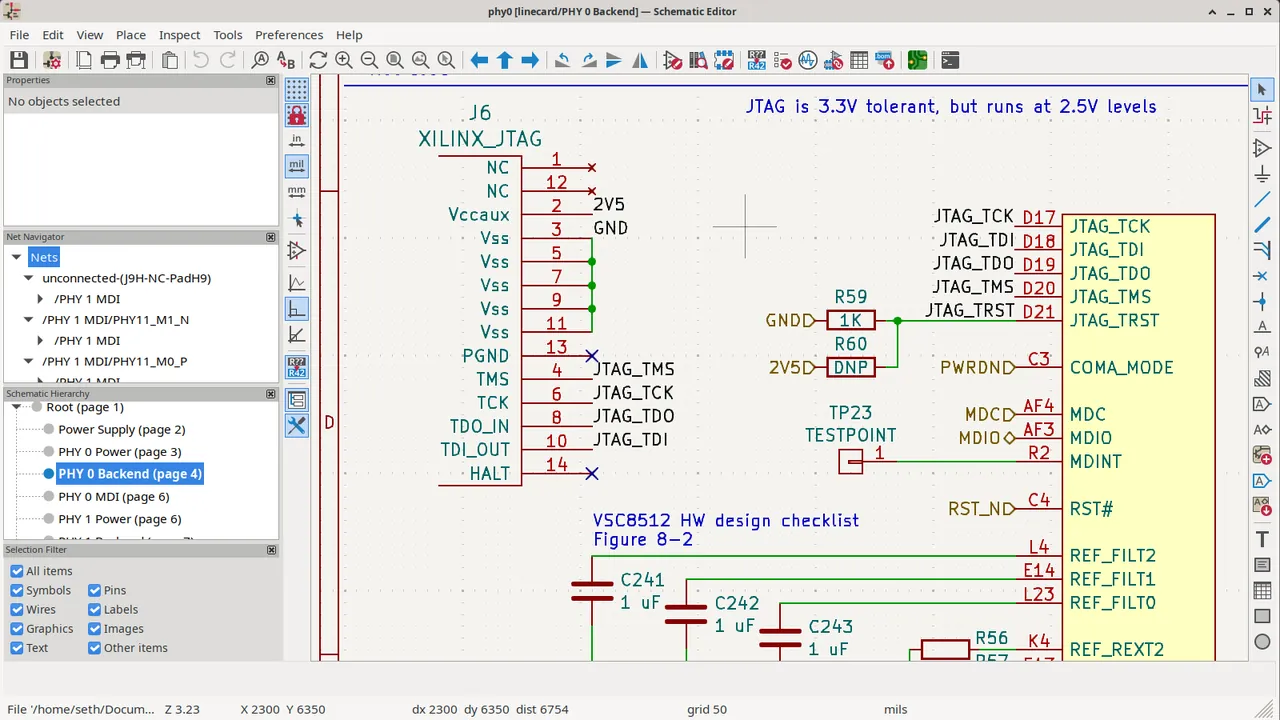
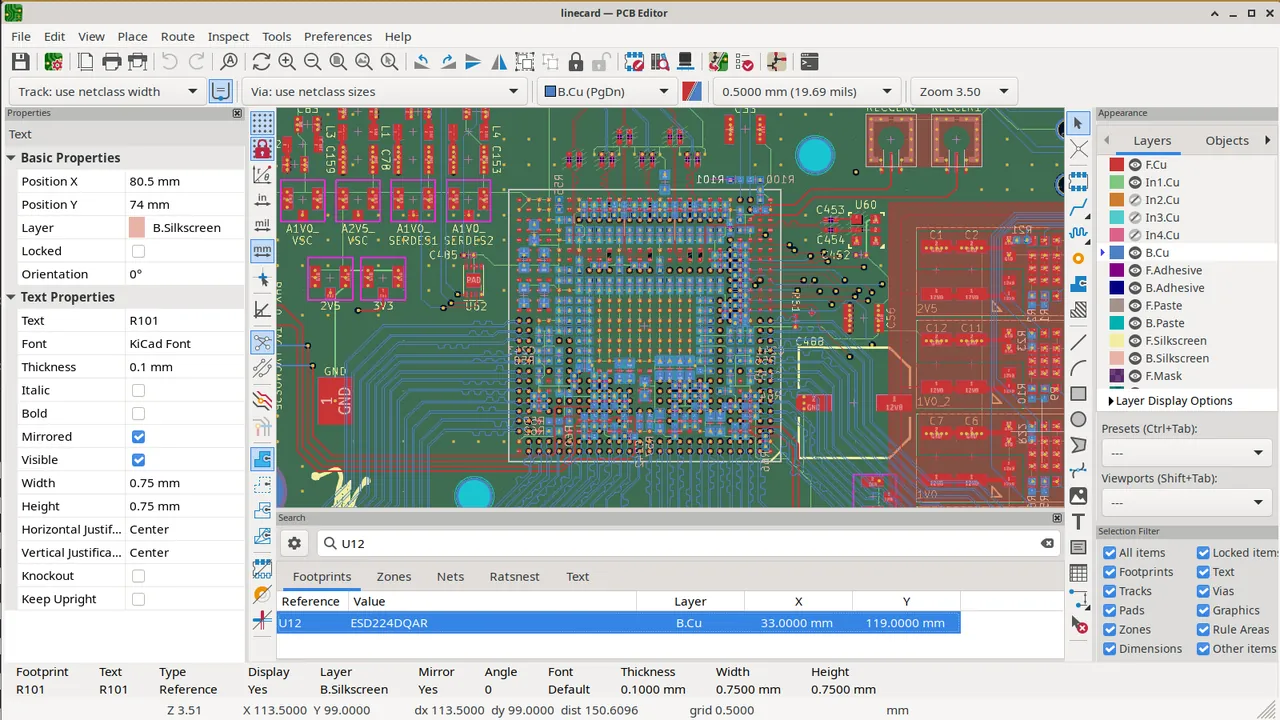
- Schematic capture and printed circuit board (PCB) layout
- Interactive routing and design rule checking
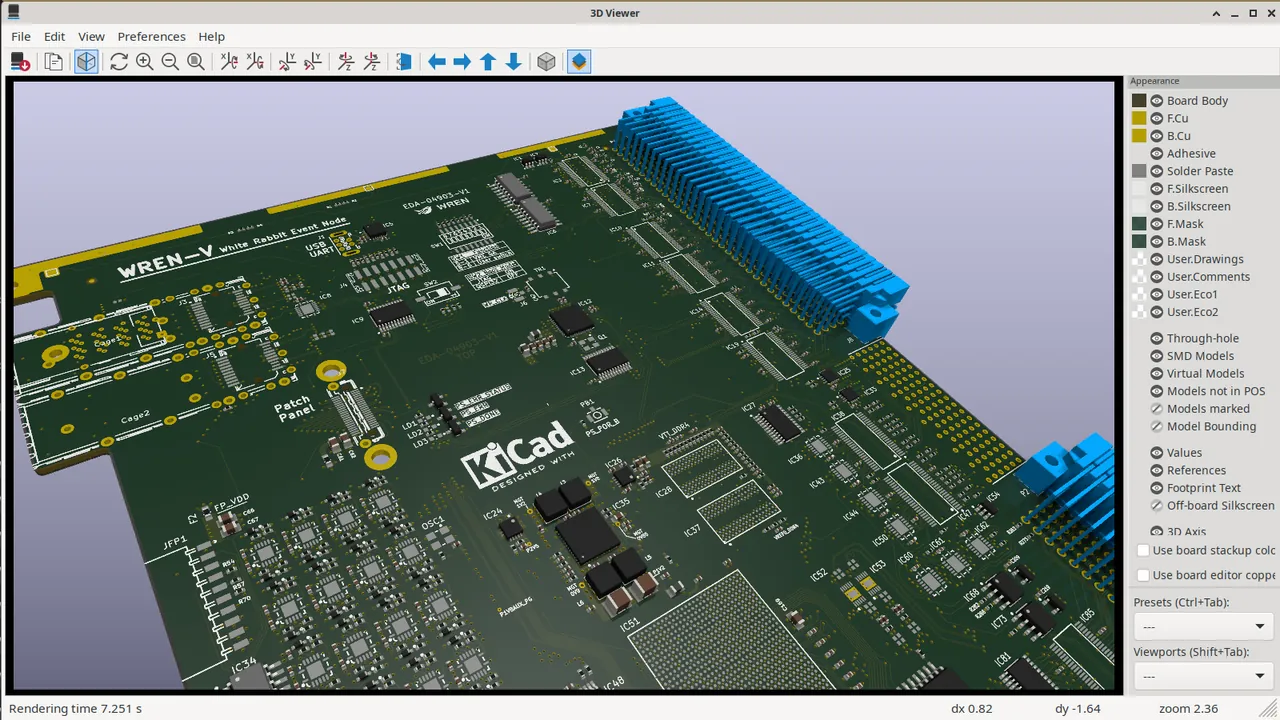
- 3D view of the board
- Gerber and drill files for manufacturing, SPICE circuit simulation
Who is it for?
For electronics students, hobbyists working on Arduino-style projects and engineers who design circuit boards.
Good to know before installing
- It takes time to learn; you need to understand schematic and PCB concepts.
- The installation is large because of the libraries.
Screenshots
How to install
Windows
- Click the official download button on this page or use the winget command.
- Run the installer and follow the steps.
macOS
- Use the Homebrew command or download from the official site.
- Move the app to the Applications folder and open it.
Linux
- Run the Flatpak command in a terminal.
- Open the program from the application menu.
Alternatives
Comparisons
Frequently asked questions
Is KiCad free?
Yes. It is open source and free.
Can I have my board made by a manufacturer?
Yes, the Gerber and drill files KiCad exports are accepted by most PCB manufacturers.
Does it include part libraries?
Yes, it ships with thousands of symbols and footprints. Parts you cannot find can be created in the library editor.