

Proton Pass
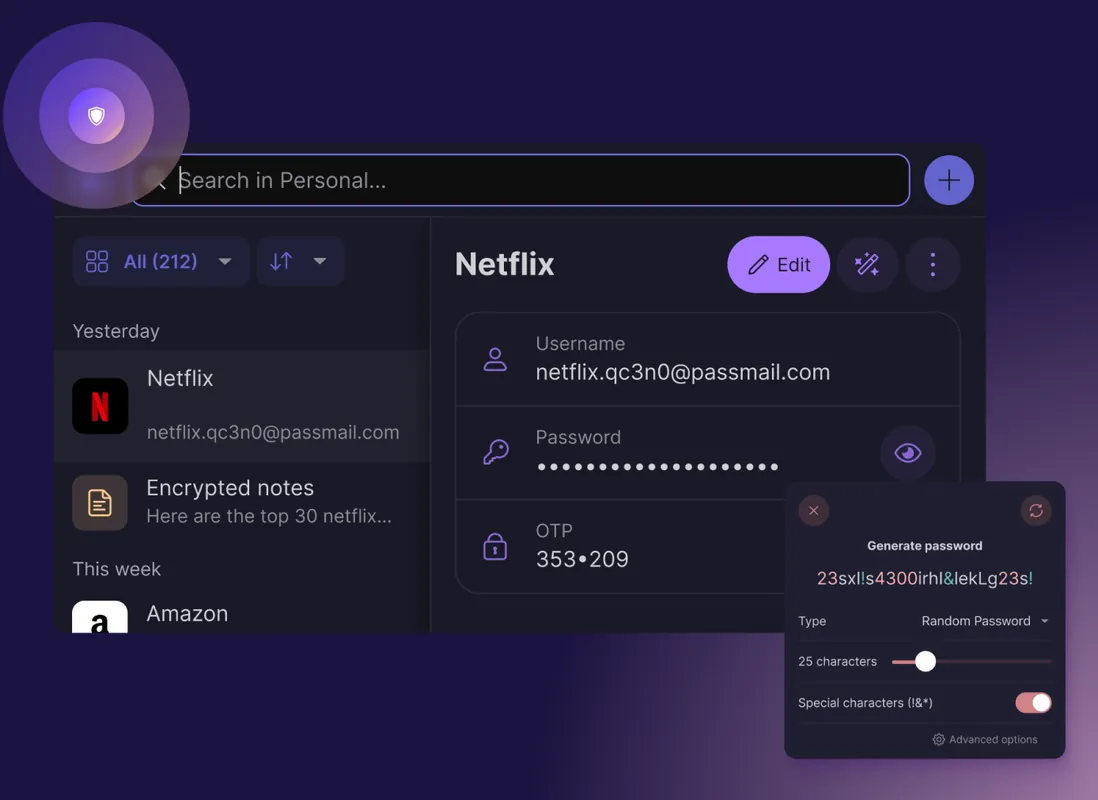
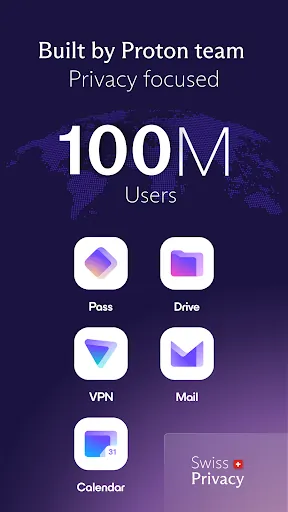
Proton Pass is the open-source, end-to-end encrypted password manager from Proton, the Swiss company behind Proton Mail. It syncs passwords, notes and identities across devices and can create aliases that hide your real email address.
proton.me · Official website
- ✓ Official source (winget)
- ✓ SHA256 taken from the official repository
- ✓ Last checked: Nov. 4, 2026
- This is not a virus scan. Check on VirusTotal
- Version
- 1.43.0
- Release date
- Oct. 22, 2026
- License
- GPL-3.0
- Installer type
- msix
How do I use this?
Type Terminal in the Start menu and open it, paste the command (Ctrl+V or right-click) and press Enter. It uses winget, Windows' own package manager, to install the program from its official source.
winget install --id Proton.ProtonPass -eSHA256 (file verification)
461695c552da38b43eae8d6f7d7f141b7f1a58095b324ae8104fa3b0056e5390proton.me · Official website
- ✓ Official source (Homebrew)
- ✓ SHA256 taken from the official repository
- ✓ Last checked: Nov. 4, 2026
- This is not a virus scan. Check on VirusTotal
- Version
- 1.43.0
- License
- GPL-3.0
- Installer type
- dmg
How do I use this?
This command needs Homebrew; if you don't have it, first run the install command from brew.sh. Then open Terminal (Applications > Utilities > Terminal), paste the command and press Enter.
brew install --cask proton-passSHA256 (file verification)
f9db644a12c481e1b7fe235ffb1140e4b4ca36e54a502fe57192dc03d0ee9727flathub.org · Official website
- ✓ Community package (Flathub)
- ✓ Last checked: Nov. 4, 2026
- Version
- 1.42.0
- Release date
- Oct. 13, 2026
- License
- GPL-3.0
- Installer type
- flatpak
How do I use this?
Open a terminal, paste the command and press Enter. Flatpak and Flathub must be set up; Linux Mint has them by default, for other distributions see flathub.org/setup.
flatpak install flathub me.proton.Passf-droid.org · Official website
- ✓ Official source (F-Droid)
- ✓ SHA256 taken from the official repository
- ✓ Last checked: Nov. 4, 2026
- This is not a virus scan. Check on VirusTotal
- Version
- 1.41.4
- Release date
- Oct. 18, 2026
- License
- GPL-3.0
- Installer type
- apk
SHA256 (file verification)
b51b9db6236bc9f6d65cef2230bf6f20f90e89ed87565f8cab97c83b2d9a0be6Highlights
- End-to-end encrypted storage for passwords, notes and cards
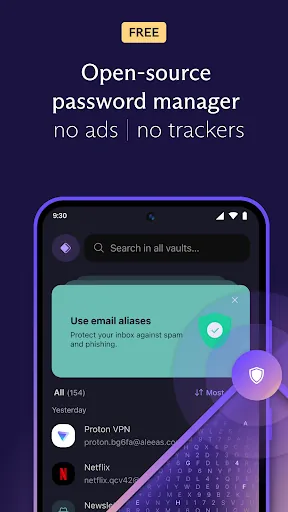
- Email aliases that hide your real address
- Passkey support
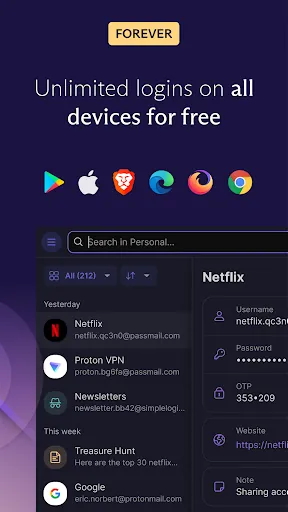
- Automatic sync across devices
- Strong password generator
Who is it for?
For people who want their passwords in one secure place, existing Proton users and anyone who wants to hide their email address from websites.
Good to know before installing
- Some features and unlimited aliases require a paid plan.
- It needs a Proton account; it is not a fully offline vault.
Screenshots
How to install
Windows
- Click the official download button on this page.
- Run the installer.
- Sign in with your Proton account or create a new one.
macOS
- Download the .dmg file with the official button.
- Drag Proton Pass into the Applications folder.
- Or use the Homebrew command shown on the page.
Linux
- Open the Flathub page with the button on this page.
- Or run the flatpak command shown on the page in a terminal.
- Open the app and sign in with your Proton account.
Android
- Open the F-Droid page with the Android button on this page.
- Install the app through F-Droid.
- Sign in with your Proton account and turn on autofill.
Alternatives
Frequently asked questions
Is Proton Pass free?
There is a free plan that covers basic password management. More aliases and extra features come with a paid plan.
Do I need a Proton account?
Yes. Proton Pass works with a Proton account, and you can create one for free.
Can Proton see my passwords?
No. Your data is end-to-end encrypted and the keys stay on your devices.