

PrusaSlicer
PrusaSlicer is a free, open-source 3D printing slicer developed by Prusa Research. Besides filament (FFF) printers it supports resin (SLA) printers, and it includes profiles for many printers beyond Prusa's.
github.com · Official website
- ✓ Official source (winget)
- ✓ SHA256 taken from the official repository
- ✓ Last checked: Nov. 20, 2026
- This is not a virus scan. Check on VirusTotal
- Version
- 2.9.7
- Release date
- Nov. 2, 2026
- License
- AGPL-3.0
- Installer type
- inno
How do I use this?
Type Terminal in the Start menu and open it, paste the command (Ctrl+V or right-click) and press Enter. It uses winget, Windows' own package manager, to install the program from its official source.
winget install --id Prusa3D.PrusaSlicer -eSHA256 (file verification)
7862babe08627be87120356dc9f443c094652c1f151a78ff234b0e461c46805egithub.com · Official website
- ✓ Official source (Homebrew)
- ✓ SHA256 taken from the official repository
- ✓ Last checked: Nov. 20, 2026
- This is not a virus scan. Check on VirusTotal
- Version
- 2.9.7
- License
- AGPL-3.0
- Installer type
- dmg
How do I use this?
This command needs Homebrew; if you don't have it, first run the install command from brew.sh. Then open Terminal (Applications > Utilities > Terminal), paste the command and press Enter.
brew install --cask prusaslicerSHA256 (file verification)
f735f9d527823d159d9ac1e8f84ce1b74ea571e705e70e723bee546d070db60bflathub.org · Official website
- ✓ Official source (Flathub)
- ✓ Last checked: Nov. 20, 2026
- Version
- 2.9.7
- Release date
- Nov. 2, 2026
- License
- AGPL-3.0
- Installer type
- flatpak
How do I use this?
Open a terminal, paste the command and press Enter. Flatpak and Flathub must be set up; Linux Mint has them by default, for other distributions see flathub.org/setup.
flatpak install flathub com.prusa3d.PrusaSlicerWe couldn't find a Android version of PrusaSlicer in the official repositories; check the publisher's website.
Platform pages: Windows · macOS · Linux · Android
Old versions (10)
PrusaSlicer 2.9.7: what's new?
Highlights
- Filament and resin printer support
- Organic tree supports and paint-on supports
- Variable layer height
- Multi-color and multi-material print preparation
Who is it for?
For 3D printer users, especially Prusa owners, and hobbyists who also print with resin.
Good to know before installing
- The most detailed profiles are for Prusa printers; other brands may need tuning.
- Advanced settings stay hidden until you switch to expert mode, which can make them hard to find at first.
Screenshots
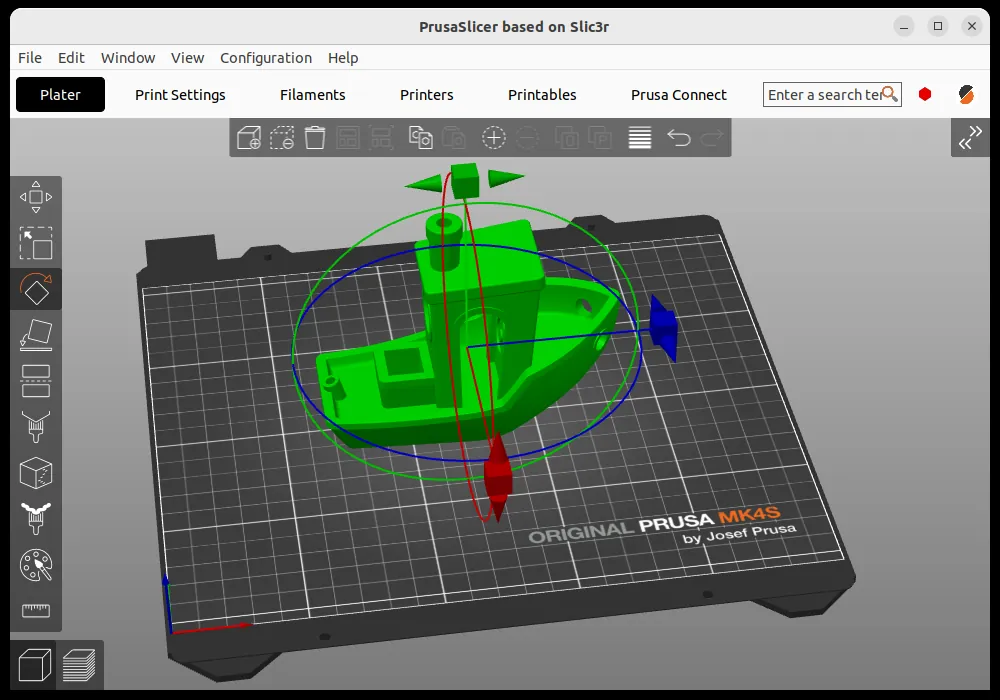
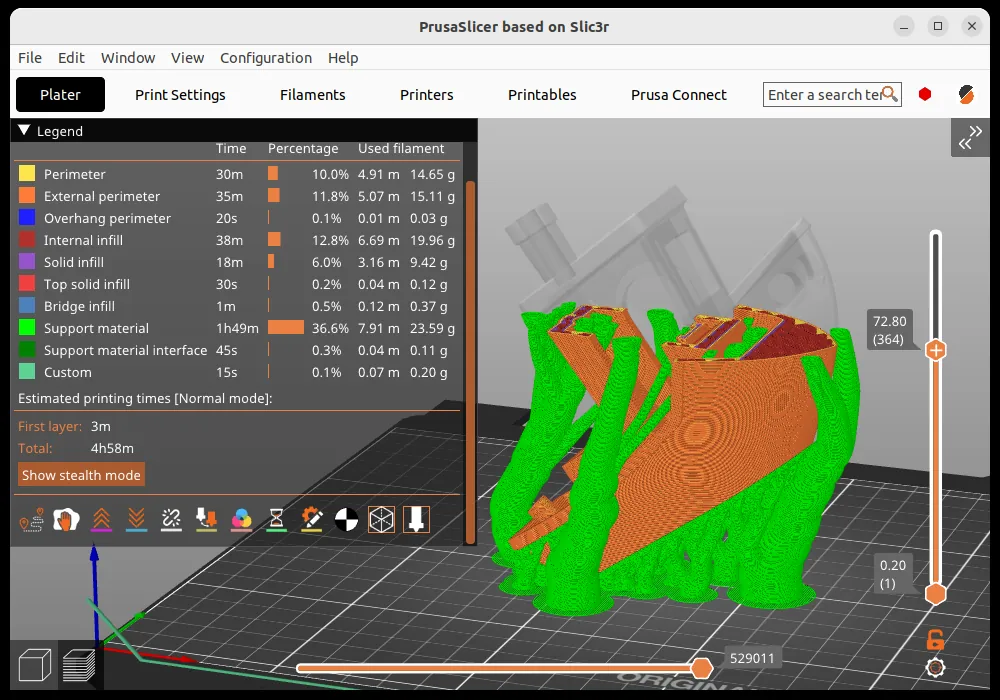
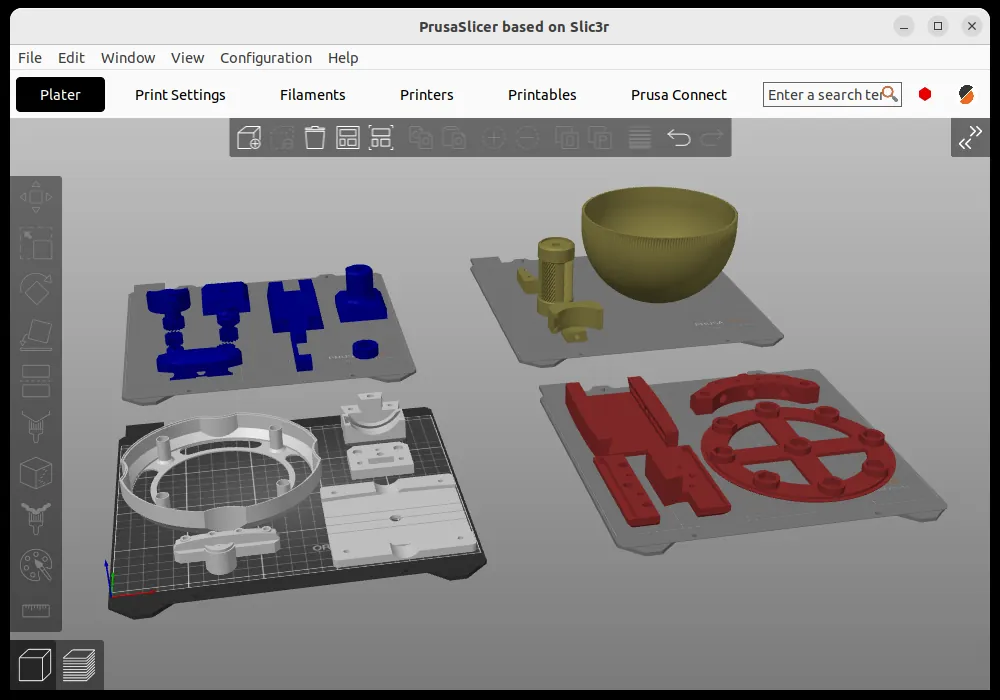
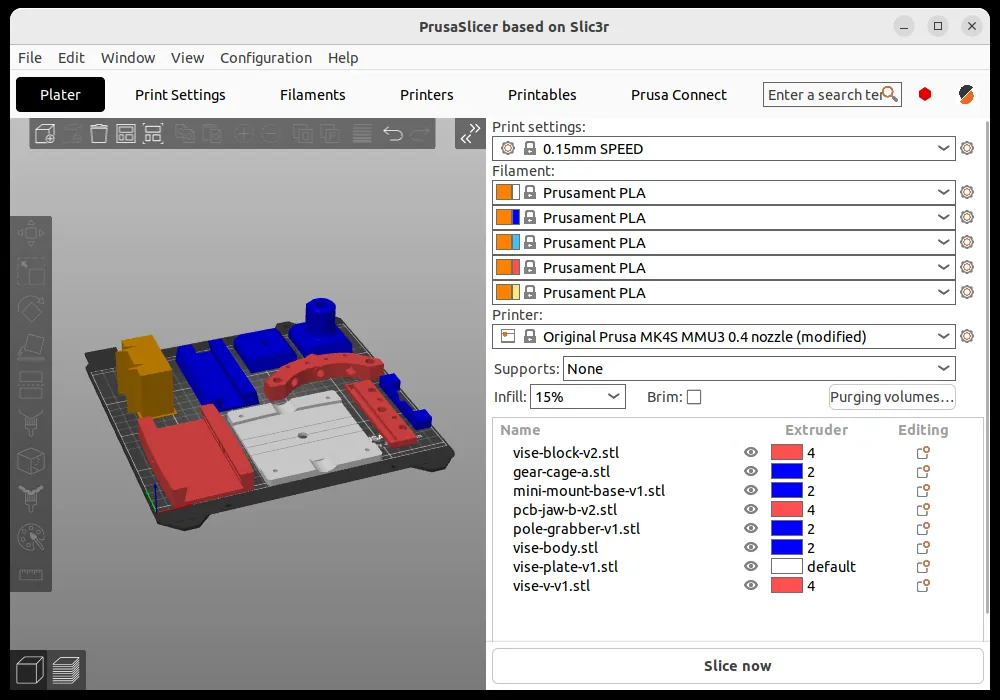
How to install
Windows
- Click the official download button on this page or use the winget command.
- Run the installer and follow the steps.
macOS
- Use the Homebrew command or download from the official site.
- Move the app to the Applications folder and open it.
Linux
- Run the Flatpak command in a terminal.
- Open the program from the application menu.
Alternatives
Comparisons
Frequently asked questions
Is PrusaSlicer free?
Yes. It is open source and free.
Can I use it without a Prusa printer?
Yes, the setup wizard lists printers from other brands too, and you can create a custom profile for printers not on the list.
How is it different from Cura?
Both do the same job. PrusaSlicer also supports resin printers and offers finely tuned profiles for Prusa printers; trying both is the easiest way to choose.