

Raspberry Pi Imager
Raspberry Pi Imager is the official open-source utility for flashing operating system images onto microSD cards and USB drives for Raspberry Pi devices.
github.com · Official website
- ✓ Official source (winget)
- ✓ SHA256 taken from the official repository
- ✓ Last checked: Nov. 4, 2026
- This is not a virus scan. Check on VirusTotal
- Version
- 2.0.8
- Release date
- April 8, 2026
- License
- Apache-2.0
- Installer type
- inno
How do I use this?
Type Terminal in the Start menu and open it, paste the command (Ctrl+V or right-click) and press Enter. It uses winget, Windows' own package manager, to install the program from its official source.
winget install --id RaspberryPiFoundation.RaspberryPiImager -eSHA256 (file verification)
3a2eddf6598a6f1570ce683a76b2bfbe0e4b9ebfb24cde91ac0005140675cbf7flathub.org · Official website
- ✓ Community package (Flathub)
- ✓ Last checked: Nov. 4, 2026
- Version
- 2.0.12
- Release date
- Oct. 8, 2026
- License
- Apache-2.0
- Installer type
- flatpak
How do I use this?
Open a terminal, paste the command and press Enter. Flatpak and Flathub must be set up; Linux Mint has them by default, for other distributions see flathub.org/setup.
flatpak install flathub org.raspberrypi.rpi-imagerWe couldn't find a macOS version of Raspberry Pi Imager in the official repositories; check the publisher's website.
We couldn't find a Android version of Raspberry Pi Imager in the official repositories; check the publisher's website.
Raspberry Pi Imager 2.0.8: what's new?
Highlights
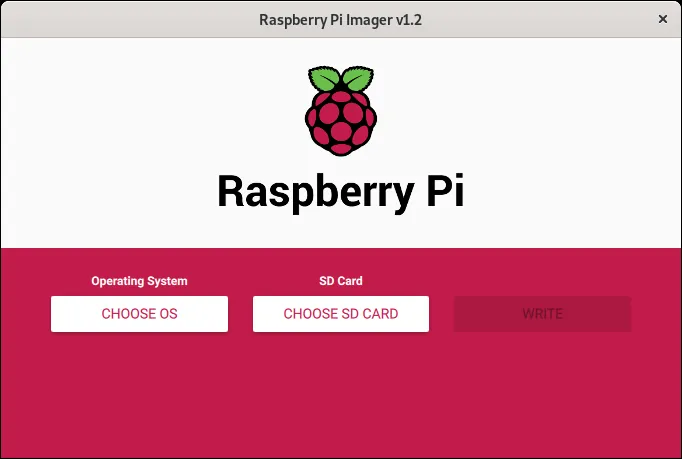
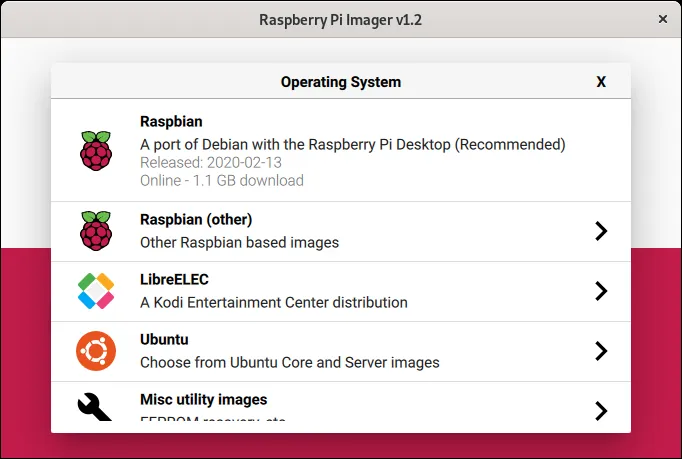
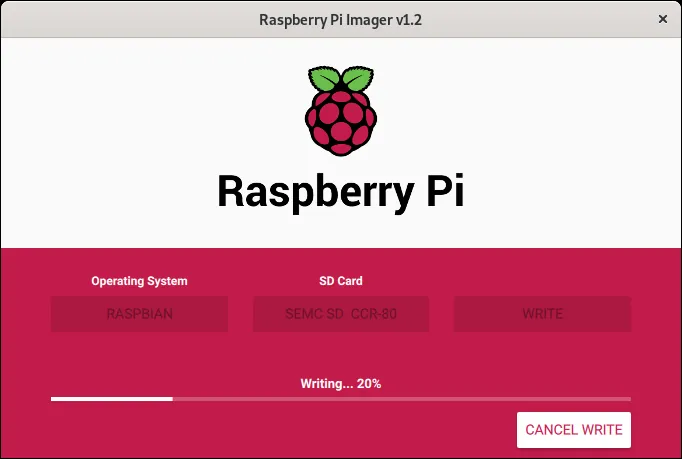
- Directly downloads and writes Raspberry Pi OS and other supported distributions
- Pre-configures advanced OS settings like Wi-Fi, SSH keys, and user accounts
- Formats storage drives to FAT32 and supports custom ISO or IMG files
Who is it for?
Designed for Raspberry Pi enthusiasts, students, and system administrators. It simplifies setting up bootable storage media and pre-configuring network settings.
Good to know before installing
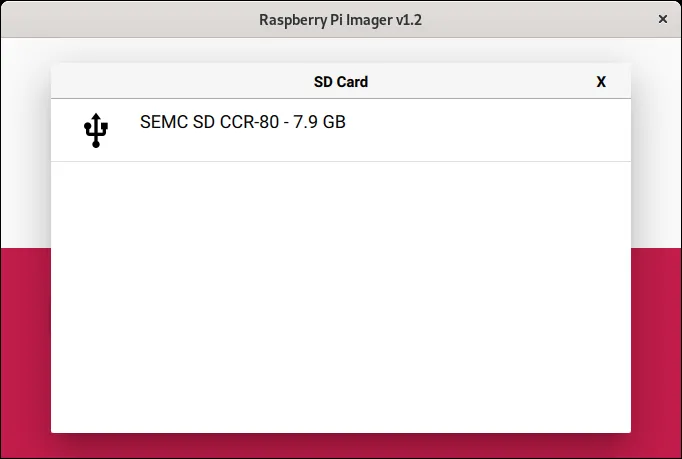
- Overwrites all existing data on the selected storage drive during flashing.
- Requires an active internet connection to download remote OS images directly.
- Focused purely on storage imaging rather than full drive backup management.
Screenshots
How to install
Windows
- Download the setup file using our official link or run 'winget install --id RaspberryPiFoundation.RaspberryPiImager -e' in PowerShell.
- Open the downloaded installer and follow the wizard instructions.
- Launch Raspberry Pi Imager from the Start menu.
Linux
- Open your terminal emulator.
- Run the command 'flatpak install flathub org.raspberrypi.rpi-imager'.
- Launch Raspberry Pi Imager from your application menu when finished.
Alternatives
Frequently asked questions
Is Raspberry Pi Imager free to use?
Yes, it is completely free and open-source under the Apache-2.0 license.
Can I flash custom OS images with this tool?
Yes, you can choose the option to write a custom .img or .iso file from your local storage.
Does it allow pre-configuring Wi-Fi and SSH settings?
Yes, the advanced options menu lets you set up network credentials, hostnames, and SSH before boot.