

Shotcut
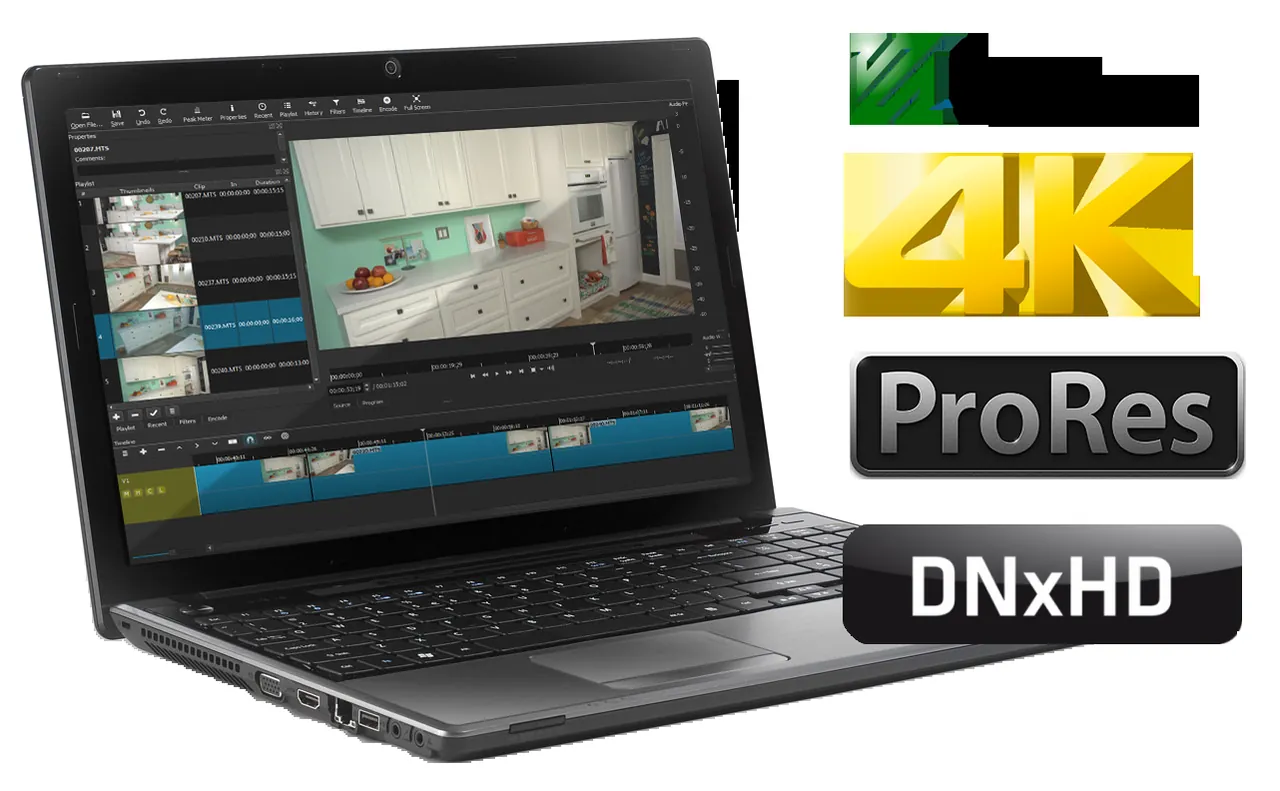
Shotcut is a free and open-source video editor developed by Meltytech under the GPL-3.0 license. It provides non-linear multi-track editing across a broad spectrum of audio and video formats without requiring prior project transcoding.
github.com · Official website
- ✓ Official source (winget)
- ✓ SHA256 taken from the official repository
- ✓ Last checked: Nov. 4, 2026
- This is not a virus scan. Check on VirusTotal
- Version
- 26.9.27
- Release date
- Sept. 28, 2026
- License
- GPL-3.0
- Installer type
- inno
How do I use this?
Type Terminal in the Start menu and open it, paste the command (Ctrl+V or right-click) and press Enter. It uses winget, Windows' own package manager, to install the program from its official source.
winget install --id Meltytech.Shotcut -eSHA256 (file verification)
77e1ee1f713d92bdbaff23266f416e33cde3d367f7ef518b1841ddc961d05af9github.com · Official website
- ✓ Official source (Homebrew)
- ✓ SHA256 taken from the official repository
- ✓ Last checked: Nov. 4, 2026
- This is not a virus scan. Check on VirusTotal
- Version
- 26.9.28,26.9.27
- License
- GPL-3.0
- Installer type
- dmg
How do I use this?
This command needs Homebrew; if you don't have it, first run the install command from brew.sh. Then open Terminal (Applications > Utilities > Terminal), paste the command and press Enter.
brew install --cask shotcutSHA256 (file verification)
0e4c95ad41f26d96c442642e03e0c107bf98abfceea78724e2b05aa704ef79c6flathub.org · Official website
- ✓ Official source (Flathub)
- ✓ Last checked: Nov. 4, 2026
- Version
- 26.9.27
- Release date
- Sept. 27, 2026
- License
- GPL-3.0
- Installer type
- flatpak
How do I use this?
Open a terminal, paste the command and press Enter. Flatpak and Flathub must be set up; Linux Mint has them by default, for other distributions see flathub.org/setup.
flatpak install flathub org.shotcut.ShotcutWe couldn't find a Android version of Shotcut in the official repositories; check the publisher's website.
Security update: according to the publisher's release notes, Shotcut 26.9.27 fixes security vulnerabilities. If you use an older version, update.
Official release notes →
Shotcut 26.9.27: what's new?
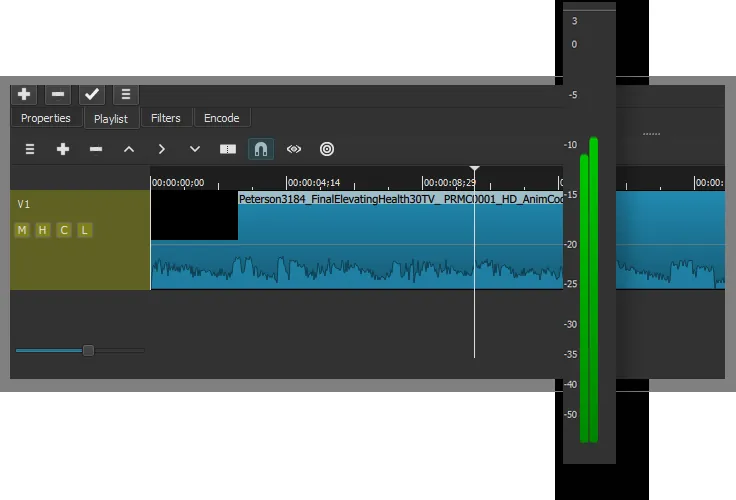
- Added volume controls and level meters to Timeline track headers, Automatic Audio Ducking, and Adjustment Clips.
- Improved audio quality by maintaining a 32-bit float pipeline instead of converting to 16-bit integer.
- Fixed security flaws in upgrade and Whisper downloads, buffer overflow issues, and added an option to disable external plugins to prevent crashes.
- Fixed various bugs including Mask filter issues, Linux VA-API HEVC hardware encoding, Windows subtitle import, and transition audio corruption.
Summarized from the publisher's release notes.
Highlights
- Multi-track timeline editing for video and audio
- Native format editing without project import requirements
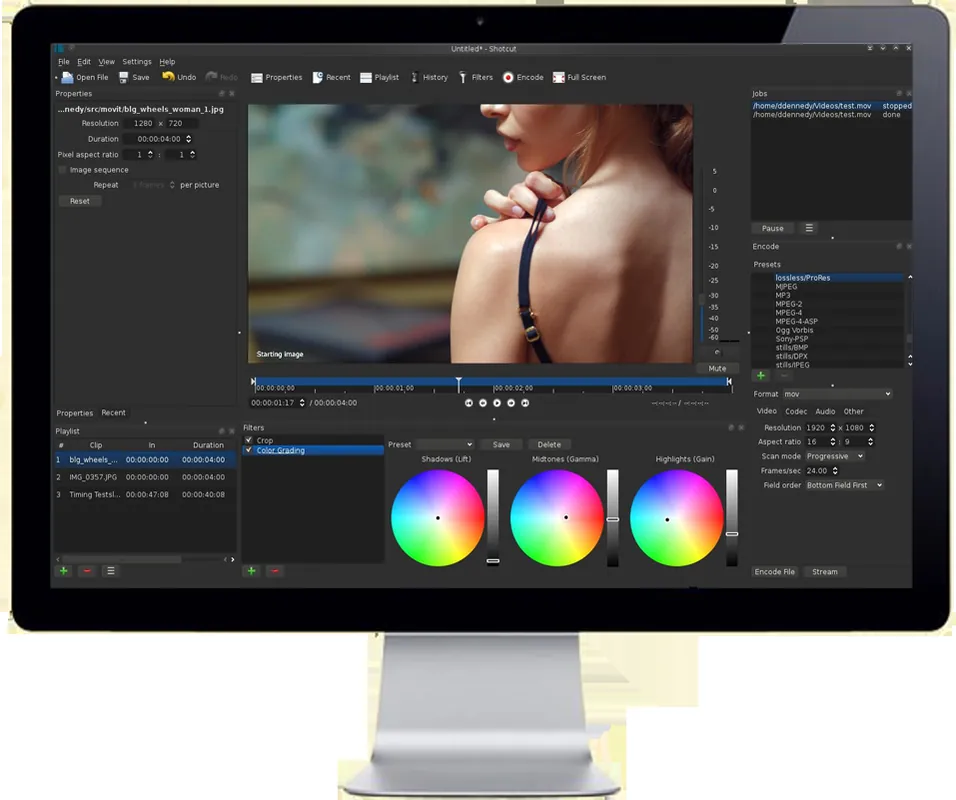
- Broad collection of adjustable video and audio filters
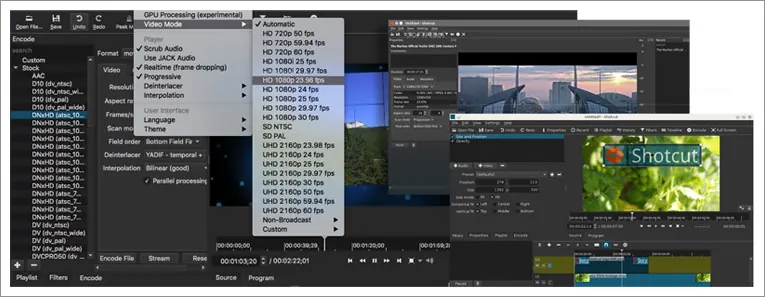
- Hardware accelerated rendering and multi-format export options
Who is it for?
Shotcut is designed for video creators, students, and editors who need a free, multi-track non-linear video editing solution without subscription fees. It is commonly used for trimming clips, applying visual filters, and exporting projects across various media formats.
Good to know before installing
- The user interface and filter workflow may require a learning curve for users transitioning from simpler video editors.
- Timeline preview performance with high-resolution video depends heavily on system hardware capabilities.
- It lacks native real-time cloud collaboration and team editing features.
Screenshots
How to install
Windows
- Click the official download button to download the setup file, or run winget install --id Meltytech.Shotcut -e in PowerShell.
- Run the downloaded installer and follow the on-screen setup instructions.
- Launch Shotcut from the Start menu.
macOS
- Click the official download button to get the installer, or run brew install --cask shotcut in Terminal.
- Open the downloaded DMG file and drag the Shotcut icon into your Applications folder.
- Open Shotcut from your Applications folder or Launchpad.
Linux
- Click the official download button to open Flathub, or execute flatpak install flathub org.shotcut.Shotcut in your terminal.
- Launch Shotcut directly from your desktop application menu once the installation finishes.
Alternatives
Frequently asked questions
Is Shotcut completely free to use?
Yes, Shotcut is free software under the GPL-3.0 license with no watermarks or feature paywalls.
Does Shotcut require files to be imported or converted before editing?
No, Shotcut features native timeline editing, allowing files to be worked on directly without transcoding.
Which operating systems are supported by Shotcut?
Shotcut officially supports Linux, macOS, and Windows.