

Slack
Slack can be used for free; some features are only in the paid edition.
Slack is a team communication and collaboration platform designed for workspaces and organizations. It organizes conversations into dedicated channels, supports direct messaging, file sharing, and integrates with numerous third-party productivity tools.
downloads.slack-edge.com · Official website
- ✓ Official source (winget)
- ✓ File is identical to the one the publisher released (SHA256 matched)
- ✓ Last checked: Nov. 4, 2026
- This is not a virus scan. Check on VirusTotal
- Version
- 4.53.276
- Release date
- Oct. 29, 2026
- License
- Proprietary
- Installer type
- exe
How do I use this?
Type Terminal in the Start menu and open it, paste the command (Ctrl+V or right-click) and press Enter. It uses winget, Windows' own package manager, to install the program from its official source.
winget install --id SlackTechnologies.Slack -eSHA256 (file verification)
b210ec8150b8a94ac8349d13a75747ceafaf58a71ca27d30b48e56cc95b92078downloads.slack-edge.com · Official website
- ✓ Official source (Homebrew)
- ✓ SHA256 taken from the official repository
- ✓ Last checked: Nov. 4, 2026
- This is not a virus scan. Check on VirusTotal
- Version
- 4.53.276
- License
- Proprietary
- Installer type
- dmg
How do I use this?
This command needs Homebrew; if you don't have it, first run the install command from brew.sh. Then open Terminal (Applications > Utilities > Terminal), paste the command and press Enter.
brew install --cask slackSHA256 (file verification)
f2a0a12038b7f3dee5742ce7ceaa29daf38363dec09249f12812c9c0f960328aflathub.org · Official website
- ✓ Community package (Flathub)
- ✓ Last checked: Nov. 4, 2026
- Version
- 4.53.276
- Release date
- Oct. 30, 2026
- License
- Proprietary
- Installer type
- flatpak
How do I use this?
Open a terminal, paste the command and press Enter. Flatpak and Flathub must be set up; Linux Mint has them by default, for other distributions see flathub.org/setup.
flatpak install flathub com.slack.Slackplay.google.com · Official website
- ✓ Official source (Google Play)
- ✓ Last checked: Nov. 4, 2026
- License
- Proprietary
Security update: according to the publisher's release notes, Slack 4.53.276 fixes security vulnerabilities. If you use an older version, update.
Official release notes →
Slack 4.53.276: what's new?
Highlights
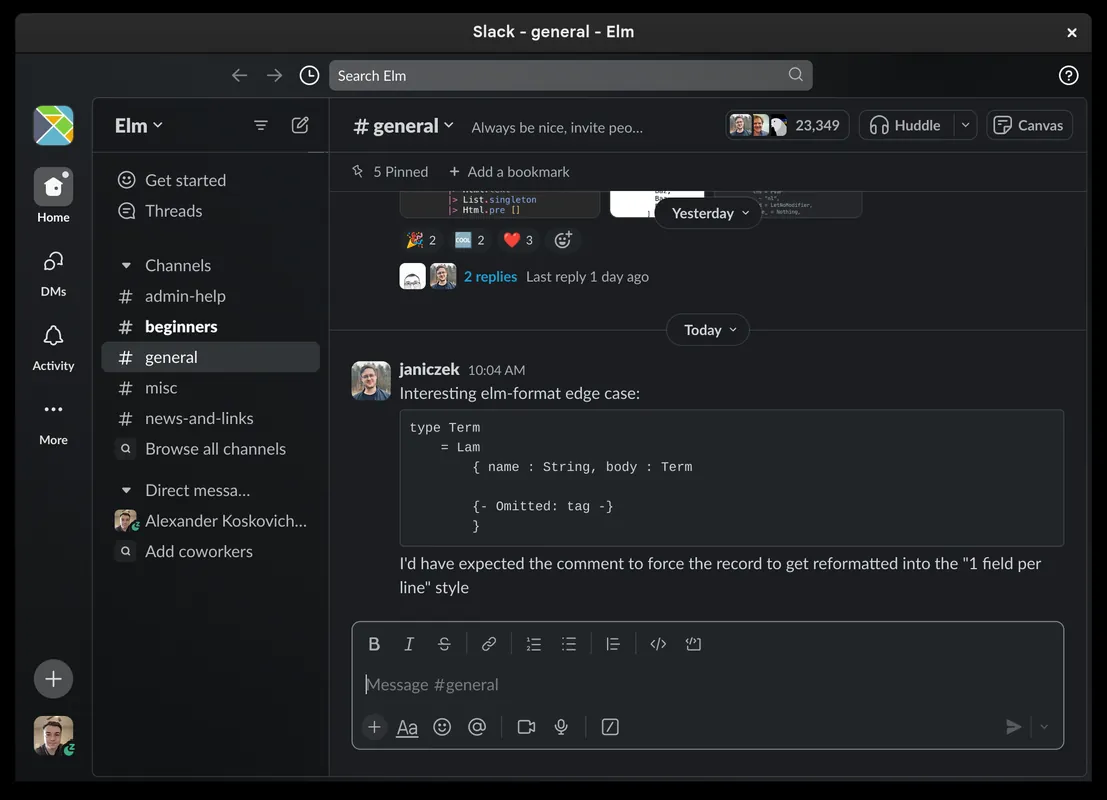
- Organized conversations via public and private channels
- One-on-one and group direct messaging
- File sharing with searchable message and document history
- Integration with external productivity tools and developer services
- Built-in audio and video huddles for quick discussions
Who is it for?
Slack is designed for businesses, remote teams, and organizations that need centralized workplace communication. It is commonly used for managing project discussions in channels, sharing files, and coordinating tasks across departments.
Good to know before installing
- The free plan restricts access to message history and file storage over time.
- Advanced features such as unlimited app integrations and group huddles require a paid subscription.
- Desktop applications can consume a noticeable amount of system memory (RAM).
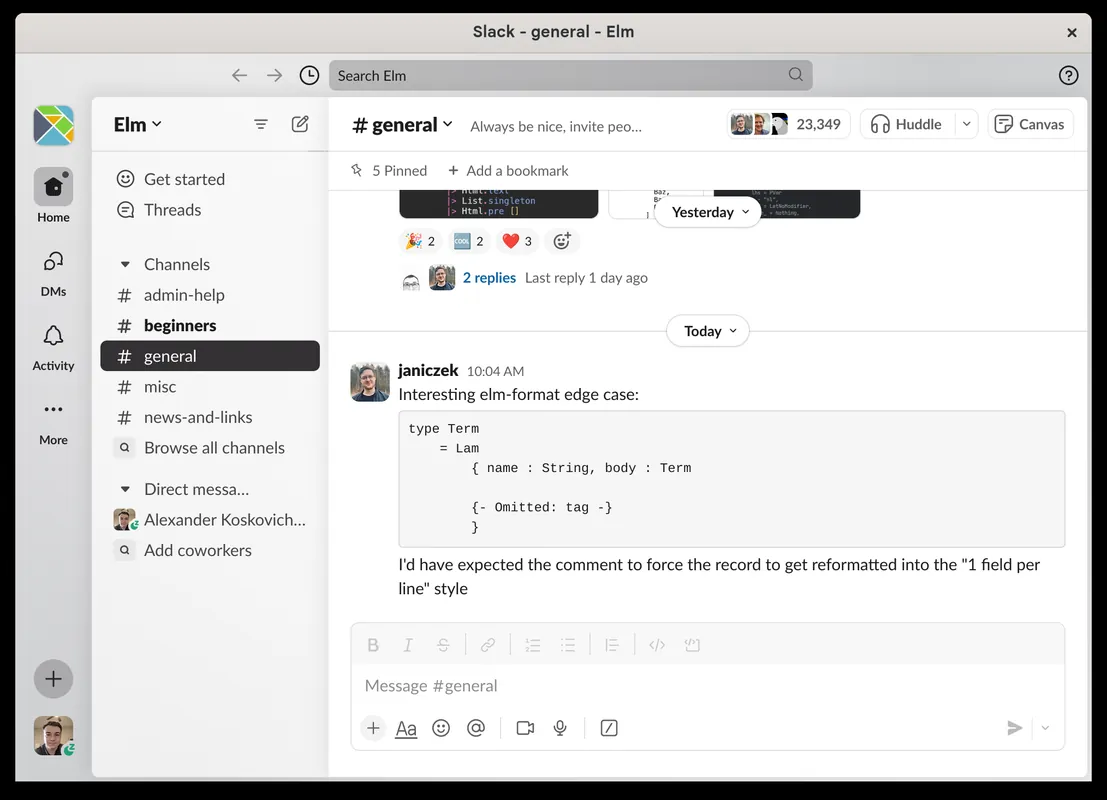
Screenshots
How to install
Windows
- Click the official download button to get the setup file, or execute 'winget install --id SlackTechnologies.Slack -e' in a terminal.
- Run the installer to complete the setup process.
- Open Slack and authenticate to access your workspace.
macOS
- Download the official installer using the button above, or run 'brew install --cask slack' in Terminal.
- Open the downloaded disk image (.dmg) and drag Slack into your Applications folder.
- Launch Slack from Applications and sign in.
Linux
- Click the official download link to open Flathub, or open your terminal.
- Run the command: flatpak install flathub com.slack.Slack
- Launch Slack from your desktop application launcher.
Android
- Tap the official download link on this page to visit the Google Play Store.
- Select Install to download the application to your device.
- Open Slack and log into your workspace or create a new one.
Alternatives
- Discord
- Mattermost
- Microsoft Teams (Free version available)
Frequently asked questions
Is Slack free to use?
Slack offers a free tier with basic features and limited message history. Advanced features and full history require a paid subscription.
Is Slack open source?
No, Slack is proprietary software developed by Slack Technologies Inc.
Can I connect other services to Slack?
Yes, Slack supports integrations with cloud storage services, issue trackers, and various business applications.