

Mattermost
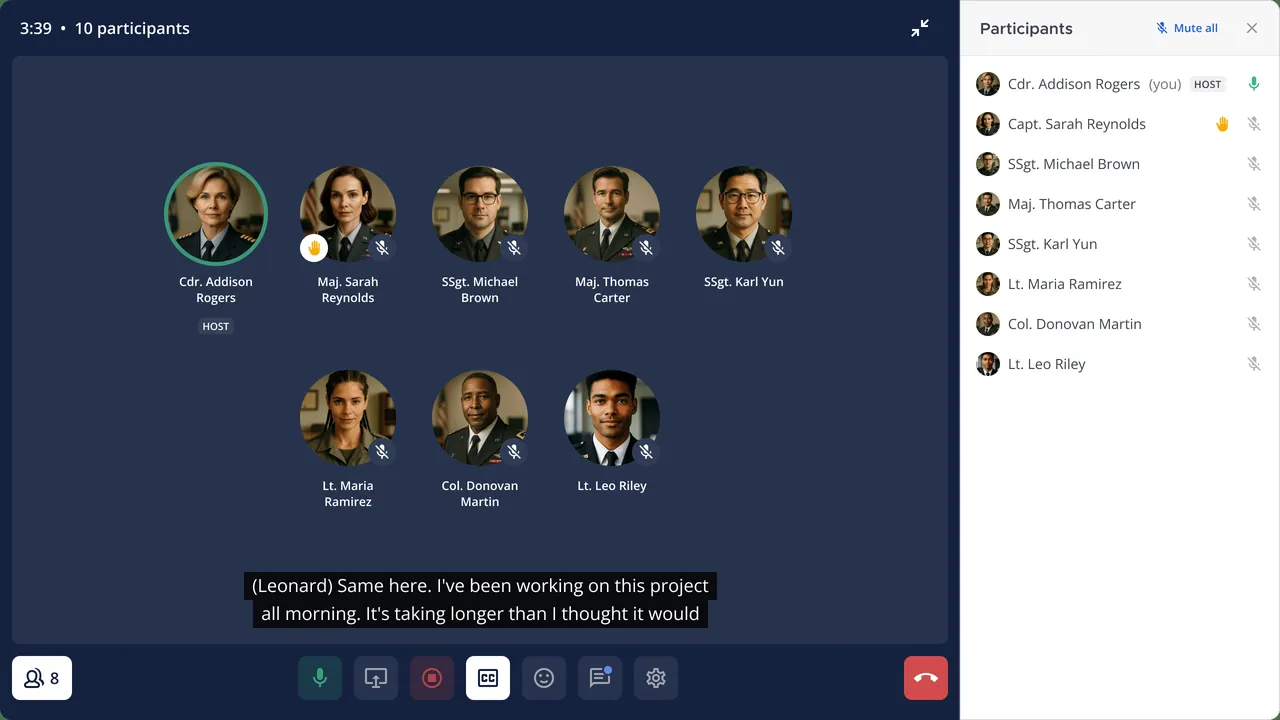
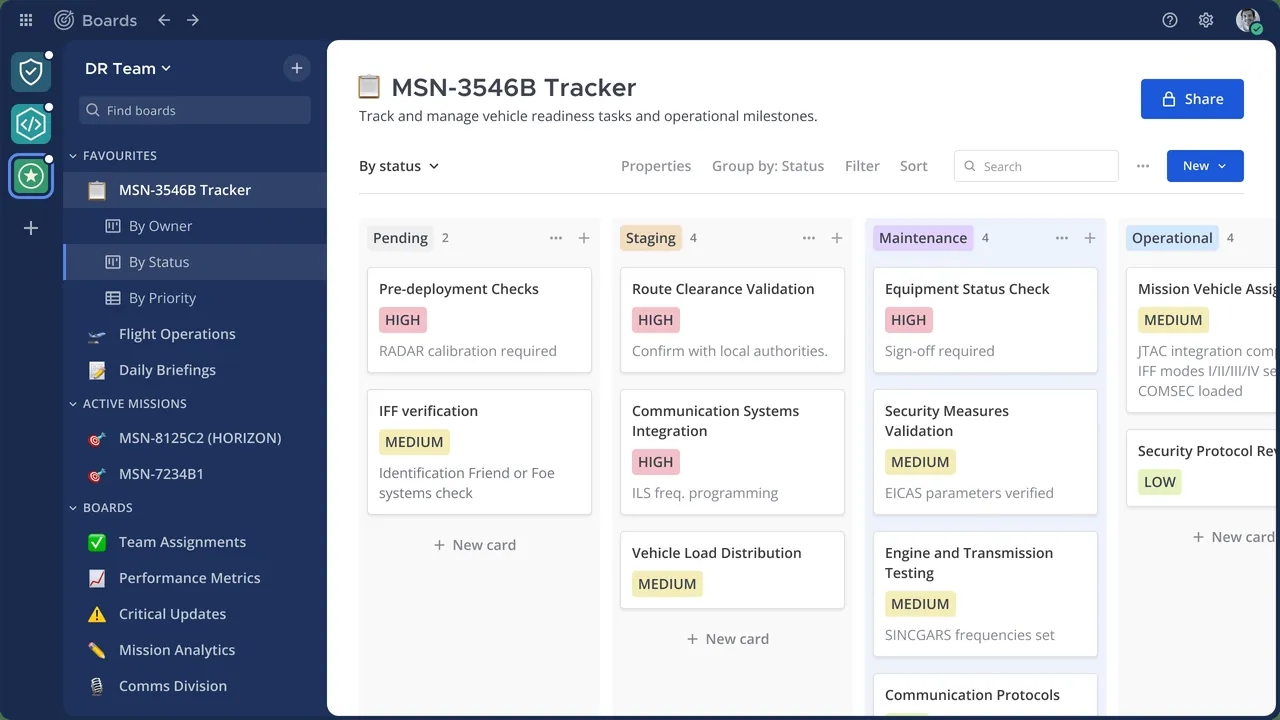
Mattermost is an open-source messaging and collaboration platform that teams can run on their own servers. This desktop and mobile app connects to a Mattermost server and gives you channels, direct messages and file sharing.
github.com · Official website
- ✓ Official source (winget)
- ✓ SHA256 taken from the official repository
- ✓ Last checked: Nov. 4, 2026
- This is not a virus scan. Check on VirusTotal
- Version
- 6.3.2
- Release date
- Nov. 2, 2026
- License
- Apache-2.0
- Installer type
- wix
How do I use this?
Type Terminal in the Start menu and open it, paste the command (Ctrl+V or right-click) and press Enter. It uses winget, Windows' own package manager, to install the program from its official source.
winget install --id Mattermost.MattermostDesktop -eSHA256 (file verification)
f468e53a41204dee816025772934b83416dee80077b3581daa81476d55efdad8releases.mattermost.com · Official website
- ✓ Official source (Homebrew)
- ✓ SHA256 taken from the official repository
- ✓ Last checked: Nov. 4, 2026
- This is not a virus scan. Check on VirusTotal
- Version
- 6.3.2
- License
- Apache-2.0
- Installer type
- zip
How do I use this?
This command needs Homebrew; if you don't have it, first run the install command from brew.sh. Then open Terminal (Applications > Utilities > Terminal), paste the command and press Enter.
brew install --cask mattermostSHA256 (file verification)
7adb624266d125f9ac7d293cc742da52221f0e60991c0728de208c980da3ef33flathub.org · Official website
- ✓ Community package (Flathub)
- ✓ Last checked: Nov. 4, 2026
- Version
- 6.3.2
- Release date
- Nov. 2, 2026
- License
- Apache-2.0
- Installer type
- flatpak
How do I use this?
Open a terminal, paste the command and press Enter. Flatpak and Flathub must be set up; Linux Mint has them by default, for other distributions see flathub.org/setup.
flatpak install flathub com.mattermost.Desktopplay.google.com · Official website
- ✓ Official source (Google Play)
- ✓ Last checked: Nov. 4, 2026
- License
- Apache-2.0
Mattermost 6.3.2: what's new?
Highlights
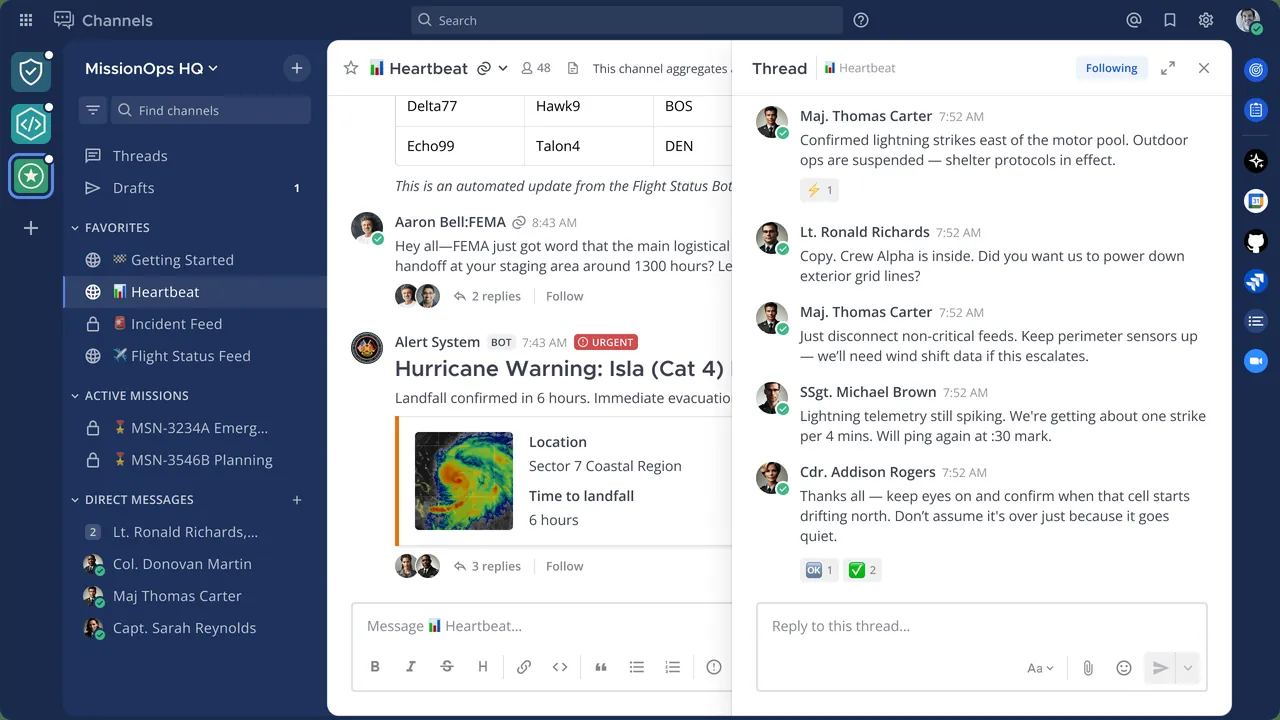
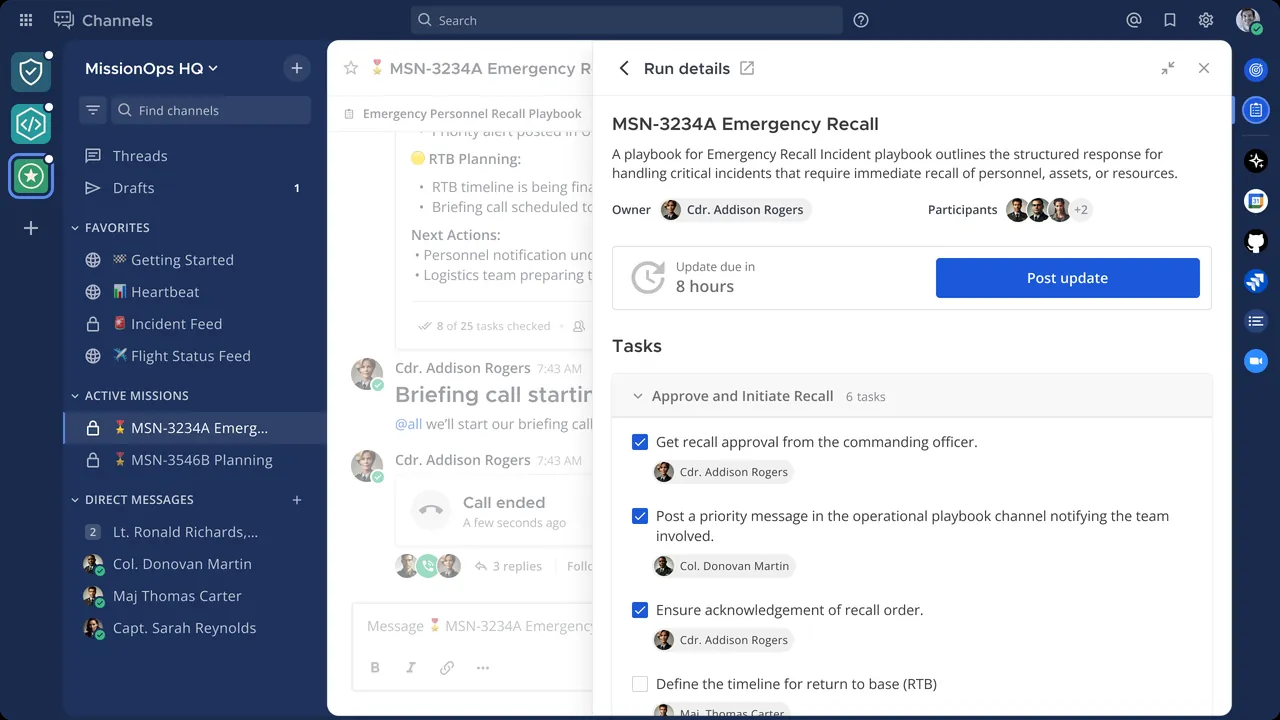
- Channels, direct messages and threaded replies
- File and screenshot sharing
- Connect to several Mattermost servers from one app
- Desktop notifications and unread counters
- Can be self-hosted on your own server
Who is it for?
For companies that want to keep their data on their own servers, software teams and anyone looking for a Slack-like tool for internal communication.
Good to know before installing
- It does not work on its own; you need a Mattermost server.
- Setting up and maintaining a server takes technical skills.
Screenshots
How to install
Windows
- Click the official download button on this page.
- Run the installer and follow the steps.
- Open the app and enter your team's Mattermost server address.
macOS
- Download the .dmg file with the official button.
- Drag Mattermost into the Applications folder.
- Or use the Homebrew command shown on the page.
Linux
- Open the Flathub page with the button on this page.
- Or run the flatpak command shown on the page in a terminal.
- Open the app and enter the server address.
Android
- Open the Google Play page with the Android button on this page.
- Install the app.
- Enter your server address and account details.
Alternatives
Frequently asked questions
Do I need a server to use Mattermost?
Yes. The app connects to a Mattermost server. Your team can host its own or use Mattermost's cloud service.
Is the app paid?
The desktop and mobile apps are free. On the server side there is a free edition as well as paid enterprise plans.
Can it replace Slack?
Yes. Its channel-based layout is similar and your data can stay on your own server, which makes it a common alternative.