

Spotify
Spotify can be used for free; some features are only in the paid edition.
Spotify is a digital music streaming service developed by Spotify AB that provides access to millions of songs, albums, artists, and podcasts. It operates on a freemium model, offering standard audio playback for free alongside optional paid subscriptions for offline listening and ad-free playback.
download.scdn.co · Official website
- ✓ Official source (winget)
- ✓ File is identical to the one the publisher released (SHA256 matched)
- ✓ Last checked: Nov. 4, 2026
- This is not a virus scan. Check on VirusTotal
- Version
- 1.3.6.1921.g7086c071a617
- Release date
- Oct. 21, 2026
- License
- Proprietary
- Installer type
- exe
How do I use this?
Type Terminal in the Start menu and open it, paste the command (Ctrl+V or right-click) and press Enter. It uses winget, Windows' own package manager, to install the program from its official source.
winget install --id Spotify.Spotify -eSHA256 (file verification)
e5ca46ad79de202c8deaf888c26f2a608b9e042142279e0690d589d80640591ddownload.scdn.co · Official website
- ✓ Official source (Homebrew)
- ✓ Last checked: Nov. 4, 2026
- Version
- 1.3.6.1921
- License
- Proprietary
- Installer type
- dmg
How do I use this?
This command needs Homebrew; if you don't have it, first run the install command from brew.sh. Then open Terminal (Applications > Utilities > Terminal), paste the command and press Enter.
brew install --cask spotifyflathub.org · Official website
- ✓ Community package (Flathub)
- ✓ Last checked: Nov. 4, 2026
- Version
- 1.2.95.453.g0eeebbed
- Release date
- Aug. 12, 2026
- License
- Proprietary
- Installer type
- flatpak
How do I use this?
Open a terminal, paste the command and press Enter. Flatpak and Flathub must be set up; Linux Mint has them by default, for other distributions see flathub.org/setup.
flatpak install flathub com.spotify.Clientplay.google.com · Official website
- ✓ Official source (Google Play)
- ✓ Last checked: Nov. 4, 2026
- License
- Proprietary
Highlights
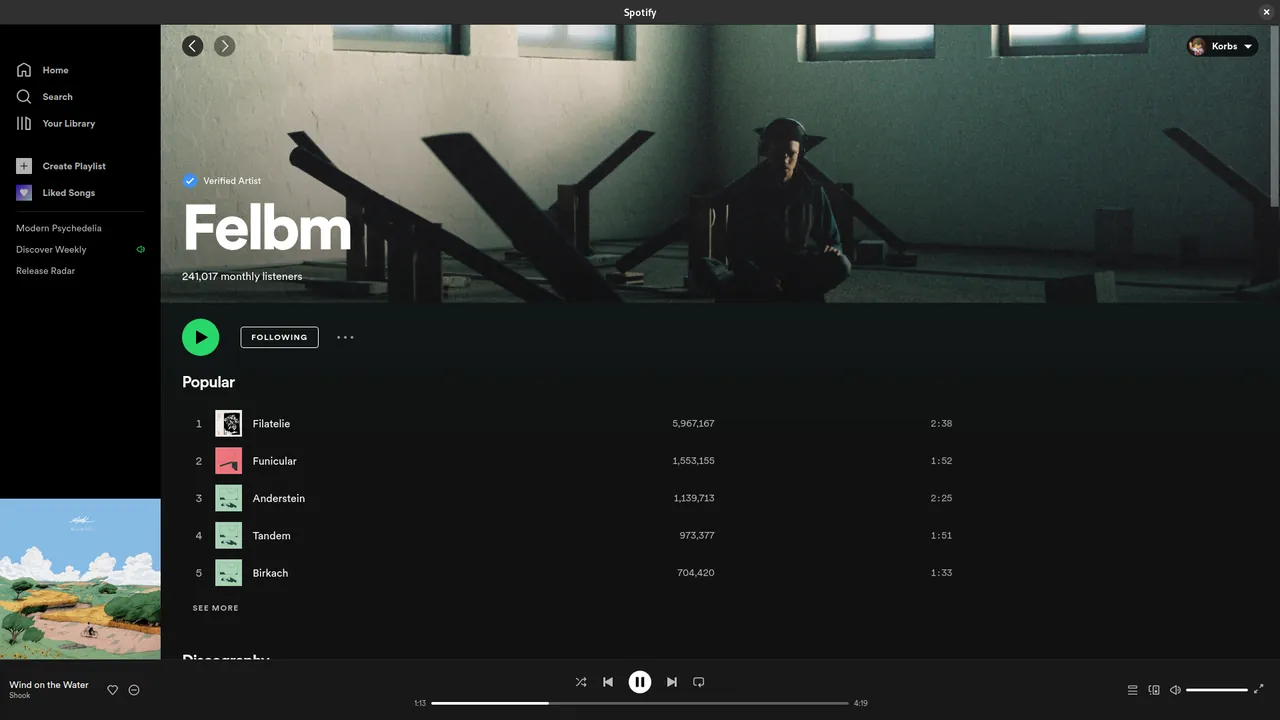
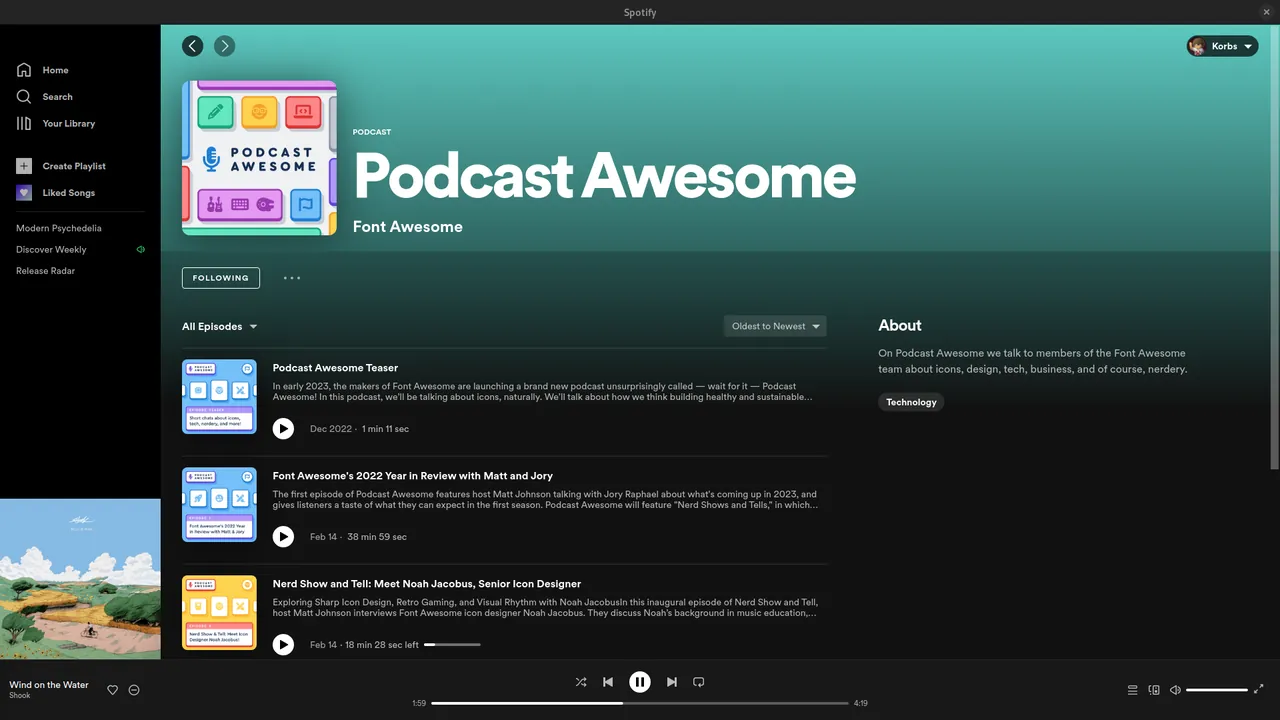
- Stream millions of tracks, albums, and podcasts
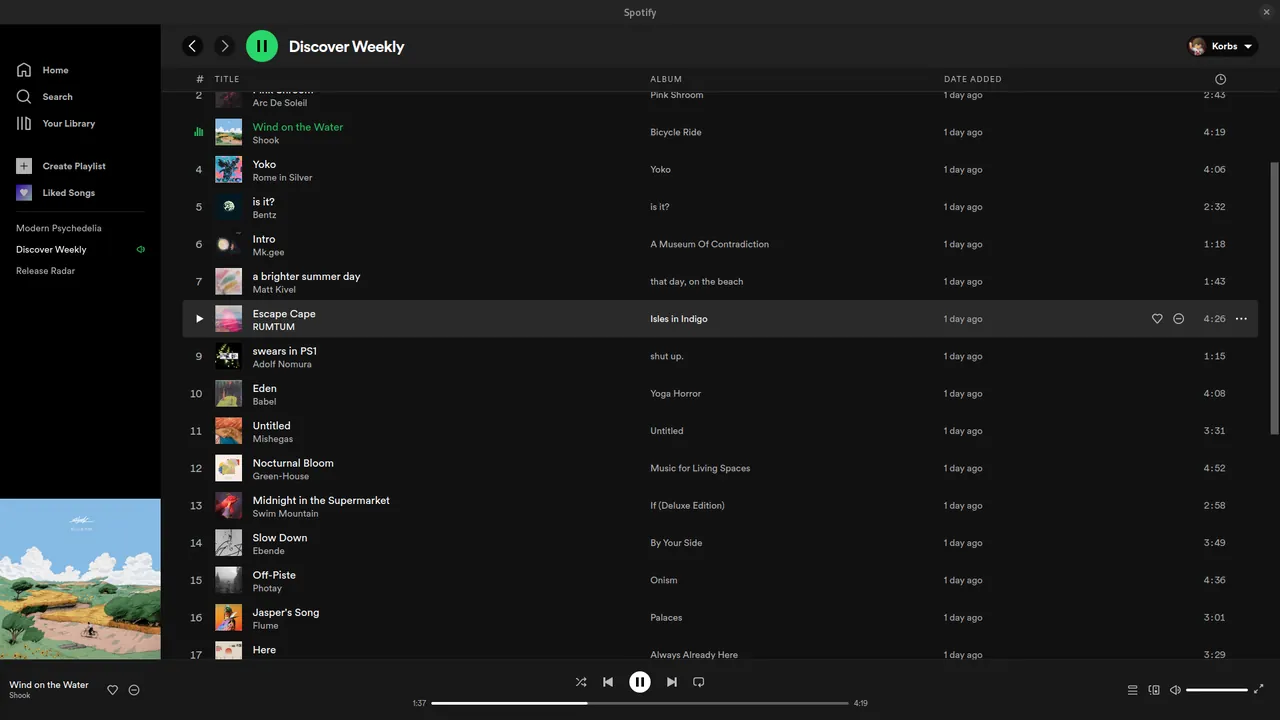
- Discover music through personalized playlists and recommendations
- Create and share custom playlists with other users
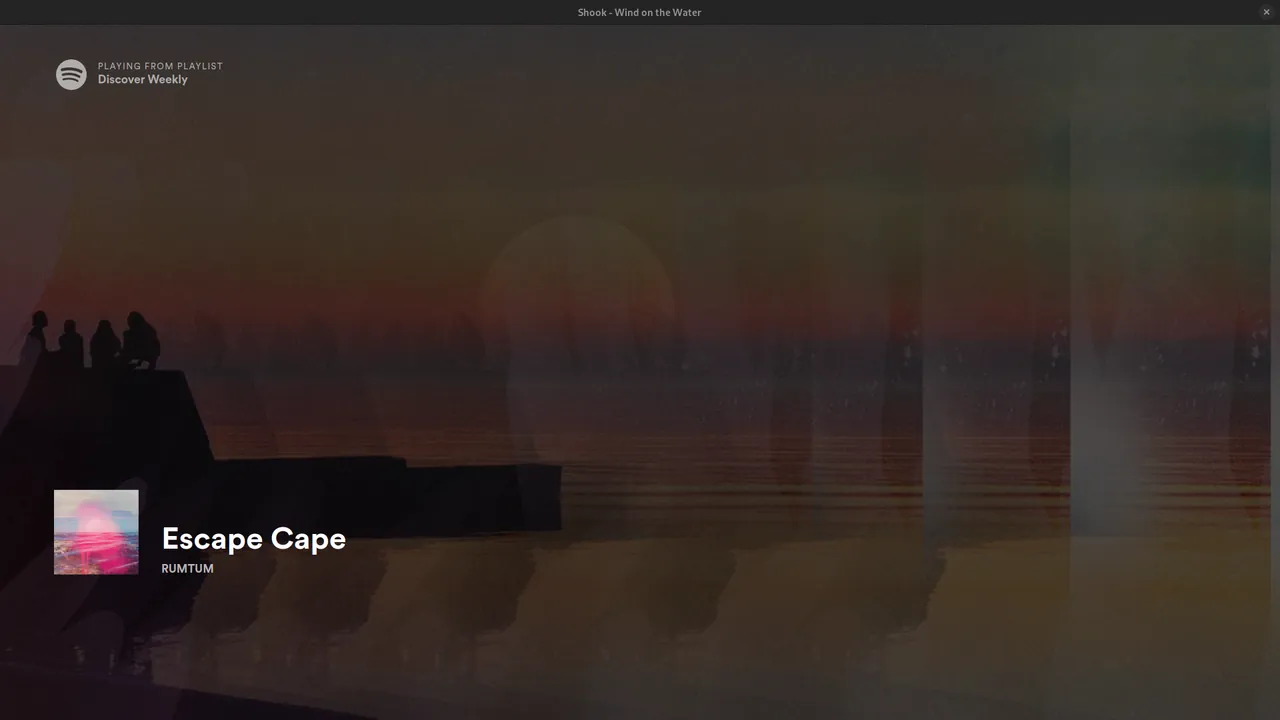
- Sync listening across desktop and mobile platforms
Who is it for?
Designed for general listeners seeking streaming access to music tracks, full albums, and podcast episodes. It is commonly used for background listening during work, study, or daily commuting across supported devices.
Good to know before installing
- The free tier includes audio and visual advertisements along with playback restrictions.
- Offline playback for listening without an internet connection requires a paid subscription.
- Supported operating systems are limited to Android, Linux, Mac, and Windows.
Screenshots
How to install
Windows
- Download the installer file or use Windows Package Manager.
- Execute winget install --id Spotify.Spotify -e in Command Prompt.
- Launch Spotify from the Start Menu.
macOS
- Download the installer via the official download button or use Homebrew.
- Run brew install --cask spotify in Terminal if using Homebrew.
- Open Spotify from the Applications folder.
Linux
- Open your terminal emulator.
- Run flatpak install flathub com.spotify.Client to install.
- Launch Spotify from your system applications menu.
Android
- Open the Google Play Store on your Android device.
- Search for Spotify and select the official app.
- Tap Install to download and set up the application.
Alternatives
- VLC Media Player
- MusicBee
- Clementine
Frequently asked questions
Is Spotify free to use?
Yes, Spotify offers a free tier with ad-supported music streaming, while Premium features require a paid subscription.
Can I download songs for offline playback?
Offline downloading is available for Premium subscribers on supported devices.
Does Spotify require an internet connection?
An active internet connection is required for online streaming, though downloaded tracks can be played offline.