

Upscayl
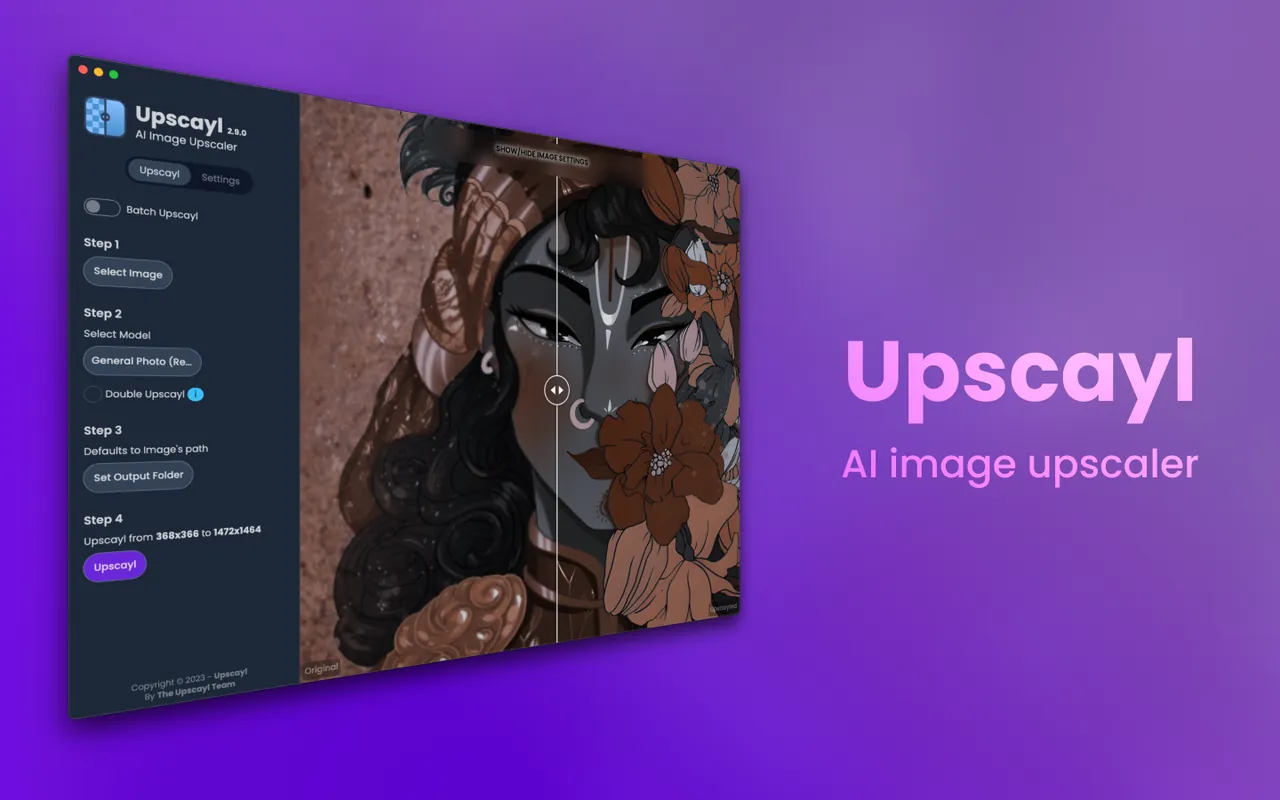
Upscayl is a free and open-source application designed to enlarge and sharpen low-resolution images using artificial intelligence models. Because image processing is performed locally on your device, your photos are not uploaded to external servers.
github.com · Official website
- ✓ Official source (winget)
- ✓ SHA256 taken from the official repository
- ✓ Last checked: Nov. 4, 2026
- This is not a virus scan. Check on VirusTotal
- Version
- 2.15.0
- Release date
- Dec. 25, 2024
- License
- AGPL-3.0
- Installer type
- nullsoft
How do I use this?
Type Terminal in the Start menu and open it, paste the command (Ctrl+V or right-click) and press Enter. It uses winget, Windows' own package manager, to install the program from its official source.
winget install --id Upscayl.Upscayl -eSHA256 (file verification)
5dd7f58abafae2907fede489324a074cb6959a93c5714f3d0609650ab942ff3cgithub.com · Official website
- ✓ Official source (Homebrew)
- ✓ SHA256 taken from the official repository
- ✓ Last checked: Nov. 4, 2026
- This is not a virus scan. Check on VirusTotal
- Version
- 2.15.0
- License
- AGPL-3.0
- Installer type
- dmg
How do I use this?
This command needs Homebrew; if you don't have it, first run the install command from brew.sh. Then open Terminal (Applications > Utilities > Terminal), paste the command and press Enter.
brew install --cask upscaylSHA256 (file verification)
0e53c9ee8c1800cb3e2ce0f574e4e1a35a51945e19ff2b93f33928bbd7fd4c5aflathub.org · Official website
- ✓ Official source (Flathub)
- ✓ Last checked: Nov. 4, 2026
- Version
- 2.15.0
- Release date
- Dec. 25, 2024
- License
- AGPL-3.0
- Installer type
- flatpak
How do I use this?
Open a terminal, paste the command and press Enter. Flatpak and Flathub must be set up; Linux Mint has them by default, for other distributions see flathub.org/setup.
flatpak install flathub org.upscayl.UpscaylWe couldn't find a Android version of Upscayl in the official repositories; check the publisher's website.
Upscayl 2.15.0: what's new?
Highlights
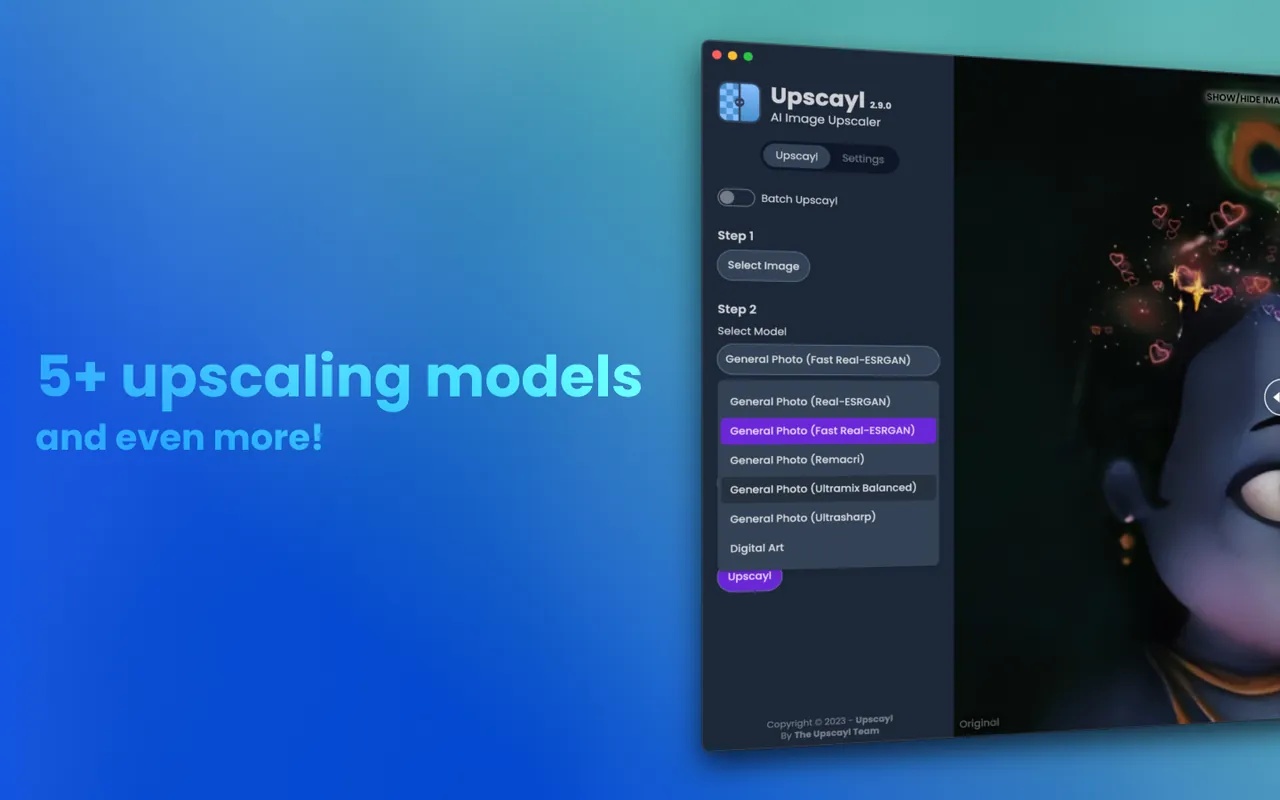
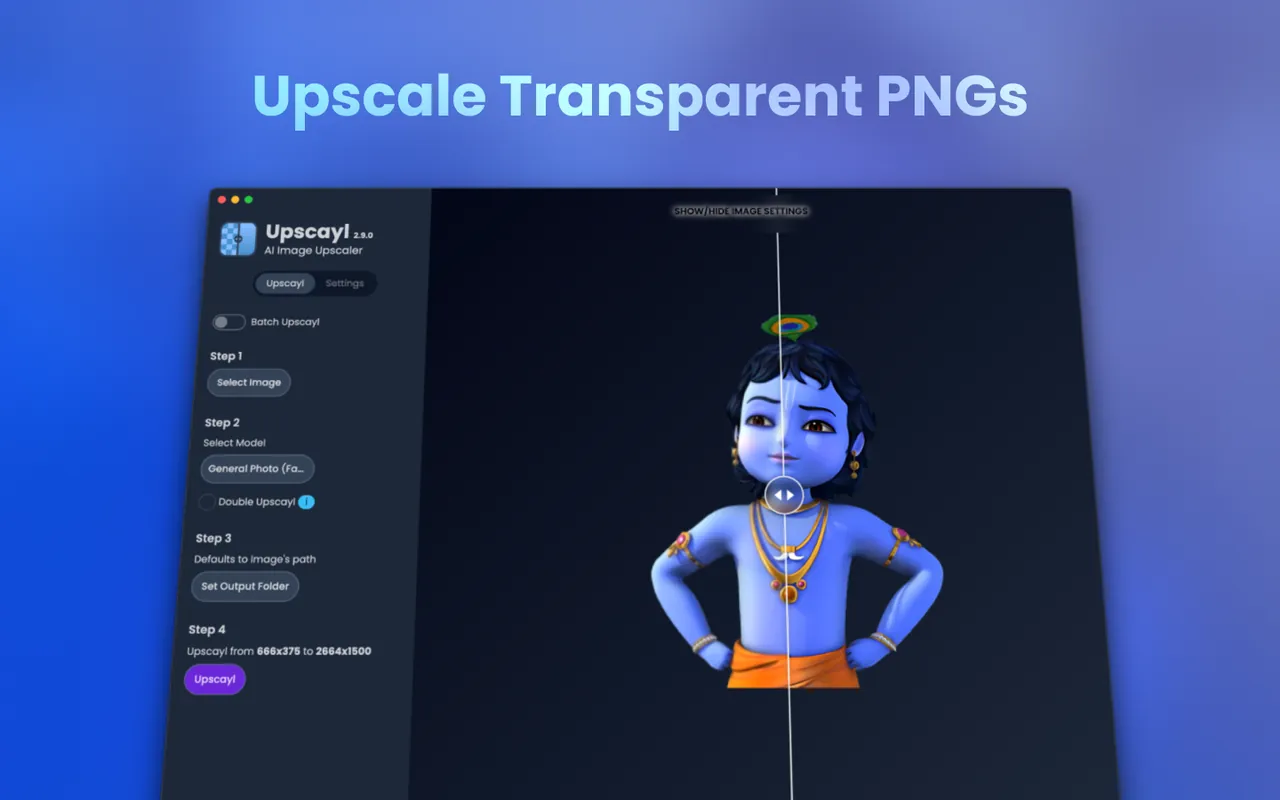
- AI-driven image enlargement and sharpening without quality loss
- Local processing to protect user privacy and work offline
- Batch processing capabilities for multiple images simultaneously
- Cross-platform compatibility across Linux, macOS, and Windows
Who is it for?
Upscayl is designed for photographers, digital artists, and graphic designers who need to increase image resolution and clarity without relying on cloud services.
Good to know before installing
- Processing speed depends heavily on your system GPU capabilities.
- Large image files may require significant system RAM and video memory.
Screenshots

How to install
Windows
- Download the setup file from our official link or open Command Prompt.
- Optionally run `winget install --id Upscayl.Upscayl -e`.
- Run the installer or open Upscayl from the Start menu.
macOS
- Download the installer from the official link or open Terminal.
- Optionally run `brew install --cask upscayl` using Homebrew.
- Open the application from your Applications folder.
Linux
- Click the official download button or open your terminal.
- Run `flatpak install flathub org.upscayl.Upscayl`.
- Launch Upscayl from your desktop application menu.
Alternatives
- Waifu2x
- Real-ESRGAN
- GIMP
Frequently asked questions
Is Upscayl completely free?
Yes, Upscayl is free and open-source under the AGPL-3.0 license.
Does Upscayl process images online?
No, all AI upscaling is processed locally on your computer's hardware.
Does Upscayl require a dedicated GPU?
A compatible GPU is strongly recommended for faster processing speeds.