

GIMP
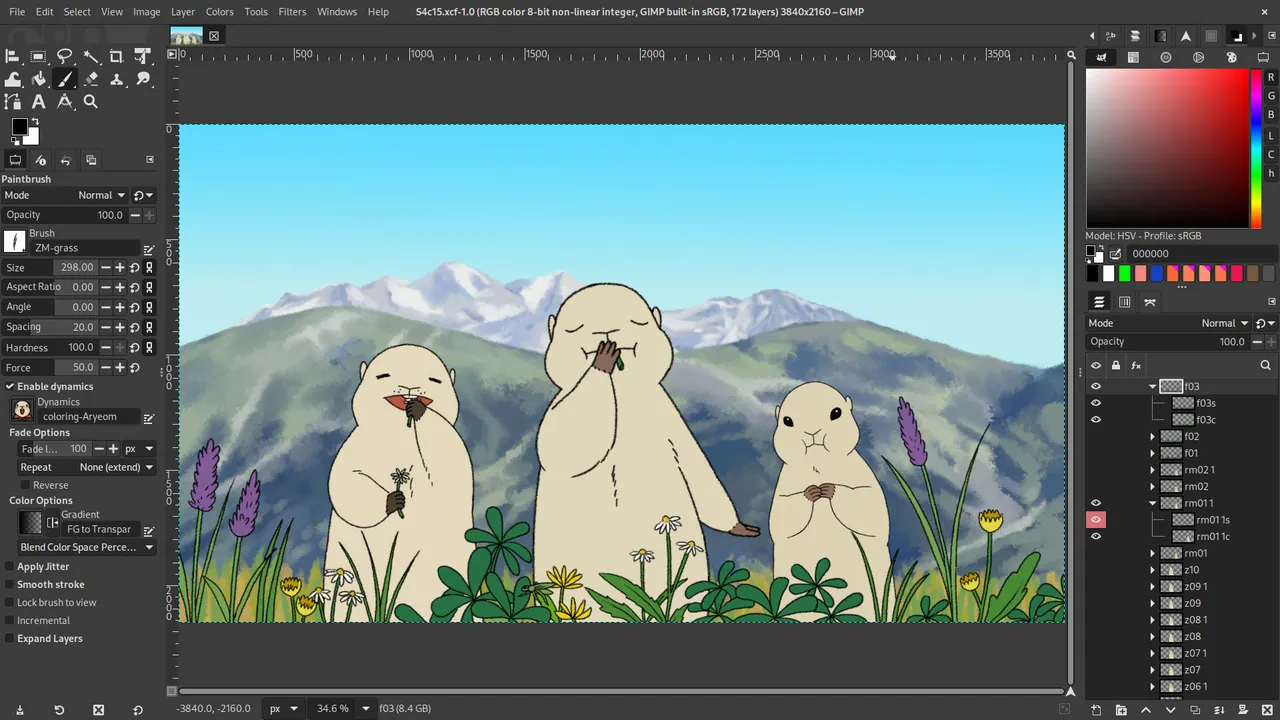
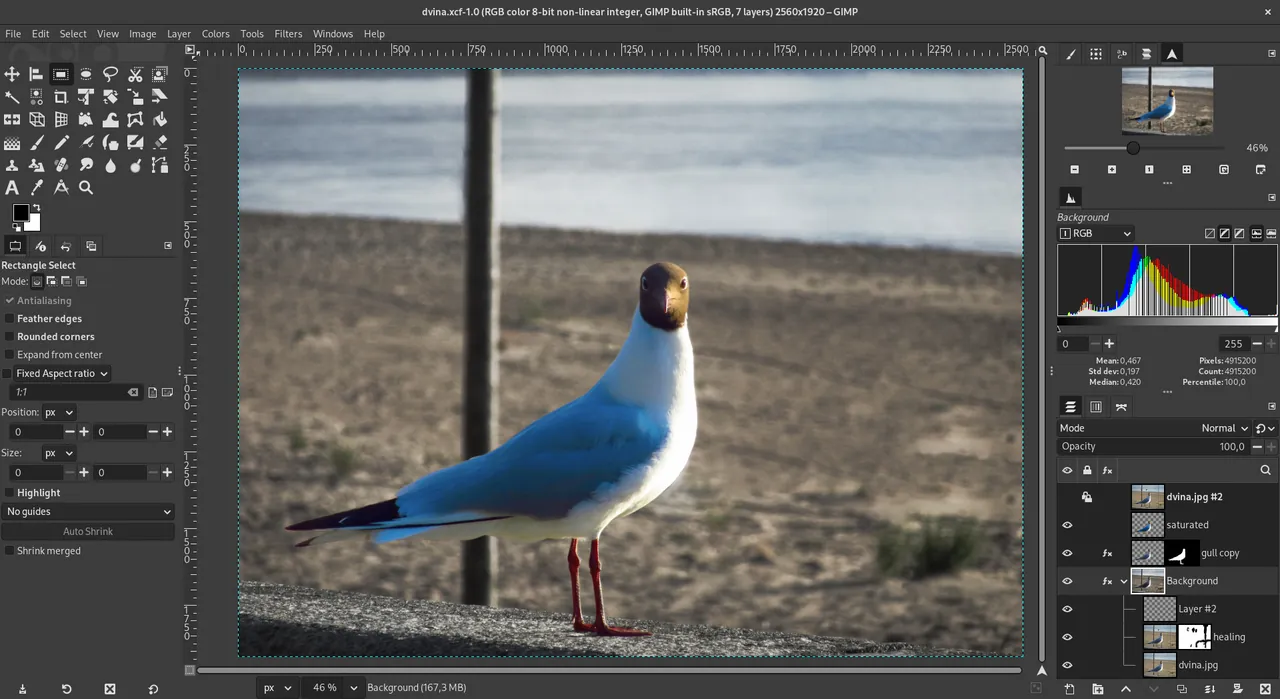
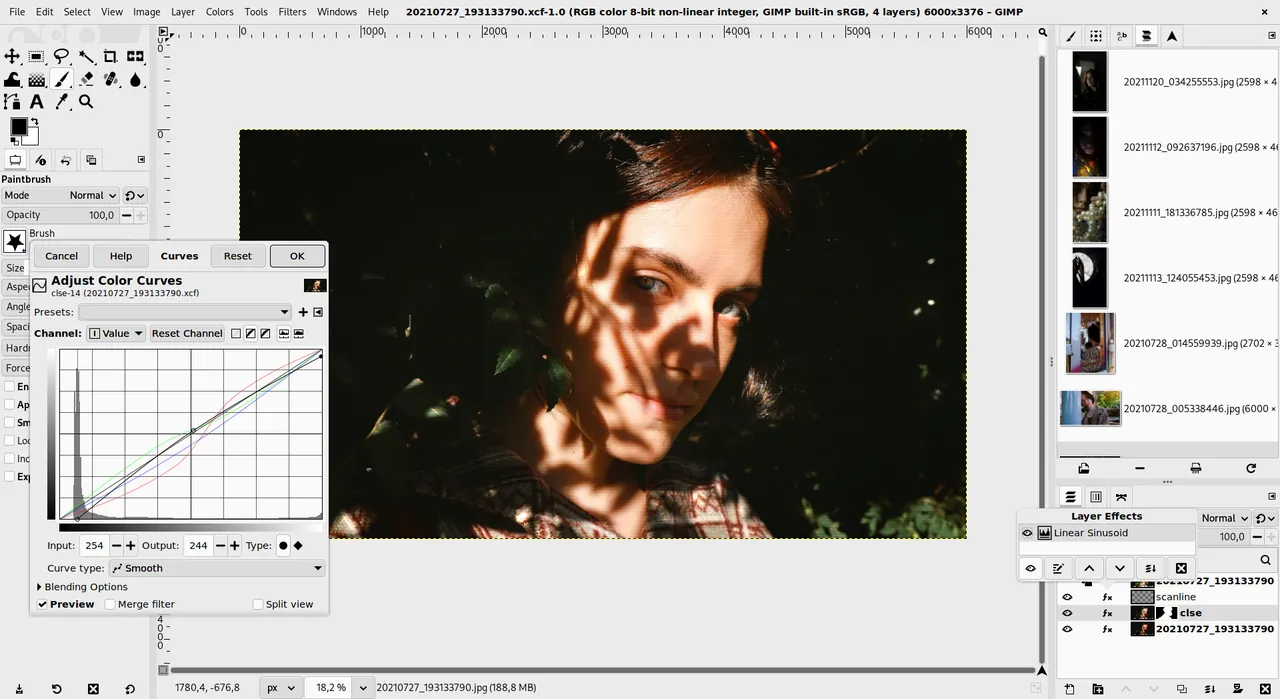
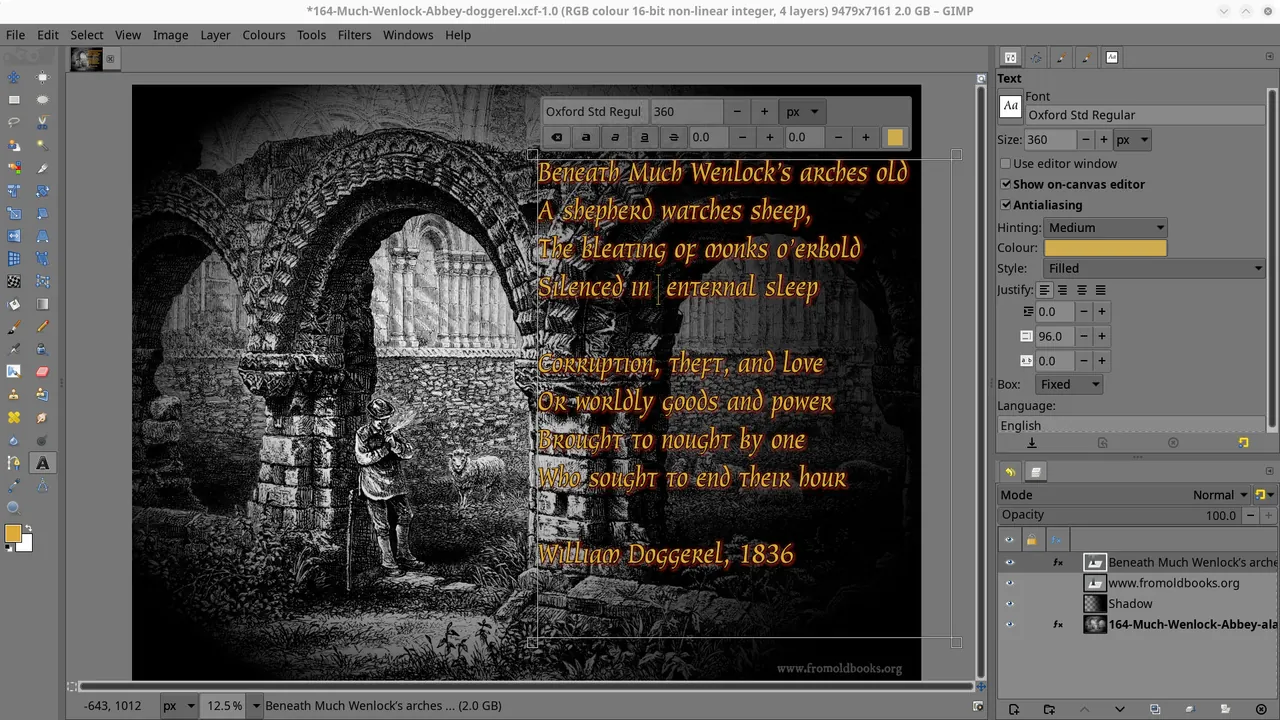
GIMP (GNU Image Manipulation Program) is a free and open-source raster graphics editor used for photo retouching, image composition, and graphic design. Developed by The GIMP Team under the GPL-3.0 license, it provides advanced tools including customizable brushes, layers, selection modes, and channel manipulation.
download.gimp.org · Official website
- ✓ Official source (winget)
- ✓ SHA256 taken from the official repository
- ✓ Last checked: Nov. 4, 2026
- This is not a virus scan. Check on VirusTotal
- Version
- 3.2.6.0
- Release date
- Sept. 10, 2026
- License
- GPL-3.0
- Installer type
- inno
How do I use this?
Type Terminal in the Start menu and open it, paste the command (Ctrl+V or right-click) and press Enter. It uses winget, Windows' own package manager, to install the program from its official source.
winget install --id GIMP.GIMP.3 -eSHA256 (file verification)
9337cccbc01d4098ee7a3dab215b3afbe6ece99c5287c92441d6f12cf541ebcadownload.gimp.org · Official website
- ✓ Official source (Homebrew)
- ✓ SHA256 taken from the official repository
- ✓ Last checked: Nov. 4, 2026
- This is not a virus scan. Check on VirusTotal
- Version
- 3.2.6
- License
- GPL-3.0
- Installer type
- dmg
How do I use this?
This command needs Homebrew; if you don't have it, first run the install command from brew.sh. Then open Terminal (Applications > Utilities > Terminal), paste the command and press Enter.
brew install --cask gimpSHA256 (file verification)
854573aec2be6a185aa021109c3c0ca94f210379204b704231bdd191b4060294flathub.org · Official website
- ✓ Official source (Flathub)
- ✓ Last checked: Nov. 4, 2026
- Version
- 3.2.8
- Release date
- Nov. 2, 2026
- License
- GPL-3.0
- Installer type
- flatpak
How do I use this?
Open a terminal, paste the command and press Enter. Flatpak and Flathub must be set up; Linux Mint has them by default, for other distributions see flathub.org/setup.
flatpak install flathub org.gimp.GIMPWe couldn't find a Android version of GIMP in the official repositories; check the publisher's website.
You can try these instead:
Platform pages: Windows · macOS · Linux · Android
Old versions (10)
GIMP 3.2.6.0: what's new?
Highlights
- Layer-based non-destructive image editing and composition
- Extensive selection, masking, and retouching toolset
- Support for various file formats including PNG, JPEG, TIFF, and PSD
- Extensible architecture supporting Python and Scheme scripts
Who is it for?
GIMP is designed for photographers, graphic designers, and illustrators who need advanced image editing tools without paying subscription fees.
Good to know before installing
- The user interface has a steep learning curve for users migrating from other graphic software.
- Native CMYK workflow support is limited compared to dedicated print publishing applications.
- Some complex Photoshop proprietary features may not import perfectly.
Screenshots
How to install
Windows
- Click the download button to get the official Windows installer.
- Alternatively, install using Winget with 'winget install --id GIMP.GIMP.3 -e'.
- Run the setup file and follow the on-screen installation prompts.
macOS
- Click the official download button to get the macOS installer package.
- Alternatively, install via Homebrew with 'brew install --cask gimp'.
- Open the downloaded file and drag GIMP to your Applications folder.
Linux
- Click the download button to visit the official Flathub page.
- Alternatively, run 'flatpak install flathub org.gimp.GIMP' in your terminal.
- Launch GIMP from your desktop environment application menu.
Alternatives
Frequently asked questions
Is GIMP completely free to use for commercial projects?
Yes, GIMP is released under the GNU General Public License v3, allowing free use for personal and commercial work.
Can GIMP open and edit Adobe Photoshop files?
GIMP can open and export PSD files, though some proprietary Photoshop features like smart objects may not be fully supported.
Does GIMP support CMYK color mode natively?
GIMP operates primarily in RGB, but CMYK color separation and soft proofing can be handled using plugins or color profiles.