

VSCodium
VSCodium is a community-driven, open-source binary distribution of Microsoft's Visual Studio Code codebase. It provides the same core code editing functionality without proprietary branding, telemetry, or telemetry-related binaries.
github.com · Official website
- ✓ Official source (winget)
- ✓ SHA256 taken from the official repository
- ✓ Last checked: Nov. 4, 2026
- This is not a virus scan. Check on VirusTotal
- Version
- 1.143.17232
- Release date
- Oct. 28, 2026
- License
- MIT
- Installer type
- inno
How do I use this?
Type Terminal in the Start menu and open it, paste the command (Ctrl+V or right-click) and press Enter. It uses winget, Windows' own package manager, to install the program from its official source.
winget install --id VSCodium.VSCodium -eSHA256 (file verification)
969c878c06f823e1e48fbc4c8bc5f8b4e25a303c24bc28d1623a492560b5607eflathub.org · Official website
- ✓ Official source (Flathub)
- ✓ Last checked: Nov. 4, 2026
- Version
- 1.140.06880
- Release date
- Oct. 13, 2026
- License
- MIT
- Installer type
- flatpak
How do I use this?
Open a terminal, paste the command and press Enter. Flatpak and Flathub must be set up; Linux Mint has them by default, for other distributions see flathub.org/setup.
flatpak install flathub com.vscodium.codiumWe couldn't find a macOS version of VSCodium in the official repositories; check the publisher's website.
You can try these instead:
We couldn't find a Android version of VSCodium in the official repositories; check the publisher's website.
VSCodium 1.143.17232: what's new?
Highlights
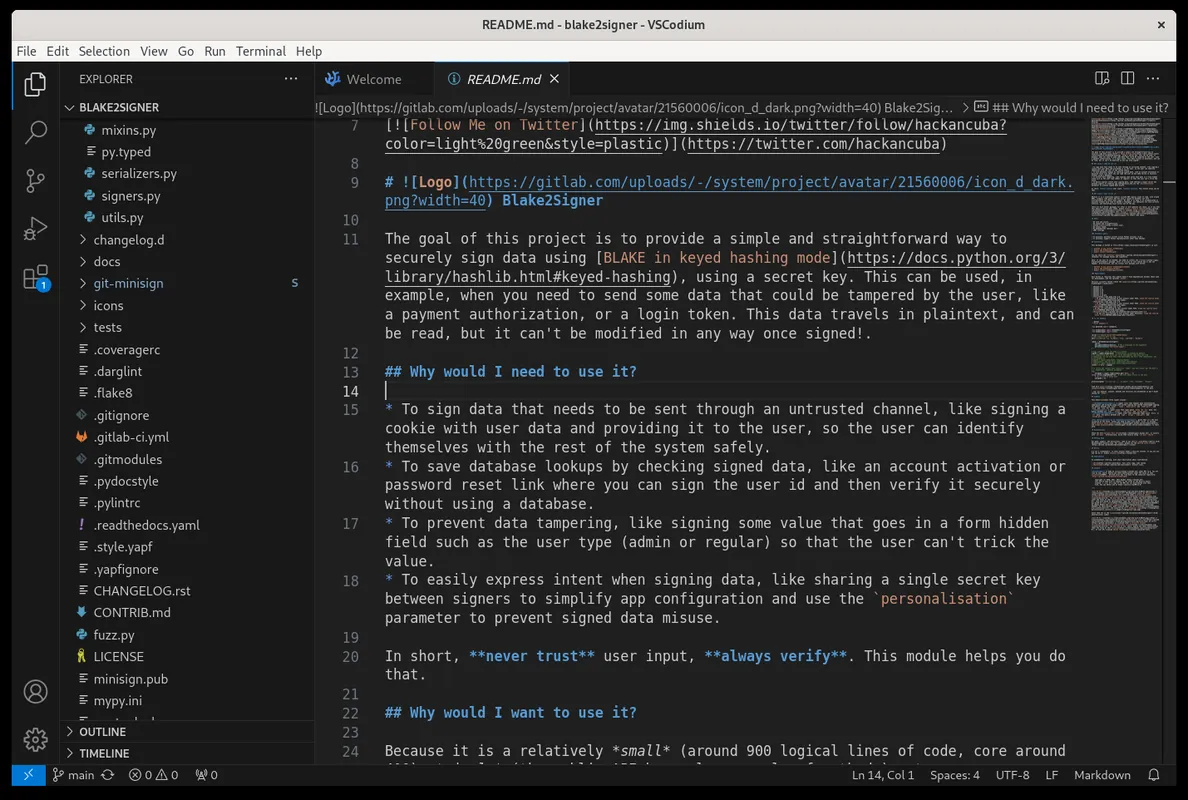
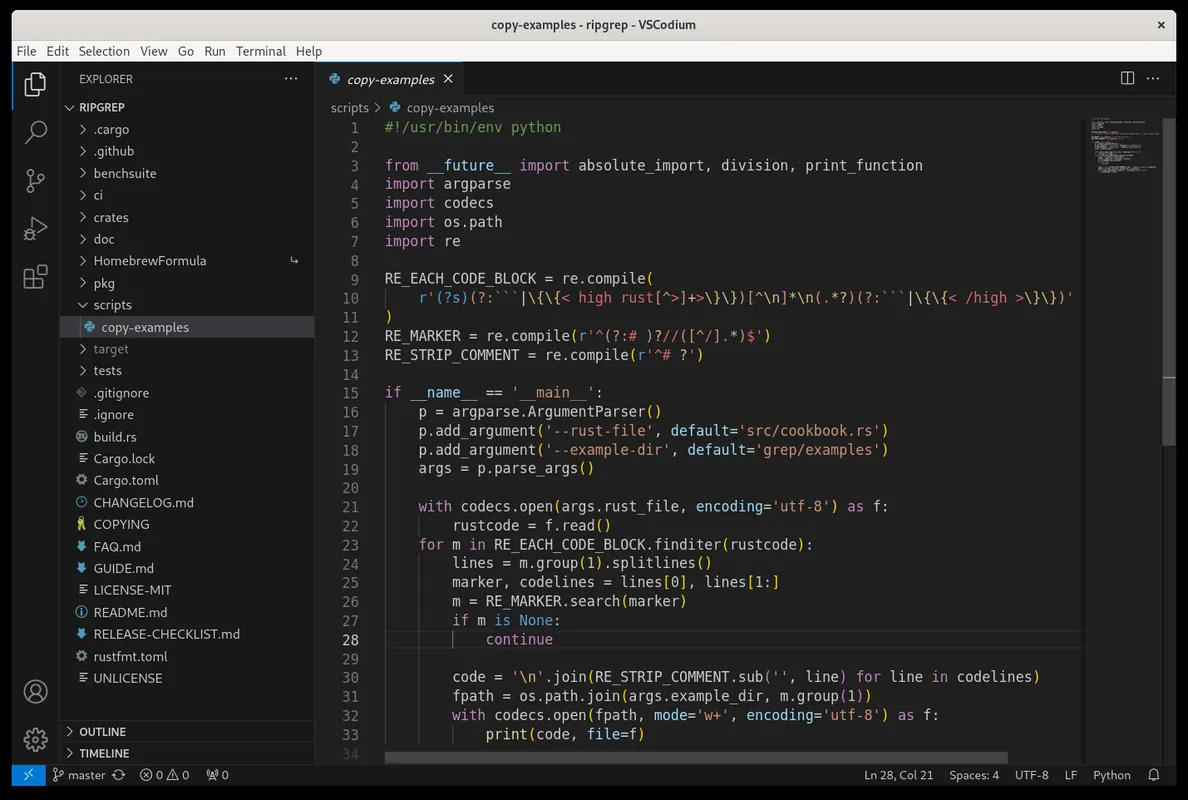
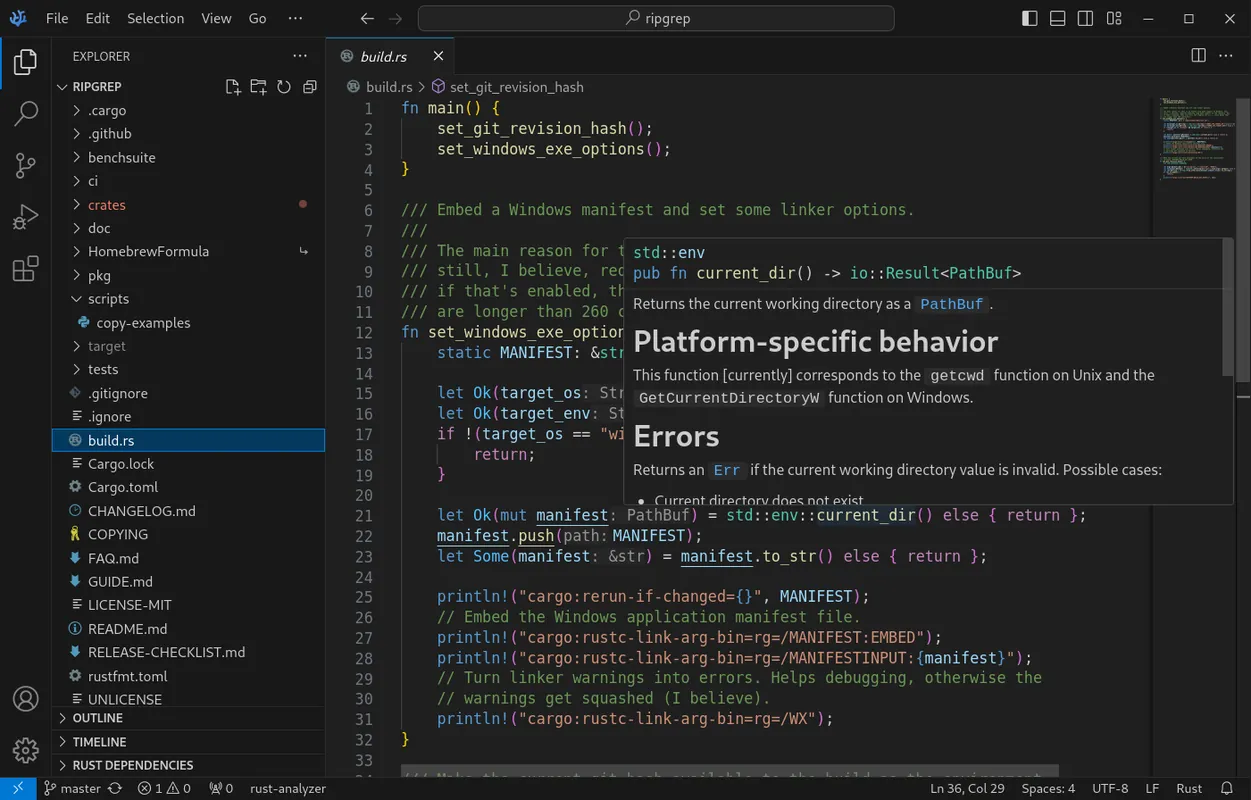
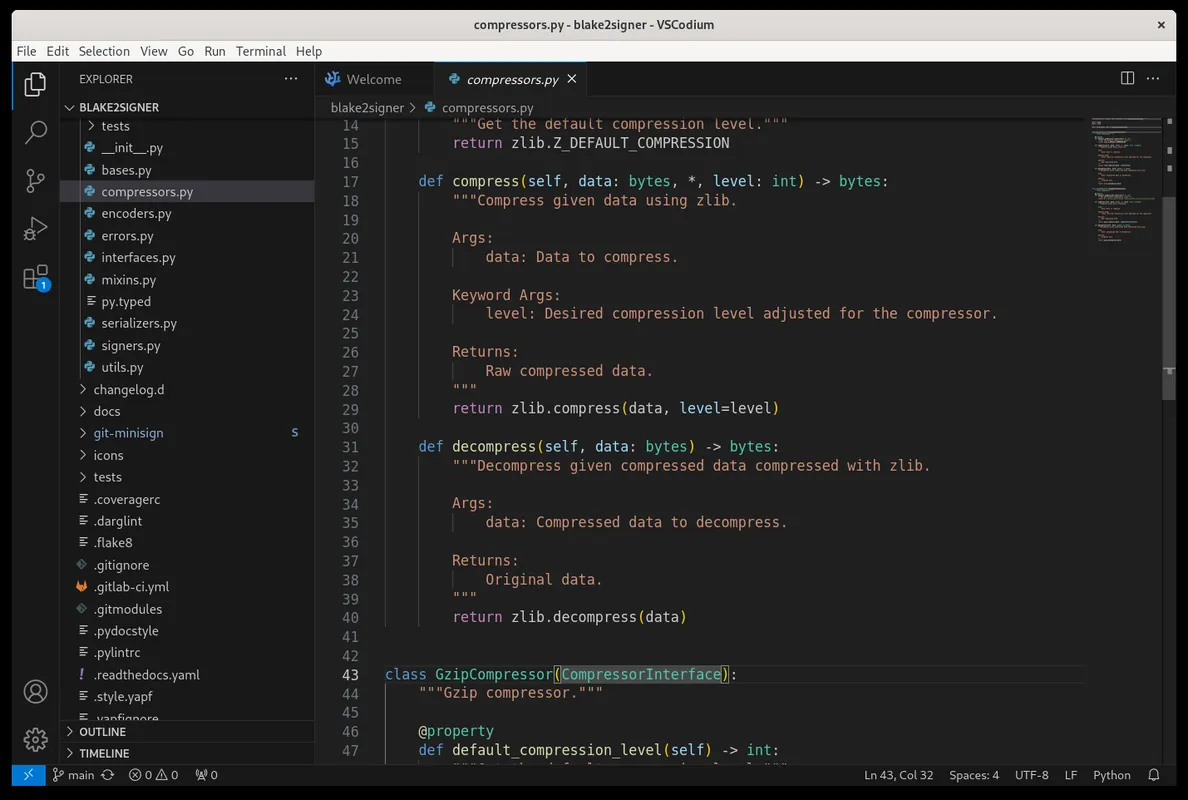
- Built from open-source repository without telemetry or tracking
- Broad programming language support and syntax highlighting
- Integrated terminal and built-in Git version control
- Extensive customization via themes, keymaps, and settings
Who is it for?
Engineered for software developers, system administrators, and students who require VS Code editing capabilities without telemetry or tracking.
Good to know before installing
- Some proprietary Microsoft extensions cannot be legally published or used through Open VSX Registry.
- Proprietary Microsoft account syncing features are not integrated out of the box.
Screenshots
How to install
Windows
- Download the installer using the official download button or run 'winget install --id VSCodium.VSCodium -e'.
- Open the downloaded setup file and complete the installation wizard.
- Finish setup and open VSCodium.
Linux
- Click the official download button to access the Flathub page or run 'flatpak install flathub com.vscodium.codium'.
- Wait for your package manager to complete the installation.
- Launch VSCodium from your desktop applications menu.
Alternatives
- Visual Studio Code
- Geany
- Sublime Text
Frequently asked questions
Is VSCodium free and open source?
Yes, VSCodium is fully free and open source under the MIT license.
Does VSCodium connect to the Microsoft extension marketplace?
No, due to Microsoft licensing terms, it defaults to the community-driven Open VSX Registry.
Does VSCodium collect usage telemetry?
No, all tracking and telemetry tools present in standard VS Code binaries are disabled or removed.