

WPS Office
WPS Office can be used for free; some features are only in the paid edition.
WPS Office is an office suite that brings a word processor, spreadsheet, presentation and PDF tools together. It works with Microsoft Office file formats; the free version may show ads.
wdl1.pcfg.cache.wpscdn.com · Official website
- ✓ Official source (winget)
- ✓ SHA256 taken from the official repository
- ✓ Last checked: Nov. 20, 2026
- This is not a virus scan. Check on VirusTotal
- Version
- 12.2.0.23196
- License
- Proprietary
- Installer type
- exe
How do I use this?
Type Terminal in the Start menu and open it, paste the command (Ctrl+V or right-click) and press Enter. It uses winget, Windows' own package manager, to install the program from its official source.
winget install --id Kingsoft.WPSOffice -eSHA256 (file verification)
12417429e8a02e43cb089ab4a2cb449a9f15ad428af69f1f2f5277571046ddbdwdl1.pcfg.cache.wpscdn.com · Official website
- ✓ Official source (Homebrew)
- ✓ Last checked: Nov. 20, 2026
- Version
- 12.1.26032
- License
- Proprietary
- Installer type
- dmg
How do I use this?
This command needs Homebrew; if you don't have it, first run the install command from brew.sh. Then open Terminal (Applications > Utilities > Terminal), paste the command and press Enter.
brew install --cask wpsofficeflathub.org · Official website
- ✓ Community package (Flathub)
- ✓ Last checked: Nov. 20, 2026
- Version
- 11.1.0.11723
- Release date
- Feb. 22, 2024
- License
- Proprietary
- Installer type
- flatpak
How do I use this?
Open a terminal, paste the command and press Enter. Flatpak and Flathub must be set up; Linux Mint has them by default, for other distributions see flathub.org/setup.
flatpak install flathub com.wps.OfficeWe couldn't find a Android version of WPS Office in the official repositories; check the publisher's website.
You can try these instead:
Platform pages: Windows · macOS · Linux · Android
Old versions (10)
The US Cybersecurity and Infrastructure Security Agency (CISA) has confirmed that these vulnerabilities in older versions of WPS Office were used in real attacks. Keep the program up to date:
- CVE-2024-7262 – Kingsoft WPS Office Path Traversal Vulnerability (Sept. 3, 2024)
WPS Office 12.2.0.23196: what's new?
Highlights
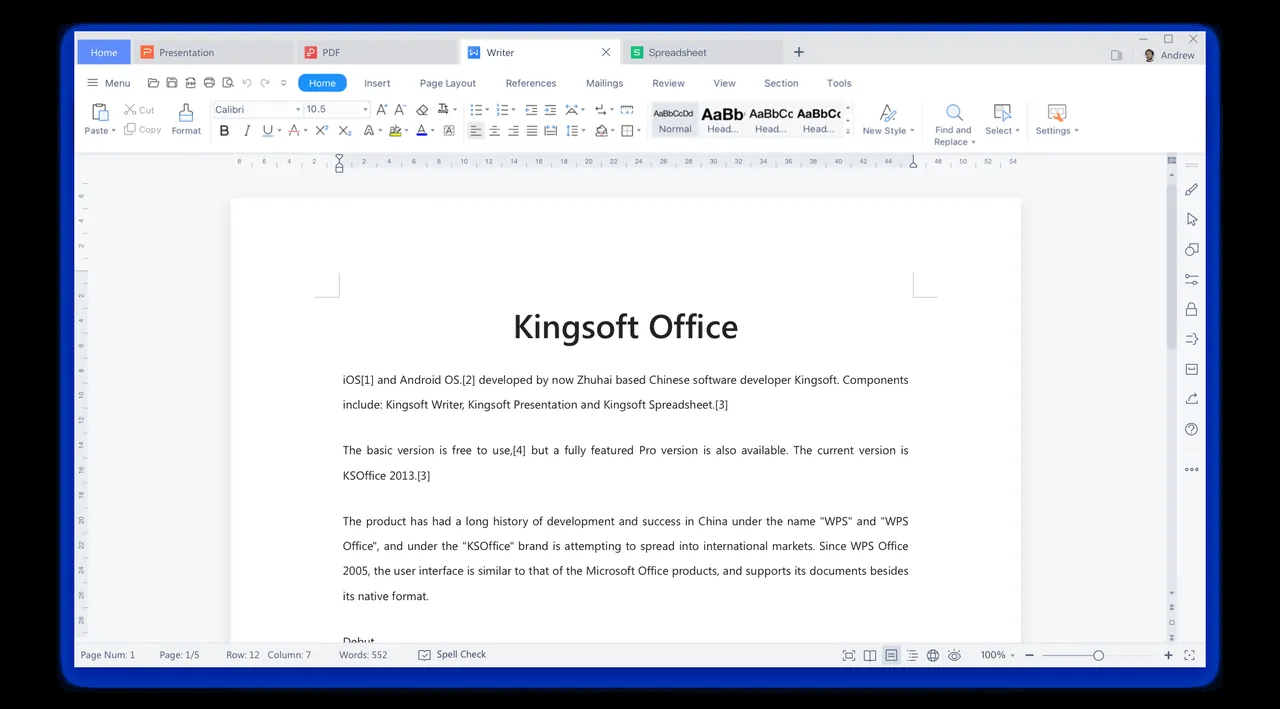
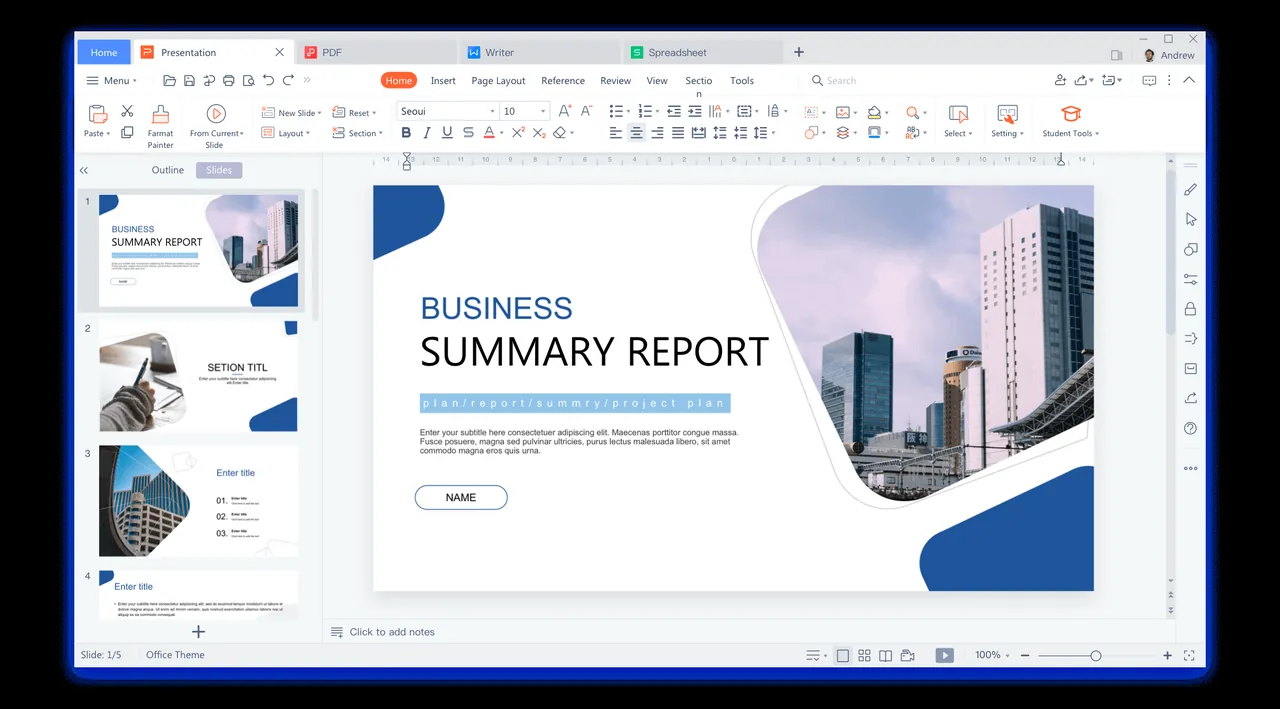
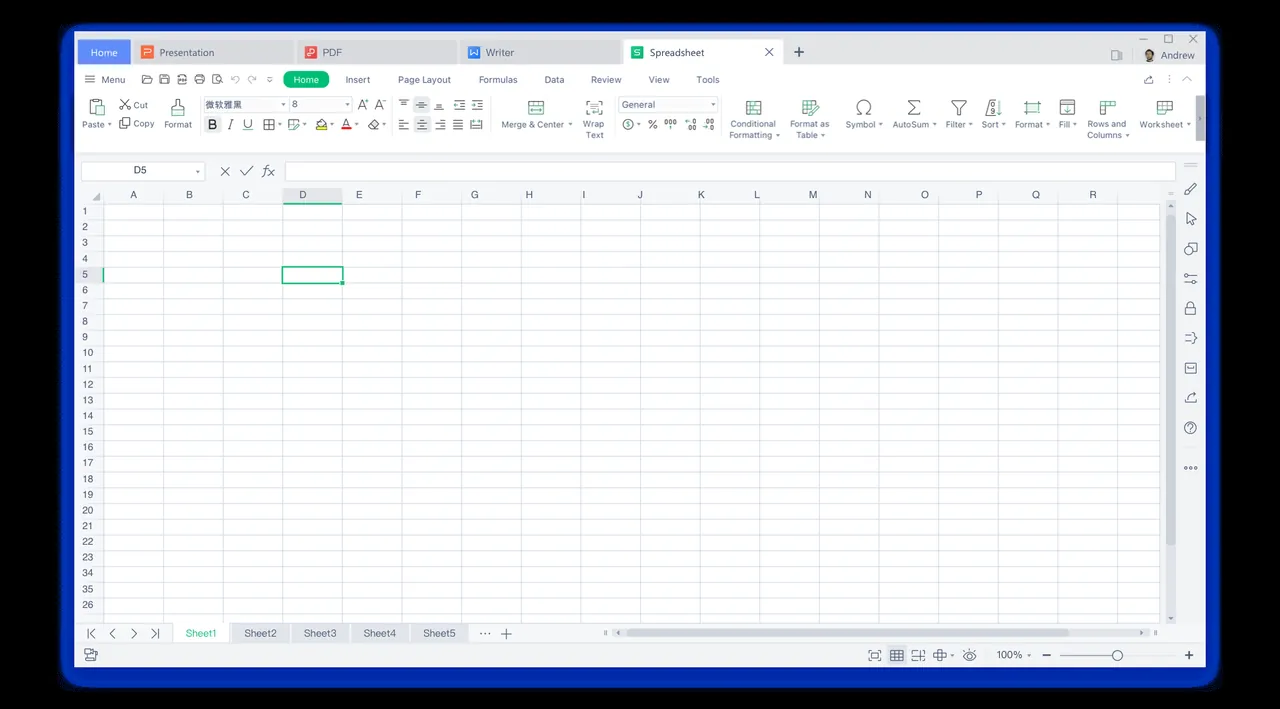
- Writer, Spreadsheets and Presentation apps
- Compatibility with Word, Excel and PowerPoint files
- PDF viewing and conversion tools
- Ready-made templates and cloud storage
Who is it for?
For people looking for a free office suite with an interface similar to Microsoft Office.
Good to know before installing
- The free version may show ads and some features are paid.
- If you use cloud features, your documents are stored on the publisher's servers.
Screenshots
How to install
Windows
- Click the official download button on this page or use the winget command.
- Run the installer and follow the steps.
macOS
- Use the Homebrew command or download from the official site.
- Move the app to the Applications folder and open it.
Linux
- Run the Flatpak command in a terminal.
- Open the program from the application menu.
Alternatives
Comparisons
Frequently asked questions
Is WPS Office free?
Basic use is free; paid plans add extra features.
Does it open Microsoft Office files?
Yes. It opens and saves DOCX, XLSX and PPTX files; complex formatting may show small differences.
Are there ads in the free version?
The free version may show ads; ad-free use and some extra features are in the paid edition.