

ZAP
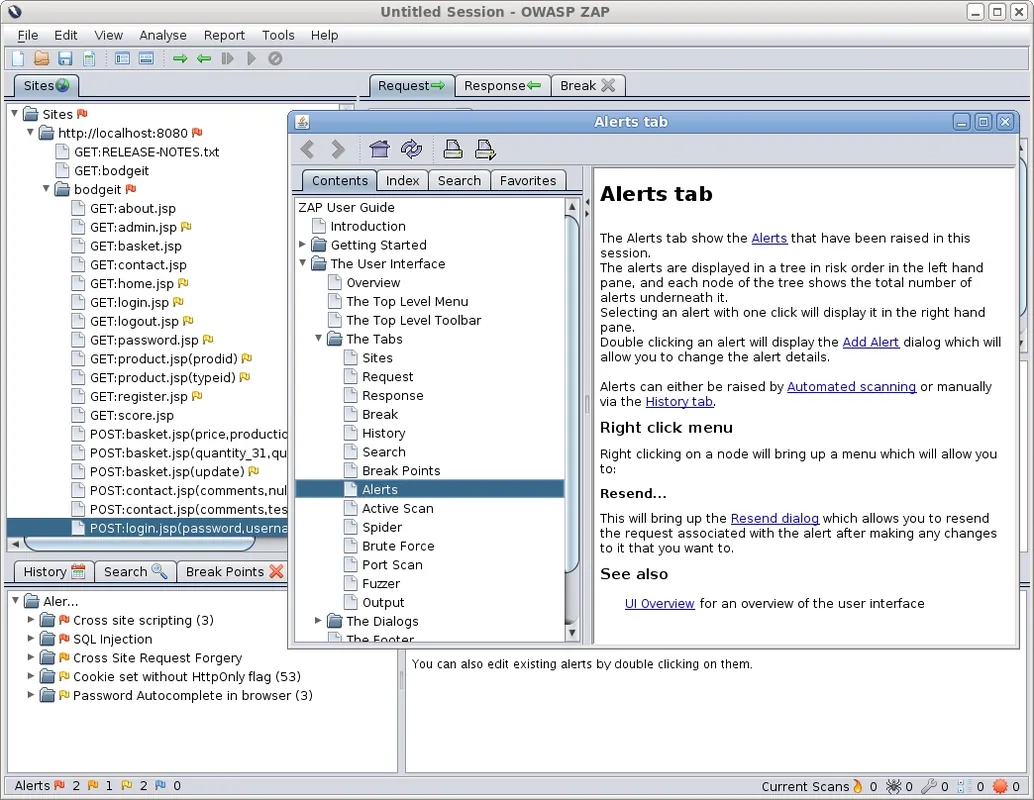
ZAP (Zed Attack Proxy) is an open-source dynamic application security testing (DAST) tool designed to find vulnerabilities in web applications. It acts as an intercepting proxy between the browser and web servers, allowing security testers and developers to inspect traffic and perform automated security assessments.
github.com · Official website
- ✓ Official source (winget)
- ✓ SHA256 taken from the official repository
- ✓ Last checked: Nov. 4, 2026
- This is not a virus scan. Check on VirusTotal
- Version
- 2.17.0
- Release date
- Dec. 15, 2025
- License
- Apache-2.0
- Installer type
- exe
How do I use this?
Type Terminal in the Start menu and open it, paste the command (Ctrl+V or right-click) and press Enter. It uses winget, Windows' own package manager, to install the program from its official source.
winget install --id ZAP.ZAP -eSHA256 (file verification)
ebdaf6f00ffd9c21891d29360196e13a14091f84dde2bfa1e0b61213a93bc5caflathub.org · Official website
- ✓ Official source (Flathub)
- ✓ Last checked: Nov. 4, 2026
- Version
- 2.17.0
- Release date
- Dec. 15, 2025
- License
- Apache-2.0
- Installer type
- flatpak
How do I use this?
Open a terminal, paste the command and press Enter. Flatpak and Flathub must be set up; Linux Mint has them by default, for other distributions see flathub.org/setup.
flatpak install flathub org.zaproxy.ZAPWe couldn't find a macOS version of ZAP in the official repositories; check the publisher's website.
We couldn't find a Android version of ZAP in the official repositories; check the publisher's website.
ZAP 2.17.0: what's new?
Highlights
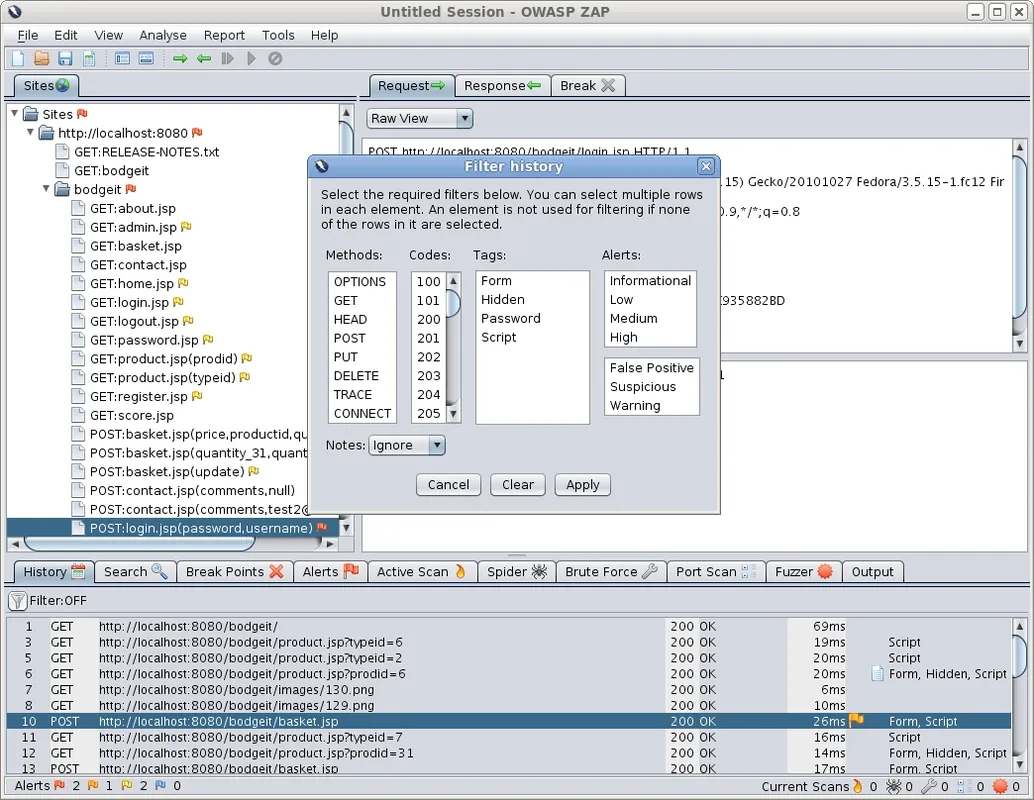
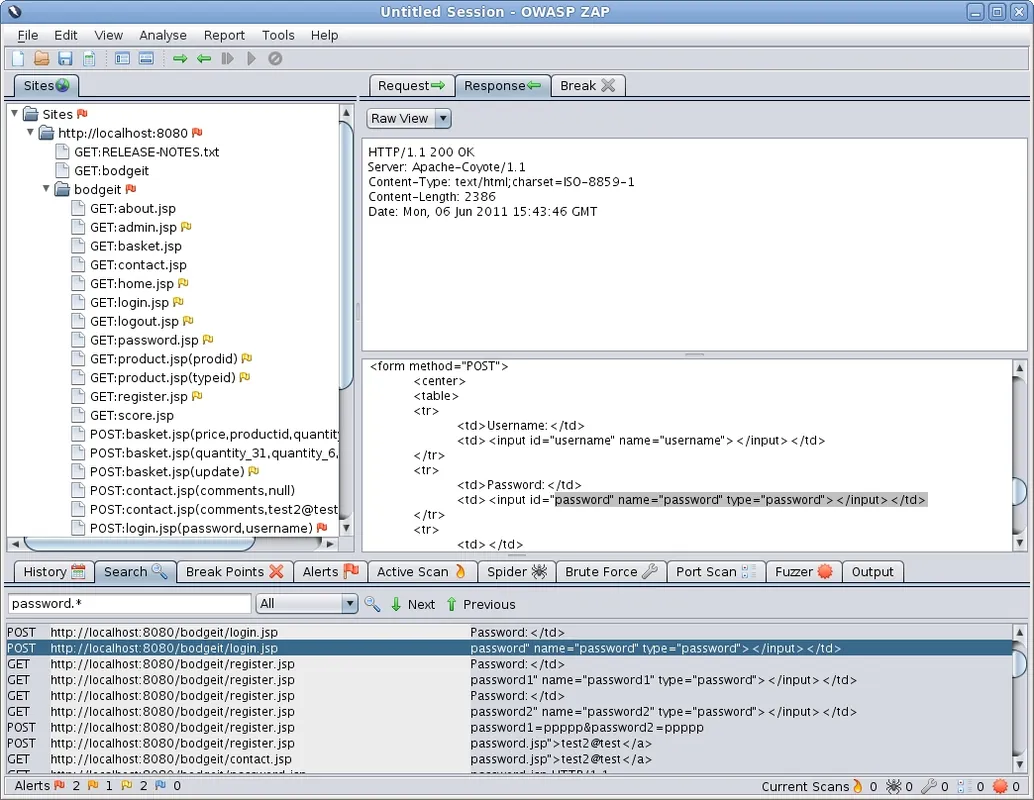
- Intercepting proxy for capturing, inspecting, and modifying HTTP and HTTPS traffic
- Automated active and passive security scanners to detect common web vulnerabilities
- Built-in web spiders to crawl and map web application structures
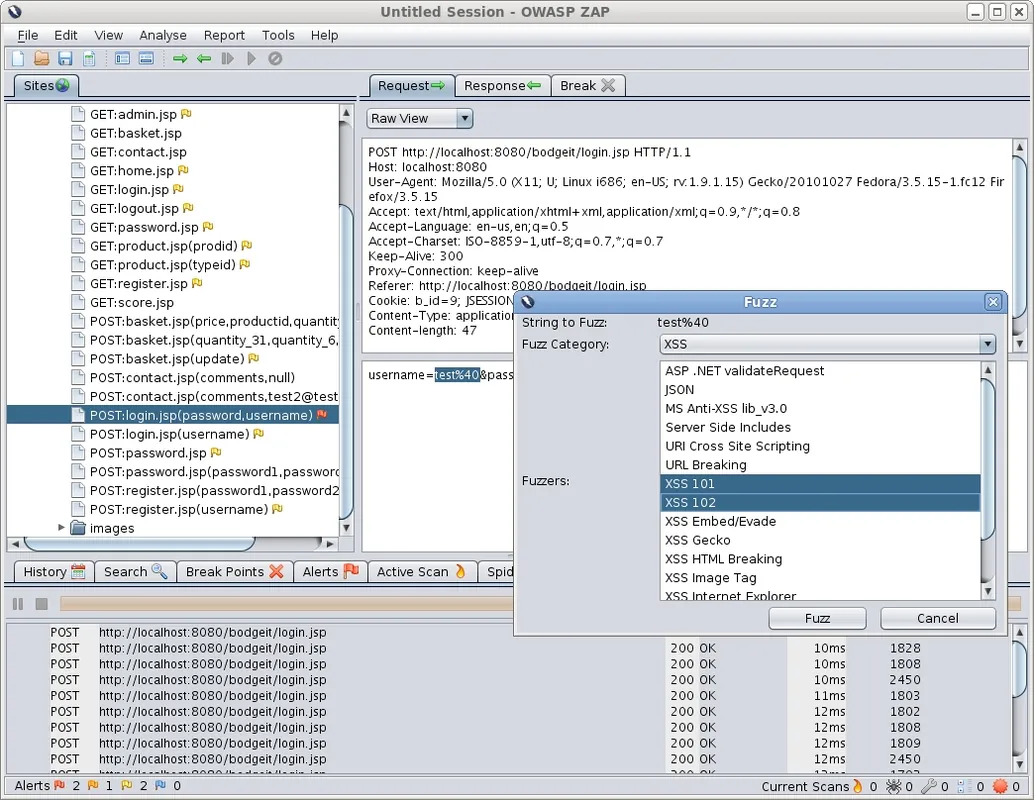
- Fuzzing engine to test input fields with custom payload sets
Who is it for?
Built for software developers, penetration testers, and security engineers who need to identify security flaws in web applications and APIs.
Good to know before installing
- Deep scans and large target sites can consume significant RAM and CPU resources.
- Effective usage requires an understanding of web application architecture and HTTP protocols.
Screenshots
How to install
Windows
- Download the official installer using the button on this page, or run 'winget install --id ZAP.ZAP -e' in a terminal.
- Open the downloaded installer and complete the setup wizard.
- Launch ZAP from the Windows Start menu.
Linux
- Click the official download button to open the Flathub page.
- Alternatively, open a terminal and run 'flatpak install flathub org.zaproxy.ZAP'.
- Launch ZAP from your desktop application launcher once installed.
Alternatives
- Burp Suite Community Edition
- Nikto
- Wapiti
Frequently asked questions
Is ZAP free to use for commercial projects?
Yes, ZAP is released under the Apache-2.0 open-source license and can be used freely for personal, academic, and commercial purposes.
Does ZAP require Java to run?
ZAP is built on Java. The official Windows installer bundles a compatible runtime, but other installations may require an installed Java Runtime Environment (JRE).
Can ZAP be run in headless or automated mode?
Yes, ZAP includes a robust API and a daemon mode, enabling automated security scanning within CI/CD pipelines.