
darktable
darktable is an open-source photography workflow application and RAW developer designed to manage digital negatives and develop camera files. Operating on lighttable and darkroom principles, it provides a comprehensive pipeline for non-destructive color grading, exposure correction, noise reduction, and lens corrections directly on raw sensor data.
github.com · Official website
- ✓ Official source (winget)
- ✓ SHA256 taken from the official repository
- ✓ Last checked: Nov. 4, 2026
- This is not a virus scan. Check on VirusTotal
- Version
- 5.6.2
- Release date
- Oct. 4, 2026
- License
- GPL-3.0
- Installer type
- inno
How do I use this?
Type Terminal in the Start menu and open it, paste the command (Ctrl+V or right-click) and press Enter. It uses winget, Windows' own package manager, to install the program from its official source.
winget install --id darktable.darktable -eSHA256 (file verification)
7f7a1eabcd0a1b548dcfacac842c8203fc85a4175697fb09f90bb891c8931eddflathub.org · Official website
- ✓ Community package (Flathub)
- ✓ Last checked: Nov. 4, 2026
- Version
- 5.6.2
- Release date
- Oct. 4, 2026
- License
- GPL-3.0
- Installer type
- flatpak
How do I use this?
Open a terminal, paste the command and press Enter. Flatpak and Flathub must be set up; Linux Mint has them by default, for other distributions see flathub.org/setup.
flatpak install flathub org.darktable.DarktableWe couldn't find a macOS version of darktable in the official repositories; check the publisher's website.
You can try these instead:
We couldn't find a Android version of darktable in the official repositories; check the publisher's website.
Platform pages: Windows · macOS · Linux · Android
Old versions (10)
darktable 5.6.2: what's new?
- Fixed issues on Windows where darktable stole window focus or keyboard input from other applications, blocked Alt+Tab navigation over thumbnails, or repeatedly spawned console windows.
- Fixed crashes occurring when importing styles with an empty module order, during raw denoising in neural restore on certain sensor sizes, and when AI models return more data than reserved.
- Resolved multiple OpenCL issues, including mask errors in filmic RGB, highlight processing bugs, and compatibility with recent Intel drivers.
- Added white balance presets for the Leica SL3-P (DNG) and Sony ILCE-7RM6.
Summarized from the publisher's release notes.
Highlights
- Non-destructive image processing pipeline preserving original RAW files
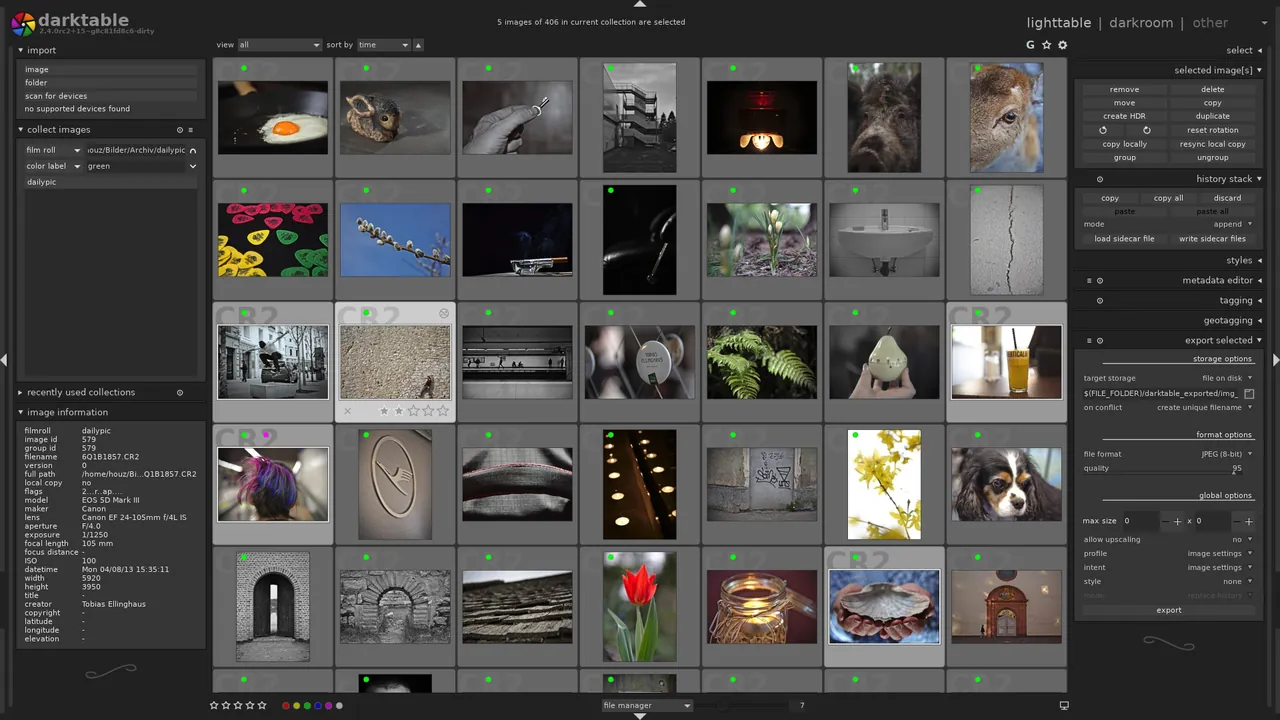
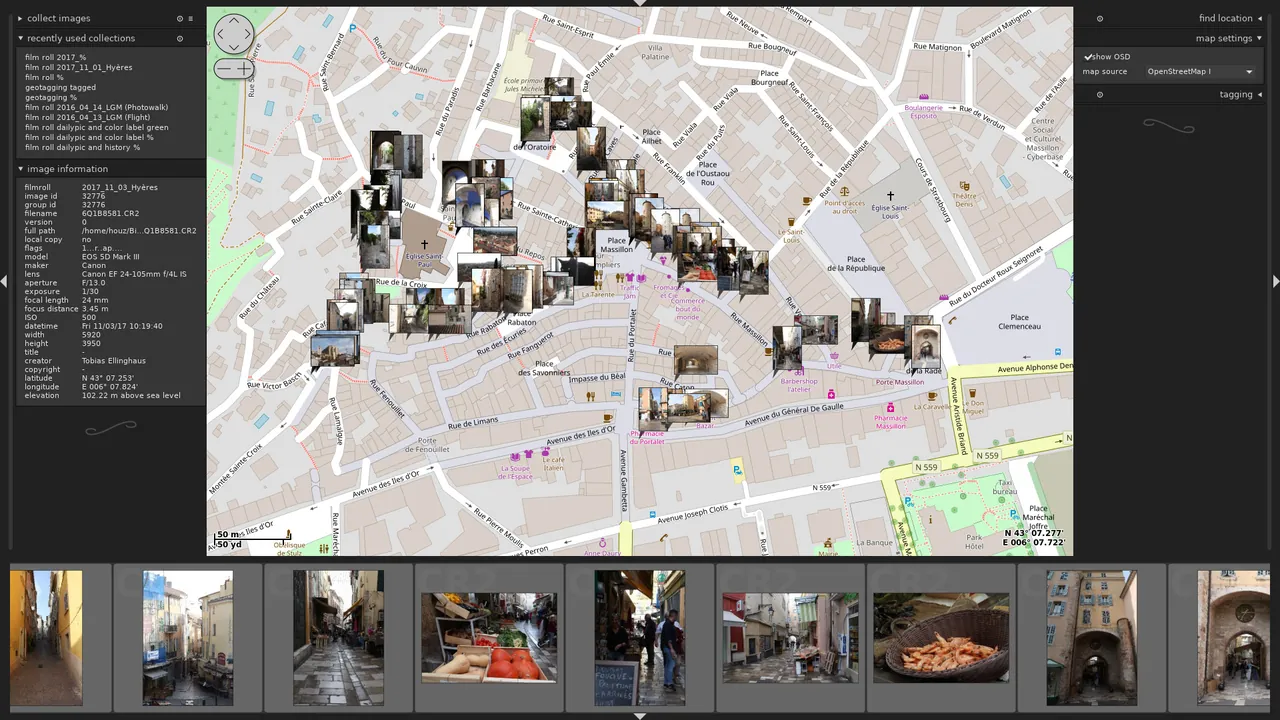
- Lighttable view for sorting, rating, tagging, and filtering large photo collections
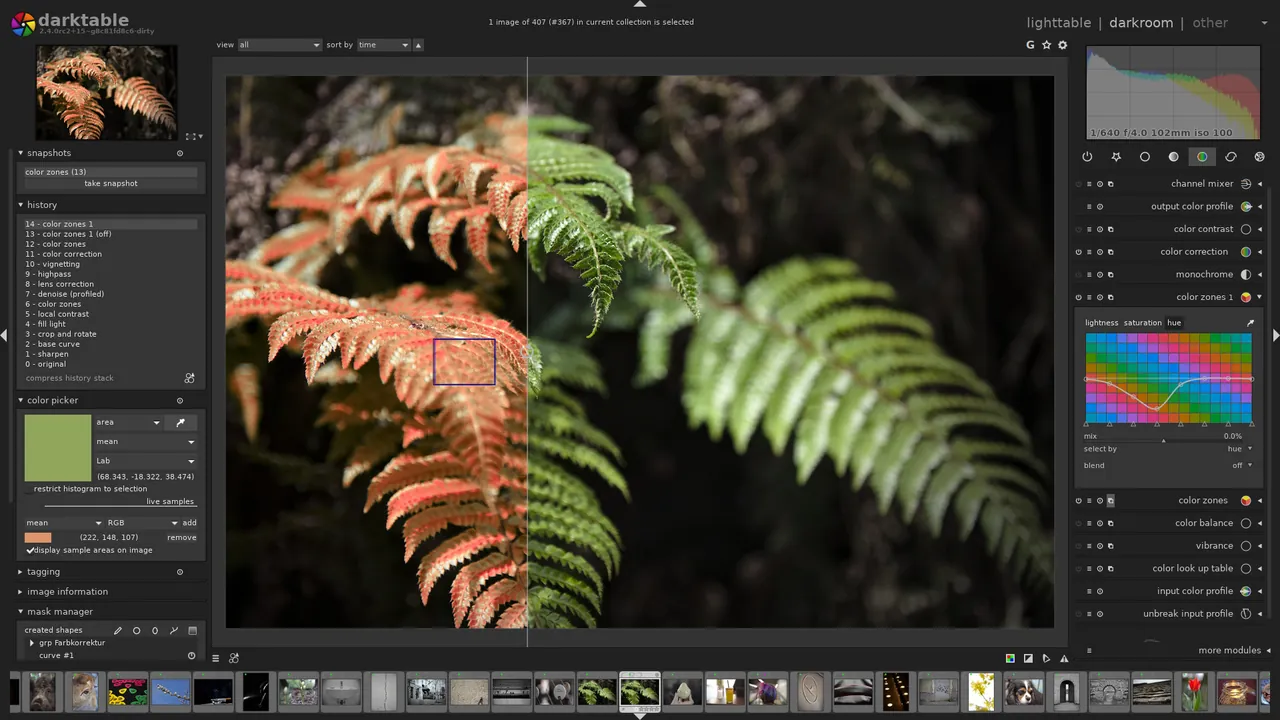
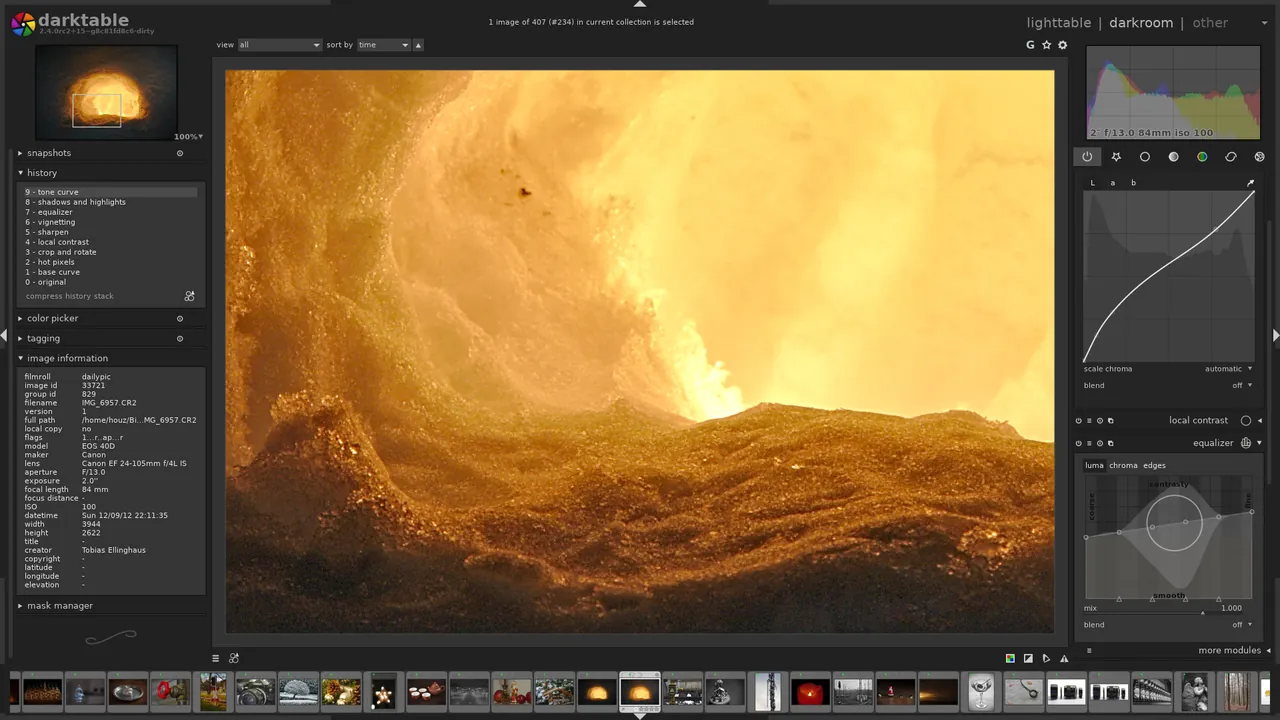
- Extensive darkroom modules for exposure, contrast, white balance, and denoise adjustments
- Full color management workflow with ICC profile support
Who is it for?
Built for amateur and professional photographers processing camera RAW files and organizing extensive digital photo libraries.
Good to know before installing
- The modular interface and complex color science create a steep learning curve for beginners.
- Lacks layer-based raster manipulation tools such as text insertion or complex composite painting.
- Processing dense collections of high-resolution RAW files demands significant RAM and GPU performance.
Screenshots
How to install
Windows
- Click the official download link to get the installer, or run 'winget install --id darktable.darktable -e' in PowerShell.
- Run the downloaded installer and follow the setup wizard instructions.
- Launch darktable from the Start menu once installation finishes.
Linux
- Open the Flathub page via our download link or run 'flatpak install flathub org.darktable.Darktable' in a terminal.
- Confirm the prompt to download and complete the installation.
- Launch darktable from your desktop application launcher.
Alternatives
Frequently asked questions
Does darktable modify the original RAW images?
No, it uses non-destructive editing. Adjustments are saved to sidecar XMP files without touching source files.
Is darktable completely free to use?
Yes, darktable is free and open-source software released under the GPL-3.0 license.
Can darktable handle formats other than RAW?
Yes, it can import and process standard image formats such as JPEG, PNG, and TIFF.