
digiKam
digiKam is an open-source photo management program built for large photo libraries. With albums, tags, face recognition and RAW support, it lets you organize tens of thousands of pictures in one place.
download.kde.org · Official website
- ✓ Official source (winget)
- ✓ SHA256 taken from the official repository
- ✓ Last checked: Nov. 4, 2026
- This is not a virus scan. Check on VirusTotal
- Version
- 9.1.0
- Release date
- June 7, 2026
- License
- GPL-2.0-or-later
- Installer type
- nullsoft
How do I use this?
Type Terminal in the Start menu and open it, paste the command (Ctrl+V or right-click) and press Enter. It uses winget, Windows' own package manager, to install the program from its official source.
winget install --id KDE.digiKam -eSHA256 (file verification)
28ef373ab45ecc7eb1fd105b57828a29588504eb5a286c9e89c987c056bce8beflathub.org · Official website
- ✓ Official source (Flathub)
- ✓ Last checked: Nov. 4, 2026
- Version
- 9.1.0
- Release date
- June 7, 2026
- License
- GPL-2.0-or-later
- Installer type
- flatpak
How do I use this?
Open a terminal, paste the command and press Enter. Flatpak and Flathub must be set up; Linux Mint has them by default, for other distributions see flathub.org/setup.
flatpak install flathub org.kde.digikamWe couldn't find a macOS version of digiKam in the official repositories; check the publisher's website.
You can try these instead:
We couldn't find a Android version of digiKam in the official repositories; check the publisher's website.
Platform pages: Windows · macOS · Linux · Android
Old versions (10)
digiKam 9.1.0: what's new?
Highlights
- Organize with albums, tags, ratings and color labels
- Face detection and recognition to search by person
- Opens RAW files and includes basic editing tools
- Advanced search by date, location and metadata
- Finds similar and duplicate photos
Who is it for?
For hobby and professional photographers with thousands of pictures, and for anyone organizing a family photo archive.
Good to know before installing
- It has many features, so the interface can feel complex at first.
- For advanced RAW editing, a dedicated program such as darktable may suit better.
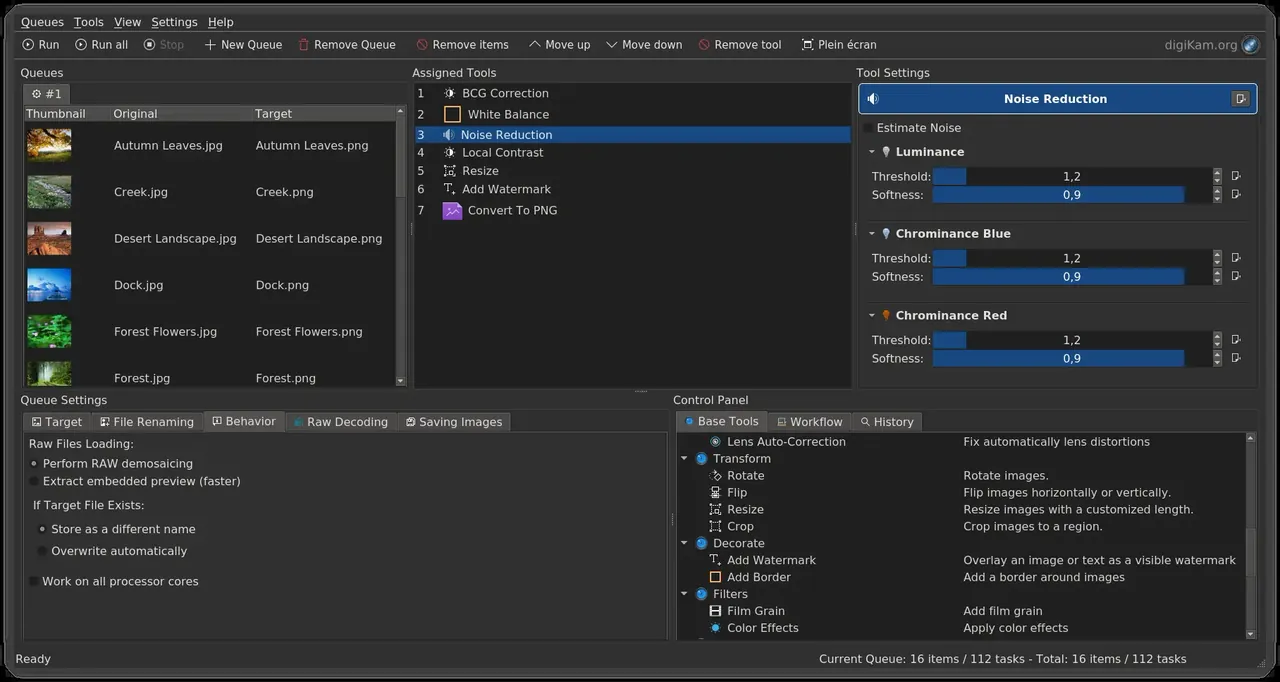
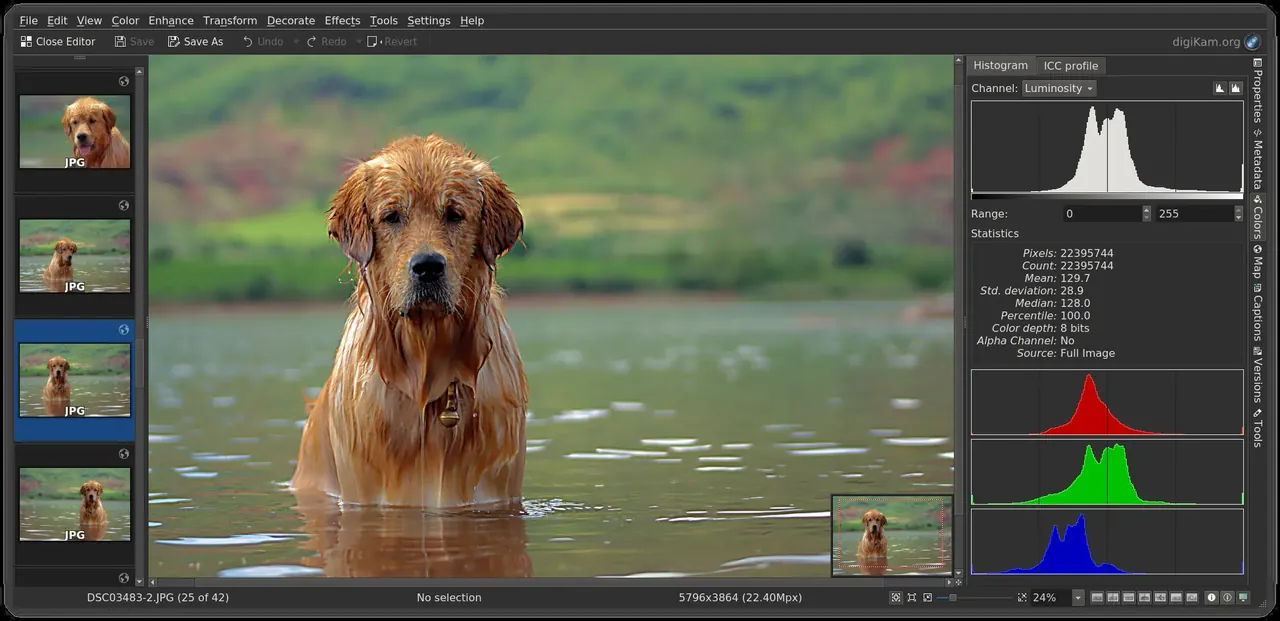
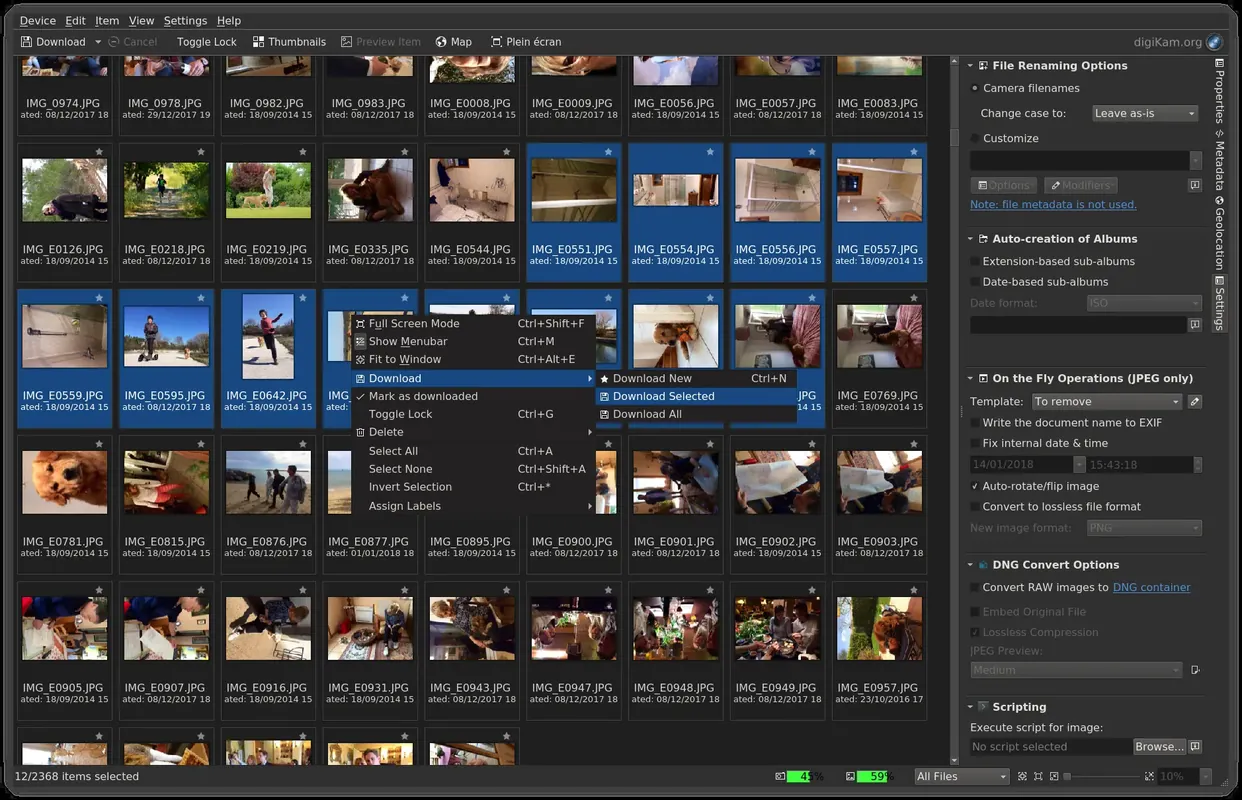
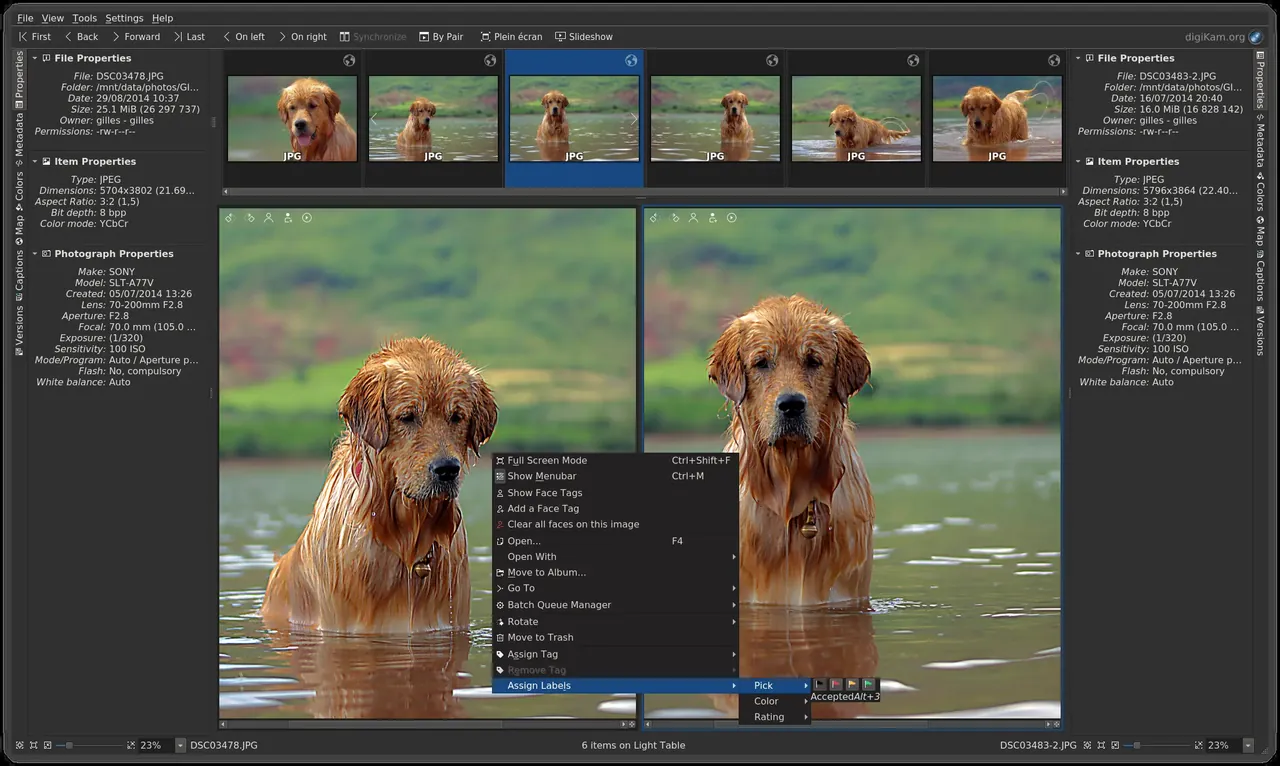
Screenshots
How to install
Windows
- Click the official download button on this page.
- Run the installer and follow the steps.
- On first launch, choose your photo folder and database location.
Linux
- Open the Flathub page with the button on this page.
- Or run the flatpak command shown on the page in a terminal.
- Open digiKam and add your photo folder.
Alternatives
Frequently asked questions
Is digiKam free?
Yes. digiKam is open source and free.
Does it move my photos?
No. Your photos stay in their folders; digiKam only stores information in its own database.
Can it open RAW photos?
Yes. It opens RAW formats from many cameras and offers basic adjustments.