

Joplin
Joplin is an open-source note-taking and to-do application designed to capture ideas, manage task lists, and organize documents. It utilizes Markdown for text formatting and supports notebooks and tags. Users can synchronize their notes across multiple operating systems using their preferred storage backend, with support for end-to-end encryption.
github.com · Official website
- ✓ Official source (winget)
- ✓ SHA256 taken from the official repository
- ✓ Last checked: Nov. 4, 2026
- This is not a virus scan. Check on VirusTotal
- Version
- 3.7.22
- Release date
- Oct. 28, 2026
- License
- AGPL-3.0-or-later
- Installer type
- nullsoft
How do I use this?
Type Terminal in the Start menu and open it, paste the command (Ctrl+V or right-click) and press Enter. It uses winget, Windows' own package manager, to install the program from its official source.
winget install --id Joplin.Joplin -eSHA256 (file verification)
ee11551239e7d680f76c6a4ddbc2362dda850981904fdb365298e4d43bf1df4dgithub.com · Official website
- ✓ Official source (Homebrew)
- ✓ SHA256 taken from the official repository
- ✓ Last checked: Nov. 4, 2026
- This is not a virus scan. Check on VirusTotal
- Version
- 3.7.22
- License
- AGPL-3.0-or-later
- Installer type
- dmg
How do I use this?
This command needs Homebrew; if you don't have it, first run the install command from brew.sh. Then open Terminal (Applications > Utilities > Terminal), paste the command and press Enter.
brew install --cask joplinSHA256 (file verification)
185395eba8d9dac2d8656884cbb0e5b96bcb40b41d80c67126ce5526cb5186c8flathub.org · Official website
- ✓ Community package (Flathub)
- ✓ Last checked: Nov. 4, 2026
- Version
- 3.7.21
- Release date
- Sept. 25, 2026
- License
- AGPL-3.0-or-later
- Installer type
- flatpak
How do I use this?
Open a terminal, paste the command and press Enter. Flatpak and Flathub must be set up; Linux Mint has them by default, for other distributions see flathub.org/setup.
flatpak install flathub net.cozic.joplin_desktopf-droid.org · Official website
- ✓ Official source (F-Droid)
- ✓ SHA256 taken from the official repository
- ✓ Last checked: Nov. 4, 2026
- This is not a virus scan. Check on VirusTotal
- Version
- 3.7.8
- Release date
- Sept. 11, 2026
- License
- AGPL-3.0-or-later
- Installer type
- apk
SHA256 (file verification)
79acd24866ef5c3f8779fcdf926dd6e0d6e242ccffda8581c556f2a80f4b2782Joplin 3.7.22: what's new?
Highlights
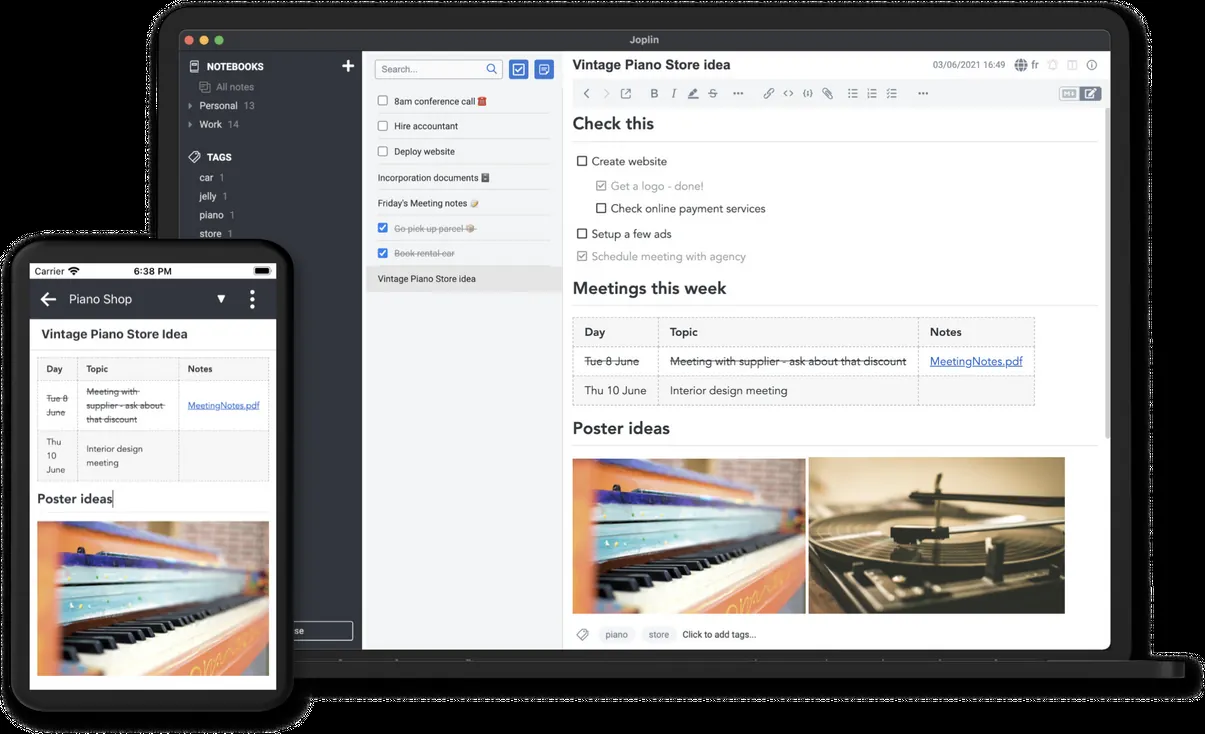
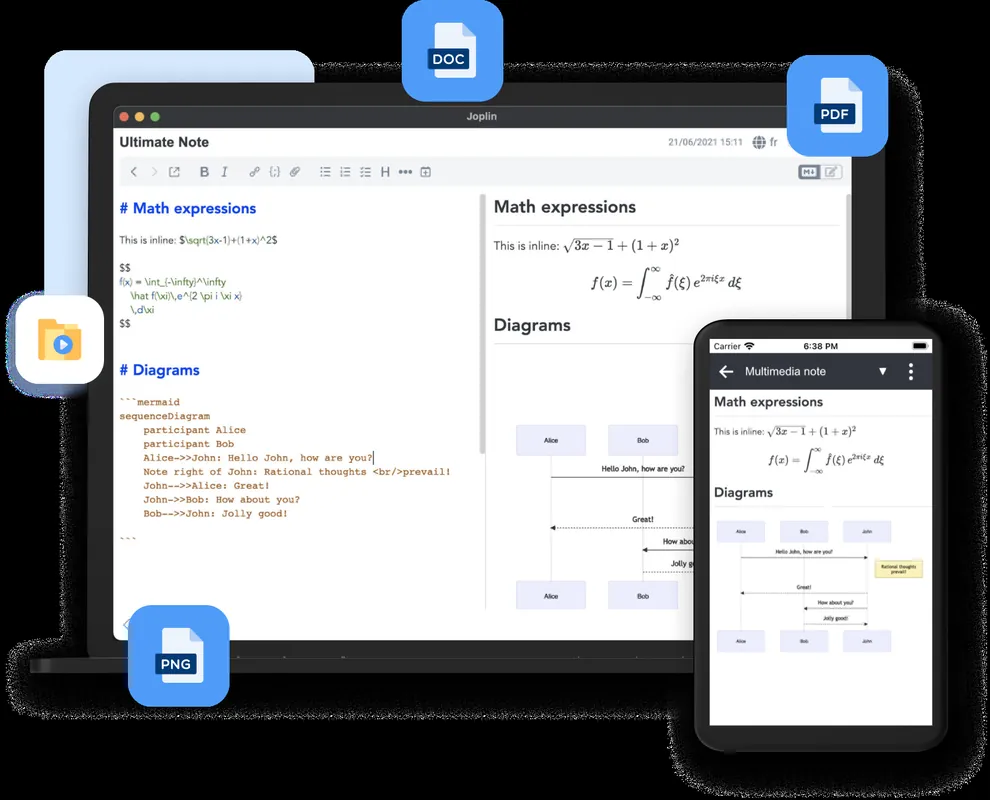
- Markdown formatting with live preview
- Organization via notebooks, sub-notebooks, and tags
- To-do lists with checklists and alarms
- End-to-end encryption (E2EE) for synchronization
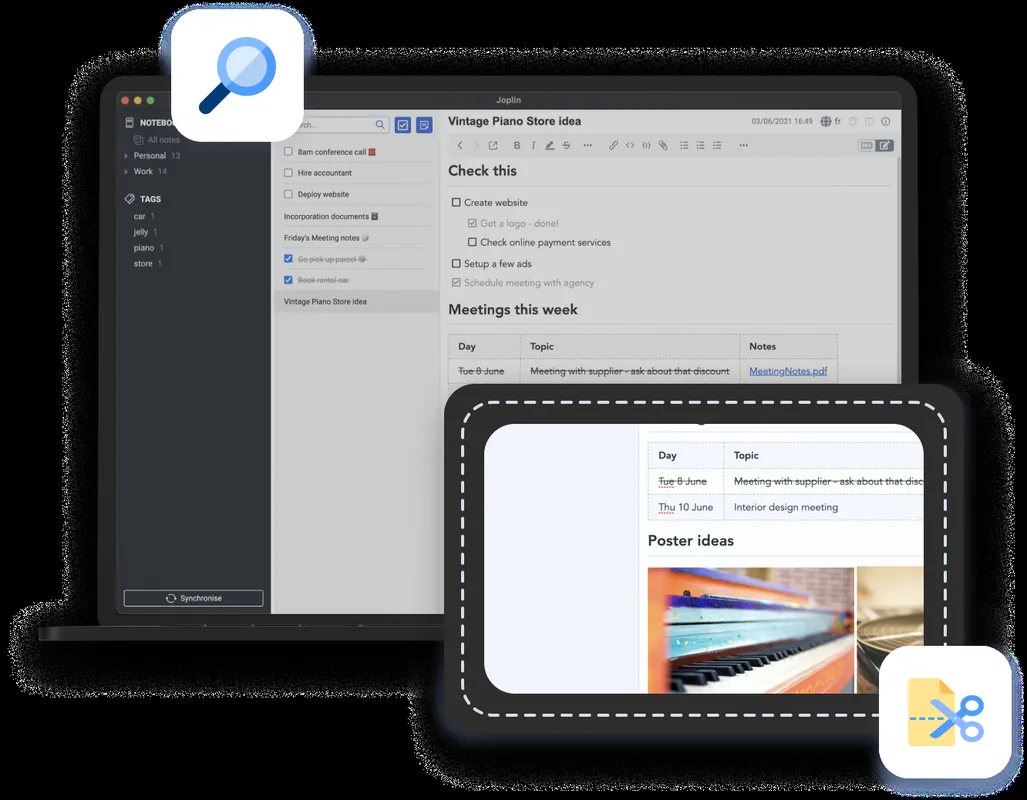
- Web Clipper extension for saving browser pages
Who is it for?
It is suited for writers, developers, and students who need a structured, privacy-focused tool to manage research, documentation, and task lists.
Good to know before installing
- Does not support real-time collaborative editing between multiple users.
- Sync setup requires connecting an external cloud service or configuring your own server.
Screenshots

How to install
Windows
- Download the official installer via our download link or run 'winget install --id Joplin.Joplin -e' in PowerShell/Command Prompt.
- Execute the installer and follow the setup wizard.
- Open Joplin once installation is finished.
macOS
- Download the official installer from this page or run 'brew install --cask joplin' in your terminal.
- Open the downloaded disk image and drag Joplin to the Applications folder.
- Launch Joplin from Launchpad or Applications.
Linux
- Visit the Flathub page via our link or run 'flatpak install flathub net.cozic.joplin_desktop' in your terminal.
- Confirm the prompts to finish the package installation.
- Launch Joplin from your desktop application launcher.
Android
- Click the official download link on this page to visit the app store or repository.
- Tap Install to download the application to your device.
- Open Joplin and begin creating notes.
Alternatives
Frequently asked questions
Is Joplin free to use?
Yes, Joplin is free and open-source software distributed under the AGPL-3.0 license.
Which services can be used to sync notes?
Joplin can synchronize with Nextcloud, Dropbox, OneDrive, WebDAV, or a local file system directory.
Does Joplin support attachments?
Yes, images, documents, and other file types can be attached directly to notes.