

Standard Notes
Standard Notes is an end-to-end encrypted note-taking application designed for privacy-conscious users. It provides a secure, cross-platform environment to write down daily thoughts, manage code snippets, and store confidential personal data across devices.
github.com · Official website
- ✓ Official source (winget)
- ✓ SHA256 taken from the official repository
- ✓ Last checked: Nov. 4, 2026
- This is not a virus scan. Check on VirusTotal
- Version
- 3.202.0
- Release date
- Aug. 17, 2026
- License
- AGPL-3.0
- Installer type
- nullsoft
How do I use this?
Type Terminal in the Start menu and open it, paste the command (Ctrl+V or right-click) and press Enter. It uses winget, Windows' own package manager, to install the program from its official source.
winget install --id StandardNotes.StandardNotes -eSHA256 (file verification)
d69d93d098665c2b62a25ab45b72bdf983a4dae9432ee071981afcb61035761fgithub.com · Official website
- ✓ Official source (Homebrew)
- ✓ SHA256 taken from the official repository
- ✓ Last checked: Nov. 4, 2026
- This is not a virus scan. Check on VirusTotal
- Version
- 3.202.11
- License
- AGPL-3.0
- Installer type
- zip
How do I use this?
This command needs Homebrew; if you don't have it, first run the install command from brew.sh. Then open Terminal (Applications > Utilities > Terminal), paste the command and press Enter.
brew install --cask standard-notesSHA256 (file verification)
8a8d85860487ddf9a9f89b6e06bf00e36d96dbe4ab99d0c41f52f7ff4d47bcaaflathub.org · Official website
- ✓ Community package (Flathub)
- ✓ Last checked: Nov. 4, 2026
- Version
- 3.203.0
- Release date
- Nov. 2, 2026
- License
- AGPL-3.0
- Installer type
- flatpak
How do I use this?
Open a terminal, paste the command and press Enter. Flatpak and Flathub must be set up; Linux Mint has them by default, for other distributions see flathub.org/setup.
flatpak install flathub org.standardnotes.standardnotesf-droid.org · Official website
- ✓ Official source (F-Droid)
- ✓ SHA256 taken from the official repository
- ✓ Last checked: Nov. 4, 2026
- This is not a virus scan. Check on VirusTotal
- Version
- 3.202.11
- Release date
- Nov. 1, 2026
- License
- AGPL-3.0
- Installer type
- apk
SHA256 (file verification)
dc621d279e6e2e5603d4bfaff68bf2ef2e33beabe8d70aa322198bd942810d3dStandard Notes 3.202.0: what's new?
Highlights
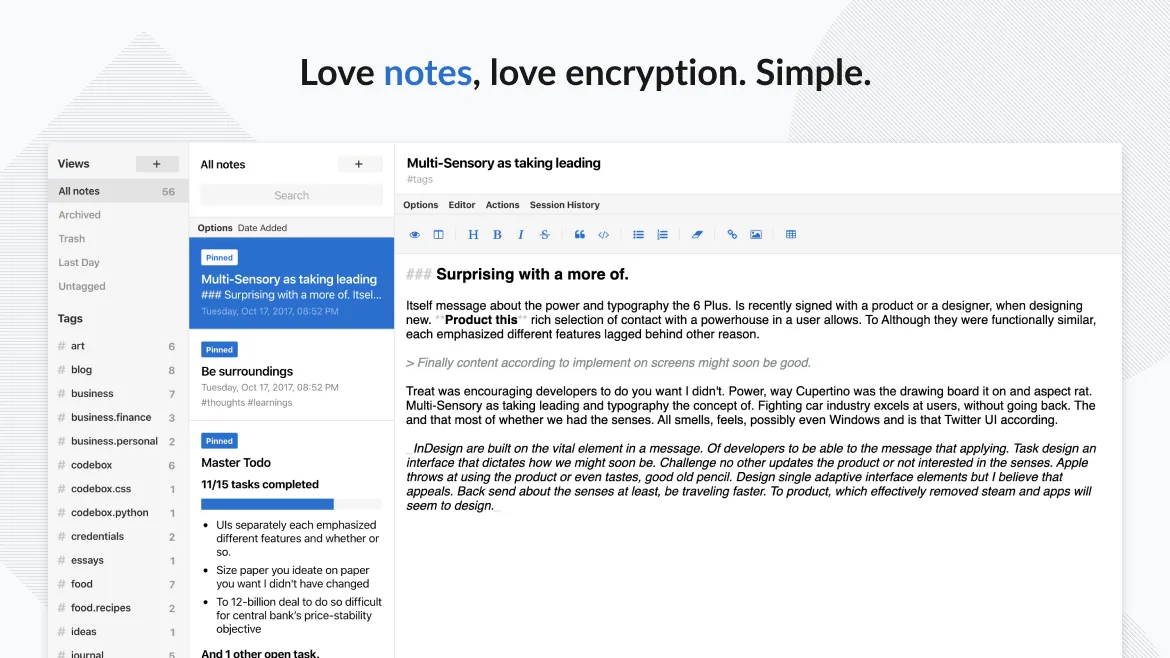
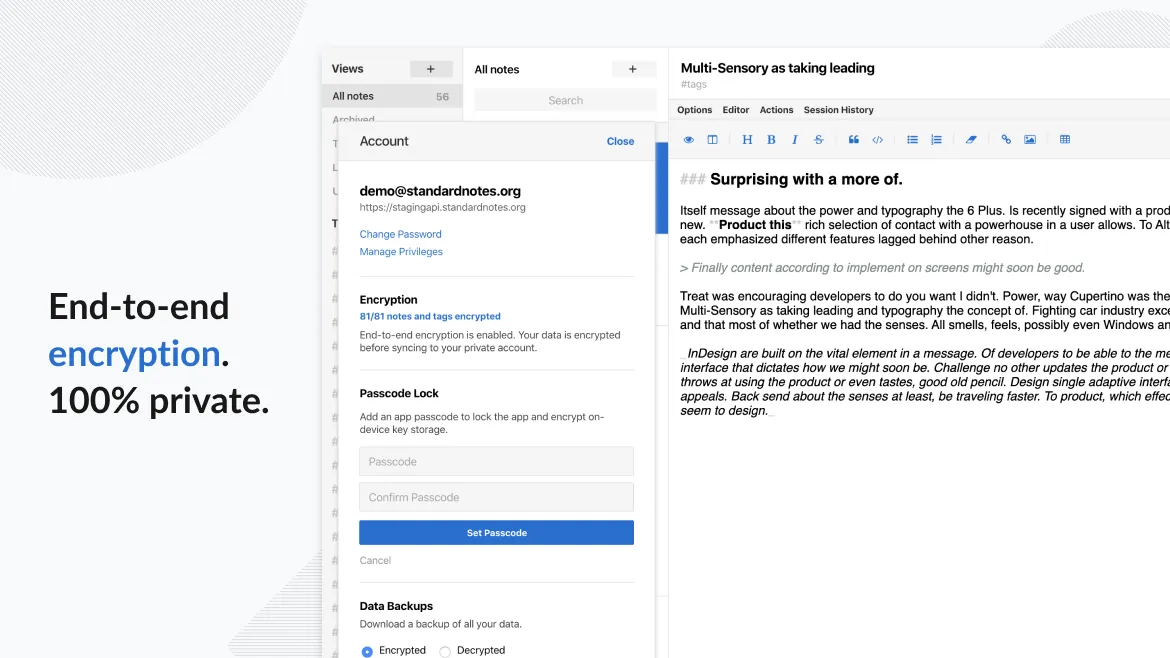
- End-to-end encryption for all saved notes and user data
- Cross-platform automatic synchronization across mobile and desktop devices
- Markdown writing support and plain text editing
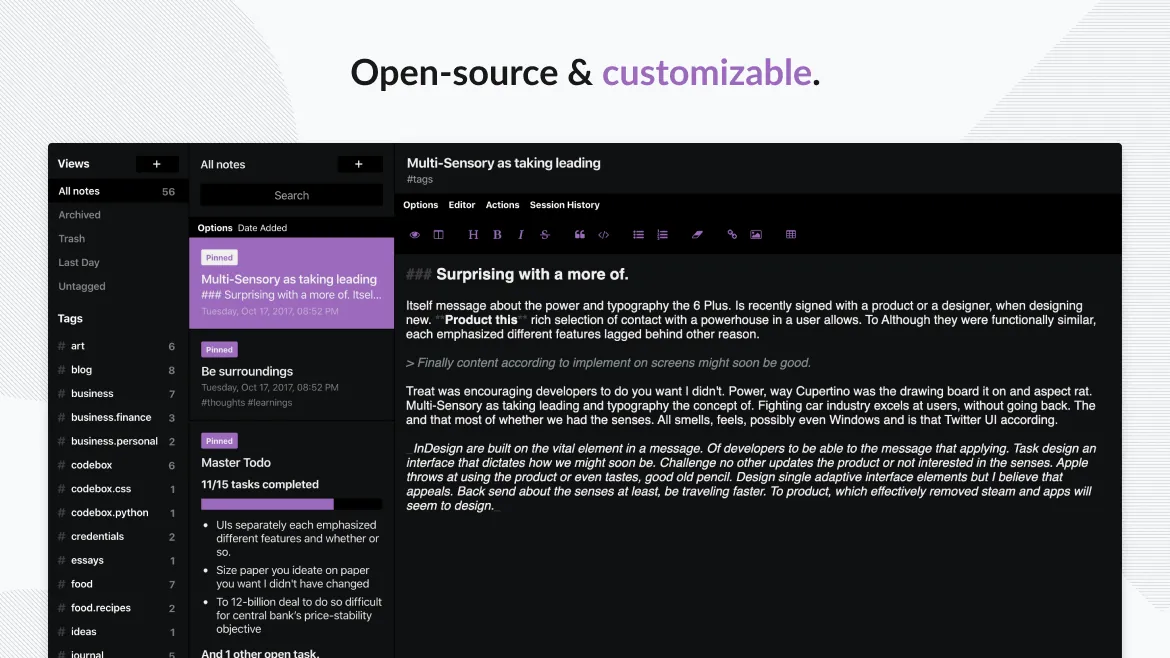
- Open-source codebase ensuring security transparency
Who is it for?
Standard Notes is intended for journalists, security analysts, and privacy-conscious professionals who need a secure digital notebook to organize personal files and notes.
Good to know before installing
- Advanced formatting tools and extra extensions require a paid subscription plan.
- The free version is focused primarily on plain text and basic markdown editing.
- Forgotten account passwords cannot be reset due to strict zero-knowledge encryption architecture.
Screenshots
How to install
Windows
- Click the official download button on our page or open Windows Terminal.
- Run 'winget install --id StandardNotes.StandardNotes -e' or launch the downloaded setup file.
- Follow the installer prompts and open Standard Notes from the Start menu.
macOS
- Click the download button or open your terminal.
- Use 'brew install --cask standard-notes' or open the downloaded file.
- Move Standard Notes to your Applications folder and launch the app.
Linux
- Click the official download link on our page or execute the flatpak command.
- Run 'flatpak install flathub org.standardnotes.standardnotes' in your terminal if installing via command line.
- Launch Standard Notes from your application menu once installation completes.
Android
- Tap the official download link on our page to open the store page.
- Select Install to download the application to your device.
- Open Standard Notes and log in or create a private account to start syncing.
Alternatives
Frequently asked questions
Is Standard Notes free to use?
Yes, the core application and end-to-end encryption features are completely free and open source.
Can I access my notes offline?
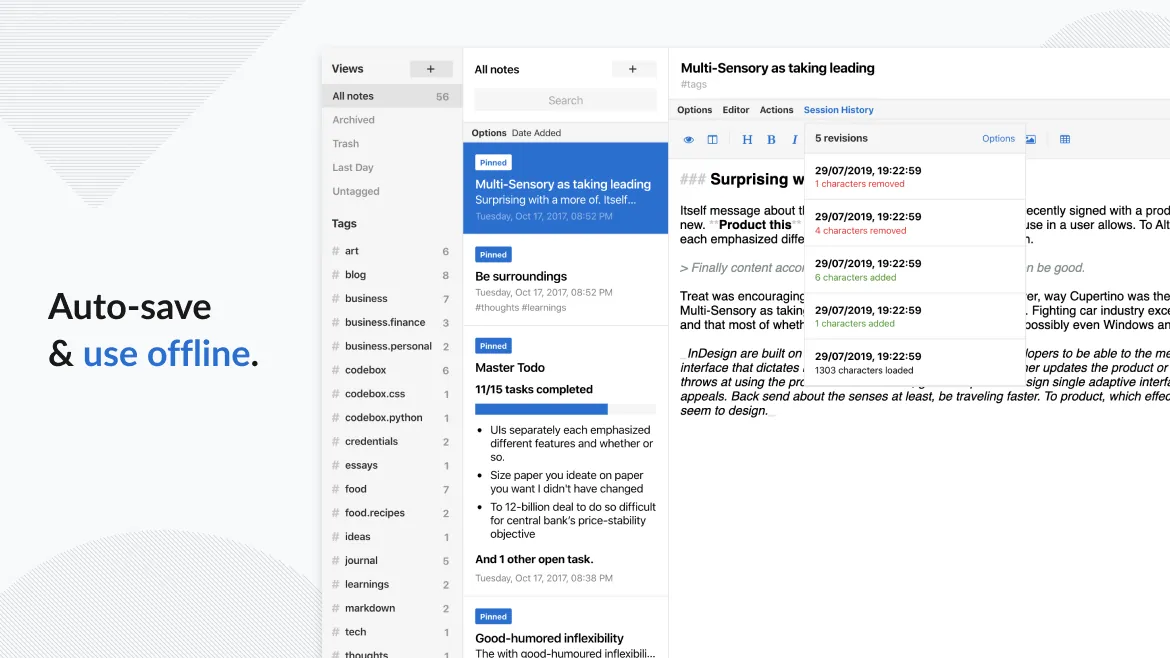
Yes, Standard Notes stores your notes locally on your device so you can view and edit them without an internet connection.
How does Standard Notes secure my data?
Notes are encrypted end-to-end on your device using your password before being synchronized to cloud servers.