

Obsidian
Obsidian is a personal knowledge base and markdown editor designed to work over a local folder of plain text files. By storing everything locally rather than inside a proprietary cloud database, it ensures complete ownership over your documents. Its bi-directional linking allows you to build an interconnected web of notes that mimics the way you think.
github.com · Official website
- ✓ Official source (winget)
- ✓ SHA256 taken from the official repository
- ✓ Last checked: Nov. 4, 2026
- This is not a virus scan. Check on VirusTotal
- Version
- 1.15.0
- Release date
- Oct. 30, 2026
- License
- Proprietary
- Installer type
- nullsoft
How do I use this?
Type Terminal in the Start menu and open it, paste the command (Ctrl+V or right-click) and press Enter. It uses winget, Windows' own package manager, to install the program from its official source.
winget install --id Obsidian.Obsidian -eSHA256 (file verification)
b0f60c75a12f96d54cb16b9fc32919966f2ebf029d9af75d67a19ba6555e1da0github.com · Official website
- ✓ Official source (Homebrew)
- ✓ SHA256 taken from the official repository
- ✓ Last checked: Nov. 4, 2026
- This is not a virus scan. Check on VirusTotal
- Version
- 1.15.0
- License
- Proprietary
- Installer type
- dmg
How do I use this?
This command needs Homebrew; if you don't have it, first run the install command from brew.sh. Then open Terminal (Applications > Utilities > Terminal), paste the command and press Enter.
brew install --cask obsidianSHA256 (file verification)
d3f837e6fd3efaf65fa0bec987b18296982995d4ddae3171a7f7f67e0e2b7aa8flathub.org · Official website
- ✓ Official source (Flathub)
- ✓ Last checked: Nov. 4, 2026
- Version
- 1.15.0
- Release date
- Oct. 31, 2026
- License
- Proprietary
- Installer type
- flatpak
How do I use this?
Open a terminal, paste the command and press Enter. Flatpak and Flathub must be set up; Linux Mint has them by default, for other distributions see flathub.org/setup.
flatpak install flathub md.obsidian.Obsidianplay.google.com · Official website
- ✓ Official source (Google Play)
- ✓ Last checked: Nov. 4, 2026
- License
- Proprietary
Obsidian 1.15.0: what's new?
- Faster Mermaid diagrams that match your theme.
- Reorderable filters in Bases.
- New URI and CLI commands for adding content under a heading.
Summarized from the publisher's release notes.
Highlights
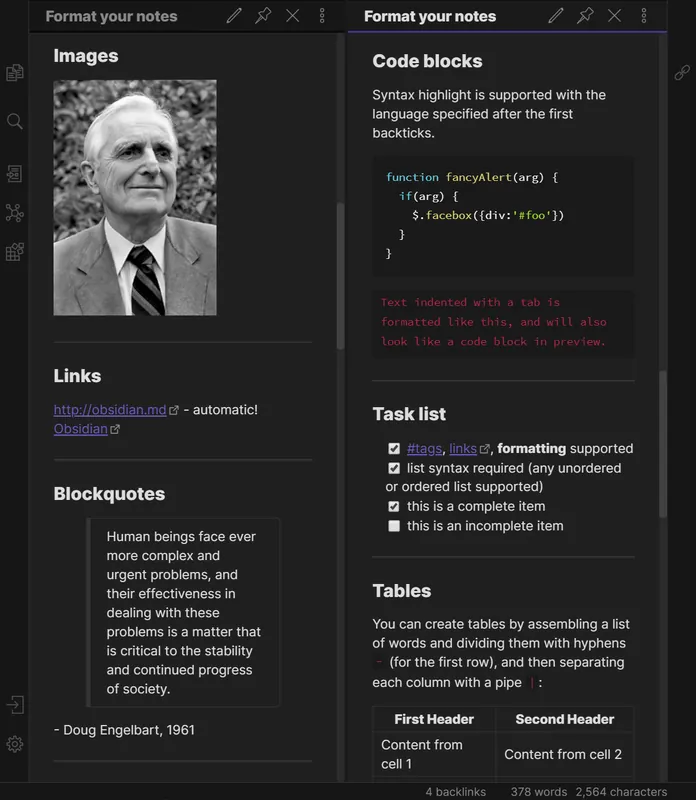
- Operates directly on local plain text Markdown files
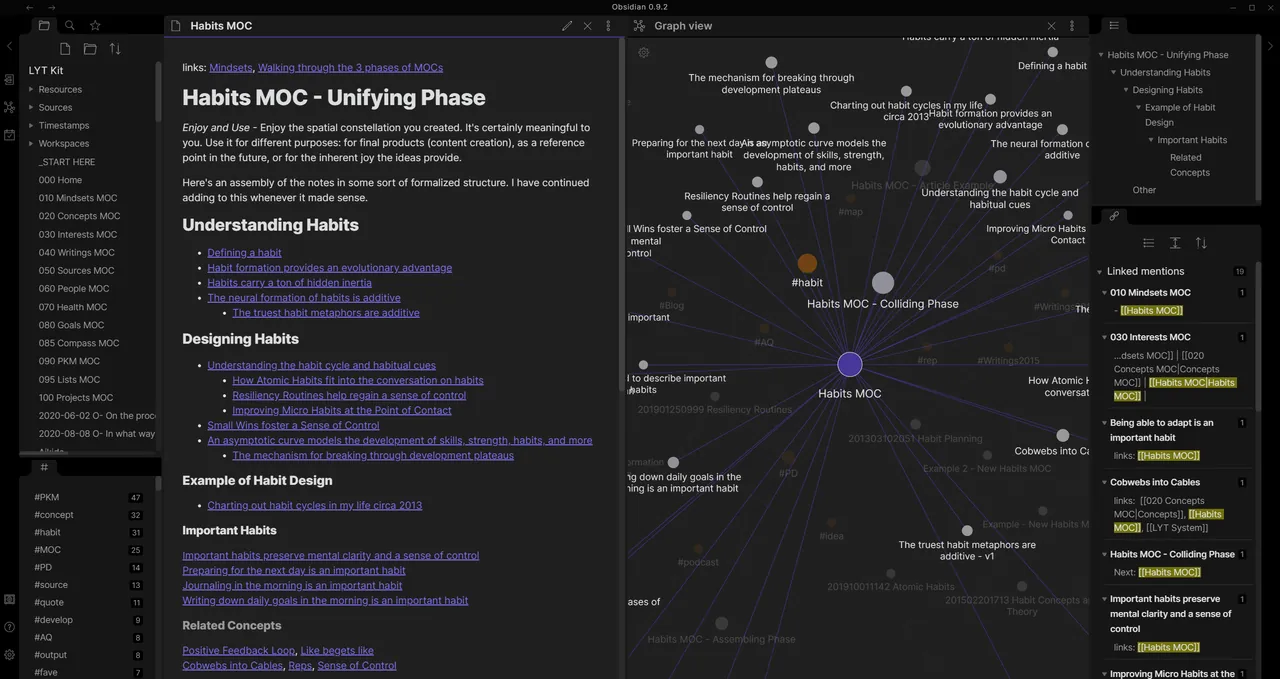
- Bi-directional linking and backlink tracking between notes
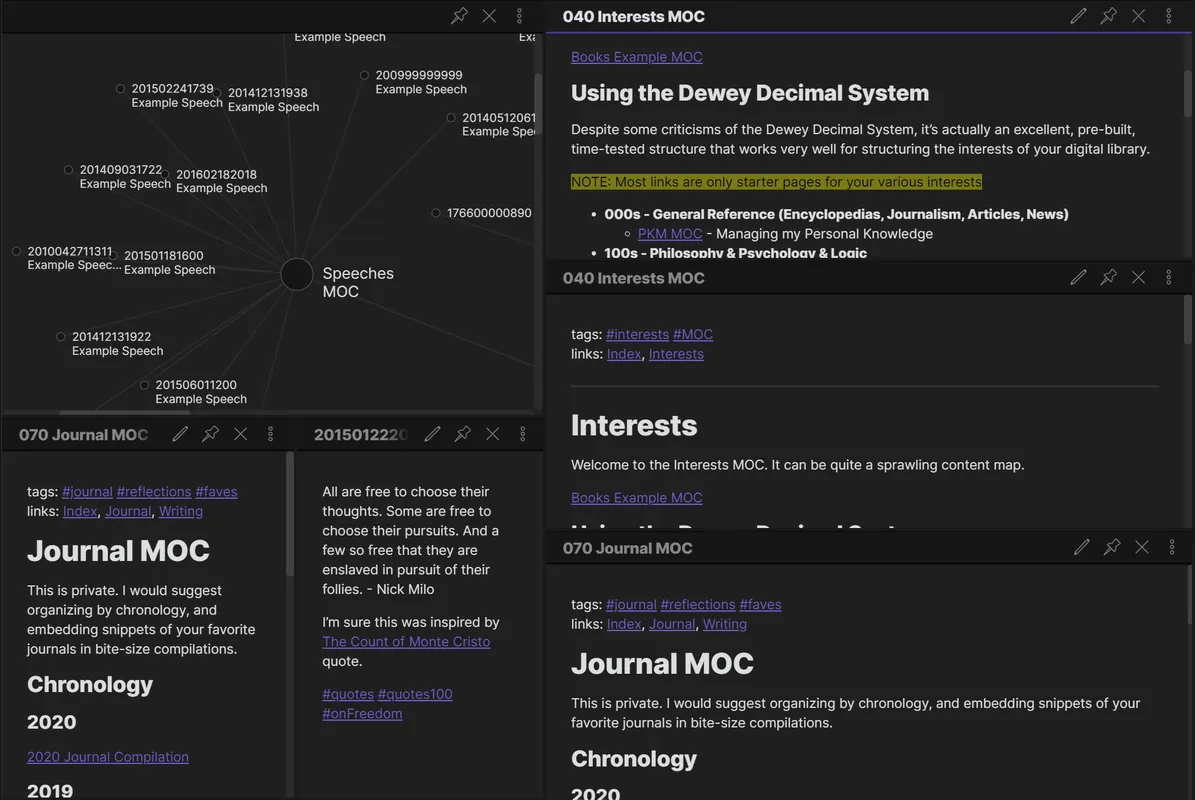
- Interactive graph view showing connections across the vault
- Block-level referencing and granular document navigation
- Extensible interface with folders, tags, and custom settings
Who is it for?
Obsidian is suited for researchers, students, and professionals who need an interconnected system for personal knowledge management. It is widely used for drafting technical documentation, taking research notes, and organizing projects using local text files.
Good to know before installing
- The application is closed-source proprietary software.
- Official multi-device synchronization (Obsidian Sync) and publishing tools require paid add-on services.
- Setting up plugins and mastering internal link-based workflows involves a noticeable learning curve.
Screenshots

How to install
Windows
- Click the official download button for the installer, or open PowerShell/Command Prompt.
- Execute 'winget install --id Obsidian.Obsidian -e' or run the downloaded installer executable.
- Follow the setup prompts and launch Obsidian.
macOS
- Click the official download button to get the installer, or use Homebrew.
- Run 'brew install --cask obsidian' in your terminal, or open the downloaded .dmg and drag Obsidian to Applications.
- Launch Obsidian from your Applications folder.
Linux
- Use the link on our page to open Flathub, or use the flatpak CLI command.
- Run 'flatpak install flathub md.obsidian.Obsidian' in your terminal.
- Launch Obsidian from your system application launcher once finished.
Android
- Click the official download button on our site to visit the Google Play Store.
- Tap Install to download the application to your device.
- Open Obsidian and create or open a local document vault.
Alternatives
Frequently asked questions
Does Obsidian require an internet connection?
No, Obsidian works fully offline because all notes are stored locally on your device as plain text files.
Is Obsidian open source?
No, Obsidian is proprietary software, though it is free for personal use and saves files in open standard Markdown.
What format does Obsidian use to store notes?
Notes are stored as standard Markdown (.md) files, making them easily readable with any text editor.